Reader setup
Before you choose
List your constraints, required evidence and stop rules before you score options.
- Your own headcount and the highest number of agents logged in at the same moment, by shift -- this comparison runs on those two numbers, not a vendor's list price.
- Read-only VICIdial database access, for example the mysql --defaults-extra-file=/etc/vicidial-readonly.cnf pattern used in this article, if you want to measure your own peak concurrency -- see vicidial-read-only-database-account if you do not have one yet.
- Whoever owns the contact center budget decision, since a license-model choice is a procurement decision as much as a technical one.
- What you will prove
- A side-by-side read of Genesys Cloud CX's published tiers and license models against VICIdial's seat-free, self-hosted alternative, plus a query that turns your own distinct-agent and peak-concurrency numbers into inputs for either conversation.
- Safety boundary
- No total cost of ownership is stated for either side; Genesys does not publish a concurrent or Hourly Interacting rate, and VICIdial's cost depends on hosting, carrier rates, and staffing only you can measure.
Reader path
How to use this article
- Use it when: You are comparing options and need decision evidence before approval.
- Expected result: Turn options into explicit acceptance criteria and documented stop conditions.
- Start here: Score what is mandatory, keep unknowns visible, then decide only when risks are understood.
Compare the license model, not just the sticker price
Fast answer: Genesys Cloud CX publishes four monthly per-user tiers -- CX 1 at $75, CX 2 at $115, CX 3 at $155, and CX 4 at $240, all in US dollars and billed annually, as published on genesys.com on August 5, 2026 -- but the number that actually decides your bill is which of three license models you buy under: named, concurrent (priced at a premium over named), or Hourly Interacting, a usage-based option billed for actual interaction time. Genesys states plainly that named and concurrent models may not be mixed on one account. VICIdial has no seat license of any kind: it is self-hosted, open source software, and what limits an operator is server capacity, not a per-person or per-seat fee.
This is a licensing-model comparison, not a verdict. Genesys Cloud CX is a cloud contact-center-as-a-service (CCaaS) platform -- CCaaS being the general term for contact-center software sold as a hosted subscription rather than software you install yourself -- and CX in its name is short for customer experience. This article does not rank the two products, state a VICIdial total-cost figure, or claim what any Genesys tier includes beyond its published pricing and license terms; it compares how each vendor's licensing structure responds to a real staffing pattern, specifically a shift-based floor where headcount and simultaneous logins are two different numbers.
In plain language: an agent is the person logged into a contact center seat taking calls, whether that seat is a VICIdial agent screen or a Genesys Cloud CX desktop; a campaign is one calling project -- which leads get dialed, by which agents, under which settings; a carrier is the phone company that carries a call to the public telephone network; a channel is one simultaneous call path a system can carry; a disposition is the outcome code an agent saves after a call, such as SALE or NOT INTERESTED; and dial level is the predictive-dialing setting that controls how many lines a system dials per available agent, a VICIdial concept with no direct equivalent in a licensed-seat CCaaS platform.
- Read every Genesys figure from genesys.com/pricing yourself; this article dates every number to August 5, 2026.
- Treat named-versus-concurrent as one account-wide choice, not a per-seat option.
- Measure your own distinct-agent and peak-concurrency numbers before either vendor conversation.
Visual walkthrough
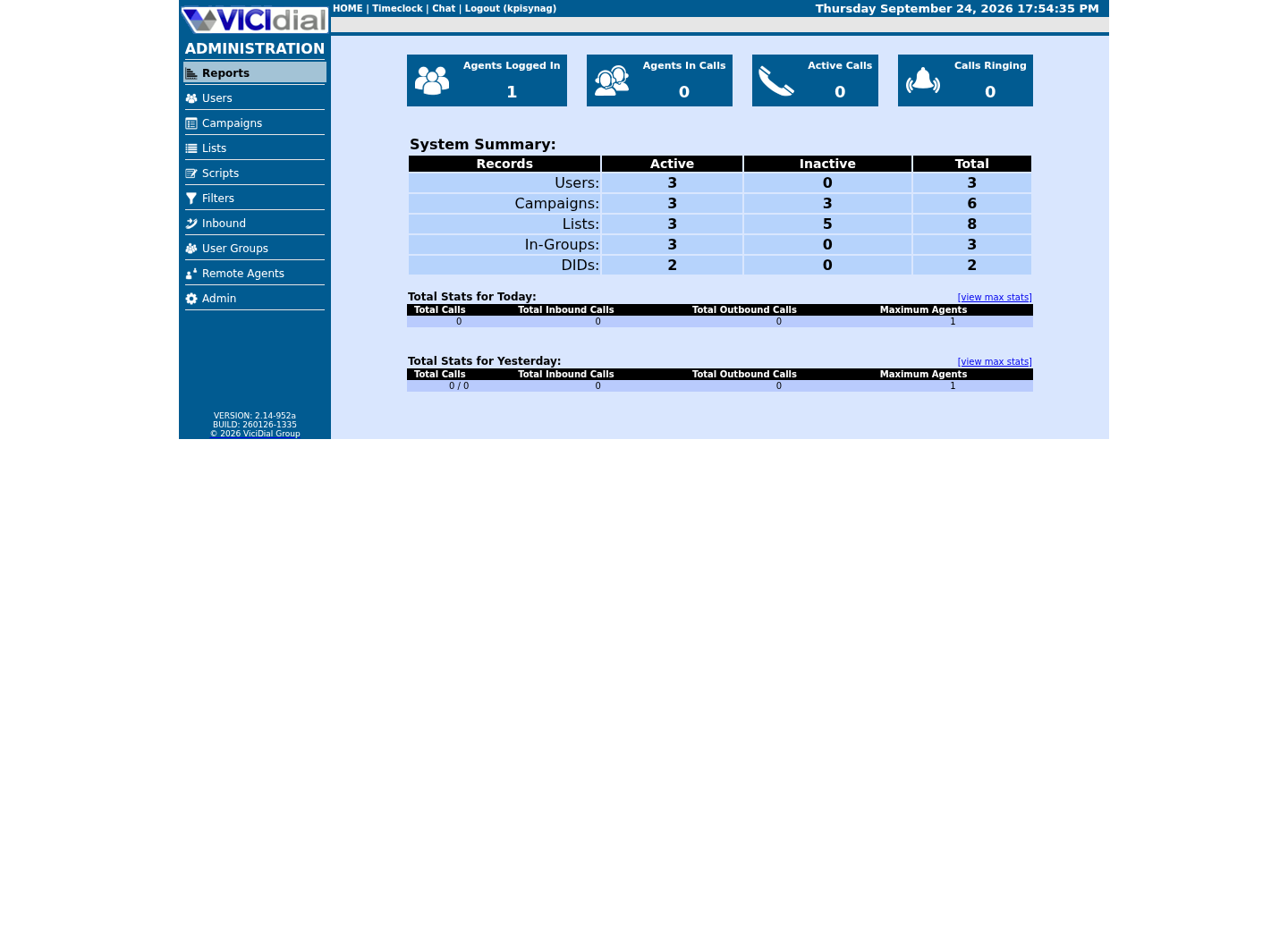
Follow three real demo screens
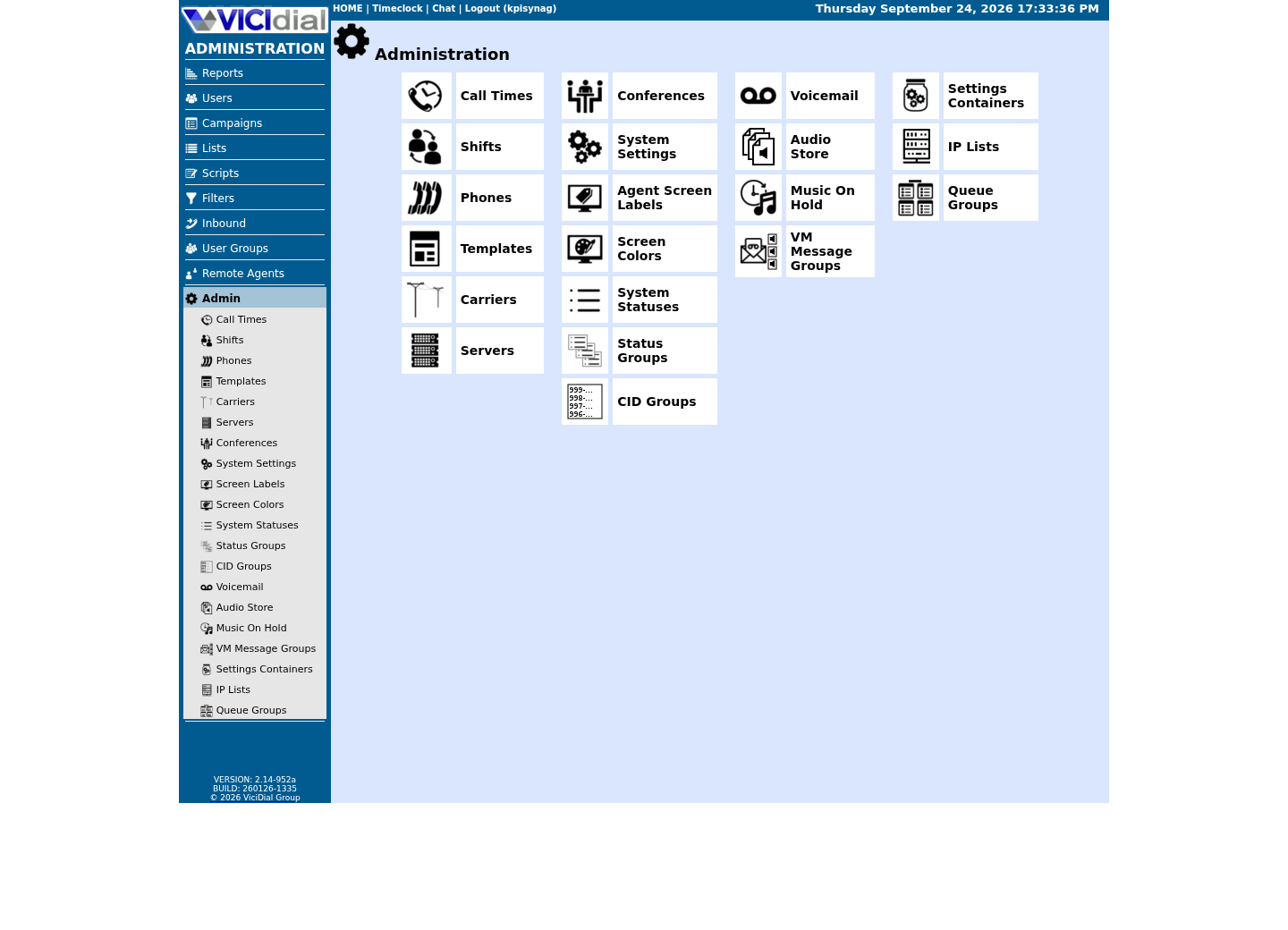
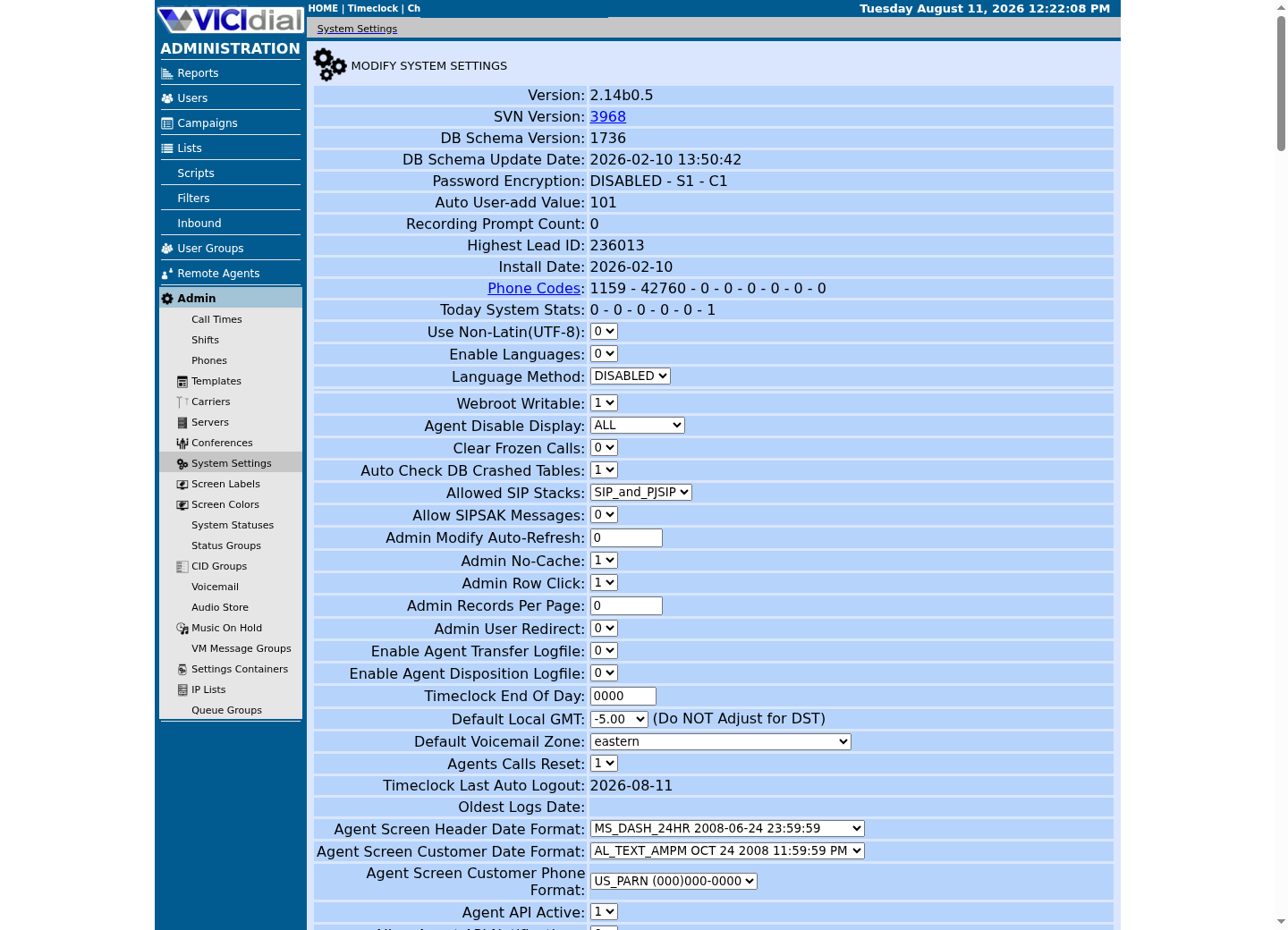
Captured on an isolated VICIdial demo: Administration screens on September 24, 2026, and the idle Agent screen on August 11, 2026. Each caption states its own capture time, and every sanitized image helps you recognize a related screen; none proves that this article's call, command, or result occurred.Start at Administration home
Use the Administration menu as a map
Confirm version and system-wide context
What Genesys actually publishes: four tiers and three license models
Genesys's own pricing page lists four Genesys Cloud CX tiers, all in US dollars, per user, per month, billed annually, as published on August 5, 2026: CX 1 at $75, CX 2 at $115, CX 3 at $155, and CX 4 at $240. Every tier also offers a “Get custom pricing” option instead of the listed rate, and the page states the same pricing in seven other currencies: Canadian dollars (CAD), British pounds (GBP), euros (EUR), Japanese yen (JPY), Australian dollars (AUD), New Zealand dollars (NZD), and South African rand (ZAR).
None of that is the interesting part. What sets Genesys apart from the other platforms in this comparison set is that it names three distinct ways to buy a seat on any of those four tiers: a named license, assigned permanently to one person; a concurrent license, drawn from a shared pool for the length of a session and priced at a premium over the named rate; and Hourly Interacting, a usage-based option that charges for actual interaction time rather than for holding a seat at all. Genesys states, without qualification, that “named and concurrent models may not be mixed” -- you commit to one or the other for the account, not a blend chosen seat by seat.
This article does not restate what each CX tier includes feature-for-feature, because that would mean asserting content from a page this research did not fetch. What it can compare, from the pricing page itself, is the shape of the decision every Genesys buyer has to make before a single feature matters: which of the three license models fits how your people actually work.
- Reconfirm price, currency, and license-model wording against the live Genesys page before a purchase.
- Do not assume tier contents beyond price and license model from this article; that was not fetched here.
- Note that Hourly Interacting has no published rate, unlike the four named/concurrent tiers.
Named vs. concurrent: the question a dialer operator actually has to answer
A named license tracks a person. Once assigned, it stays assigned to that person whether they are logged in, on a break, or off shift entirely; the next person who needs a seat needs a license of their own. A concurrent license tracks a session instead: it comes out of a shared pool the moment someone logs in and goes back into the pool the moment they log out, so the pool only has to be as large as the busiest moment across every shift, not as large as the roster.
That distinction is close to meaningless for an office running one eight-hour shift with little turnover, because named headcount and peak concurrency end up close to the same number anyway. It is not close to meaningless for a contact center running around the clock across time zones, or a business process outsourcer (BPO) with far more staff on the roster than seats filled at any one moment -- exactly the staffing pattern a predictive dialer is usually built for. There, named licensing prices the roster; concurrent licensing prices the busiest shift.
Genesys prices concurrent above the named rate per seat, and does not mix the two models on one account, so this is a single either/or choice for the whole floor, not something you can tune shift by shift. Work the two numbers out for your own operation before either conversation: how many distinct people log in across a representative month, and what is the highest number of them logged in at the same moment. The gap between those two numbers is what a concurrent license is worth to you.
- Compute your own distinct-agent and peak-concurrency numbers before naming a preferred license model.
- Remember Genesys does not mix named and concurrent on one account.
- Treat the concurrent premium as real but unpublished; get a current quote rather than assuming a multiplier.
WORKED EXAMPLE -- ONE 24-HOUR, THREE-SHIFT FLOOR Employees on payroll who take at least one call somewhere in the month: 90Highest number of them logged in at the same moment, any shift, measured not assumed: 40 Named-license math A named license is assigned to a person, not a login slot, so it stays assigned whether that person is on shift, on break, or off the clock entirely. 90 people who log in somewhere across the month need 90 named licenses, not 40, because the license tracks the person, not the moment they are logged in. Concurrent-license math A concurrent license is drawn from a shared pool for the length of one session and returned to the pool at logout, so the pool only has to cover the busiest moment across all three shifts, not the whole roster. 90 people sharing a 40-seat concurrent pool works, provided every shift's peak was actually measured -- and Genesys prices a concurrent seat at a premium over the named rate for exactly that flexibility. The crossover Named licensing suits a floor where most of the 90 are logged in most of the time, so the named count and the concurrent peak sit close together. Concurrent licensing suits a floor where the roster is much larger than any single shift's peak -- the normal shape of a three-shift operation with real turnover. Named and concurrent models cannot be mixed on one Genesys account, so this is one either/or choice for the whole floor, not a shift-by-shift one. This sample is a template or reading aid, not a terminal command. There is no output to show.
- Before you run it
- Replace 90 and 40 with your own measured headcount and peak concurrency before comparing the two license models; do not estimate the peak, query it.
- Success looks like
- You can state, in one sentence, whether your operation looks like a named-licensing shape or a concurrent-licensing shape before a Genesys sales conversation.
- Stop if
- If you cannot state your own peak concurrent figure with confidence, measure it first; guessing it is how an operator ends up licensed for the wrong shape of staffing.
The third option: paying for interaction time instead of a seat
Genesys's third model, Hourly Interacting, does not charge for a seat at all; it charges for actual interaction time, in the same way a metered utility charges for what you used rather than for a connection you keep whether or not you use it. Genesys's own pricing page does not publish an Hourly Interacting rate, so no figure can be stated here; what its page does state is that the option exists on every tier alongside named and concurrent.
An hourly, usage-based model is the closest thing in Genesys's own published structure to how VICIdial actually behaves once it is running: you do not pay a company for the right to have a person logged in, you pay for what a channel is actually doing right now. The difference is that VICIdial's version of that idea is not a subscription meter at all -- it is a server you own, and what caps your usage is hardware capacity rather than an hourly invoice.
VICIdial's side: no seat license, a hardware ceiling instead
VICIdial charges nothing per seat, per name, or per concurrent session, because there is no license to buy: it is self-hosted, open source software, and every agent who logs in does so against capacity the operator already owns. There is no named-versus-concurrent decision to make on the VICIdial side, because there is no license model of any kind -- the trade a VICIdial operator makes instead is owning the server, the carrier relationship, patching, backups, security, and upgrades in exchange for not paying anyone per seat.
That does not mean VICIdial capacity is unlimited; it means the ceiling moves from a licensing model to a hardware one. A single VICIdial box's Asterisk media configuration opens a fixed range of RTP ports for call audio, and that range, not the agent headcount, is what actually caps how many calls can be in progress on that box at once. The width of that range is a per-install setting, not a published constant -- check rtpstart and rtpend in /etc/asterisk/rtp.conf on your own server before assuming a number for it.
That per-box ceiling is the same shape as a Genesys concurrent pool, just measured in open ports instead of purchased licenses: both cap how many people can be doing something at the same instant, independent of how many people are on the roster. The guide titled Scaling VICIdial: designing a multi-server cluster for 500+ agents works through what happens once a single box's ceiling is not enough -- splitting database, dialer, and Asterisk roles across multiple servers rather than raising one number on one box -- which is the self-hosted answer to the same problem a Genesys buyer solves by paying for more concurrent licenses.
- Confirm your own rtpstart/rtpend and firewall range on your own server; this article does not assume a number for either.
- Raise rtpstart, rtpend, and the firewall rule together; changing one alone produces one-way audio.
- Treat the multi-server cluster guide as the next step once one box's ceiling is the real constraint.
Run the numbers before either conversation: distinct agents vs. peak concurrency
The named-versus-concurrent decision, and the VICIdial capacity-versus-headcount question right alongside it, both come down to the same two measurements: how many distinct people log in over a representative period, and the highest number of them logged in at the same instant. Guessing either number in a vendor conversation is how an operator ends up licensed for the wrong shape of staffing.
vicidial_log alone can answer both questions without assuming which column marks a session's start or end. Counting distinct agents over a rolling 30-day window approximates the roster; counting distinct agents active within the same clock hour approximates the busiest shift -- an approximation, not an exact simultaneous-session count, but close enough to tell a named shape from a concurrent one, the same two numbers you would ask a Genesys sales engineer to model against named or concurrent pricing. Both statements below are scoped to one fixture campaign for a safe capture on a shared lab; point them at your own real campaign on your own install to see your real roster.
- Run both statements against a read-only account, not a production write account.
- Scope both queries to the same rolling 30-day window before comparing the two numbers.
- On your own install, replace the fixture campaign filter with your real one before trusting either count.
SELECT COUNT(DISTINCT user) AS distinct_agents_last_30_daysFROM vicidial_logWHERE campaign_id = '<CAMPAIGN_ID>' AND call_date >= DATE_SUB(NOW(), INTERVAL 30 DAY); SELECT DATE_FORMAT(call_date,'%Y-%m-%d %H:00') AS hour_bucket, COUNT(DISTINCT user) AS agents_active_this_hourFROM vicidial_logWHERE campaign_id = '<CAMPAIGN_ID>' AND call_date >= DATE_SUB(NOW(), INTERVAL 30 DAY)GROUP BY hour_bucketORDER BY agents_active_this_hour DESCLIMIT 5;Captured demo response · 2026-09-24 22:25 UTC. The displayed command is the command that ran; a safe subset label means it was filtered, redacted, or fixture-scoped. Replays only after you select Replay transcript.
- Before you run it
- Run this with mysql --defaults-extra-file=/etc/vicidial-readonly.cnf against your own vicidial_log; both statements are read-only and scope themselves to a rolling 30-day window.
- Success looks like
- On our ViciBox 12 lab the fixture campaign has no agent activity in the window, so distinct_agents_last_30_days comes back as a single row reading 0; on a real campaign with traffic, expect that number to sit above any single agents_active_this_hour row, and the size of that gap is exactly what a named license prices versus what a concurrent license prices.
- Stop if
- The hour_bucket query returns zero rows entirely against this idle fixture, and that absence means no calls fell in the window at all -- not that shifts barely overlap; there is no top row to compare against distinct_agents_last_30_days until real calls exist. Once a top hour_bucket row does exist, if it comes back at or near distinct_agents_last_30_days, your shifts overlap heavily and a named license may already fit your staffing; re-run over a longer window before concluding either way.
What to weigh next, without a vendor verdict
This article states no price for Genesys concurrent or Hourly Interacting licensing, because Genesys does not publish one, and it states no VICIdial total-cost figure, because that number depends on hosting, carrier rates, and staffing that vary by operator. What it can leave you with is the actual shape of the decision: a named-license model prices your roster, a concurrent model prices your busiest shift, and VICIdial's self-hosted model prices neither -- it prices a server, sized against a hardware ceiling instead of a headcount.
If you are weighing what it costs to own that server yourself, the guide titled VICIdial VPS requirements and cost: separate a lab floor from production capacity works through the same sizing question a VICIdial operator faces before any licensing conversation. If owning the box is the part you would rather not do, the guide titled Managed VICIdial hosting vs self-hosting: a decision framework, not a vendor ranking sets out the same trade-off Genesys's Hourly Interacting option gestures at -- paying someone else to carry the operational load -- without turning it into a marketing comparison.
Neither path is stated here as cheaper, more reliable, or better supported than the other. Measure your own distinct-agent count and peak concurrency first; that pair of numbers is what makes a named-versus-concurrent quote, or a self-hosted capacity plan, mean something instead of a guess.
- Decide whether you are pricing a roster (named), a peak shift (concurrent), or a server (VICIdial) before requesting a quote.
- Read the linked hosting and capacity guides before assuming self-hosting is automatically cheaper.
- Revisit this comparison whenever your shift pattern changes materially, not just once at signup.
Evidence ledger
Verification basis
- Genesys Cloud CX's four tier prices -- $75, $115, $155, and $240 per user per month, billed annually -- and its named, concurrent, and Hourly Interacting license models, including the statement that named and concurrent models may not be mixed, are read verbatim from genesys.com's own pricing page, accessed August 5, 2026; no concurrent or Hourly Interacting rate is published there.
- VICIdial carries no seat license of any kind; that is an architectural fact about self-hosted, open source software, not a vendor claim, and this article states no VICIdial total-cost figure because hosting, carrier rates, and staffing vary by operator.
- This article does not state a specific concurrent-audio-stream ceiling for a VICIdial box; that width is a per-install Asterisk RTP setting, not a published constant, so it points readers to check it on their own server instead.
- The distinct-agents and hour-bucket queries in this article read only vicidial_log, using columns already relied on elsewhere in this article -- user, call_date -- not the unverified sub_status assumption an earlier draft of this query made; running them against your own scoped campaign is the only way to put real numbers into the named-versus-concurrent decision.
Primary references
Sources
- Genesys Cloud CX pricingGenesys · accessed August 5, 2026
- VICIdial open source contact center suiteVICIdial Group · accessed August 5, 2026
- VICIdial PJSIP SupportVICIdial · accessed August 5, 2026
- RFC 3550: RTP: A Transport Protocol for Real-Time ApplicationsIETF · accessed August 5, 2026