Reader setup
Before you start
Run each step in order and move only when the outcome is confirmed.
- Linux terminal basics
- A lab hostname or address
- No firewall changes
- What you will prove
- You can distinguish DNS lookup, reachability and port access as separate checks.
- Safety boundary
- Do not scan public networks or alter firewalls from this lesson; test only authorized hosts.
Reader path
How to use this article
- Use it when: You need a fixed sequence to make a deployment or configuration change now.
- Expected result: Follow each step and verify the outcome before changing the next layer.
- Start here: Start at the first section and complete every checkpoint before moving to the next.
01 / 05
An address and a port identify a conversation
An IP address identifies a network interface; a port number identifies one particular application endpoint on that interface, so the same address can host many independent conversations at once, each on its own port. TCP (Transmission Control Protocol) is connection-oriented — both sides agree to a stream and Linux keeps track of ordering and delivery — while UDP (User Datagram Protocol) simply sends independent datagrams with no such bookkeeping, trading reliability for lower overhead and lower latency.
SIP (Session Initiation Protocol — the signaling layer that sets up and tears down a call; covered fully next lesson) and RTP (Real-time Transport Protocol — the media stream that actually carries audio, also covered next) can use different transports and ports, which is exactly why a call can fail to connect for a signaling reason while the audio path is fine, or connect perfectly while one side hears nothing.
Port numbers are grouped by convention rather than by hard technical rule: 0–1023 are the well-known ports historically reserved for standard services, 1024–49151 are registered ports that a specific application can request, and the rest are ephemeral ports that a client borrows briefly for the lifetime of one connection. Knowing which range a number falls in is often enough to guess what kind of service is behind it, before you even look it up.
Visual walkthrough
Follow three real demo screens
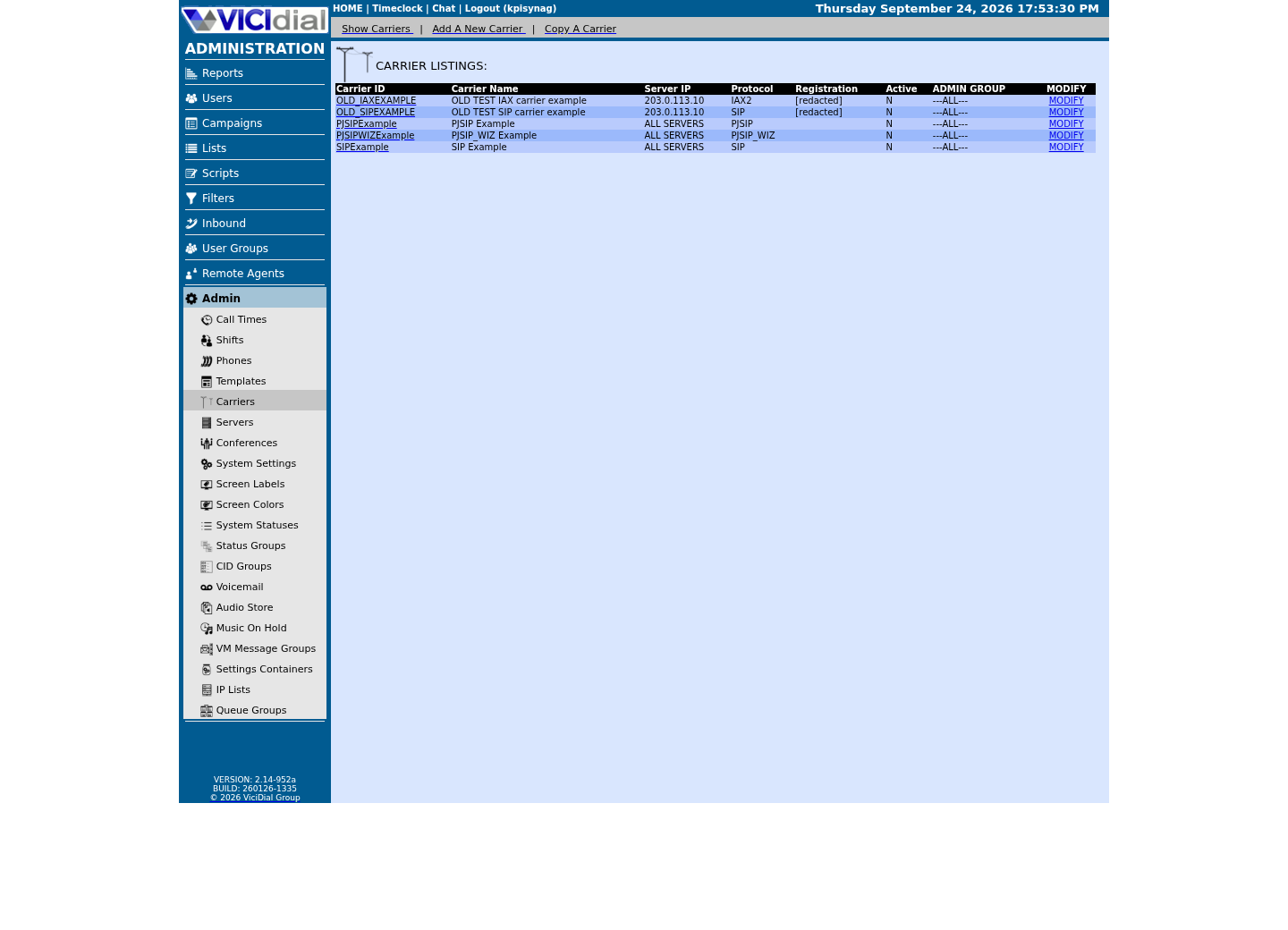
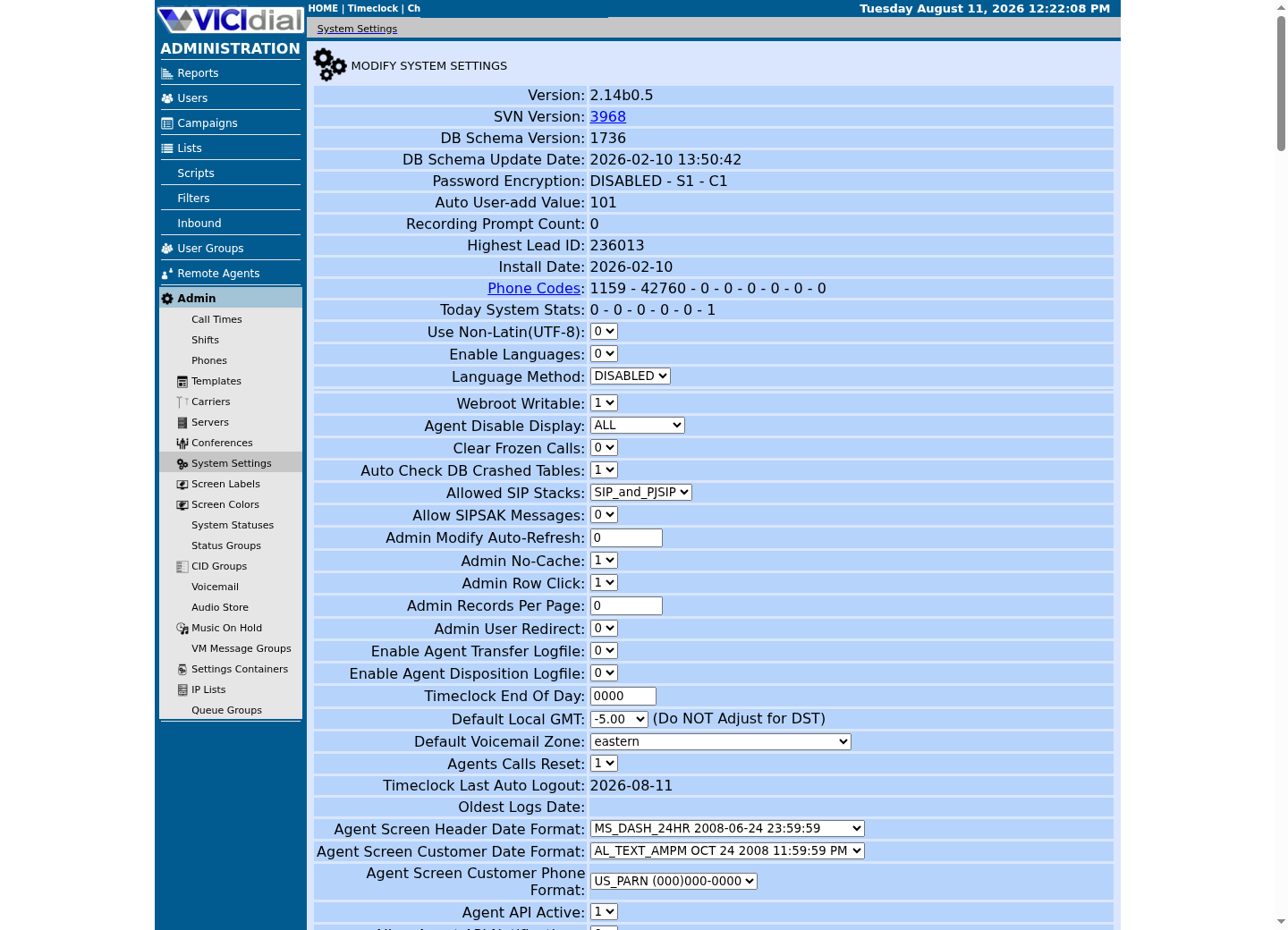
Captured on an isolated VICIdial demo: Administration screens on September 24, 2026, and the idle Agent screen on August 11, 2026. Each caption states its own capture time, and every sanitized image helps you recognize a related screen; none proves that this article's call, command, or result occurred.Find carrier administration
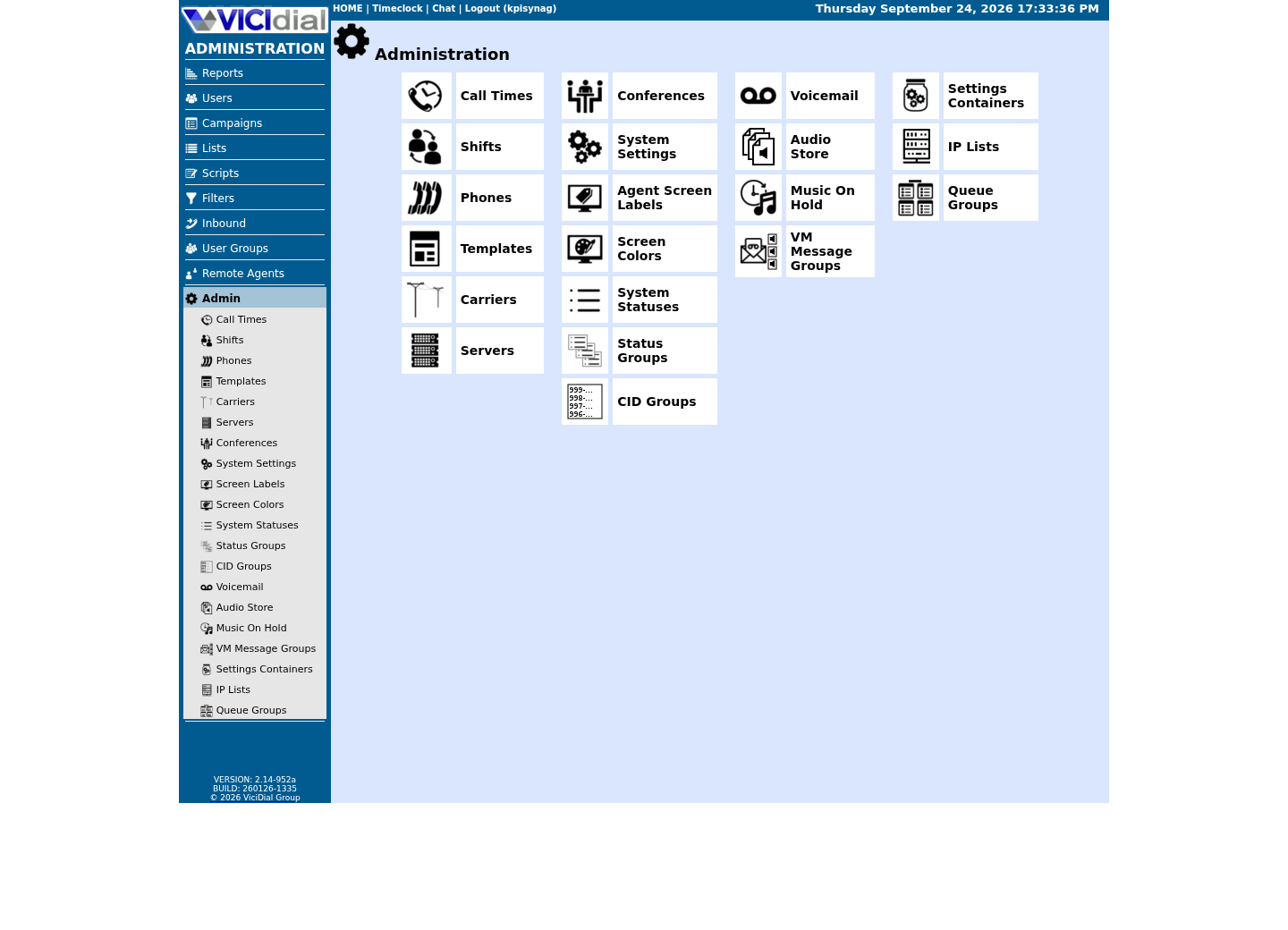
Open Carrier Listings
Check the allowed SIP-stack setting
02 / 05
DNS and NAT are different layers
DNS (the Domain Name System) translates a name into one or more numeric records; NAT (Network Address Translation) rewrites addresses, and sometimes ports, as traffic crosses between networks. A successful DNS answer only proves a name resolves — it says nothing about whether a service is actually listening on the address it returned, and a successful SIP registration says nothing by itself about whether two-way RTP audio will actually get through.
Treat name resolution, reachability and port access as three separate questions with three separate answers, and you will avoid the single most common beginner mistake in phone-system troubleshooting: assuming that because one layer works, the others must too.
NAT matters especially for VoIP because SIP and SDP messages can carry an internal address inside their own text, not just in the IP packet header — a device behind NAT can announce an address that only makes sense on its own private network, which is a frequent, specific cause of one-way audio that has nothing to do with DNS or a firewall rule at all.
03 / 05
Guided sample: resolve a documentation name
`getent hosts` asks the system's configured resolver to look up a name, exactly the way any other program on the host would, which makes it a realistic and low-impact first check. `getent ahostsv4` narrows that same lookup to IPv4 answers specifically. example.com is reserved for documentation by IANA (the Internet Assigned Numbers Authority, which allocates address blocks and protocol numbers globally), so looking it up cannot affect a real third party.
getent hosts example.comgetent ahostsv4 example.comCaptured demo response · 2026-09-23 21:34 UTC. The displayed command is the command that ran; a safe subset label means it was filtered, redacted, or fixture-scoped. Replays only after you select Replay transcript.
- Before you run it
- These commands perform DNS lookups only.
- Success looks like
- You receive one or more addresses returned by the resolver.
- Stop if
- Stop if your resolver returns an unexpected captive-portal or corporate-interception result; report it rather than changing DNS yourself.
04 / 05
Guided sample: inspect local listeners
`ss -lnt` lists TCP sockets your own host is currently listening on; `ss -lnu` does the same for UDP. Both show only what this machine is doing locally — neither tells you whether a cloud firewall, a router, or a remote carrier actually permits traffic to reach that port from outside.
The `n` in both flags matters: it prints numeric addresses and ports instead of resolving them to names, which is both faster and more honest, since a reverse-DNS lookup can itself fail or mislead in exactly the kind of environment where you are trying to diagnose a network problem in the first place.
ss -lntss -lnuCaptured demo response · 2026-09-23 21:34 UTC. The displayed command is the command that ran; a safe subset label means it was filtered, redacted, or fixture-scoped. Replays only after you select Replay transcript.
- Before you run it
- Run locally and read the address:port columns.
- Success looks like
- You see listening TCP and UDP sockets for this host.
- Stop if
- Stop before exposing, forwarding or firewalling any port merely because it appears in this list.
05 / 05
Use the call path to narrow faults
For any failed call, write down five things in order: whether the name resolved, whether signaling succeeded, which transport and port were actually used, what media address was negotiated, and the exact timestamps involved. That single habit turns a vague "no audio" report into a short list of the one or two layers that could possibly be at fault.
None of the tools in this lesson require a phone system to practice on. Run them against your own lab VM and a documentation-only name today, and the exact same habit — resolve, then reach, then confirm the port — transfers directly onto SIP and RTP once VICIdial is actually in the picture.
- I can state the difference between TCP and UDP in one sentence.
- I know that resolving a name is not the same as reaching a listening service.
- I record timestamps and layer-by-layer results, not just a final symptom.
Evidence ledger
Verification basis
- Both samples in this lesson are read-only network inspection: DNS lookups against a documentation-only name, and a listing of this host's own sockets. Neither one scans or contacts another party's network.
Primary references
Sources
- IETF RFC 1035: DNSIETF · accessed September 23, 2026
- IETF RFC 791: Internet ProtocolIETF · accessed September 23, 2026
- IETF RFC 8200: IPv6IETF · accessed September 23, 2026
- iproute2 ss manualLinux man-pages · accessed September 23, 2026