Reader setup
Before you diagnose
Start with one observed symptom, then isolate one layer at a time.
- Use two approved back-to-back synthetic calls with recording consent and no customer audio.
- Obtain read-only access to the recording log and the isolated fixture media directory.
- Record the test window, synthetic filename prefix and expected one-file-per-call outcome.
- What you will prove
- You will correlate each synthetic call to one recording ID, one filename and one media object, then locate the first point where identities diverge.
- Safety boundary
- Do not play, copy, rename, stop or delete production recordings from these examples; preserve originals when investigating historical merges.
Reader path
How to use this article
- Use it when: You are investigating a live symptom and need to narrow the failure quickly.
- Expected result: Pinpoint the first failing layer, then repair only that layer.
- Start here: Use the sections as a diagnostic sequence: prove scope, then isolate and validate.
Why a shared extension can select the wrong recording
Fast answer: on this build, VICIdial does not record with Asterisk's newer MixMonitor application. Starting a recording queues an AMI Originate into the campaign's own Recording Extension — 8309 by default, or 8310 for a GSM-format recording — a short, fixed sequence of Answer, the older Monitor application, a long Wait, then Hangup, run as a dedicated leg inside the agent's own conference. Monitor names the resulting file from the caller ID name VICIdial set on that one leg, and stopping is the mirror image: VICIdial finds the matching leg among the live channels and hangs up just that one.
A merge risk appears when a stop or a lookup is keyed on something broader than that one leg's own identity — the agent's extension, or the recording extension itself, both of which are reused call after call — instead of the specific recording_id and filename VICIdial wrote to recording_log the moment that leg started. Two back-to-back calls through the same agent share the same extension and the same short dialplan sequence; only the recording_log row and the caller-ID-derived filename actually distinguish them.
This is a different failure from a recording that never stops at all, which is its own well-documented pattern after a transfer or three-way call — see vicidial-recording-never-stops-channel-buildup for that stuck-leg mechanism and its Agent API STATUS check. This article assumes the leg does stop, and asks instead whether it stopped into the right row and the right file.
Monitor itself writes separate -in and -out files for the two directions of one leg; a scheduled job joins them into the single file a report or playback link actually points at, and a second job compresses the result afterward. Neither of those two jobs changes which call a recording belongs to — that identity is fixed the moment the leg starts — but their existence is why a recording can still be mid-processing, with no final file yet, even after the call itself has clearly ended.
asterisk -rx 'dialplan show 8309@default'ls -d /var/spool/asterisk/monitorDONE/*/Captured demo response · 2026-09-24 22:25 UTC. The displayed command is the command that ran; a safe subset label means it was filtered, redacted, or fixture-scoped. Replays only after you select Replay transcript.
- Before you run it
- Run both on the VICIdial/Asterisk server; neither changes anything. The second command lists directories only — never list files inside monitorDONE, since filenames there can be real.
- Success looks like
- The dialplan listing shows Answer, Monitor(wav,...), a Wait around 3600, then Hangup, and the directory listing shows only the stage folders (for example MP3 or ORIG) monitorDONE organizes finished recordings into.
- Stop if
- A different sequence, or a missing 8309 context entirely, means your build's Recording Extension is set to something else — check the campaign's own Recording Extension field in Admin before assuming this mechanism applies unchanged.
Visual walkthrough
Follow three real demo screens
Captured on an isolated VICIdial demo: Administration screens on September 24, 2026, and the idle Agent screen on August 11, 2026. Each caption states its own capture time, and every sanitized image helps you recognize a related screen; none proves that this article's call, command, or result occurred.Keep phones and users separate
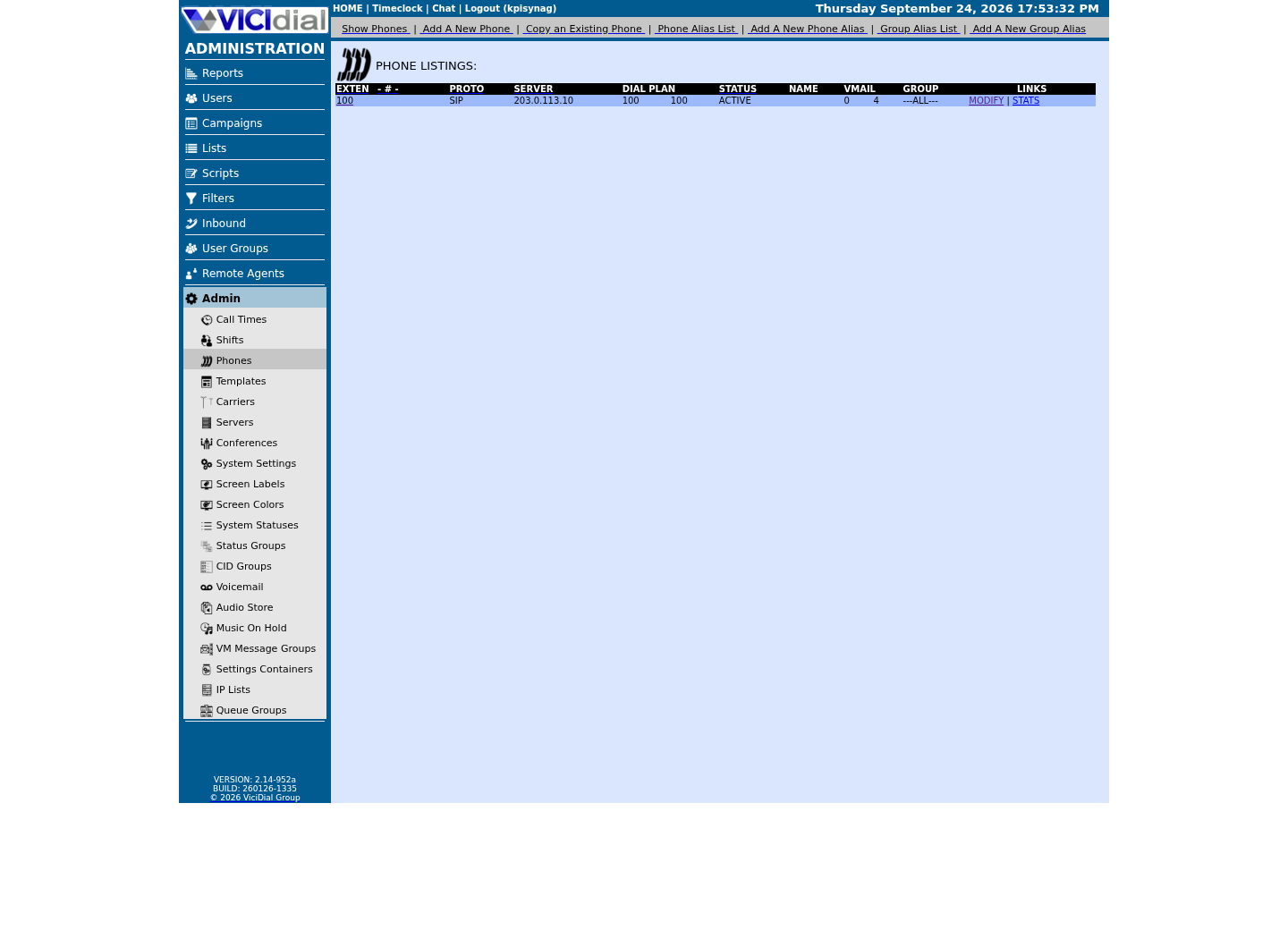
Find the campaign the agent should use
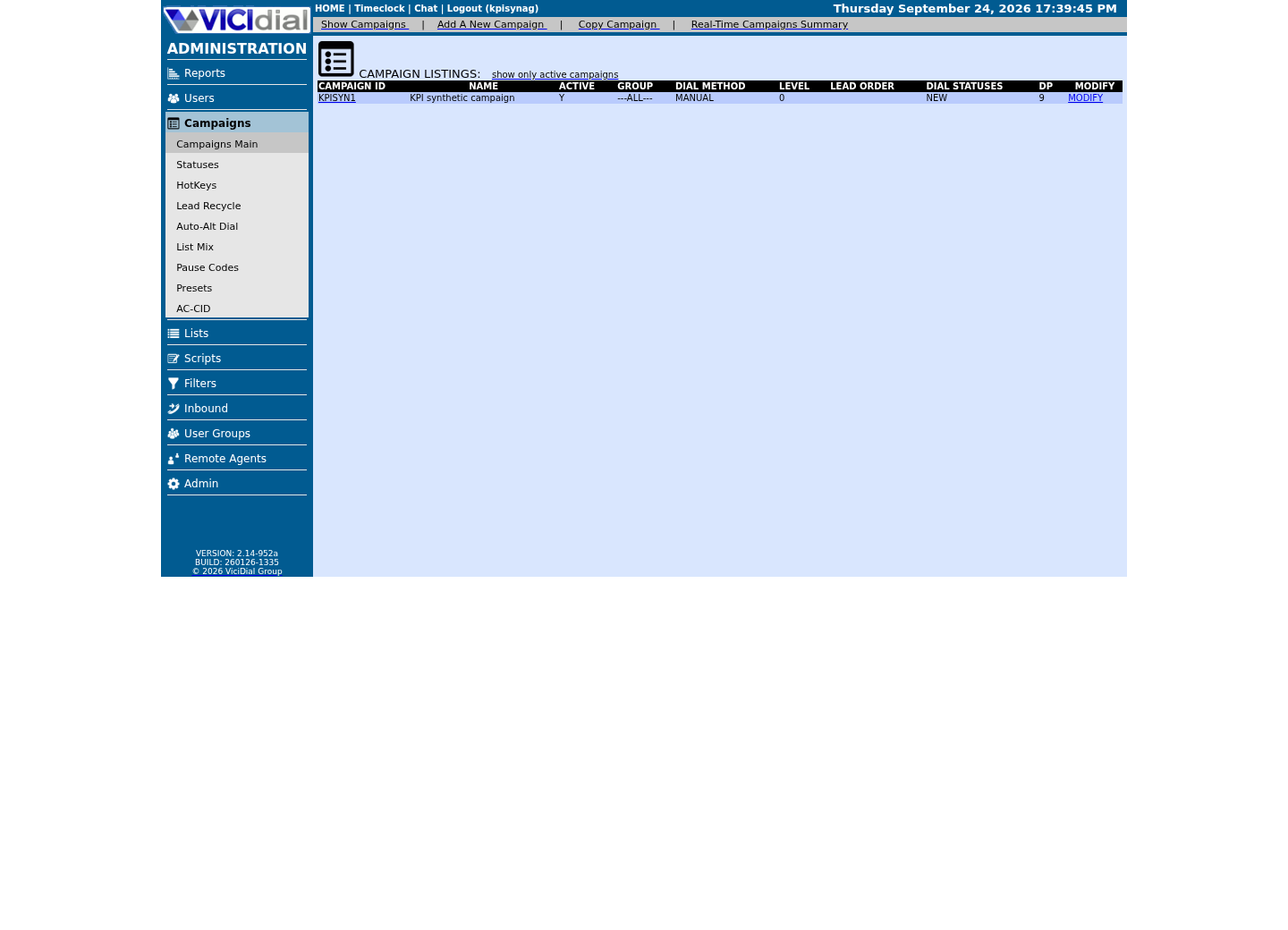
Read the real Agent screen in an idle state
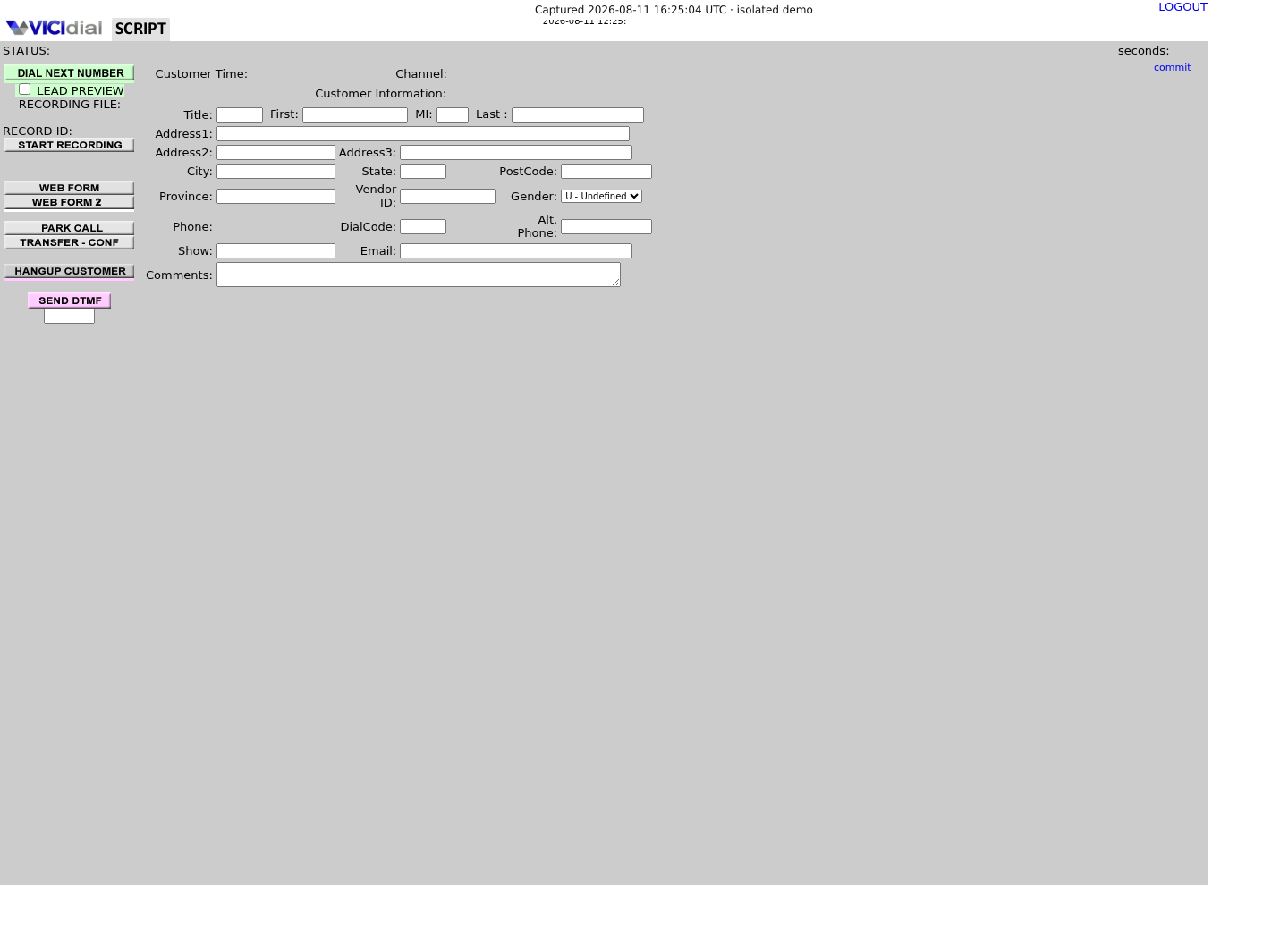
Name the two-call fixture before dialing
Give each synthetic call an opaque call label and expected unique filename before the first originate. The recording ID is assigned by the system later, so leave it pending rather than guessing it.
This ledger is a test oracle: after both calls finish, every row should resolve to a different recording ID and media object even if the agent extension and recording-extension sequence were reused.
The actual_file column exists specifically to catch a merge, not just a failure to record at all. A row where expected_file and actual_file disagree, but both files genuinely exist, is the signature of exactly the failure this article investigates — two calls, two real files, but the wrong one attached to the wrong row.
call_label,expected_file,recording_id,actual_file,resultfixture-call-a,synthetic-a.wav,pending,pending,pendingfixture-call-b,synthetic-b.wav,pending,pending,pendingThis sample is a template or reading aid, not a terminal command. There is no output to show.
- Before you run it
- Create this in the protected fixture workspace before dialing. Replace only the synthetic labels/filenames; do not add phone numbers, lead IDs, agent names or recording URLs.
- Success looks like
- After the test, both rows contain different recording IDs and files, and each file duration matches only its own call window.
- Stop if
- Stop if both calls resolve to one ID/file, a filename was reused, any object contains non-synthetic audio, or the expected call boundary cannot be proved.
Trace one call from start to stop
Compare the recording_log row and the resulting filesystem object. Both must agree on call time, lead and filename; confirm the real column names first, since this article does not assume a schema it has not shown you.
A file length that spans multiple dispositions is a strong clue, but it is not enough by itself to identify which stop operation selected the wrong row.
recording_id is assigned once, at the moment VICIdial queues the Originate for the recording leg. If two of your synthetic calls' rows share one recording_id, the merge happened at start time, inside that Originate step, not later in whatever scheduled job eventually joins or compresses the file — narrow your search there first, and confirm the exact row-to-file relationship on your own build with a fresh test pair rather than assuming it from this article alone.
SHOW COLUMNS FROM recording_log; SELECT recording_id, filename, start_time, end_time, length_in_sec, lead_id, userFROM recording_logWHERE lead_id = '<LEAD_ID>' AND start_time >= CURDATE() - INTERVAL 7 DAYORDER BY recording_id DESCLIMIT 25;Captured demo response · 2026-09-24 22:25 UTC. The displayed command is the command that ran; a safe subset label means it was filtered, redacted, or fixture-scoped. Replays only after you select Replay transcript.
- Before you run it
- Run both through the read-only account. The first confirms this build's real columns; the second replaces <LEAD_ID> with the approved synthetic fixture lead and a rolling window, never a fixed date.
- Success looks like
- Zero rows here just means no test call has been placed to this fixture lead yet inside the window — a clean starting point, not a fault. Once a test call exists, exactly the recordings for that one lead appear, each with its own recording_id and filename, and durations line up with when you actually placed each test call.
- Stop if
- Stop if a lead_id you did not query for appears, if two rows share a filename, or if the LIMIT is reached before you find your own test calls — widen the window by lead_id history, not by removing the WHERE clause.
Validate the call boundary
Place two back-to-back test calls through the same agent and the same recording-extension sequence. Each call must produce a separate database row and separate playable file with matching duration.
Test the boundary both ways: with the campaign's own Recording Extension left at its default, and again if your build has a custom copy of it, since the two can behave differently even for the identical pair of test calls. A boundary that holds under the default but not under a customized copy points squarely at the custom copy as the actual cause, rather than at the recording mechanism in general.
Historical merged audio usually cannot be split reliably without another timing source. Protect the original file and document that limitation instead of manufacturing precision.
Stop the rollout and preserve recoverable evidence
If the second call reuses the first recording's identity, disable only the synthetic fixture and restore the previous behavior from wherever it is actually configured: the campaign's own Recording Extension field under Campaigns → your campaign, or a custom copy of extension 8309 in the dialplan if one was edited directly — VICIdial's own recording context lives in a generated file included from extensions.conf, not typed by hand into extensions.conf itself. Do not run a bulk recording repair while the selection rule is still uncertain.
Copy neither customer audio nor recording URLs into the change record. Retain approved synthetic artifacts, source hashes and sanitized duration/identity results long enough for an independent reviewer to reproduce the failure.
Search every generated dialplan file for a second copy of extension 8309 before declaring the cause found, not just the one context you first noticed — VICIdial's own keepalive process regenerates several dialplan files from database and Custom Dialplan Entry fields, and a stray hand-edit in one of them is easy to miss if you stop searching after the first match.
- Confirm no synthetic recorder process remains active.
- Restore the prior reviewed logic through configuration management.
- Repeat the two-call fixture before re-enabling the changed path.
Evidence ledger
Verification basis
- On our ViciBox 12 lab, dialplan show 8309@default runs Answer(), Monitor(wav,${CALLERID(name)}), Wait(3600), Hangup() — VICIdial does not use MixMonitor for this path, and monitorDONE holds format/stage subfolders such as MP3 and ORIG, not one folder per day or campaign.
Primary references
Sources
- Recording not stopping on 3-way transfer/hangup, growing to 3hrs, channel buildup on Tel serversVICIdial forum · accessed September 23, 2026
- call_log end_time NULL for Local channels + Recording channel not hanging up after disposition for manual callsVICIdial forum · accessed September 23, 2026
- VICIdial Non-Agent APIVICIdial · accessed September 23, 2026
- Asterisk dialplan applicationsAsterisk · accessed September 23, 2026