Reader setup
Before you choose
List your constraints, required evidence and stop rules before you score options.
- The Ubuntu/Debian and generic-openSUSE basics lessons
- A decision about lab versus production for your own use
- Control of the target host or VM you are evaluating
- What you will prove
- You can choose one installation path for this curriculum's purposes and confirm, on a running host, whether it is actually stock ViciBox.
- Safety boundary
- Use only a disposable VM for the ViciBox 12 or ViciBox 13 learning paths this curriculum describes.
Reader path
How to use this article
- Use it when: You are comparing options and need decision evidence before approval.
- Expected result: Turn options into explicit acceptance criteria and documented stop conditions.
- Start here: Score what is mandatory, keep unknowns visible, then decide only when risks are understood.
Start here
This curriculum's install path is ViciBox. Generic openSUSE is worth knowing for its own sake, and a from-scratch Ubuntu or Debian install is a legitimate approach elsewhere, but neither is what the rest of this library builds on top of. Do not layer one path's commands over another's host.
This lesson exists because the three choices look superficially similar — all three end with a Linux host you can SSH into — and it is genuinely easy to assume they are interchangeable starting points for VICIdial. They are not, and the difference shows up the first time you try to follow an install step written for one of the other two.
None of the three choices is objectively wrong in general. A from-scratch Ubuntu or Debian install is a legitimate way to run VICIdial in production, maintained by administrators who prefer full control over every package. This curriculum simply does not walk through that path — it walks through ViciBox, and says so plainly rather than leaving the gap unstated.
Generic openSUSE, similarly, is not a lesser choice than ViciBox — it is simply a different layer of the stack. Choosing it teaches you the operating system underneath what ViciBox eventually builds, which is valuable in its own right, but it stops well short of a working dialer, because none of the telephony-specific configuration ViciBox's own installer performs happens on a plain openSUSE host by itself.
If you find yourself wanting both — the deep operating-system fluency generic openSUSE teaches and a working VICIdial lab — the honest path is to do them as two separate exercises on two separate hosts, not to try to convert one into the other partway through.
The remaining lessons in this stage assume you have settled on ViciBox. If you have not, the checks below still work as a general diagnostic for any host, but the lessons that follow this one are written specifically for the appliance path.
Visual walkthrough
Follow three real demo screens
Captured on an isolated VICIdial demo: Administration screens on September 24, 2026, and the idle Agent screen on August 11, 2026. Each caption states its own capture time, and every sanitized image helps you recognize a related screen; none proves that this article's call, command, or result occurred.Start at Administration home
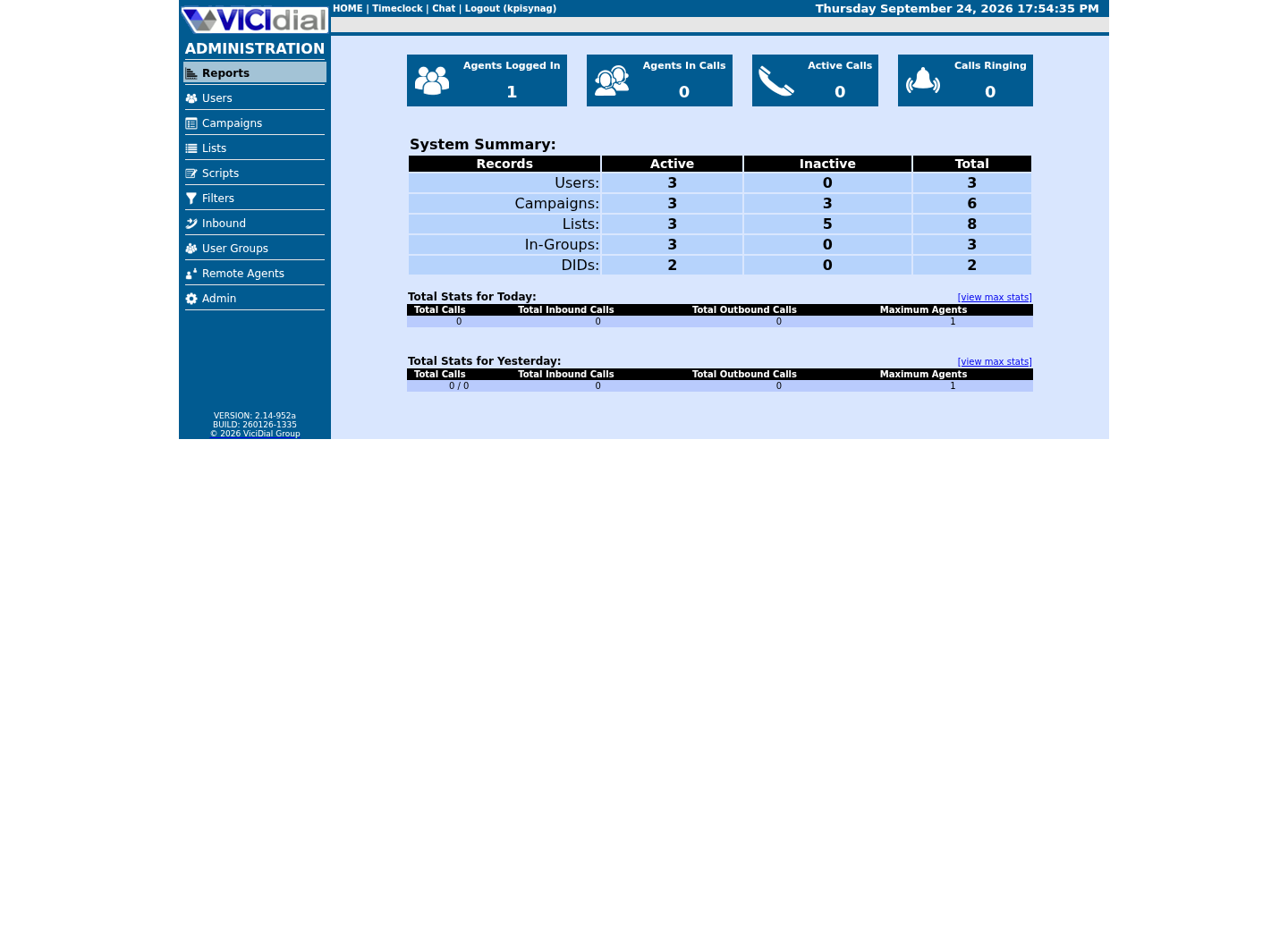
Use the Administration menu as a map
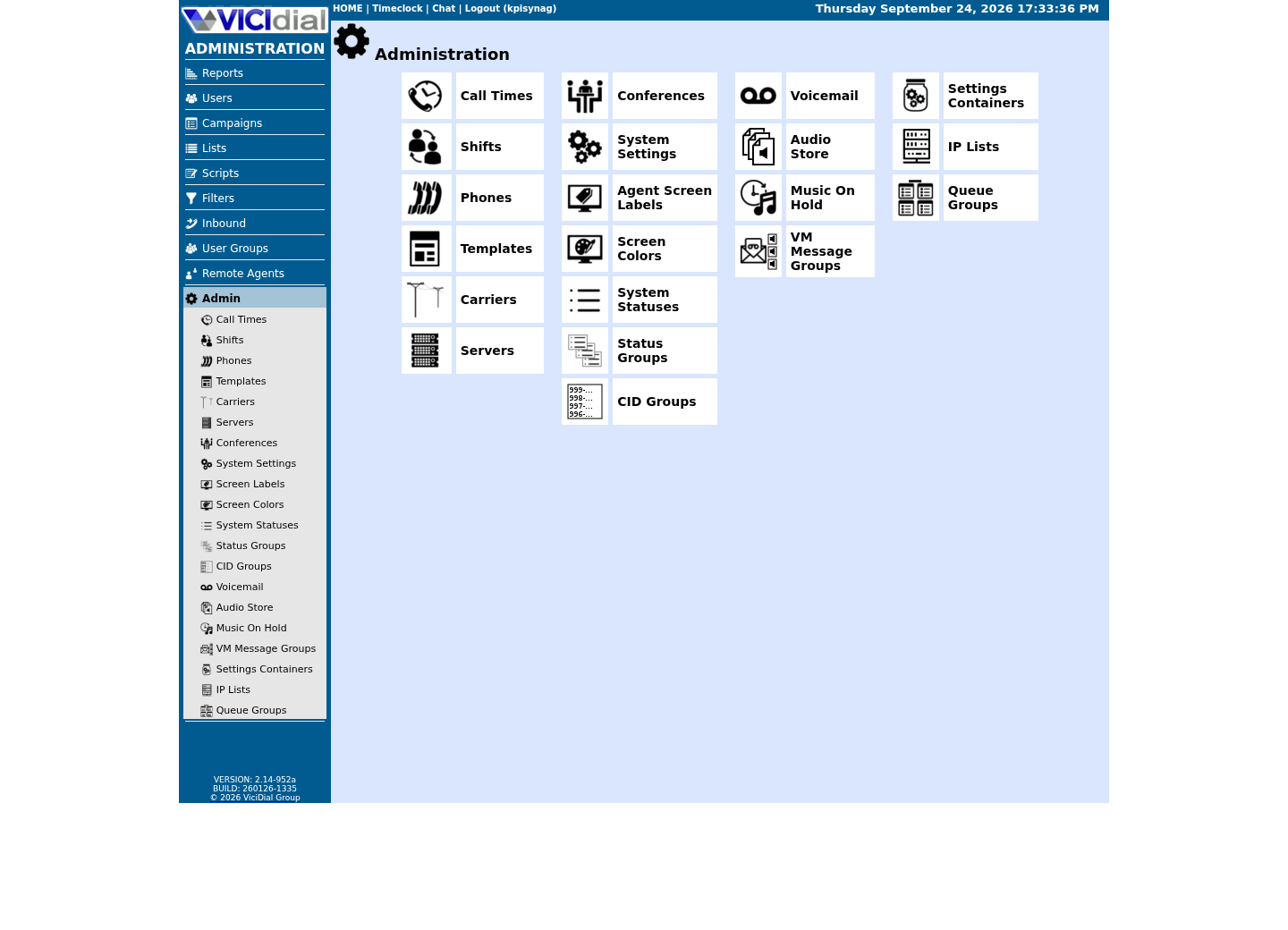
Confirm version and system-wide context
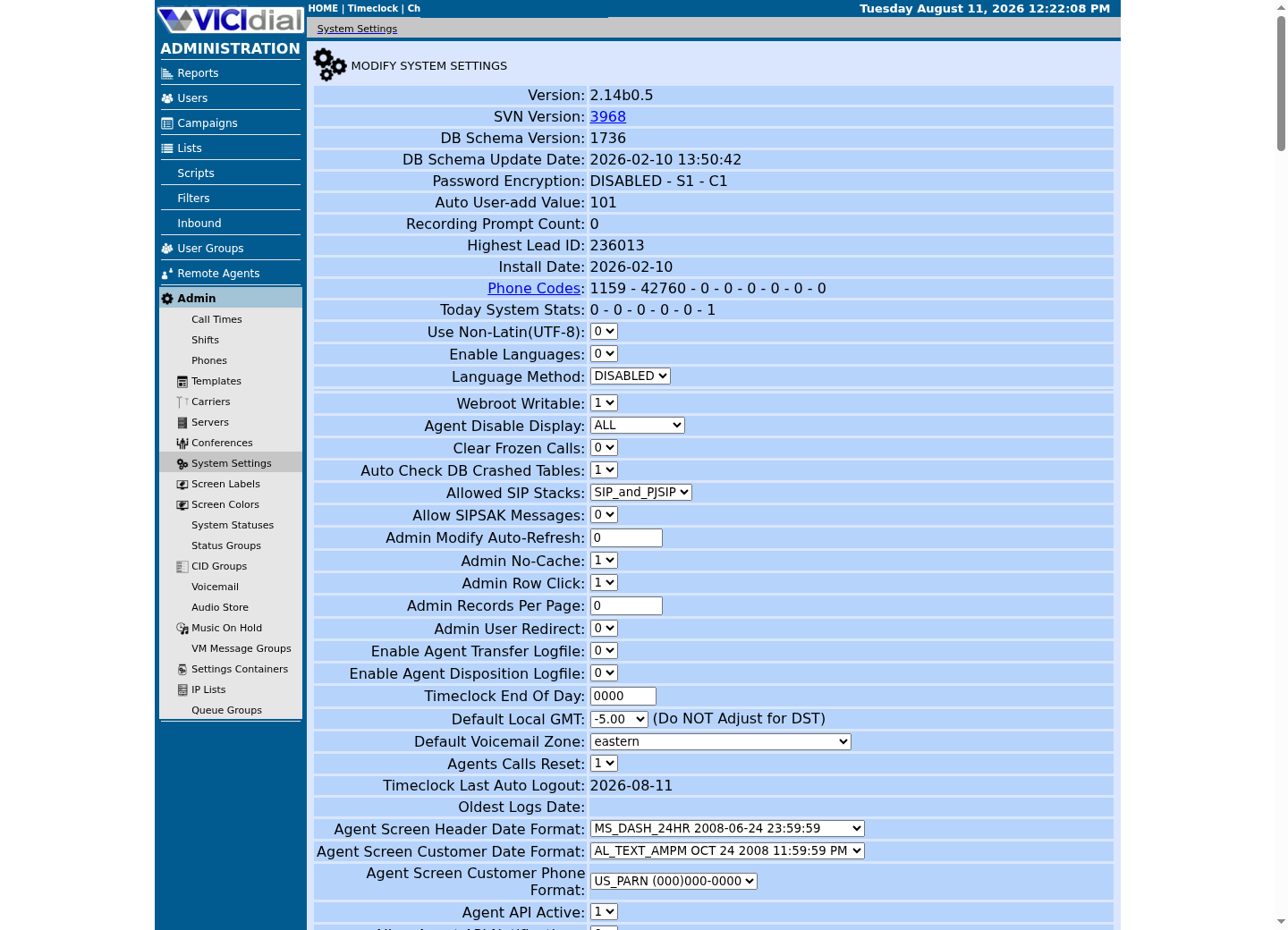
The idea in plain language
An appliance ISO controls the base system and the application configuration together — that is what ViciBox is. A generic distribution gives you a starting operating system and nothing telephony-specific. A from-scratch installer starts from a known clean host and builds up, one package and one configuration file at a time. Each approach is internally consistent; problems start when their commands or assumptions get mixed on the same machine.
The most common mistake this lesson exists to prevent is running a ViciBox-specific script, or a from-scratch install guide's package commands, against a plain openSUSE host that was never taken through ViciBox's own Phase 1 and Phase 2 installers. The result is a host that resembles ViciBox in some ways and is missing critical pieces in others, which is far harder to diagnose than either a clean generic install or a clean ViciBox appliance.
Try one safe check
Record the operating system and kernel of the host in front of you before selecting which guide to follow. The output is evidence for your notes, not something to act on directly. Writing this down before you pick a guide, rather than after something goes wrong, is a small habit that pays off the first time a symptom turns out to be a distribution mismatch rather than a configuration mistake.
- The distribution ID and version, from the previous two lessons' checks
- The kernel version, which can matter for hardware or virtualization compatibility
cat /etc/os-releaseuname -rCaptured demo response · 2026-09-23 21:35 UTC. The displayed command is the command that ran; a safe subset label means it was filtered, redacted, or fixture-scoped. Replays only after you select Replay transcript.
- Before you run it
- Run this on the host you are evaluating. Neither command changes anything.
- Success looks like
- You can write down the exact distribution family and kernel version without guessing from appearance.
- Stop if
- If the two commands disagree with what you expected from how the host was provisioned, stop and confirm with whoever built it before proceeding.
Confirm whether this is actually stock ViciBox
ViciBox ships its own firewall helper alongside the base openSUSE tools, which makes it a clean discriminator: a plain openSUSE host will not have it, and neither will an Ubuntu or Debian host. Checking for a ViciBox-specific tool is more reliable than checking for Asterisk or MariaDB alone, since someone could in principle install those on a generic host without going through ViciBox's own installer at all.
This check also doubles as a way to verify a lab you inherited from someone else, or a VM template you were handed, before trusting that it is what its name or description claims. A filename glob costs nothing to run and settles the question directly, rather than relying on a label attached to the VM.
- Whether /usr/bin/VB-firewall is present
- Which vicibox-prefixed packages the RPM database lists
ls -l /usr/bin/VB-*rpm -qa 'vicibox*'Captured demo response · 2026-09-23 21:35 UTC. The displayed command is the command that ran; a safe subset label means it was filtered, redacted, or fixture-scoped. Replays only after you select Replay transcript.
- Before you run it
- Run both lines on the host you are evaluating. Listing files and querying the package database this way changes nothing.
- Success looks like
- `/usr/bin/VB-firewall` is ViciBox's one VB- prefixed tool, itself a symlink into `/usr/share/vicibox-firewall/`; do not expect other VB- names alongside it. The package query separately lists ViciBox's own RPMs — typically `vicibox-install`, `vicibox-firewall`, `vicibox-ssl` and `vicibox-dynportal` — which is a second, independent confirmation from the package manager itself.
- Stop if
- A 'no such file' result and an empty package list together mean this host either is not ViciBox, or its ViciBox layer was removed — do not assume a ViciBox appliance behavior from the base OS alone.
Ready for the next lesson
This curriculum's install path is ViciBox. Continue to the version-status lesson next.
Evidence ledger
Verification basis
- ViciBox provides a dedicated two-phase appliance workflow with its own tooling; generic openSUSE does not.
Primary references
Sources
- Installation — ViciBox 12.0 documentationViciBox · accessed September 23, 2026
- Closing Out a Roughly 8-Year EraopenSUSE News · accessed September 23, 2026
- VICIdial open source contact center suiteVICIdial Group · accessed September 23, 2026