01 / 04
1. Prepare the test
- Ask the supervisor for the approved test recipient and verify that Transfers is enabled for the test user.
- Sign into the station and test campaign. Place or receive the authorized synthetic test call and confirm both parties can hear.
- Explain to the test caller that you will consult another participant.
Idle Agent screen with call controls and blank lead details.
Open to enlarge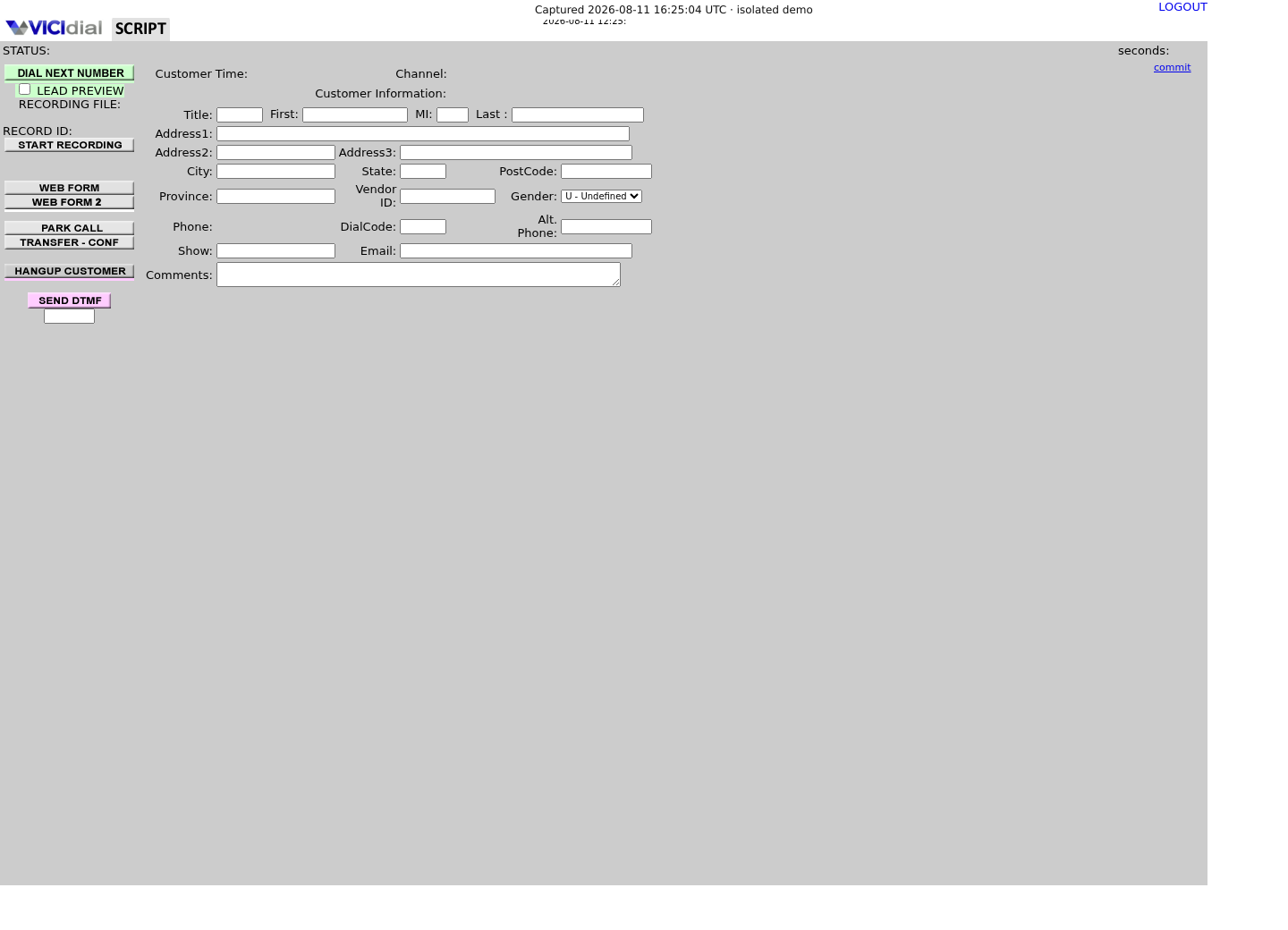
You should seeA connected test call and reachable recipient are needed before transfer; the idle image does not show a call.
02 / 04
2. Park the customer and call the approved recipient
This sequence uses native labels found in the reviewed VICIdial 2.14 agent source and the documented transfer_conference/park_call actions. Confirm the installed labels first; translations and campaign options can differ. If the controls are missing, stop before a test call and give the supervisor the build and missing control.
Use the approved number/extension destination branch for this exercise. In-group or AGENTDIRECT consult controls require the matching installed workflow and are outside this particular sequence.
Park Customer Dial keeps the customer out of the private consult. Dial With Customer is the other branch: it keeps the customer on the line and is not this parked-consult procedure.
- With the authorized synthetic customer connected, open Transfer-Conf and select the one approved preset/destination. Verify it before dialing.
- Choose Park Customer Dial once. Confirm the main call control changes to Grab Parked Call and the customer is parked before discussing private information.
- When the recipient answers, identify the synthetic test and ask whether they are ready. A ringing leg is not an answer; do not leave the call yet.
You should seeThe recipient has answered the consult and the customer is still recoverably parked. No completed handoff is claimed.
03 / 04
3. Retrieve the customer, verify all parties, then leave
- After the recipient agrees, use the main Grab Parked Call control to bring the customer back to the conversation.
- Ask the customer and recipient to confirm they hear each other and identify the correct synthetic call. The agent remains until both confirmations are obtained.
- Choose LEAVE 3-WAY CALL in the reviewed interface. Its documented purpose is to leave the customer and recipient connected and move the originating agent to disposition.
- Have the recipient confirm they remain connected to the correct customer. Complete the originating agent’s offered disposition once under the campaign policy.
You should seeAcceptance requires recipient/customer confirmation after the agent leaves; an idle screenshot or transfer command alone cannot establish that result.
04 / 04
4. Cancel only the transfer leg and retrieve the customer
- If the recipient does not answer, is wrong or cannot accept the handoff, choose Hangup Xfer Line to end the third-party leg. Do not use a control that hangs up both legs.
- Use Grab Parked Call if the customer is still parked. Speak to the customer and confirm they hear the agent before choosing any fallback.
- If park/transfer state is unclear or the customer cannot be retrieved, stop additional transfer attempts and contact the supervisor with time, build and displayed controls.
- Record answered, retrieved, three-way connected, agent-left and final recipient confirmation as separate results. Retain the exact failed boundary for the owner.
You should seeA failed consult returns to a verified agent/customer conversation or remains an explicitly unresolved state with the supervisor; it is never marked a successful handoff.
Checks and sources
What was checked
- Control labels were checked in the retained native2.14 agent source: Park Customer Dial, Grab Parked Call, Hangup Xfer Line and LEAVE 3-WAY CALL. The official Agent API independently documents the underlying transfer/park actions.
- No active-call transfer, customer retrieval or completed handoff was executed for this repair. Existing idle/configuration images are not active-control or audio evidence.
- This is a version-gated supervised procedure; a build with different controls needs its owner’s matching procedure before a call.
Primary references
Sources
- VICIdial Agent API referenceVICIdial Group · accessed November 4, 2026
- VICIdial quality control manualVICIdial Group · accessed November 4, 2026
- Official Agent API transfer and park actionsVICIdial Group · accessed November 7, 2026