Reader setup
Before you diagnose
Start with one observed symptom, then isolate one layer at a time.
- A running VICIdial install with Reports access and a read-only database account — see vicidial-read-only-database-account if you do not have one yet
- An approved test campaign
- Synthetic callback cases
- What you will prove
- A metric definition that explains each callback count.
- Safety boundary
- Do not change callback access or delete history to reconcile a count.
Reader path
How to use this article
- Use it when: You are investigating a live symptom and need to narrow the failure quickly.
- Expected result: Pinpoint the first failing layer, then repair only that layer.
- Start here: Use the sections as a diagnostic sequence: prove scope, then isolate and validate.
Name the population before comparing counts
Fast answer: CALLBK is a callback-related call disposition (an outcome), while vicidial_callbacks is the current scheduling table; the agent screen applies further user, recipient, status, campaign and time filters. These totals can all be correct and still differ sharply.
An archive is retained historical data rather than the current work queue. Use a metric label that says whether it is disposition history, active scheduling rows, a particular agent's visible queue, or historical scheduled callbacks. Do not turn a count mismatch into a global settings change before proving which query population each viewer expects.
Terms are defined in vicidial-terminology-for-complete-beginners.
- Prerequisite: obtain report access and create synthetic callback cases only in an approved test campaign.
- Non-goal: do not change global callback locks or delete history to make totals match.
- State timezone, as-of timestamp and report interval.
- State current versus archive boundary and recipient/campaign scope.
Visual walkthrough
Follow three real demo screens
Captured on an isolated VICIdial demo: Administration screens on September 24, 2026, and the idle Agent screen on August 11, 2026. Each caption states its own capture time, and every sanitized image helps you recognize a related screen; none proves that this article's call, command, or result occurred.Treat home-page counts as orientation
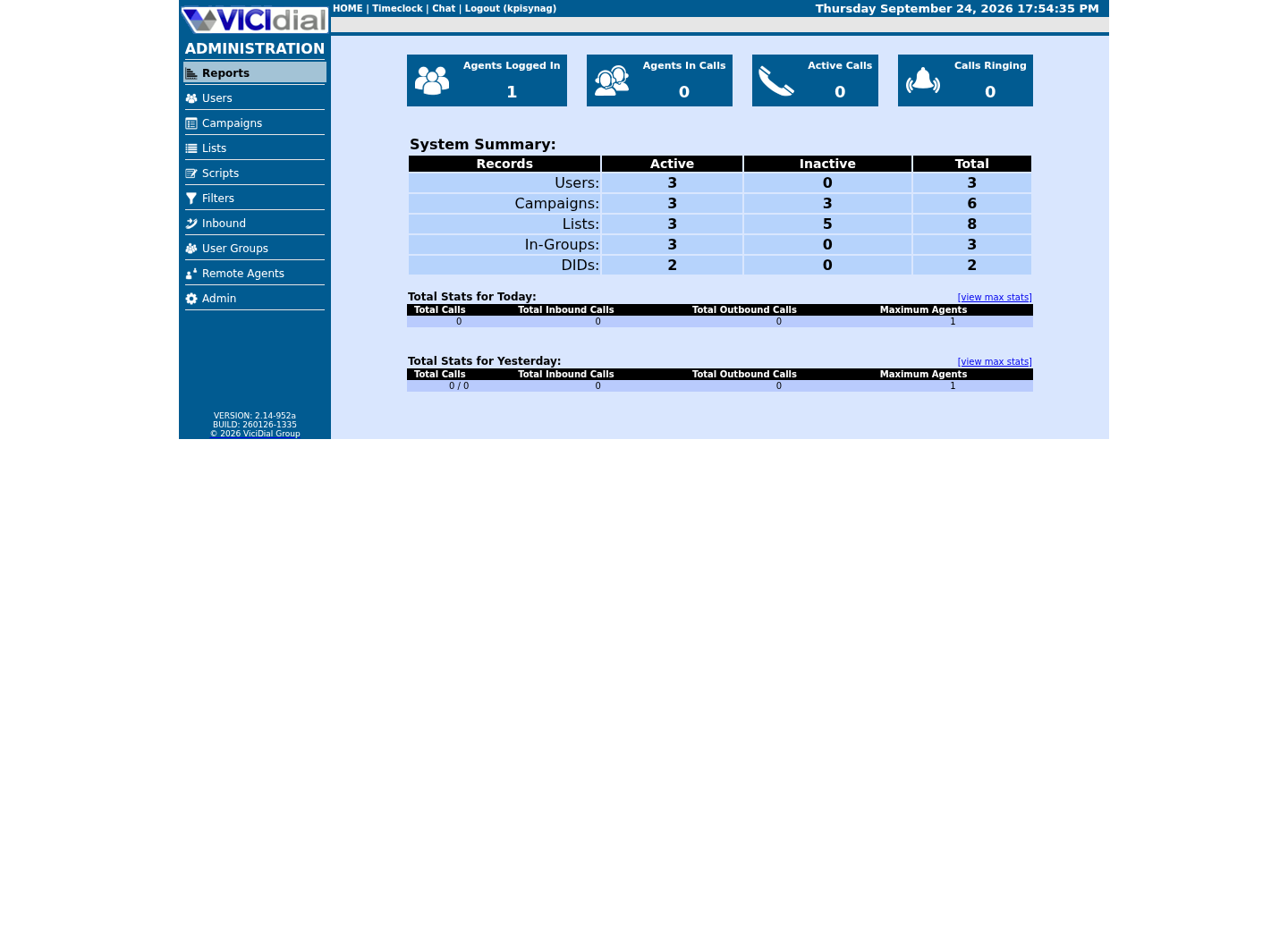
Use the Reports index
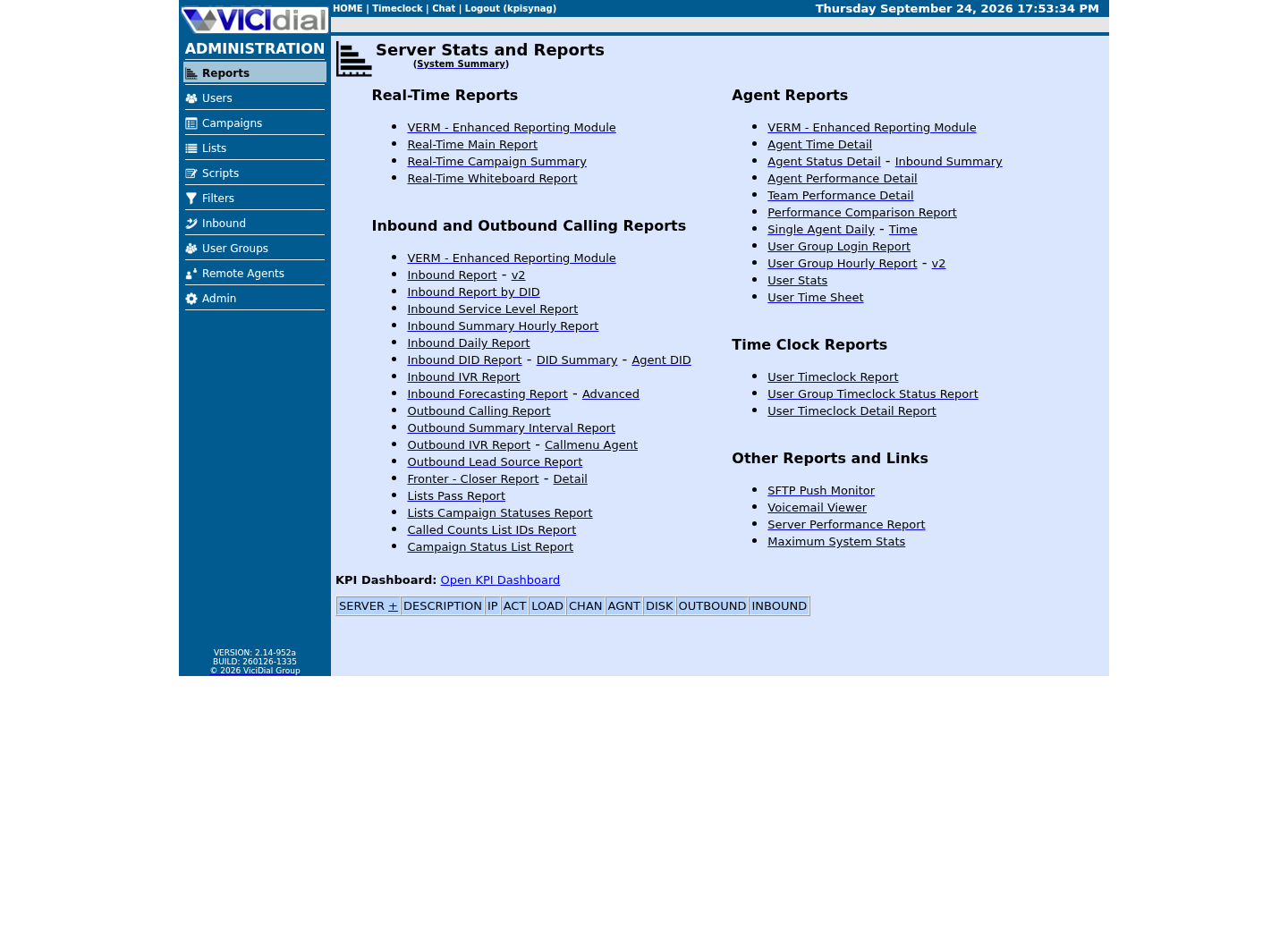
See the Real-Time report layout

Keep outcome and scheduling state separate
CALLBK belongs to call/log history and describes a callback-related disposition. ACTIVE, LIVE, INACTIVE and DEAD describe scheduler state; they do not mean the same thing as a lead status, an agent runtime state or a completed call outcome.
A callback can be set for a future time without having reached LIVE, and historical CALLBK activity can remain after the related schedule is inactive, deleted or archived. A report needs an explicit business question before it selects a source.
- Use disposition history for historical contact outcomes.
- Use current scheduling rows for work remaining to be handled.
- Use lead-specific history or a reviewed report for a combined investigation.
Reproduce the agent-visible filter
The installed agent count is not a general callback-table count. It filters USERONLY records for the logged-in user, excludes INACTIVE and DEAD, can lock to the current campaign, and can apply callback-hour and display-day limits.
Use the matrix with synthetic records only. EXPECTED VISIBLE means the current agent screen should show the case when its stated conditions are met; if an observed result differs, stop and inspect permissions and campaign settings rather than changing access. USERONLY means assigned to one user, while ANYONE means eligible under permitted campaign rules.
ANYONE callbacks, another user's records and records outside a campaign lock can be intentionally invisible. User permissions for scheduled and agent-only callbacks are additional gates, so UI visibility is a policy decision as well as a data query.
- Inspect campaign lock, count mode, display days and hours block.
- Confirm user permissions without publishing user identities.
- Test one synthetic USERONLY and one permitted ANYONE scenario separately.
CASE: future USERONLY / state ACTIVE / same campaign / EXPECTED: count mode dependentCASE: due USERONLY / state LIVE / same campaign / EXPECTED: visible when permittedCASE: ANYONE / state LIVE / EXPECTED: not a My Callbacks rowCASE: archive-only / EXPECTED: not agent-screen visibleThis sample is a template or reading aid, not a terminal command. There is no output to show.
- Before you run it
- Create these cases only in the approved synthetic campaign; the labels are states, not real callback data.
- Success looks like
- The UI result matches the stated expectation and documented settings.
- Stop if
- Stop if visibility differs; inspect scope and permissions before changing any setting.
Draw the current and archive boundary
The stock agent callback screen does not merge vicidial_callbacks_archive with current scheduling rows. Admin current-hold listings have different scope, and archive/purge processes can leave overlap that makes a naïve union double-count.
For long-range reporting, document each current, inactive/dead and archive source and deduplicate deliberately with stable identifiers appropriate to the installed schema. Do not assume a foreign-key guarantee or archive layout from another revision. For a single lead rather than a report population, the Non-Agent API's documented lead_callback_info function outputs that lead's scheduled callback data directly — see vicidial-non-agent-api-guide — instead of a direct query.
Work a synthetic example before trusting any merged total. Suppose a weekly report reads 42 rows from the current table for an approved test campaign, and a second query that unions in matching rows from the archive over the same window returns 57. The 15-row gap is not automatically 15 missing callbacks: some archive rows can represent the same lead and callback pair captured again after a later status change, and a naive union double-counts unless both queries key on the same stable identifier, such as a lead ID paired with its original scheduled timestamp, rather than a row's own internal ID, which can differ once a record moves between tables. A day-boundary or timezone mismatch between the two queries produces the same symptom — rows shifting across midnight look like a gap or a duplicate even when nothing was lost.
Export the sanitized identifiers from each query, diff them by hand or with a small script, and classify every extra row into one of three buckets: genuinely additional history the current table never held, a duplicate of a row already counted on the other side of the boundary, or a timing artifact of the purge or archive job's own schedule. Only after every row in the gap is classified does the comparison mean anything; an unclassified remainder is a reason to keep investigating, not to average the two totals or report whichever number looks better.
SHOW CREATE TABLE vicidial_callbacks;SHOW CREATE TABLE vicidial_callbacks_archive;SELECT INDEX_NAME, COLUMN_NAME, SEQ_IN_INDEX FROM information_schema.STATISTICSWHERE TABLE_SCHEMA = DATABASE() AND TABLE_NAME = 'vicidial_callbacks'ORDER BY INDEX_NAME, SEQ_IN_INDEX;Captured demo response · 2026-09-24 22:25 UTC. The displayed command is the command that ran; a safe subset label means it was filtered, redacted, or fixture-scoped. Replays only after you select Replay transcript.
- Before you run it
- Run with an authorized read-only account before designing a historical report; no placeholder is needed.
- Success looks like
- You can document the current and archive structures without exporting any rows.
- Stop if
- Stop if access is broader than read-only or the archive structure is unknown.
Reconcile safely and independently
Build a small, synthetic test matrix covering future ACTIVE, due LIVE, INACTIVE, DEAD, USERONLY, ANYONE, campaign-lock on/off and archive-only cases. Compare the UI, its installed query behavior and the report calculation at the same timestamp.
Stop if the report cannot state its scope, if archive overlap is unknown, or if a proposed fix changes agent access merely to match a dashboard. Roll back by removing the reviewed report/configuration change, not by deleting callback history.
Record the reconciliation the same way every time: total current, total archive-only, total explained duplicates and total unexplained difference, with the timezone and as-of timestamp attached to the record. Treat any unexplained difference above zero as a stop condition rather than a rounding error to note and move past, and repeat the same diff after any schema, retention or purge-job change instead of assuming last quarter's explanation still holds — a passing reconciliation describes one snapshot, not a permanent fact about the report.
- Preserve a pre-change query definition and sanitized totals.
- Have an independent reviewer reproduce the expected matrix.
- Repeat equivalent tests after upgrades or retention-policy changes.
Evidence ledger
Verification basis
- VICIdial's status reference and this lab's schema distinguish current scheduling, agent-visible filters, CALLBK history and archives.
- One lab's configuration is not a universal count or production benchmark.
Primary references
Sources
- VICIdial StatusesVICIdial · accessed September 23, 2026
- VICIdial Non-Agent APIVICIdial · accessed September 23, 2026