Reader setup
Before you choose
List your constraints, required evidence and stop rules before you score options.
- Your rough agent count and calling hours; this guide turns them into a workload estimate, so approximate numbers are fine
- Target region and currency
- Named recovery owner
- What you will prove
- A comparable pilot and purchasing worksheet.
- Safety boundary
- Do not buy from a lab result or an incomplete quote.
Reader path
How to use this article
- Use it when: You are comparing options and need decision evidence before approval.
- Expected result: Turn options into explicit acceptance criteria and documented stop conditions.
- Start here: Score what is mandatory, keep unknowns visible, then decide only when risks are understood.
Start with a workload model, not a VM size
Fast answer: a small lab host that finishes a narrow, reproducible test demonstrates reproducibility, not production capacity. Neither a specific memory size, virtual CPU (vCPU) count, nor any quoted VPS price can be read off any single host, including the one this publication runs its own demo on. A lab that completes one test call has proven the call path works at all; it has proven nothing about several dozen agents dialing at once, a month of accumulated recordings, or a reporting query run against a full history table.
Use a pilot to measure your own concurrent agents, dial attempts, recording mix, codecs, database growth, reporting queries, carrier behavior, browser mix and recovery objective. This article assumes a new deployment and excludes a promise of calls-per-second, uptime, carrier cost or vendor ranking.
Two VICIdial-specific words matter here — agent and carrier — and this guide assumes you already know them; the companion article “VICIdial terminology for complete beginners: users, phones, campaigns and leads” defines both from scratch.
- Prerequisites: a written workload estimate, intended region/currency and an owner for telephony and recovery.
- Non-goal: this is not a provider quote, benchmark or recommendation.
- Set a target recovery-time objective (RTO) and recovery-point objective (RPO) before comparing plans.
Visual walkthrough
Follow three real demo screens
Captured on an isolated VICIdial demo: Administration screens on September 24, 2026, and the idle Agent screen on August 11, 2026. Each caption states its own capture time, and every sanitized image helps you recognize a related screen; none proves that this article's call, command, or result occurred.Start at Administration home
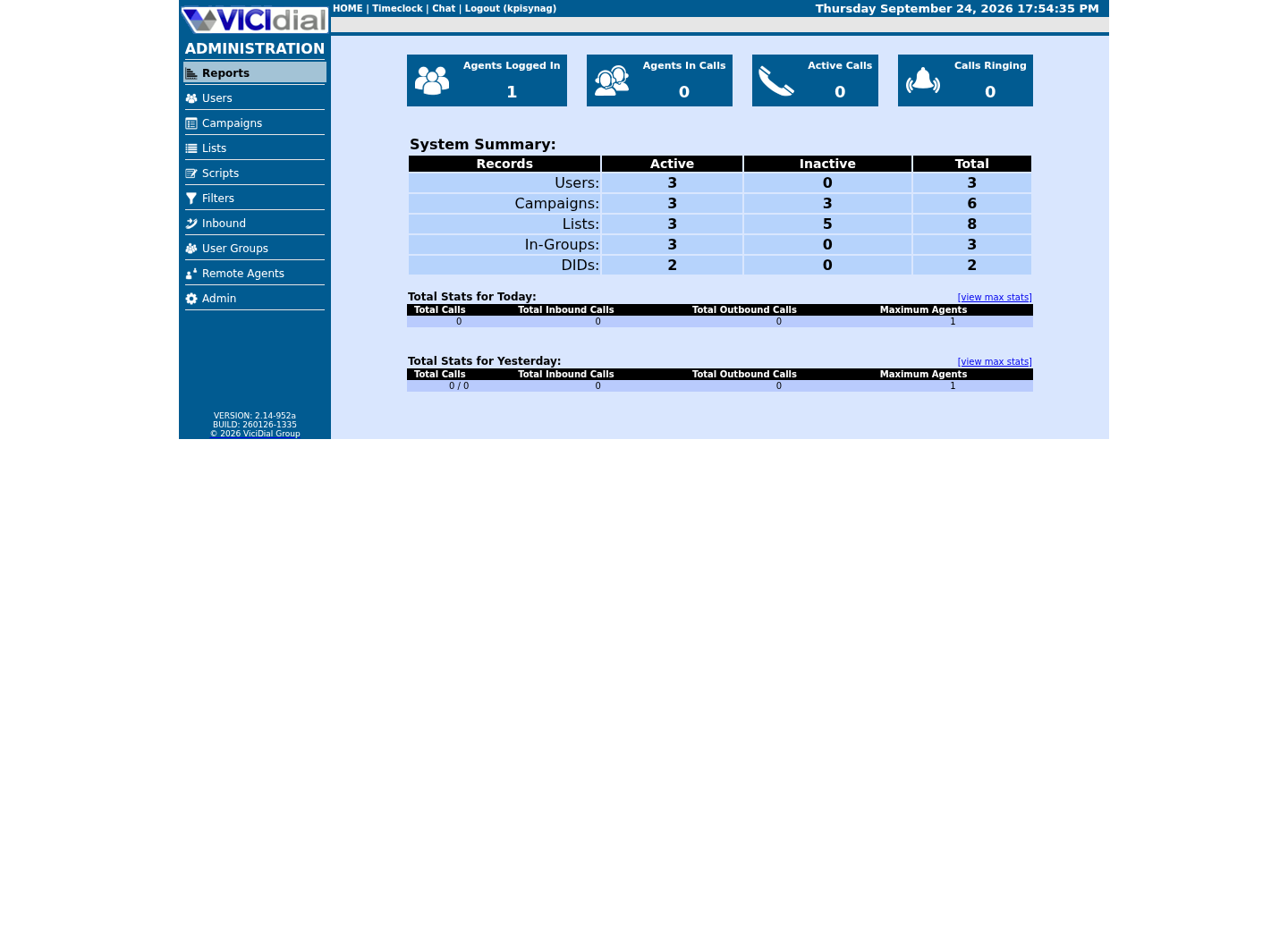
Use the Administration menu as a map
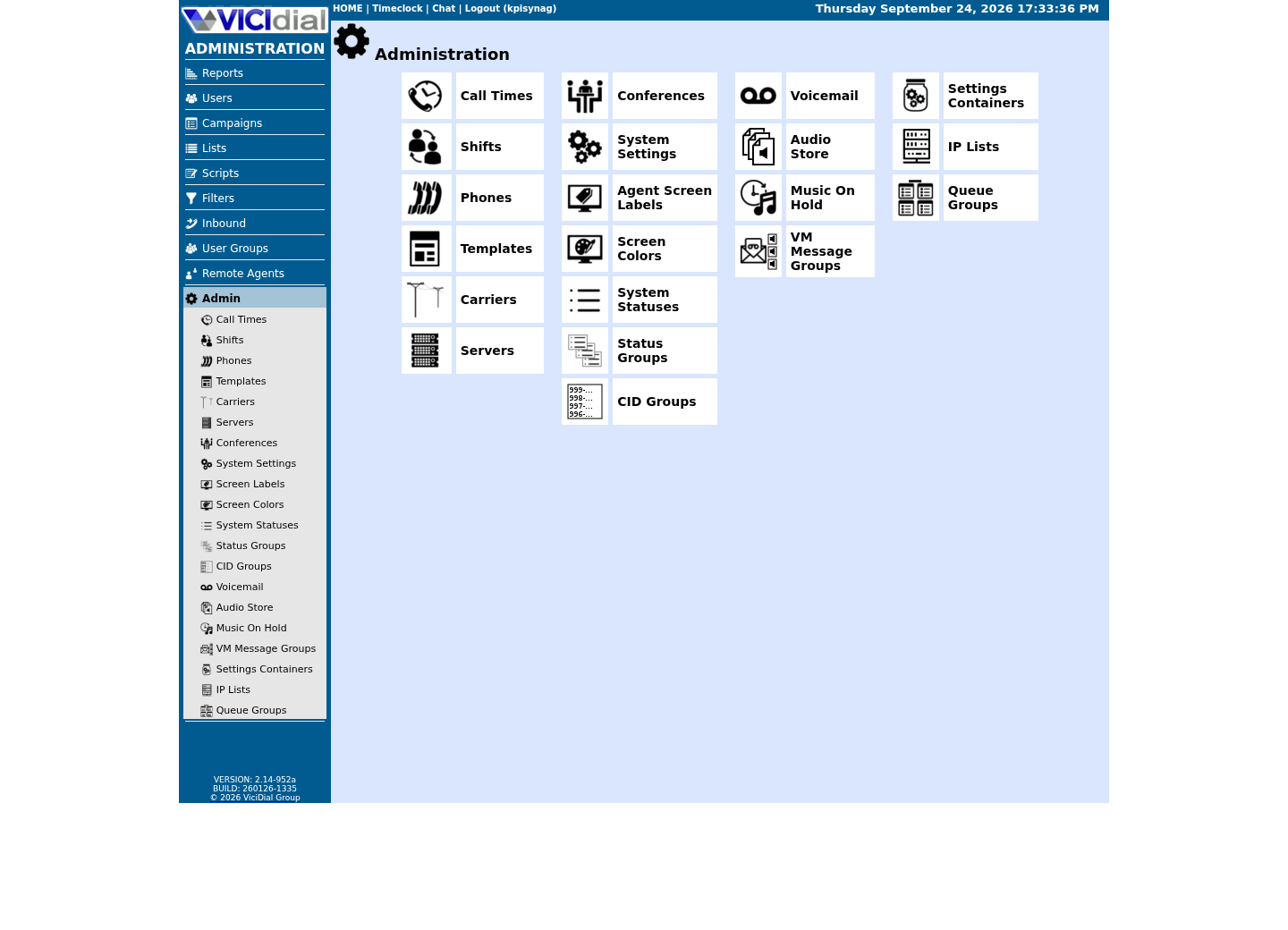
Confirm version and system-wide context
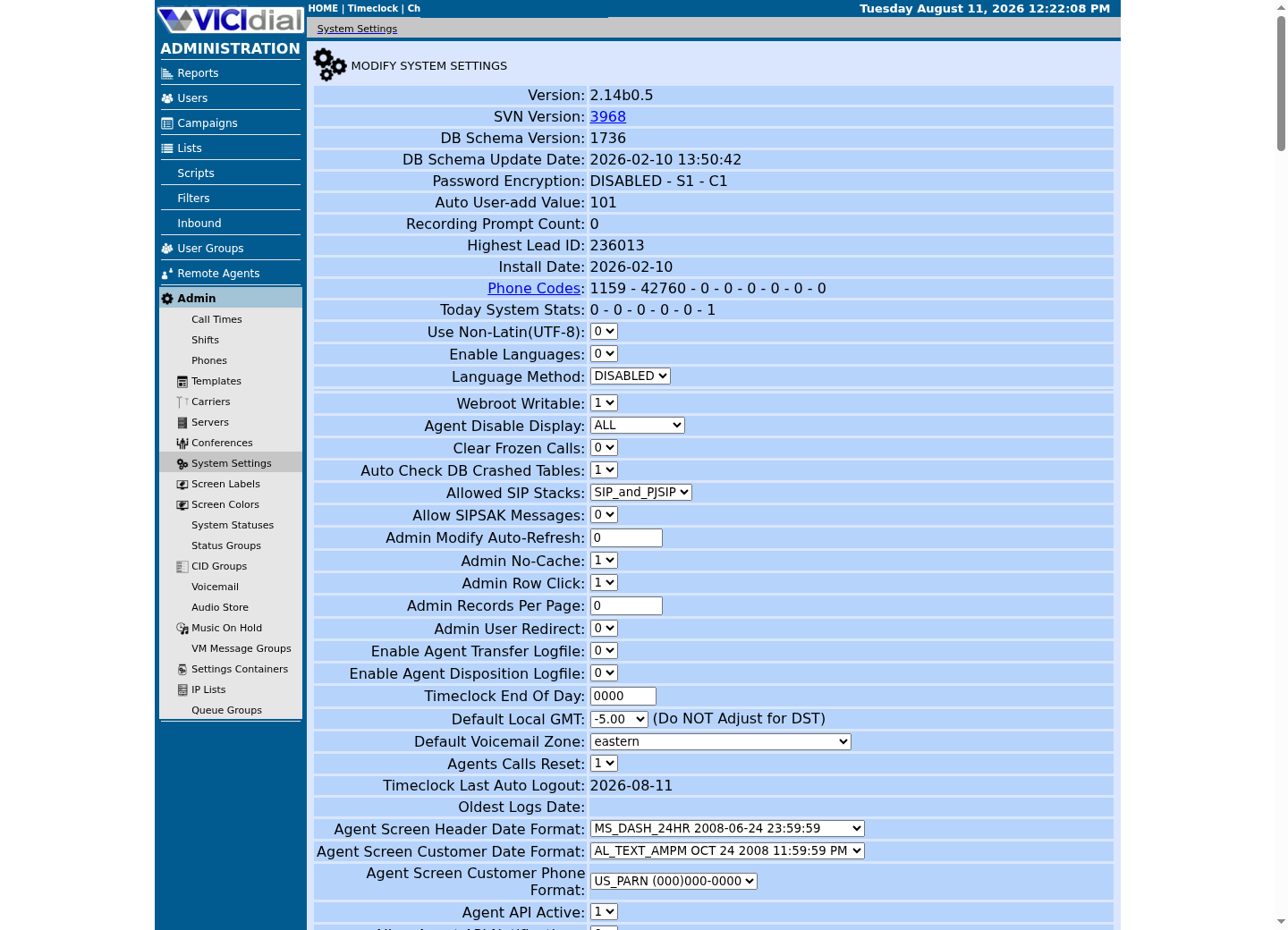
What the lab floor actually tells you
This publication runs its own ViciBox 12 demo as a single all-in-one host. The commands below capture that host's live memory, logical CPU count and free root-filesystem space as a record of this lab's footprint at the time of writing — never a stated VICIdial minimum, a recommended size, or a production capacity claim.
Operating-system installation minima are not dialer minima either. Telephony, database cache, PHP/Apache, background workers, logs, media processing and traffic bursts all contend for memory and disk differently from a freshly imaged cloud instance, and differently again from a lab that places no live calls.
The four commands below are deliberately minimal and read-only: none of them modifies VICIdial, Asterisk or the database, so they are safe to run against a live system while you are only trying to characterize the host underneath it. The package query shows whichever Asterisk-related package name and version this specific build actually installed — a fact about this host, not a claim about which package name VICIdial requires everywhere.
- Do not use swap as a production performance plan.
- Reserve build, update and rollback disk separately from recordings.
- Test after reboot, not only immediately after installation.
free -mnprocdf -h /rpm -qa 'asterisk*'Captured demo response · 2026-09-24 22:25 UTC. The displayed command is the command that ran; a safe subset label means it was filtered, redacted, or fixture-scoped. Replays only after you select Replay transcript.
- Before you run it
- Run as root on the host you are evaluating; every command here only reads current state.
- Success looks like
- You see this specific host's memory, logical CPU count, free root-filesystem space and the installed Asterisk-related package name(s) and version(s) — a lab footprint you can compare against your own hardware, not a VICIdial-mandated minimum or an official package-naming guarantee.
- Stop if
- A missing `free`, `nproc` or `df` says nothing about VICIdial; install your distribution's standard utilities and re-run. `rpm -qa` is specific to openSUSE/ViciBox; on a Debian or Ubuntu host use `dpkg -l | grep -i asterisk` instead. Empty output from the package query on ViciBox means this build's Asterisk was not installed as an rpm package; run `asterisk -rx 'core show version'` instead to see the running build.
Build a transparent monthly cost model
Ask each provider for a dated quote in the intended region and currency. Plan cost as compute + block/object storage + backup snapshots + outbound transfer + IP/IPv6/DNS + monitoring + support + carrier/SMS/compliance services; tax and commitment discounts may change the total.
This page intentionally gives no dollar figure: provider catalogs, regions, included transfer and taxes are volatile. The cited provider pages are starting points, not an endorsement or a checkout quote.
Two line items are easy to forget until the first invoice: outbound minutes billed by your carrier, which are separate from the VPS itself, and the storage growth curve of recordings you are required to retain. Both belong in the same worksheet as compute and storage, not in a separate estimate nobody reviews.
compute_monthlystorage_monthlybackup_monthlyegress_monthlymonitoring_and_supportcarrier_and_compliancecontingency= total_monthlyThis sample is a template or reading aid, not a terminal command. There is no output to show.
- Before you run it
- Copy into a private worksheet and replace each line with a dated quote or estimate; no real account data belongs in it.
- Success looks like
- Every line has a currency, date and included/excluded note.
- Stop if
- Stop comparison when a material cost is unknown rather than inserting a guessed number.
Size from measured saturation and failure behavior
Run an isolated pilot with representative but synthetic traffic. Track CPU steal, load, memory pressure, database latency, disk input/output (I/O), Real-time Transport Protocol (RTP) quality, registration churn, worker lag, queue behavior, recording backlog and recovery time while increasing one dimension at a time.
Choose capacity with headroom for failover, updates, reporting and abnormal retry bursts. A dialer that merely survives its median load has no margin for an incident or maintenance window. Fill this worksheet before the pilot; blank or unknown values mean the purchase decision should stop, not be guessed.
- Define an alert threshold before the test.
- Test busy-hour and post-reboot behavior.
- Retain aggregated metrics, not caller or recording identifiers.
concurrent_agents = [estimate]peak_dial_attempts_per_minute = [estimate]recording_hours_per_month = [estimate]target_rto = [duration]target_rpo = [duration]unknowns_to_test = [list]This sample is a template or reading aid, not a terminal command. There is no output to show.
- Before you run it
- Replace bracketed placeholders with approved synthetic-workload estimates in a private planning document.
- Success looks like
- All estimates have an owner and the unknowns become explicit test cases.
- Stop if
- Stop procurement if required estimates or recovery targets remain unknown.
Make the purchase reversible
Begin with an approved small pilot and an explicit scale-out or resize path. Confirm snapshot restoration time, volume resizing constraints, support response process and egress rules before committing.
Stop the rollout if measured latency, packet loss, media quality, backup window or restore exercise misses its objective. The independent verification is a fresh load test plus a restore drill, not a provider status page or a successful VM boot.
- Save the dated provider quote and configuration assumptions.
- Test a non-production restore before launch.
- Review the budget after the first billing cycle.
Evidence ledger
Verification basis
- Source present: the lab-floor sample runs `free -m`, `nproc`, `df -h /` and `rpm -qa 'asterisk*'` on this publication's own ViciBox 12 demo host; its output is a capture, never a quoted figure in this text.
- Configured/enabled: that output describes one all-in-one lab host's state; it is not a benchmark, an acceptance result, or a production sizing recommendation for any workload.
- No provider price or production call-per-second result is asserted here; quotes must be rechecked at purchase time.
Primary references
Sources
- Ubuntu Server system requirementsCanonical · accessed August 4, 2026
- Hetzner Cloud pricingHetzner · accessed August 4, 2026
- DigitalOcean Droplets pricingDigitalOcean · accessed August 4, 2026