Reader setup
Before you start
Run each step in order and move only when the outcome is confirmed.
- HTTPS access to a running VICIdial server; complete the install guide first if you do not have one
- The official API document matching the installed revision
- A dedicated least-privilege API user for authenticated tests
- What you will prove
- A successful version check on both endpoints and one protected, semantically validated read-only API request.
- Safety boundary
- Never place `user`, `pass`, lead, phone or call values in a command line, URL, browser history, source file or routine log.
Reader path
How to use this article
- Use it when: You need a fixed sequence to make a deployment or configuration change now.
- Expected result: Follow each step and verify the outcome before changing the next layer.
- Start here: Start at the first section and complete every checkpoint before moving to the next.
01 / 06
Choose the endpoint by the state it owns
Fast answer: use `/agc/api.php` for actions on an already logged-in Agent session and `/vicidial/non_agent_api.php` for system information, leads, lists, campaigns, users, phones, DIDs, reports and recording lookups. Start with each endpoint’s unauthenticated `version` function, then read the exact function section for that installed build.
Both APIs return a plain-text prefix, not just an HTTP status: `SUCCESS:`, `ERROR:`, or occasionally `NOTICE:`. HTTP 200 only means the web server answered — AGENT_API.txt's own worked example shows a `SUCCESS:` line immediately followed by an `ERROR:` line, both delivered as ordinary 200 responses; treat the prefix, not the status code, as the result. The companion article “The VICIdial Agent API with real code: curl, JavaScript and agc/api.php” walks through parsing that response body in full (its Step 2), so this article does not repeat it.
That pairing is not a coincidence: the Agent API's whole contract is session-shaped, so its rejections describe session state, while the Non-Agent API's contract is account-shaped, so its rejections describe account permission. An Agent API success proves nothing about your account's report or user-management permissions, and a Non-Agent API success proves nothing about whether any agent is actually logged in — each API only ever speaks to the state it owns.
This comparison assumes you already know VICIdial's own nouns — campaign, list, lead, the hopper and DID — covered in the companion article “VICIdial terminology for complete beginners: users, phones, campaigns and leads”; the API-specific terms below (`agent_user`, `function`, `source`) are defined at first use here instead.
- Use HTTPS with normal certificate and hostname verification.
- Keep a short non-secret `source` label of 20 characters or fewer.
- Test reads before writes and synthetic objects before production objects.
- Treat plain-text `ERROR` as failure even when HTTP status is 200.
Agent API (/agc/api.php) rejects on SESSION state:ERROR: agent_user is not logged in - 6666 Non-Agent API (/vicidial/non_agent_api.php) rejects on ACCOUNT permission:ERROR: auth USER DOES NOT HAVE PERMISSION TO USE THIS FUNCTION - 6666|add_lead Agent API, function-specific permission gate (same shape on the Non-Agent side):ERROR: auth USER DOES NOT HAVE PERMISSION TO USE THIS FUNCTION - 6666|webserver|ADMINThis sample is a template or reading aid, not a terminal command. There is no output to show.
- Before you run it
- These are AGENT_API.txt's and NON-AGENT_API.txt's own documented response strings, not a capture from any specific server.
- Success looks like
- You can tell, from the wording alone, whether a rejection means "no live agent session" (Agent API) or "this account cannot use this function" (Non-Agent API).
- Stop if
- If a response matches neither shape, read the exact function's RESPONSES block in the matching document before assuming it is a bug.
Visual walkthrough
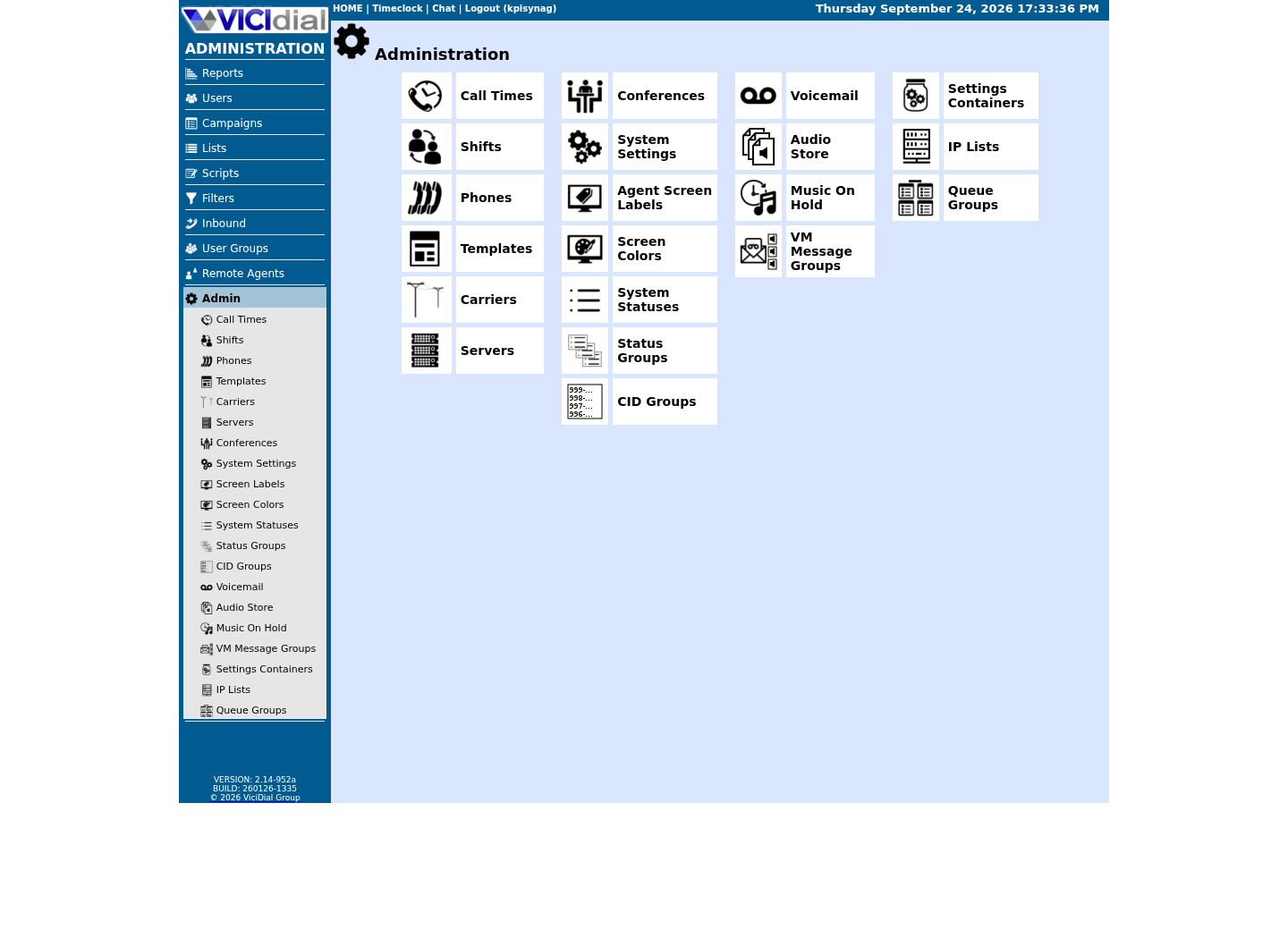
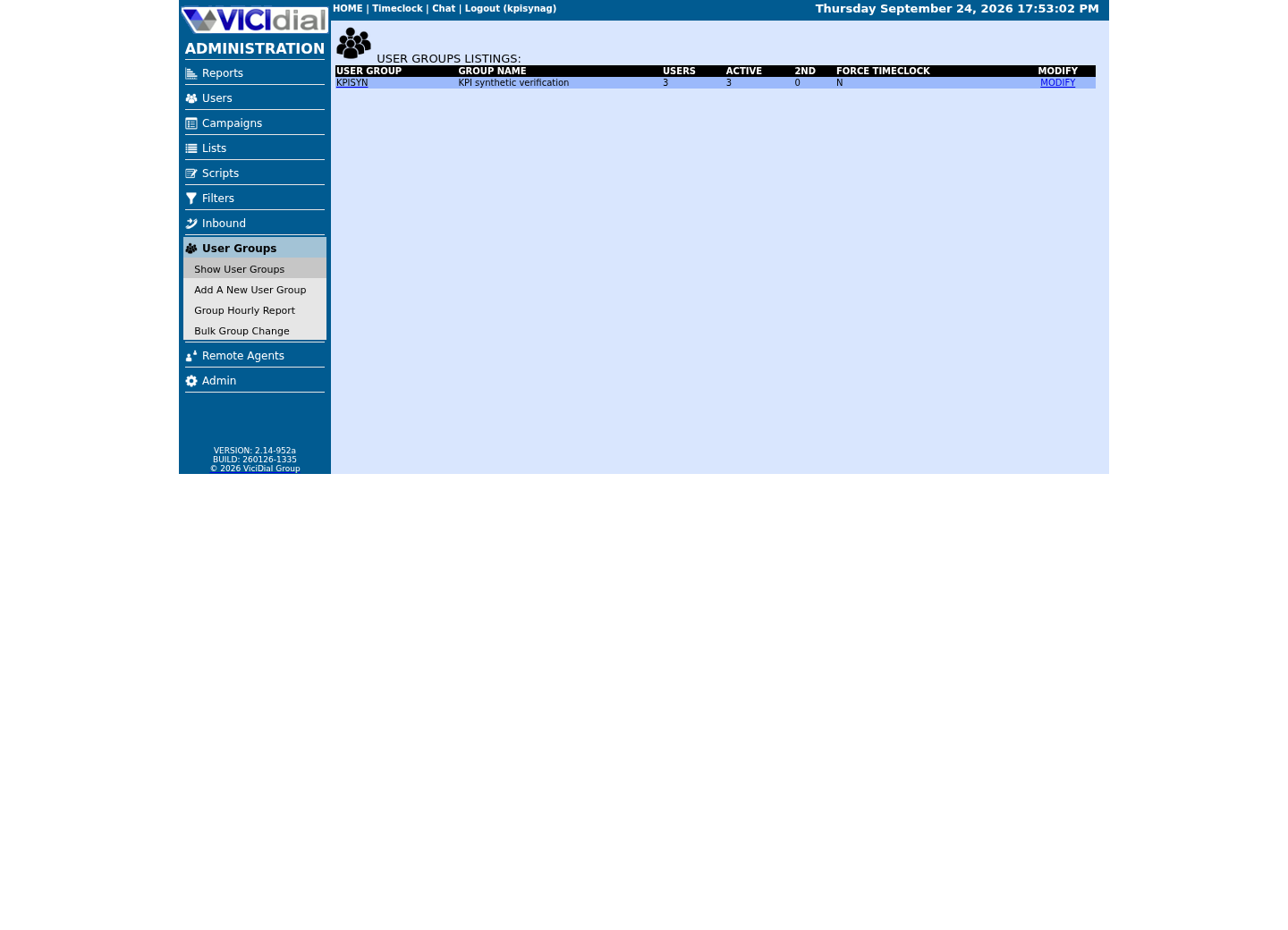
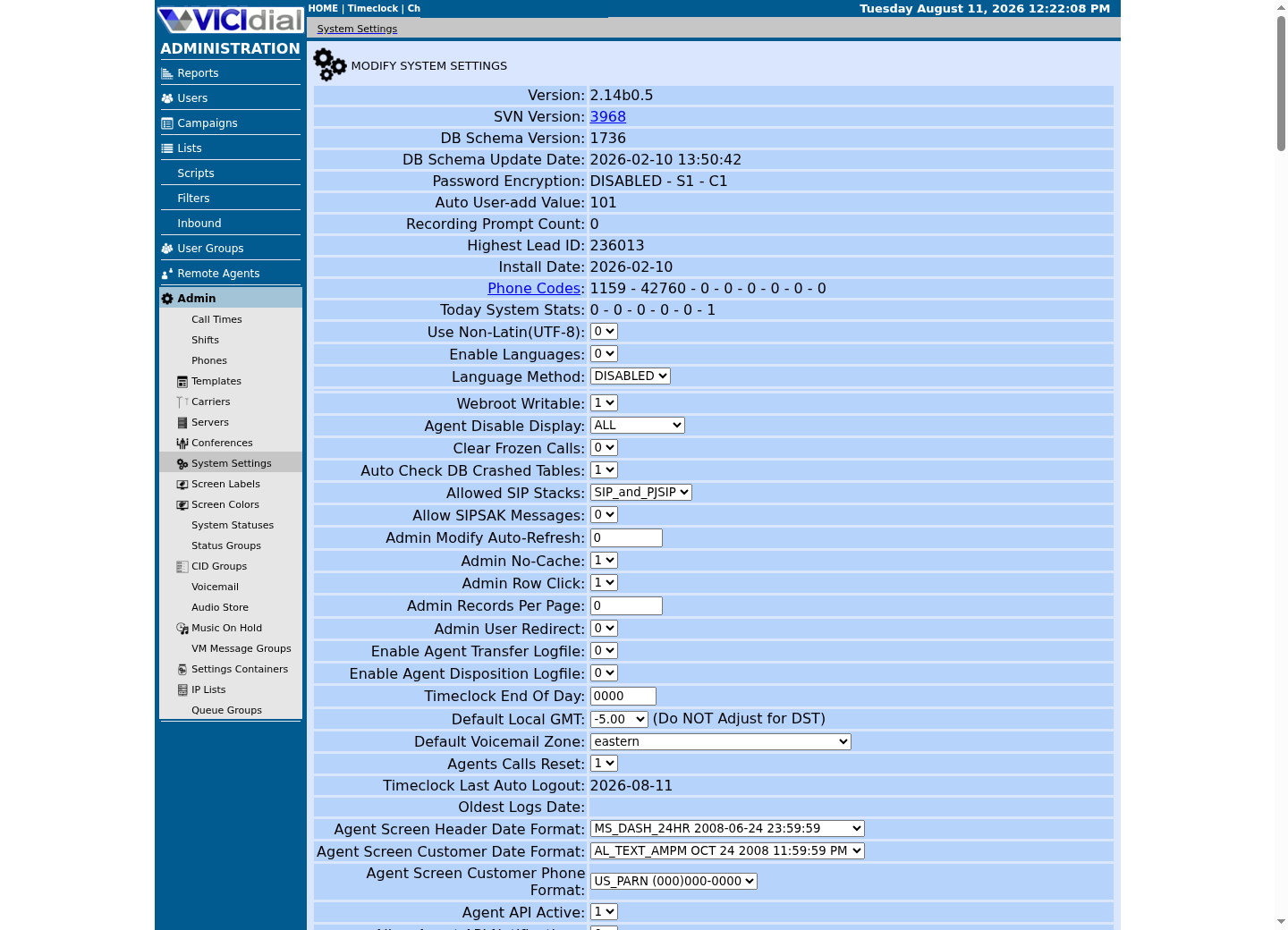
Follow three real demo screens
Captured on an isolated VICIdial demo: Administration screens on September 24, 2026, and the idle Agent screen on August 11, 2026. Each caption states its own capture time, and every sanitized image helps you recognize a related screen; none proves that this article's call, command, or result occurred.Use the Administration map
Review user-group boundaries
Inspect system-wide security and API context
02 / 06
Step 1 — Identify both installed API builds
The official Agent API documents `version` without credentials, and the Non-Agent API exposes the same discovery function; AGENT_API.txt (Updated: 2025-08-30) and NON-AGENT_API.txt (Updated: 2025-07-18) both document it with zero required fields. POSTing form data keeps the request shape compatible with later protected calls while avoiding credentials in a URL.
Replace only the reserved hostname with the approved VICIdial DNS name. Keep strict TLS validation enabled; do not add `-k` or an insecure certificate bypass. Save the returned version/build in the private integration change record. Each response also carries a `DATE` and `EPOCH` field; record the `DATE` next to your own change log so you can tell, months later, which installed build a given integration was last tested against.
curl --fail-with-body --silent --show-error --max-time 15 \ --request POST \ --data-urlencode 'function=version' \ "https://<VICIDIAL_HOST>/agc/api.php" curl --fail-with-body --silent --show-error --max-time 15 \ --request POST \ --data-urlencode 'function=version' \ "https://<VICIDIAL_HOST>/vicidial/non_agent_api.php"Captured demo response · 2026-09-23 21:35 UTC. The displayed command is the command that ran; a safe subset label means it was filtered, redacted, or fixture-scoped. Replays only after you select Replay transcript.
- Before you run it
- Replace `<VICIDIAL_HOST>` with the certificate-matching VICIdial hostname, keeping the quotes. These two discovery calls contain no credentials or customer data.
- Success looks like
- Each endpoint returns a `VERSION:` response whose build can be matched to the installed source and official reference.
- Stop if
- Stop on TLS, timeout, HTTP or `ERROR` output; do not bypass certificate checks or guess function support.
03 / 06
Step 2 — Select one documented read-only function
Agent API functions normally require `user`, `pass`, `source` and `agent_user` together, because nearly every function acts on one logged-in Agent's live session. AGENT_API.txt's own required-variables note lists `agent_user` for every call, but the example URLs for five functions never include it: the credential-free `version`; `webserver`, which still needs `user`/`pass`/`source` plus its own permission; and `st_login_log`, `st_get_agent_active_lead` and `send_notification`, which identify their target through `value`/`vendor_id` or `recipient`/`recipient_type` instead of a logged-in session. Confirm your API user carries Agent API access — the `vdc_agent_api_access` column on `vicidial_users` — before assuming a rejection means the agent, not the account, is the problem.
The Non-Agent API is the correct starting point for bounded inventory and status reads instead: it has no Agent-session concept at all, so its functions are gated purely by the calling account's `user_level` and function-specific permissions. NON-AGENT_API.txt states specific requirements per function — `sounds_list`, for example, documents that its caller needs `user_level` 7 or higher — so “my account is a high-level admin” does not guarantee every function is allowed; check the function's own permission note before assuming access. Read the complete function section for the discovered build, including output stages and permissions; request only the output formats (stage values such as csv, tab or pipe) that the function's own section lists, and do not assume any other format exists.
goal: one exact read-only questionendpoint: Agent API | Non-Agent APIinstalled build: value from versionfunction: exact documented namerequired permission: exact documented permissionresource filter: one synthetic agent/list/campaignexpected prefix/format: documented valueThis sample is a template or reading aid, not a terminal command. There is no output to show.
- Before you run it
- Complete from the matching official API document before creating an authenticated request.
- Success looks like
- Every row is explicit and the selected function is read-only for one bounded synthetic resource.
- Stop if
- Stop if the build, function, permission, filter or output contract is unknown.
04 / 06
Step 3 — Put authentication in a protected curl config
Create a mode-0600 curl configuration as root — `umask 077` then `install -m 600 /dev/null /etc/vicidial-api/readonly.cfg` for a Non-Agent read, or `/etc/vicidial-api/agent.cfg` for an Agent API call — and edit only that file. The template below holds only the endpoint, credentials and connection limits, so the same file serves any Non-Agent read; the function itself is supplied per call with `--data-urlencode` on the command line in Step 4. The Agent API file has the same shape but targets `/agc/api.php` and adds `agent_user`.
The placeholder credentials are deliberately invalid. Never commit the filled file, pass it to another user, store it under a web root, or leave a copy in a shared temporary directory.
url = "https://<VICIDIAL_HOST>/vicidial/non_agent_api.php"request = "POST"connect-timeout = 5max-time = 15fail-with-bodysilentshow-errordata-urlencode = "source=guide-check"data-urlencode = "user=<API_USER>"data-urlencode = "pass=<API_PASS>"This sample is a template or reading aid, not a terminal command. There is no output to show.
- Before you run it
- Replace the hostname and credential placeholders only inside the protected mode-0600 file at `/etc/vicidial-api/readonly.cfg`. Keep `source` short and non-secret; the function is added on the command line, not in this file.
- Success looks like
- The file contains one HTTPS endpoint, bounded timeouts and credentials only; no secret appears in shell history or a URL, and no function is hardcoded into it.
- Stop if
- Stop if permissions are broader than 0600, TLS would be bypassed, or the function could write state.
05 / 06
Step 4 — Run the protected request and parse its semantic prefix
Run curl with `--config` against the file Step 3 created, and capture the small response in memory. `curl`'s own exit status only reports transport/HTTP failure; your code must separately reject a legacy application-level `ERROR:` body, since VICIdial returns that on an ordinary HTTP 200. AGENT_API.txt also documents a third prefix, `NOTICE:`, for cases such as `external_dial` targeting an in-group that does not exist — treat an unrecognized prefix the same defensive way, by logging it and stopping, rather than assuming success.
Do not print full data responses in automation logs. Record a sanitized function name, timestamp, response class and correlation value generated by your own integration—not lead, phone, Agent, call or recording identifiers.
response="$(curl --fail-with-body --silent --show-error --config /etc/vicidial-api/readonly.cfg --data-urlencode 'function=version')"case "$response" in VERSION:*|SUCCESS:*) printf '%s\n' 'API response accepted' ;; ERROR:*) printf '%s\n' 'VICIdial returned ERROR' >&2; exit 1 ;; *) printf '%s\n' 'Unexpected API response' >&2; exit 1 ;;esacCaptured demo response · 2026-09-23 21:35 UTC. The displayed command is the command that ran; a safe subset label means it was filtered, redacted, or fixture-scoped. Replays only after you select Replay transcript.
- Before you run it
- Complete Step 3's protected file first. This command only reads the version endpoint; it changes no VICIdial state.
- Success looks like
- The script prints `API response accepted` without exposing the response body or credentials.
- Stop if
- Stop on `ERROR`, unexpected output, timeout or transport failure; do not point this read-only example at a state-changing function.
06 / 06
Step 5 — Verify independently before adding a write
For a read, compare the result with the authorized VICIdial screen or a separate bounded read path. For any future write, define the existing state, exact intended effect, idempotency behavior, rollback and independent post-condition before changing the protected config.
Never chain Agent state transitions optimistically. Pause, hangup, disposition and logout must each receive and satisfy their documented state/result contract. For Non-Agent writes, set duplicate, hopper, callback, custom-field and reset options explicitly and test on an inactive synthetic object first. Before calling any write function more than once, read the companion article “VICIdial API automation that does not hide failures” — a retried request is not automatically safe just because the first attempt returned `ERROR`.
- Rotate or remove the local test credential after acceptance.
- Apply response-size and timeout limits to every function.
- Log only response class and non-sensitive timing.
- Repeat version and permission checks after every VICIdial upgrade.
Evidence ledger
Verification basis
- Source present: AGENT_API.txt (Updated: 2025-08-30) and NON-AGENT_API.txt (Updated: 2025-07-18) define both endpoints' functions, parameters and response prefixes.
- Configured/enabled/functionally verified: this article makes no claim that an API user or function is enabled on any target.
- The target revision and permissions must be checked with its supported version/read paths before use.
Primary references
Sources
- VICIdial Agent APIVICIdial · accessed August 4, 2026
- VICIdial Non-Agent APIVICIdial · accessed August 4, 2026
- OWASP API Security Top 10OWASP · accessed September 23, 2026