Reader setup
Before you choose
List your constraints, required evidence and stop rules before you score options.
- A requirements owner
- Synthetic demo data
- At least one other person to sanity-check your scores, if you can get one
- What you will prove
- A reproducible operator-led comparison.
- Safety boundary
- Do not treat vendor claims as observed results or a product ranking.
Reader path
How to use this article
- Use it when: You are comparing options and need decision evidence before approval.
- Expected result: Turn options into explicit acceptance criteria and documented stop conditions.
- Start here: Score what is mandatory, keep unknowns visible, then decide only when risks are understood.
Start with workflows, not a product leaderboard
Fast answer: an alternative is suitable only if it passes the operational, security, reporting and migration tests your team actually needs. This guide does not rank products that have not been tested or reproduce vendor marketing tables.
The realistic alternatives fall into four groups. There are other open-source dialers, such as GoAutoDial or an Asterisk build you assemble yourself. There are commercial contact-center suites, such as Five9, Genesys Cloud or NICE CXone. There are communications-platform builds on Twilio, Amazon Connect or a similar API service, where you write the agent experience yourself. And there is staying on VICIdial but moving to managed hosting instead of self-hosting. The right group depends on tests only your team can run, which is what the rest of this article sets up.
A workflow is a repeatable operator task such as login, call handling or a callback. Build a neutral matrix before demos. Require each candidate to show the same scenarios using approved synthetic data, while operators—not only sales engineers—score usability, evidence quality and recovery behavior.
Terms are defined in vicidial-terminology-for-complete-beginners.
- Prerequisite: name the requirements owner, independent evaluators and synthetic demo-data owner.
- Non-goal: do not select or rank a product before equivalent tests.
- List mandatory, optional and prohibited workflow requirements.
- Keep vendor claims separate from observed results.
Visual walkthrough
Follow three real demo screens
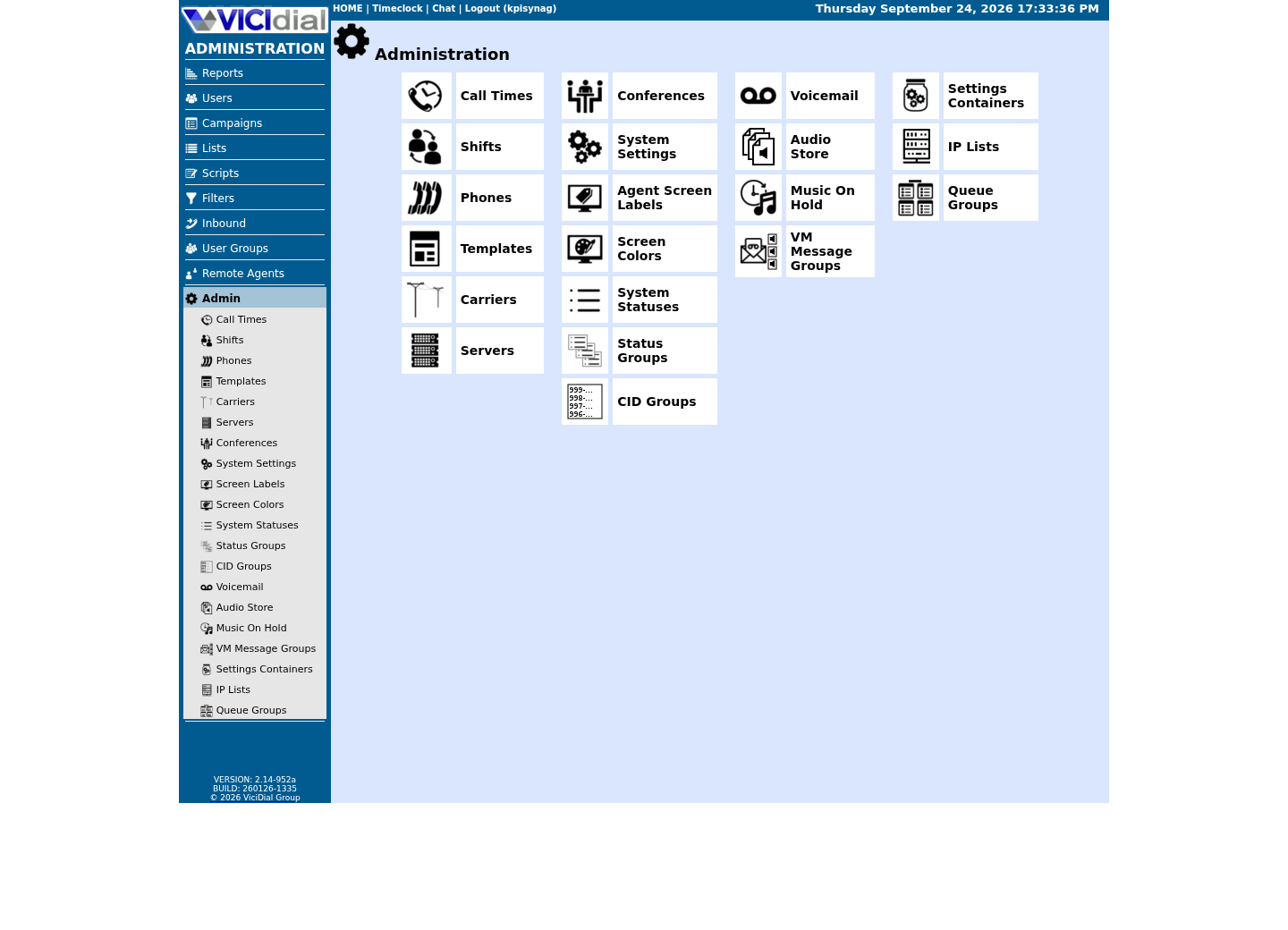
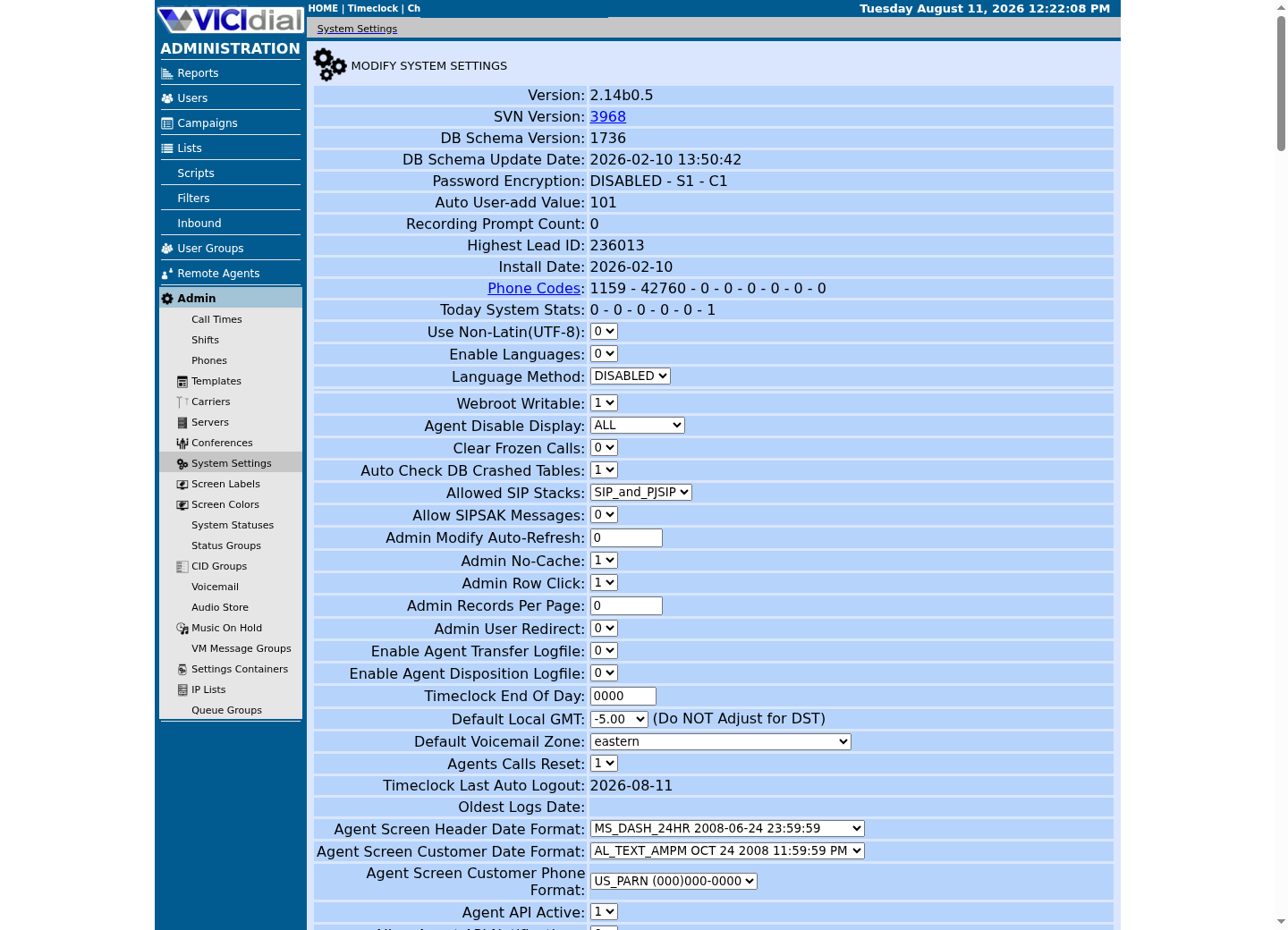
Captured on an isolated VICIdial demo: Administration screens on September 24, 2026, and the idle Agent screen on August 11, 2026. Each caption states its own capture time, and every sanitized image helps you recognize a related screen; none proves that this article's call, command, or result occurred.Start at Administration home
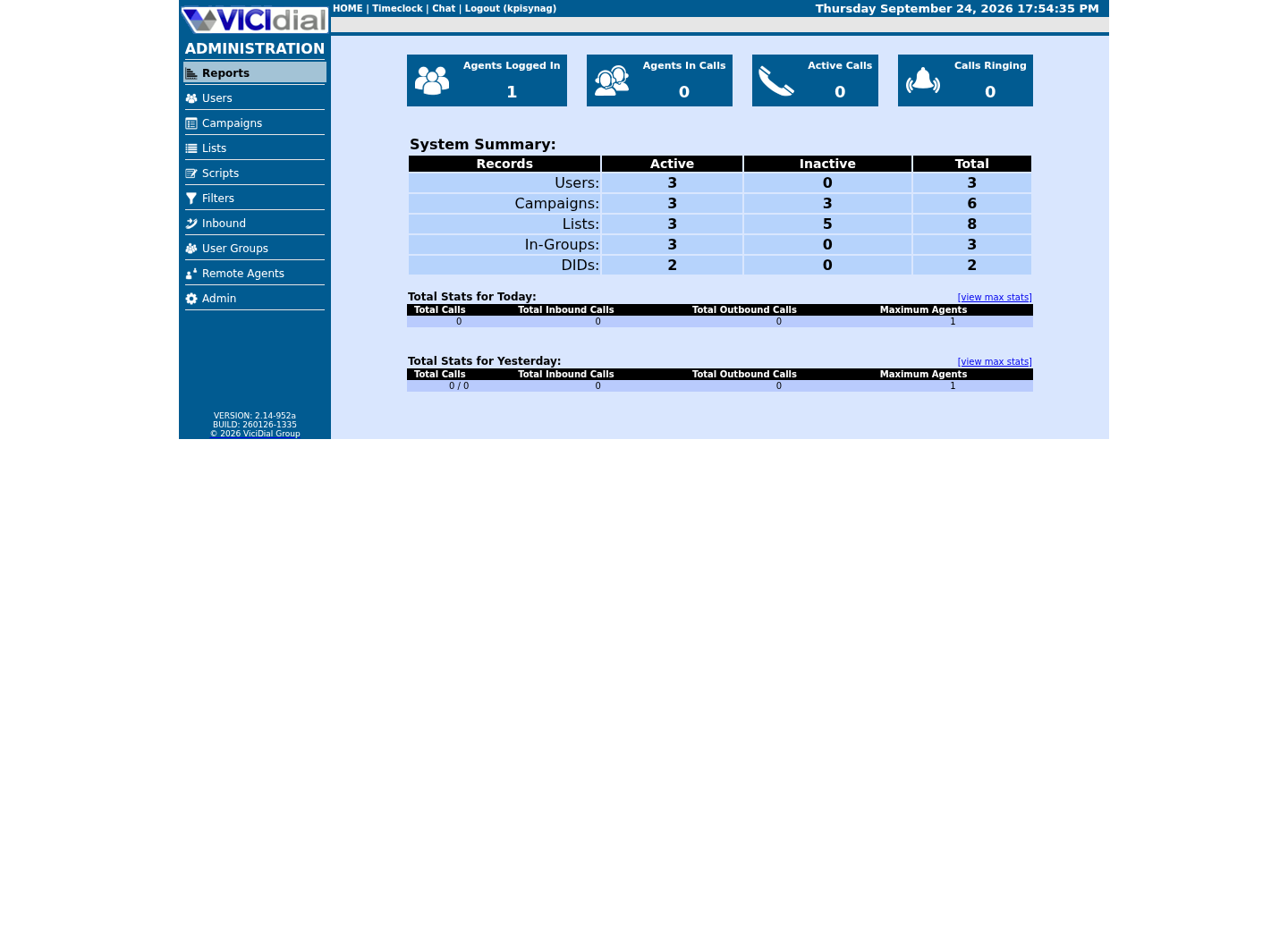
Use the Administration menu as a map
Confirm version and system-wide context
Test the operator-facing call lifecycle
Score login and role scope; inbound and outbound call handling; disposition and callback scheduling; transfers and conference behavior (a conference is the audio room Asterisk uses to join agent and customer, ConfBridge on newer builds and MeetMe on older ones); scripts and custom data; supervisor controls; recording access where authorized; and accessibility/network recovery. Give every row an evidence state: observed, documented only, unsupported, conditional or not tested.
Use the row below once per scenario. OBSERVED means an operator completed the synthetic test; DOCUMENTED means a vendor supplied material but no equivalent test ran. VICIdial's current model includes tightly coupled browser, database, workers and Asterisk state, so test outcome and auditability rather than identical internal tables.
- Use normal, error and recovery variants of each scenario.
- Test at least one constrained-permission role.
- Capture sanitized timestamps and result classes, not caller/agent rows.
SCENARIO: constrained-role callbackEVIDENCE: OBSERVED | DOCUMENTED | NOT TESTEDNORMAL: PASS | FAILRECOVERY: PASS | FAILAUDIT: PASS | FAILSTOP: mandatory scenario is not OBSERVED and PASSThis sample is a template or reading aid, not a terminal command. There is no output to show.
- Before you run it
- Copy for each synthetic scenario; SCENARIO is a task label, not a person or call record.
- Success looks like
- A mandatory task has observed normal, recovery and audit evidence.
- Stop if
- Stop selection when a mandatory task is untested or fails.
Test administration, APIs and integration boundaries
Evaluate identity controls, least-privilege roles, API authentication, rate/error handling, webhooks, CRM/custom-field needs, export boundaries, retention and audit logs. A visible control panel is not evidence of route-level authorization or safe integration behavior.
Ask candidates to document revision/version, feature prerequisites, data residency, support boundary and change-notice process. Equivalent external tests are required for the actual carrier, identity provider, CRM and reporting destination you will use.
- Exercise read and approved synthetic write paths.
- Confirm audit events and scope restrictions.
- Review secrets handling and revocation with security owners.
Make reporting comparisons reproducible
Compare defined metrics, timezones, intervals, current/archive boundaries, permissions and export behavior. Do not compare raw dashboard labels such as calls, callbacks or service level until both systems' populations and calculation rules are written down.
Use this reconciliation card with synthetic or approved aggregate data. METRIC is a defined label, not a raw count; SAME WINDOW means both products use identical stated time and scope. If an external business-intelligence (BI) warehouse is proposed, test freshness, schema evolution, deletion/retention and access control rather than assuming an export solves reporting.
- Write metric definitions before scoring reports.
- Test scheduled and on-demand output separately.
- Have an independent analyst reproduce one calculation.
METRIC: defined outcome labelTIMEZONE: stated zoneWINDOW: stated start/endSCOPE: current | archive-inclusiveRESULT: MATCH | EXPLAINED DIFFERENCE | UNKNOWNSTOP: UNKNOWN or unmatched populationThis sample is a template or reading aid, not a terminal command. There is no output to show.
- Before you run it
- Fill from the agreed synthetic/aggregate test window; do not include report rows or identities.
- Success looks like
- Both systems match or the documented calculation explains the difference.
- Stop if
- Stop scoring when timezone, scope or population is unknown.
Require a migration and exit rehearsal
A migration plan should cover users/roles, campaigns, lists, custom data, DNC state, callbacks, recordings where authorized, historical reports, integrations and cutover routing. Every import/export needs a schema and count reconciliation, not just a file transfer.
Stop selection or cutover when a mandatory workflow is only promised, audit evidence is missing, or rollback cannot be rehearsed. Preserve the old platform and a tested read/restore path until the agreed acceptance period closes.
- Run a limited pilot with an explicit rollback trigger.
- Independently review test records and contractual commitments.
- Re-score candidates when requirements or vendor versions change.
Evidence ledger
Verification basis
- VICIdial's documented feature set supplies the baseline workflow surface, including callbacks, APIs, reports, integrations and audit boundaries.
- No alternative product was tested, ranked, priced, endorsed or compared from marketing material.
Primary references
Sources
- VICIdial DocumentationVICIdial · accessed September 23, 2026
- VICIdial Non-Agent APIVICIdial · accessed September 23, 2026