Reader setup
Before you start
Run each step in order and move only when the outcome is confirmed.
- An inbound DID already routing calls into a working in-group, with agents logged in and taking calls from it.
- Admin login access to admin.php with permission to modify DIDs, call menus, and the Audio Store, plus the read-only database account from Create a read-only database account for safe VICIdial queries for the verification queries below.
- A short greeting script written down - what you want the caller to hear and which digit sends them where.
- What you will prove
- A DID that answers with a recorded menu, sends 1 to sales and 2 to support, and routes a silent caller or a wrong key to a real destination instead of dead air.
- Safety boundary
- Dial the DID yourself before anyone else does - once pressing nothing, once pressing a digit you did not configure - and confirm both land somewhere sane, not a dropped call.
Reader path
How to use this article
- Use it when: You need a fixed sequence to make a deployment or configuration change now.
- Expected result: Follow each step and verify the outcome before changing the next layer.
- Start here: Start at the first section and complete every checkpoint before moving to the next.
Visual walkthrough
Follow three real demo screens
Captured on an isolated VICIdial demo: Administration screens on September 24, 2026, and the idle Agent screen on August 11, 2026. Each caption states its own capture time, and every sanitized image helps you recognize a related screen; none proves that this article's call, command, or result occurred.Start from DID routing
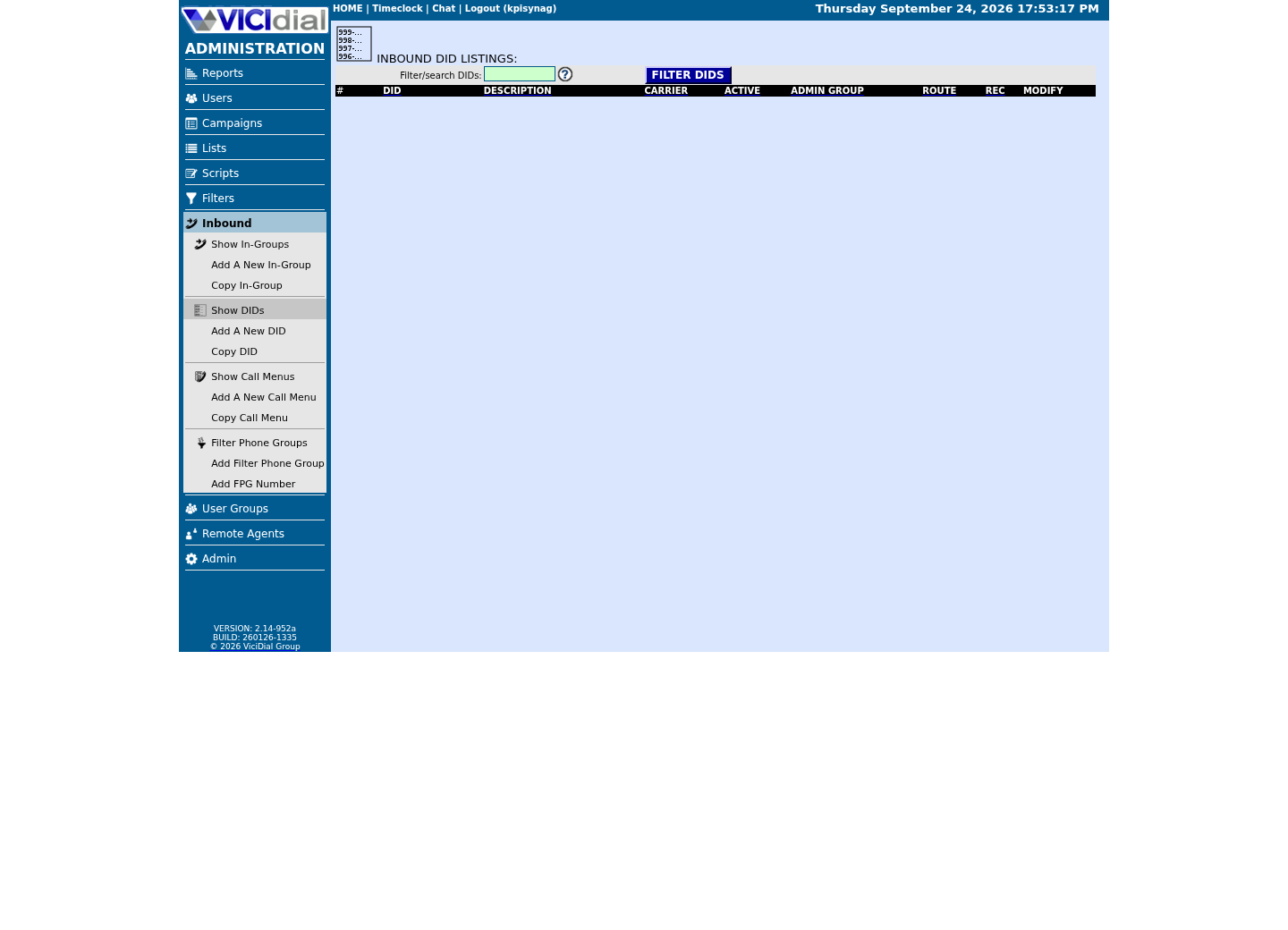
Review the receiving In-Group

See the idle Agent destination
02 / 08
Step 1 — Record or upload the greeting audio
Open Admin → Audio Store to upload a file, or use your install's phone-based recorder if it has one. Whatever you upload lands in the audio_store_details table, which tracks audio_format, wav_format_details and a wav_asterisk_valid flag the system sets to GOOD, BAD, or blank/NA after it inspects the file. If a prompt will not play on a live call, that flag - not your ears - is the first thing to check.
The Menu Prompt field itself just takes a filename, no extension - VICIdial checks the store for a matching .wav or .gsm behind the scenes. admin.php will not let you save a call menu without something in that field either: the exact validation message is `Call Menu Prompt must be populated. Use sip-silence if you do not actually want to play a prompt`. If you genuinely want dead silence before the beep, type sip-silence literally; otherwise type your greeting's filename.
Nothing in the sources pins one required sample rate to the Menu Prompt field on screen. What is verifiable: VICIdial's own default text-to-speech voice is named Allison-8kHz in the vicidial_tts_prompts table, which tells you the sample rate this platform is built around. Record or export your greeting as an 8000 Hz mono WAV if your recorder gives you the choice, then let the Audio Store's own validity check confirm the file rather than assuming. Before you upload anything of your own, point the same kind of check at a file VICIdial ships on every install — generic_hold, its own hold prompt — to see what a passing result looks like on this build.
#!/bin/bash# See what a passing format check looks like against VICIdial's own shipped prompt,# before you point this same pattern at a greeting file of your own.set -euo pipefail CANDIDATE=""for DIR in /usr/share/asterisk/sounds /var/lib/asterisk/sounds; do FOUND=$(find "$DIR" -iname 'generic_hold.*' 2>/dev/null | head -1) if [ -n "$FOUND" ]; then CANDIDATE="$FOUND" break fidone if [ -z "$CANDIDATE" ]; then echo "FAIL: generic_hold not found under /usr/share/asterisk/sounds or /var/lib/asterisk/sounds on this build" exit 1fi file "$CANDIDATE"case "$CANDIDATE" in *.wav) if file "$CANDIDATE" | grep -qi "mono"; then echo "PASS: $CANDIDATE reports a mono channel layout" else echo "WARN: $CANDIDATE may not be mono" fi ;; *) echo "NOTE: $CANDIDATE is not a .wav, so file cannot report a channel layout for it -- on this build generic_hold ships only as .gsm" ;;esac Captured demo response · 2026-09-23 21:35 UTC. The displayed command is the command that ran; a safe subset label means it was filtered, redacted, or fixture-scoped. Replays only after you select Replay transcript.
- Before you run it
- Run this on the VICIdial server to see what a passing check looks like against the shipped hold prompt, before you point the same script at your own greeting file.
- Success looks like
- The script finds generic_hold under /usr/share/asterisk/sounds (this build ships it only as .gsm) and prints its file type — that is the pattern to reuse once CANDIDATE points at your own filename.
- Stop if
- If generic_hold is not found under either sounds directory, this build uses a different path — check it before assuming your own upload is the problem.
04 / 08
Step 3 — Map every digit, timeout and wrong key to a destination
Below the menu's own settings, the modify screen shows the Call Menu Options grid - one row per key. The Option column is not limited to 0 through 9: it also offers HASH and STAR for # and *, A through D for the extra DTMF tones most phones never send, and five special values that are not digits at all - TIMECHECK, TIMEOUT, INVALID, INVALID_2ND and INVALID_3RD.
Each row's Route decides what happens: CALLMENU sends the caller into another menu, INGROUP sends them into a queue, DID reuses another DID's routing, EXTENSION dials an extension in a context you name, PHONE rings a specific phone, VOICEMAIL or VMAIL_NO_INST drops them into a mailbox, HANGUP plays one last audio file and ends the call, and AGI hands the call to a script. Pick a route and the form grows the fields it needs - an in-group picker for INGROUP, a filename box for HANGUP, and so on.
TIMEOUT and INVALID are the pair this article keeps coming back to: give each of them a real Route, the same way you would give digit 1 a Route, and a caller who says nothing or presses a wrong key lands somewhere useful instead of hearing the Menu Timeout Prompt or Menu Invalid Prompt once and then dead air. INVALID_2ND and INVALID_3RD let you escalate - repeat the prompt on the first miss, and route to a live queue or voicemail on the third, instead of cycling forever.
Menu ID: <MENU_ID>Menu Prompt: sales-support-greeting (Thanks for calling. Press 1 for sales, press 2 for support.)Menu Timeout: 7Menu Timeout Prompt: menu-please-choose-againMenu Invalid Prompt: menu-that-was-not-a-valid-choiceMenu Repeat: 2 Call Menu Options:1 -> INGROUP -> SALESQUEUE2 -> INGROUP -> SUPPORTQUEUETIMEOUT -> VOICEMAIL -> 8200INVALID -> VOICEMAIL -> 8200INVALID_3RD -> HANGUP -> vm-goodbye This sample is a template or reading aid, not a terminal command. There is no output to show.
- Before you run it
- Lay this out on paper - or in a text file like this one - before you open admin.php, so every digit and every fallback has an owner.
- Success looks like
- Dial the DID: pressing 1 rings SALESQUEUE, pressing 2 rings SUPPORTQUEUE, staying silent through the original prompt plus both Menu Repeat replays drops into voicemail box 8200, and pressing a wrong digit the first time replays the invalid prompt, not silence.
- Stop if
- If pressing 1 does nothing, the option_value stored is not literally 1 - check for a stray space or the wrong DTMF token in the grid's Option dropdown.
06 / 08
Nest menus without creating a loop
A Route of CALLMENU can point at any other menu_id, including one that itself has an option pointing back to the first menu. admin.php does not check for that when you save - the update to vicidial_call_menu_options writes whatever menu_id you picked from the dropdown, with no check for whether that menu, directly or three menus later, leads back to where the caller started.
Draw the tree before you build it: list every menu_id, every digit on it, and where that digit goes, on paper first. Give every sub-menu an exit - commonly 9 or star routing back to the parent menu or straight to an in-group - and never let that exit option point at a menu the caller has already been through.
A caller stuck in a two-menu loop does not get an error. They get the same greeting, over and over, until Menu Repeat runs out on whichever menu they are on when it happens - the same dead-air failure mode as an unset TIMEOUT row, just harder to spot in testing because the call sounds like it is doing something.
07 / 08
Troubleshoot: dead air, unreachable menus and loops
Most call-menu problems are one of a short list, and all of them are visible in the tables above without guessing.
If a live menu breaks, the fastest rollback is not to debug it with callers waiting - open the DID, set Route back to IN_GROUP, and pick the in-group that was working before. That takes effect on the next call and buys you time to fix the menu without leaving the number unanswered. Stop routing new calls into a broken menu the moment you know it is broken; fix it against your own test calls, then switch the DID back.
- DID still rings the old in-group after you saved CALLMENU - check did_route and menu_id directly; a stale browser tab can resubmit the old value.
- Caller hits silence after saying nothing - Menu Timeout Prompt is still the default NONE, or there is no TIMEOUT row in Call Menu Options.
- Caller presses a key and nothing happens - the Option grid stores HASH and STAR, not the literal characters # and * as typed.
- Menu keeps repeating and never lets go - Menu Repeat is set high with no eventual route on TIMEOUT, INVALID or INVALID_3RD.
- A nested menu never lets anyone out - a sub-menu's exit option points at another menu deeper in the tree instead of back to an in-group.
- A DID that suddenly rings nowhere is not always a menu problem - a carrier failure or a dead trunk upstream looks identical to a broken CALLMENU route until you check the trunk.
08 / 08
What comes after the menu answers correctly
A call menu only decides which door a caller walks through. What happens once they are queued behind an in-group - hold music, how long they wait before overflowing, what happens after hours - is a separate set of settings on the in-group itself.
The next article in this series is Tune a VICIdial inbound queue: hold music, wait time, overflow and after hours.