Reader setup
Before you diagnose
Start with one observed symptom, then isolate one layer at a time.
- The read-only database account from Create a read-only database account for safe VICIdial queries already set up, since the join below only ever runs as a SELECT.
- Admin access to exactly one test phone extension and one test agent user, so you are not guessing which of two credential pairs actually belongs to the station in front of you.
- The exact on-screen wording of the rejection, copied verbatim, since VICIdial shows a visibly different message for a session disabled mid-shift than for one refused at first login.
- What you will prove
- You can tell which of the two separate credential pairs is actually failing, confirm it against the phones table's own active flag instead of guessing, and rule out a duplicated phone login before anyone resets a password.
- Safety boundary
- Never paste a phone or web password into a ticket, a chat message, or this guide's own SQL; the query below only ever reports whether two password values match, never what either one is.
Reader path
How to use this article
- Use it when: You are investigating a live symptom and need to narrow the failure quickly.
- Expected result: Pinpoint the first failing layer, then repair only that layer.
- Start here: Use the sections as a diagnostic sequence: prove scope, then isolate and validate.
Read the exact wording before you diagnose anything
The signal is a specific rejection at login: the agent screen refuses the phone login with wording close to "Sorry, your phone login and password are not active," before the agent ever reaches the dialer. That wording matters, because VICIdial uses a visibly different message, `session_disabled`, when a second login on the same credentials interrupts a session that was already open and working. Confusing the two sends you looking for the wrong cause.
A VICIdial forum thread reports this exact rejection at login, asking why a phone that worked the previous day suddenly will not authenticate — common enough that the boring cause is worth checking before the exotic one.
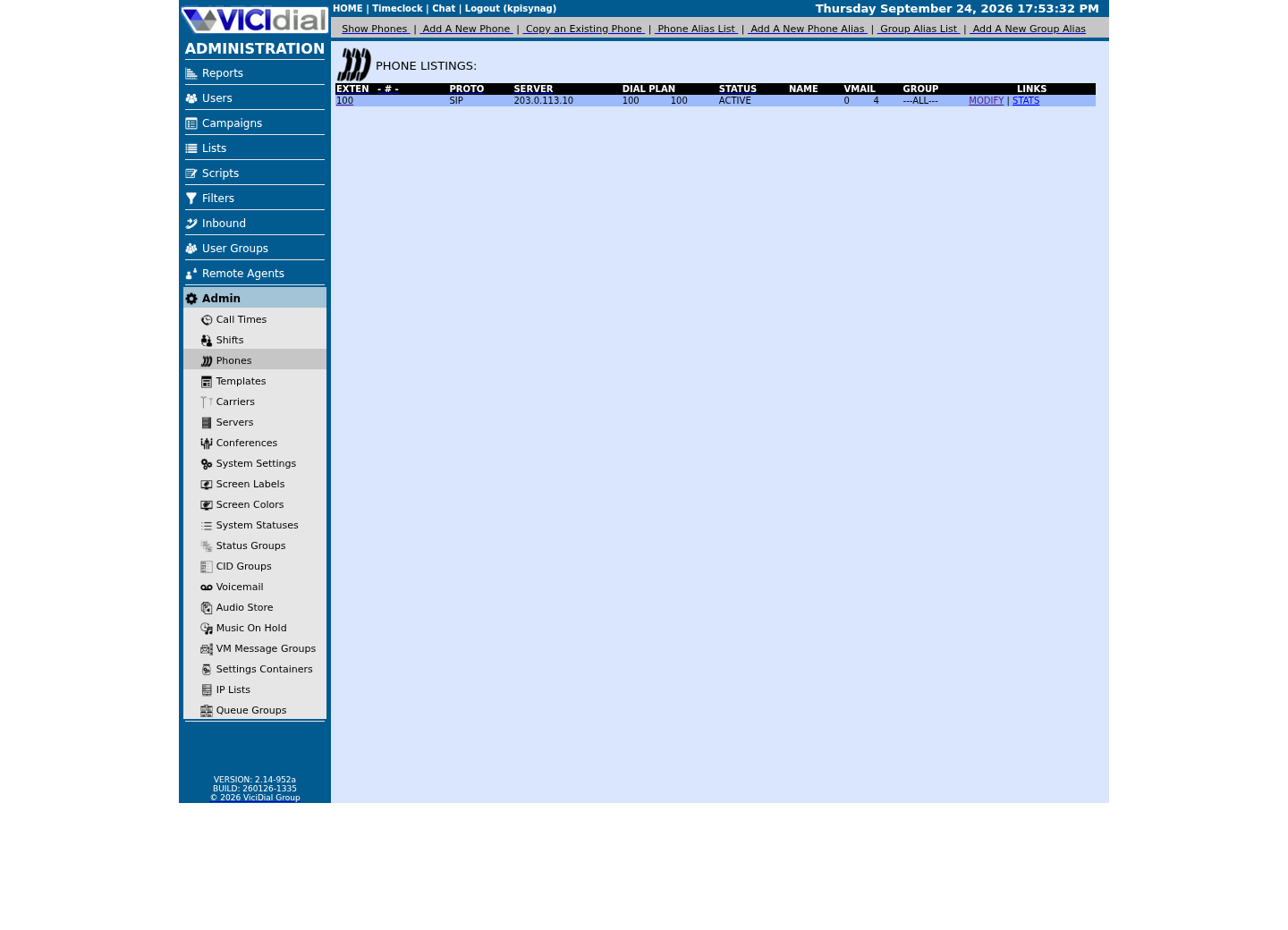
Two terms matter before you diagnose further: a user is the web login your agent types into the Admin or Agent address, stored on the vicidial_users table; a phone is the separate SIP or IAX registration a physical or software handset uses to actually carry audio, stored on its own phones table. They are related records, not the same record under two names.
The rejection itself appears on the agent screen at the point the phone tries to register, before any campaign or lead ever loads, which is a useful marker: if the agent can already see campaigns or leads and the failure happens later, in the middle of a shift, that is the separate `session_disabled` condition described below, not this one.
Visual walkthrough
Follow three real demo screens
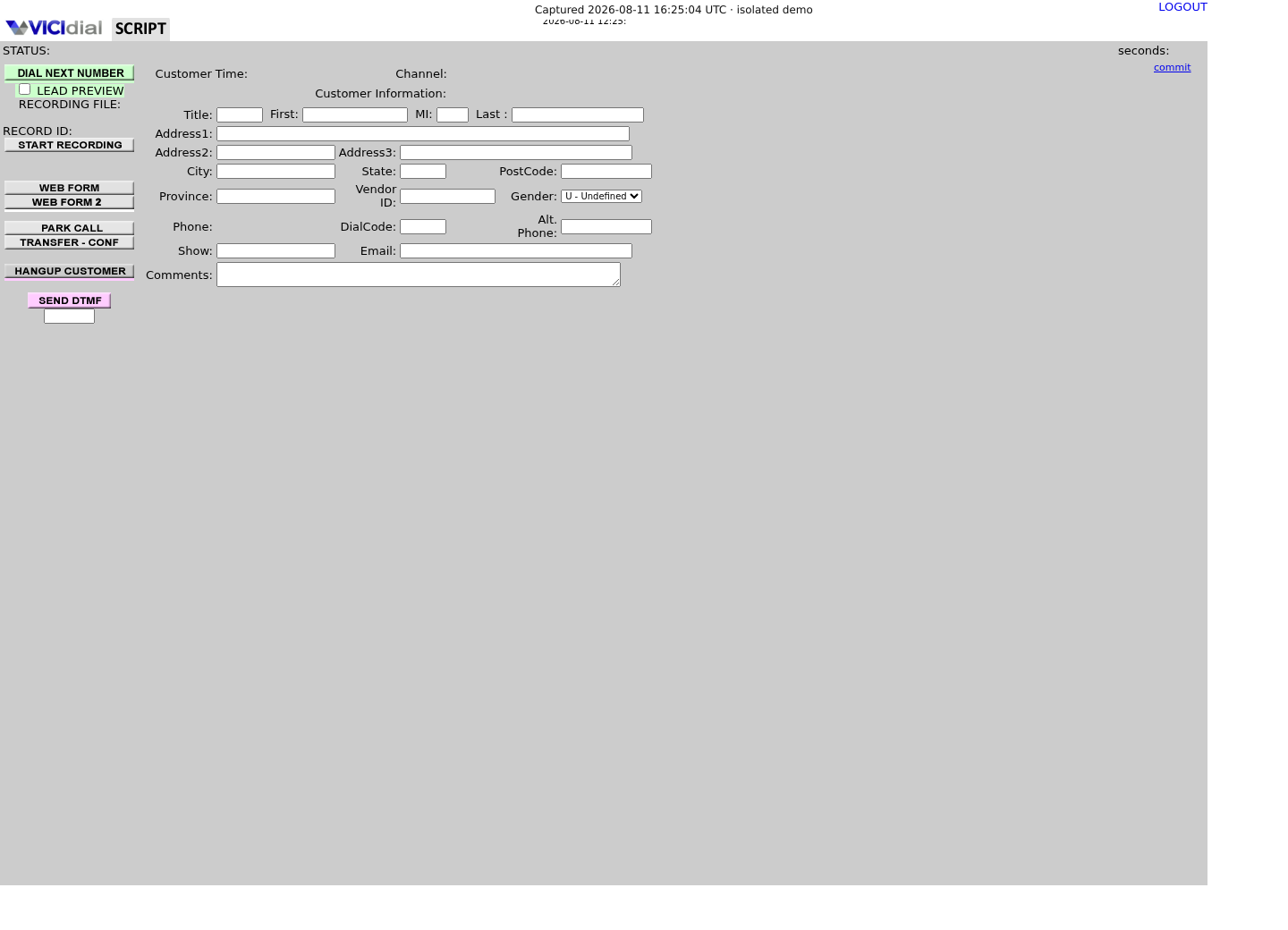
Captured on an isolated VICIdial demo: Administration screens on September 24, 2026, and the idle Agent screen on August 11, 2026. Each caption states its own capture time, and every sanitized image helps you recognize a related screen; none proves that this article's call, command, or result occurred.Use Administration to find Phones
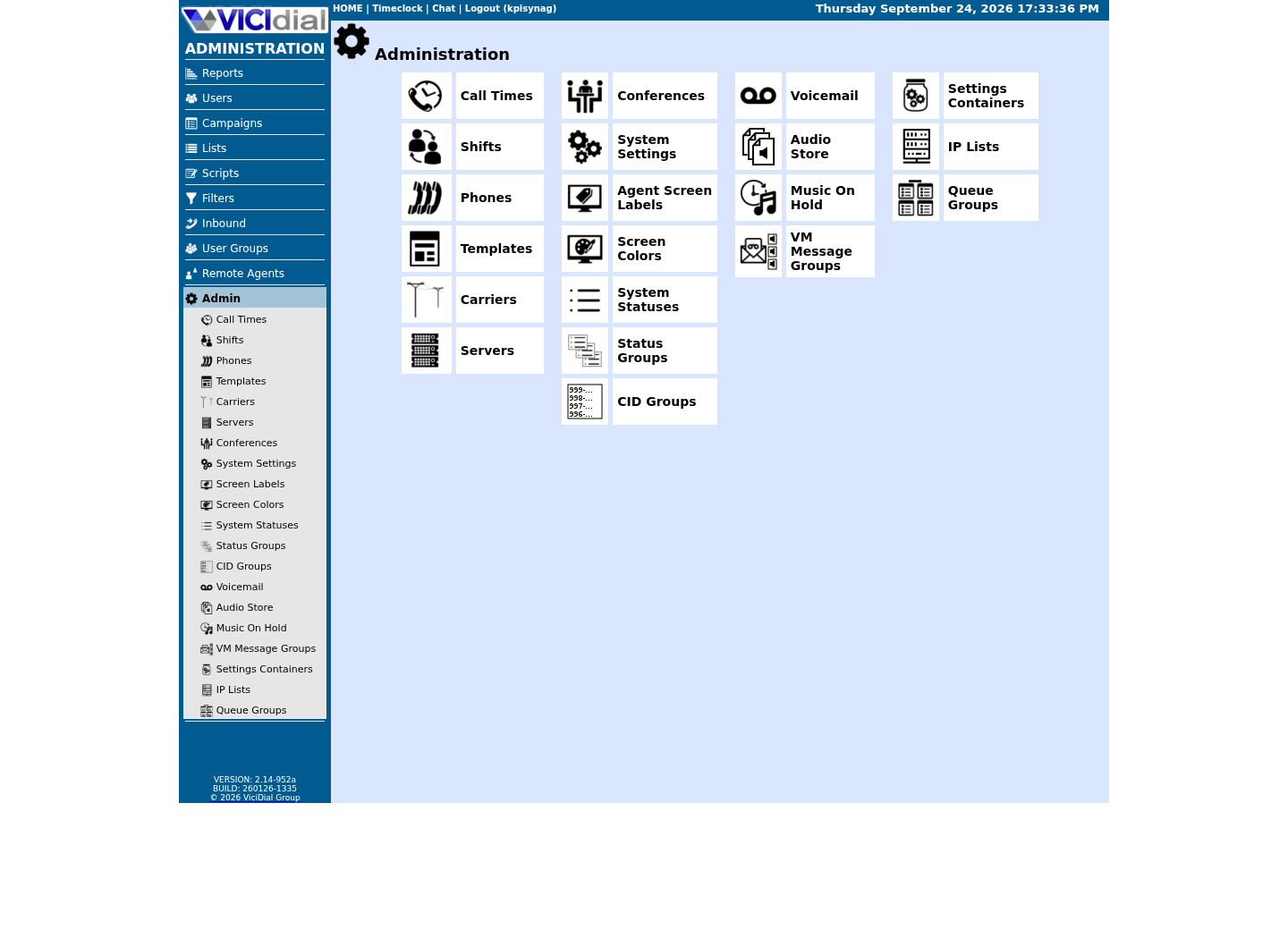
Keep phone records separate from users
Recognize an idle logged-in Agent
Two credential pairs, one active flag
VICIdial checks a phone login against the phones table's own `login` and `pass` columns, not against the agent's web password. The vicidial_users table does carry its own `phone_login` and `phone_pass` fields, but VICIdial's own Non-Agent API documentation lists both as OPTIONAL fields on `add_user` — they exist only to autofill the phone login box on the agent screen, and they are not what actually authenticates the phone.
The real gate sits on the phones row itself: its own `active` flag, which must read 'Y', and its `server_ip`, which must match the cluster member the phone is registering against. A phone record that is otherwise well-formed still fails this exact login if `active` is 'N' or `server_ip` points somewhere else.
If you have not walked through a first login before, Your first VICIdial login: find the Admin URL, Agent URL and default password covers where the initial admin credentials come from and introduces the phone-versus-user distinction from the Admin side; this guide assumes that baseline and stays scoped to the login failure itself.
Rank the likely causes before you change anything
Work through these in order, and tell a real collision apart from a stale flag before you act on either.
- Most likely: the matching phones row has `active` set to 'N'. VICIdial's own `update_phone` documentation confirms this flag exists — its error text for an invalid value literally reads "ACTIVE MUST BE Y OR N, THIS IS AN OPTIONAL FIELD" — even though that same document's own field list never mentions it as editable.
- Second: the `phone_login` or `phone_pass` cached on the user record has drifted from the live value on the phones row itself, so the autofill box no longer matches what the phone actually needs.
- Third, on a multi-server cluster only: the phones row's `server_ip` points at a different cluster member than the one this login is reaching.
- Fourth: the same `phone_login` value has been assigned to more than one vicidial_users row, often from copying an existing agent to create a new one; a genuine live collision between two active sessions shows the different `session_disabled` message instead, so tell the two apart before acting.
Join the two records instead of guessing which one is wrong
Run this with your read-only account, invoked as `mysql --defaults-extra-file=/etc/vicidial-readonly.cnf -e "<statement>"`; the option file's own configuration supplies which database to use, so the statement itself never names one.
SELECT u.user, u.active AS user_active, p.extension, p.server_ip, p.active AS phone_active, (p.pass = u.phone_pass) AS phone_pass_matches FROM vicidial_users u LEFT JOIN phones p ON p.login = u.phone_login WHERE u.user = '<AGENT_USER>';Captured demo response · 2026-09-23 21:35 UTC. The displayed command is the command that ran; a safe subset label means it was filtered, redacted, or fixture-scoped. Replays only after you select Replay transcript.
- Before you run it
- Run this for the one test user you are actually troubleshooting; it never selects a password value directly, only whether two of them match.
- Success looks like
- One row returns with `phone_active` equal to 1 and `phone_pass_matches` equal to 1, and `server_ip` is the cluster member you expect — the credential pair itself is fine and the fault is elsewhere.
- Stop if
- `phone_active` shows 0, or `phone_pass_matches` shows 0 — that is your cause. If the statement instead errors on an unknown column, your build may name the phones table's password column differently; run `SHOW COLUMNS FROM phones;` with the same account to confirm the exact name before adjusting anything.
A blank result means something different from a mismatched one
The join above uses LEFT JOIN deliberately: if `p.extension`, `p.server_ip`, and `phone_active` all come back empty rather than showing a real value, the user's cached `phone_login` does not match any row in phones at all. That is a different fault from an inactive or mismatched phone — it points at a typo in `phone_login`, or a phone record that was deleted or never created, not at the active flag.
Treat a completely blank phone side of the row as its own branch: go back to Admin and confirm the extension actually exists before assuming the fix below applies.
Rule out a duplicated phone login
A duplicate is a separate failure mode from a bad flag, and it is worth ruling out before you change anything: one statement checks the phones table's own login values, the other checks the cached values on vicidial_users.
SELECT login, COUNT(*) AS phone_rows FROM phones GROUP BY login HAVING COUNT(*) > 1;SELECT phone_login, COUNT(*) AS user_rows FROM vicidial_users WHERE phone_login <> '' GROUP BY phone_login HAVING COUNT(*) > 1;Captured demo response · 2026-09-23 21:35 UTC. The displayed command is the command that ran; a safe subset label means it was filtered, redacted, or fixture-scoped. Replays only after you select Replay transcript.
- Before you run it
- Run both statements together with the same read-only account; neither is scoped to a single user, so review the full result before assuming your test account is the only one affected.
- Success looks like
- Both statements return zero rows, ruling out a duplicated phone login as the cause.
- Stop if
- A login or phone_login value appears with a count greater than one — that duplication, not the active flag, is the more likely cause, and assigning the affected user a unique phone_login is the fix, not a password reset.
Correct the phone record, not the user's password
Every fix here is an Admin change, not a database write — this account stays read-only by design. Open Admin → Phones for the exact extension diagnosed above and correct whichever the checks above pointed at: set Active to Y, correct the phone login or password so it matches what the user record expects, or correct `server_ip` on a multi-server cluster.
The same change is available through the Non-Agent API's `update_phone` function for a scripted fix, shown below for reference; it requires an API user with user_level 8 or higher and "ast admin access" enabled, the same bar as the Admin screen itself.
curl --fail-with-body --silent --show-error --config /etc/vicidial-api/writer.cfg --data-urlencode "function=update_phone" --data-urlencode "extension=<PHONE_EXTEN>" --data-urlencode "server_ip=<SERVER_IP>" --data-urlencode "active=Y"This sample changes a system, contacts an outside service, needs a live call, or would print real data from a shared server, so it was not run on the demo. Run it only where you are authorized, and compare the result with the success and stop guidance.
- Before you run it
- Confirm `extension` and `server_ip` from the join query above before running this; `update_phone` requires both as the record identifier, not just the field you want to change.
- Success looks like
- The response confirms the phone was updated, and a repeat of the join query above now shows `phone_active` equal to 1.
- Stop if
- An ERROR naming a permission problem means the writer account itself needs "ast admin access" enabled at user_level 8 or higher before it can make this change at all.
Verify with a real login attempt, not just the saved screen
Re-run the join query and have the actual test agent attempt the phone login again, rather than trusting Admin's own save confirmation alone.
- `phone_active` now reads 1 for the corrected extension.
- `phone_pass_matches` now reads 1, or you deliberately changed the phone password and told the agent the new one out of band, never in writing.
- Neither duplicate check above shows the affected login reappearing.
- The test agent's own login attempt succeeds, not only the database row.
When to stop and hand this to someone else
Escalate rather than repeating the fix when the same phone reverts to `active='N'` or a stale password on its own, which usually means automated provisioning is overwriting your change; when duplicate phone_login values keep recurring across many unrelated users, which points at how new agents are created rather than at any one of them; or when the affected account or station is shared or already in production use, where a login fault carries a bigger cost than in a test.
Note the difference in urgency, too: a single inactive test phone is a quiet fix on your own schedule, while a wave of the same rejection across many agents at once, right after a provisioning change, is worth treating as an incident rather than working through one row at a time.
Evidence ledger
Verification basis
- NON-AGENT_API.txt's own error text for `update_phone` confirms an `active` flag exists on the phone record even though the document's field list never lists it as editable.
- AGENT_EVENTS_PUSH.txt gives the exact wording VICIdial uses for a session disabled mid-shift, which this guide's signal section uses to rule out a different failure.
Primary references
Sources
- Sorry, your phone login and password are not activeVICIdial forum · accessed September 23, 2026
- VICIdial Non-Agent APIVICIdial · accessed September 23, 2026
- VICIdial Agent Events PushVICIdial · accessed September 23, 2026