Reader setup
Before you apply
Use the lab result as evidence scope, not a universal recipe.
- A disposable lab campaign with a synthetic agent and a recorded consent test script
- Written approval for recording, retention and sending the test audio to the selected provider
- A read-only Non-Agent API account with user_level 7 or higher and "view reports" enabled for recording_lookup — see vicidial-non-agent-api-guide if you do not have one yet — or read-only access to an already-exported recording copy as a fallback
- What you will prove
- You will produce one reviewable transcript and prove that the original recording, transcript and call identifier stay linked without changing live call routing.
- Safety boundary
- Do not send customer recordings, phone numbers, payment data, health data, credentials or live audio to a new service for this exercise. Stop if consent, retention or processor approval is unclear.
Reader path
How to use this article
- Use it when: You need a bounded proof before changing a live environment.
- Expected result: This helps you decide whether a specific migration or test path is ready for production.
- Start here: Read the purpose and scope section first, then treat every command as an evidence collector—not a universal recipe.
Guided example: find the recording with recording_lookup before you touch a file
VICIdial ships its own tool for finding a recording: the Non-Agent API's `recording_lookup` function searches read-only by agent and date, or by a lead's numeric lead_id — see vicidial-non-agent-api-guide for the full function list, its permission model and how to set up the credential file. The account you use for it needs user_level 7 or higher and "view reports" enabled; confirm or create that account with your VICIdial administrator before your first request.
That lookup exists because the recording itself is not in one predictable place: on our ViciBox 12 lab, a campaign's recording extension runs Asterisk's `Monitor()` application, and a separate cron job later mixes the two call legs and moves the finished files into format and stage subfolders. `recording_lookup` hides that internal layout instead of asking you to reconstruct it, which is why it is the first step here, not a last resort.
A transcription workflow built on top of that lookup is still a much smaller change than letting a bot answer or place calls: a worker copies one approved recording, sends it to a speech-to-text API, and places the result in a review queue. Start here so the team can validate accuracy, privacy, retention and identifiers before any live media design.
A fresh lab with no completed test calls yet is expected to return a NO RECORDINGS FOUND line, not a fault in your request. Treat that response as the correct baseline and place at least one completed, consented test call through your disposable campaign (see vicidial-first-agent-call if you have not placed one yet) before concluding the lookup is broken.
recording_lookup also accepts uniqueid and extension as alternate search fields alongside agent and date, and a duration=Y setting that adds each recording's length in seconds ahead of its location — useful context to log in your manifest without needing the file itself.
curl --fail-with-body --silent --show-error --config /etc/vicidial-api/readonly.cfg \ --data-urlencode "function=version" curl --fail-with-body --silent --show-error --config /etc/vicidial-api/readonly.cfg \ --data-urlencode "function=recording_lookup" \ --data-urlencode "agent_user=<AGENT_USER>" \ --data-urlencode "date=<YYYY-MM-DD>" \ --data-urlencode "header=YES"ViciGeek does not predict command output. This read-only sample has not been captured on the demo yet; run it only in your approved environment and compare the result with the success and stop guidance.
- Before you run it
- Point <AGENT_USER> and <YYYY-MM-DD> at your own disposable lab campaign and a day it actually ran test calls, never a real agent's schedule. Confirm the API account has user_level 7 or higher and "view reports" before the first call.
- Success looks like
- The version call echoes this build's API version, then recording_lookup returns either a pipe-delimited row starting with the call's start time, or a NO RECORDINGS FOUND line — both are valid outcomes, and the second is the expected one on a lab with few or no completed test calls.
- Stop if
- USER DOES NOT HAVE PERMISSION TO GET RECORDING INFO means the account is missing user_level 7 or "view reports" — fix the account with your administrator rather than widening the search to a whole campaign or an open date range to force a result.
Visual walkthrough
Follow three real demo screens
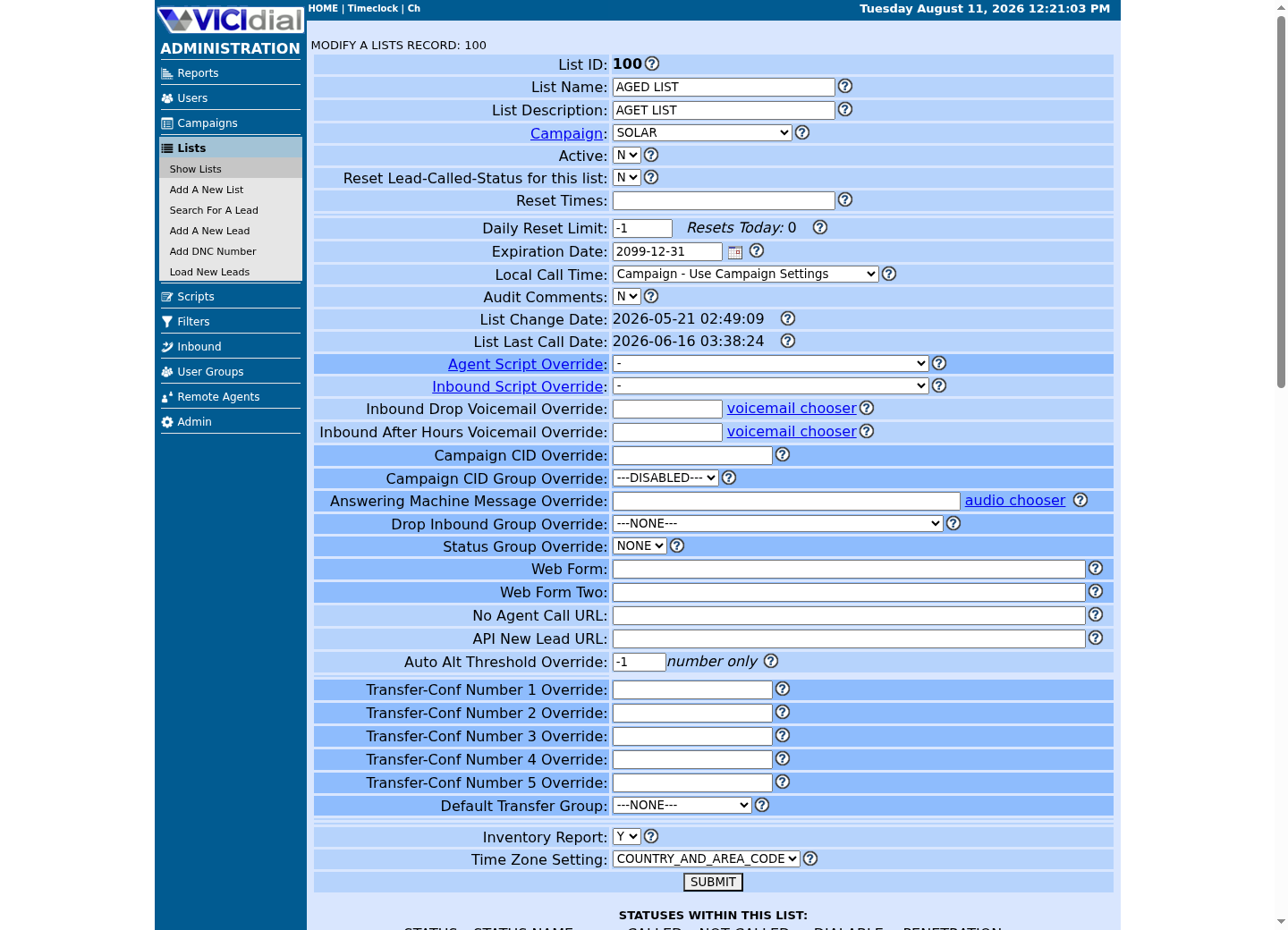
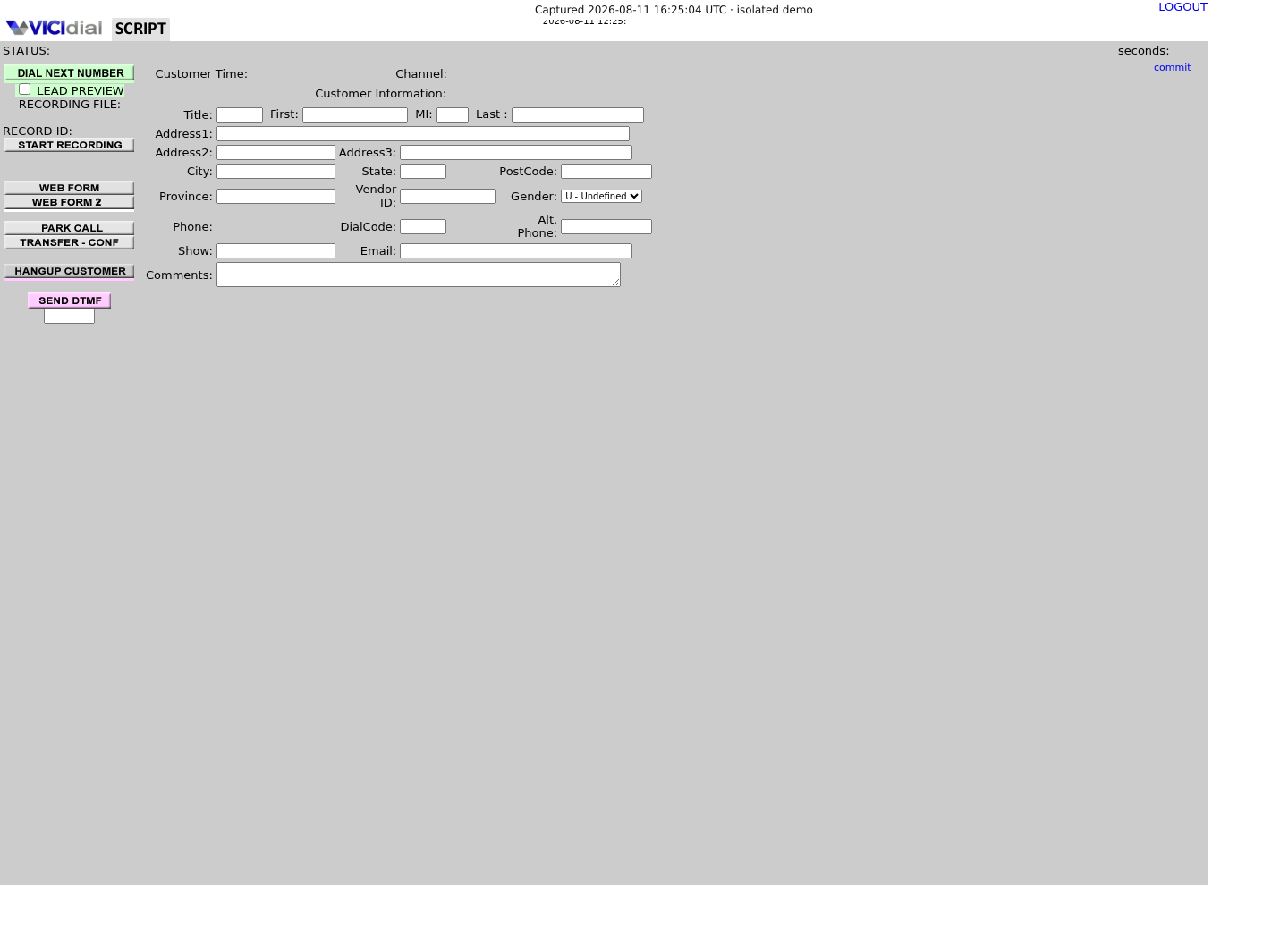
Captured on an isolated VICIdial demo: Administration screens on September 24, 2026, and the idle Agent screen on August 11, 2026. Each caption states its own capture time, and every sanitized image helps you recognize a related screen; none proves that this article's call, command, or result occurred.Open the script workspace
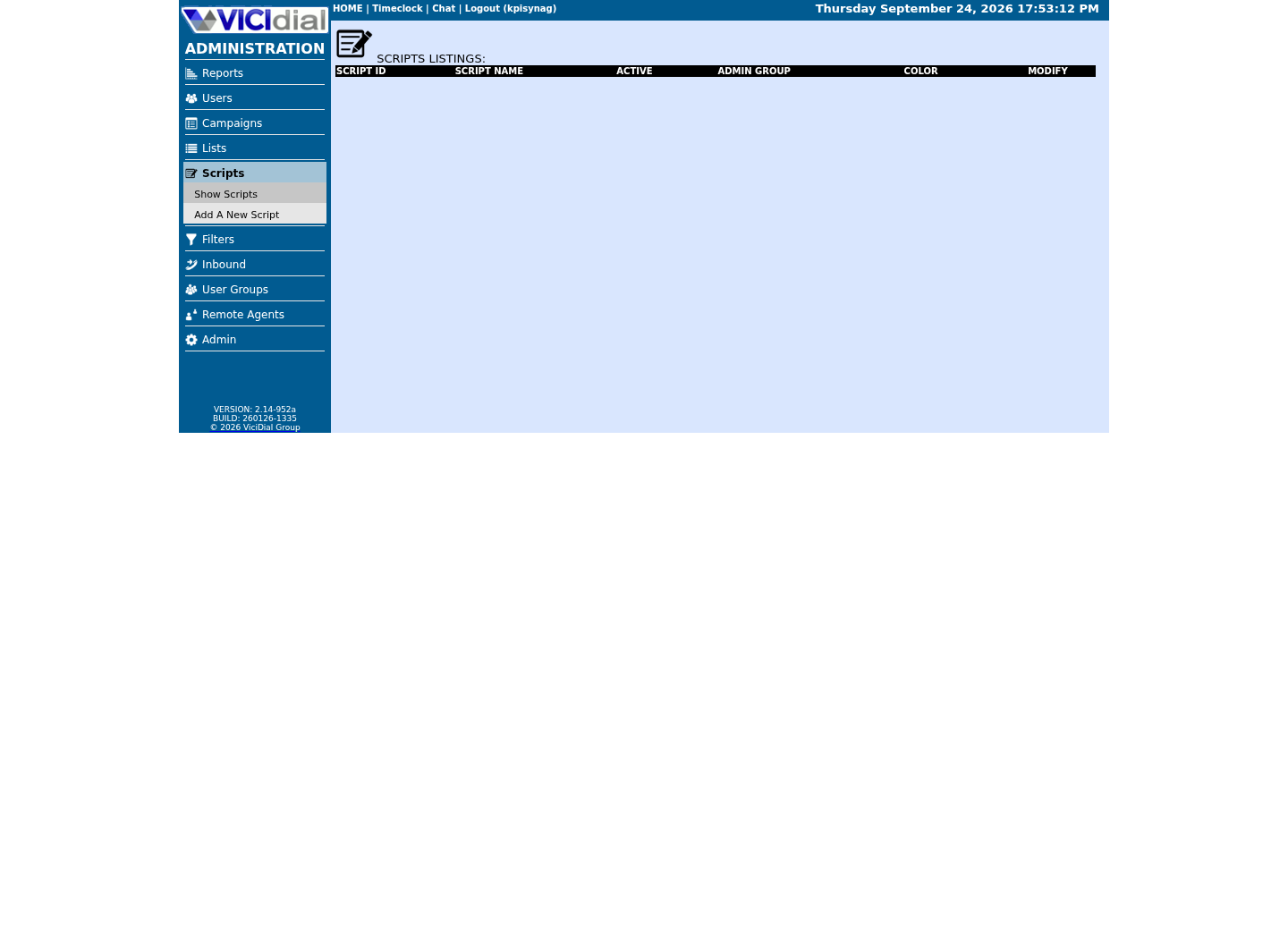
Check list-level form and URL fields
Recognize where the agent sees the workflow
Use one stable identifier and a written data boundary
Pick one non-secret correlation value already allowed by your lab—such as an internal test call ID—and store it beside every job. Do not use a phone number as the job key. The worker needs a small manifest: recording path, checksum, internal call ID, consent flag, creation time and retention deadline.
A transcript is derived customer data, not harmless debug text. Decide who can read it, where it is stored, how long it lasts, and how deletion reaches both the audio and downstream transcript before the first upload.
Guided example: inventory an already-exported copy (fallback)
If you are working from an already-exported copy of what `recording_lookup` reported, rather than calling the API directly for this exercise, this command lists only WAV files in a dedicated lab export directory and calculates a checksum. It does not contact an AI provider or change Asterisk, and it is a fallback step, not the first place to look.
Point this only at a dedicated export directory you control, never at Asterisk's own recording tree. If you need to confirm that a stage folder exists there, list the directory itself, never its contents, and let recording_lookup or your recording owner supply the actual file.
LAB_AUDIO=/srv/vicigeek-lab/audiofind "$LAB_AUDIO" -maxdepth 1 -type f -name '*.wav' -printf '%f\n'sha256sum "$LAB_AUDIO/test-call-001.wav"This sample changes a system, contacts an outside service, needs a live call, or would print real data from a shared server, so it was not run on the demo. Run it only where you are authorized, and compare the result with the success and stop guidance.
- Before you run it
- Create or obtain this lab-only directory through the recording owner; replace neither path with a production recording directory.
- Success looks like
- You see the approved filename and one checksum you can record in the test manifest.
- Stop if
- Stop if the filename or directory suggests a live customer recording, or if you cannot verify its consent status.
Guided example: submit one approved file for transcription
The provider endpoint and model below are an example of a documented audio-transcription API. Keep the API key in an environment variable supplied by a secret manager; never put it in a VICIdial campaign, browser page, shell history, article screenshot or source control.
The response is evidence for review, not a disposition and not an automatic update to a lead. A transcript can contain recognition errors and must not change customer or agent records without a person-approved rule.
export TRANSCRIPTION_API_KEY='set-this-through-your-secret-manager'curl --fail-with-body https://api.openai.com/v1/audio/transcriptions \ -H "Authorization: Bearer $TRANSCRIPTION_API_KEY" \ -F file=@/srv/vicigeek-lab/audio/test-call-001.wav \ -F model=gpt-4o-transcribe \ -o /srv/vicigeek-lab/output/test-call-001.jsonThis sample changes a system, contacts an outside service, needs a live call, or would print real data from a shared server, so it was not run on the demo. Run it only where you are authorized, and compare the result with the success and stop guidance.
- Before you run it
- Use only a consented synthetic recording and a least-privilege project key. Confirm the provider, region, retention and contractual settings with the data owner first.
- Success looks like
- curl exits successfully and creates a JSON response for the single lab file; inspect it locally before storing or sharing it.
- Stop if
- Stop on an authorization, location or policy error. Do not retry by weakening TLS, disabling logging, or switching to real recordings.
Review accuracy before you build automation
Compare the transcript with the known lab script. Record omissions, incorrect names, speaker confusion and timestamps that matter to the intended use. If you need speaker labels, test that as a separate acceptance criterion; do not assume that a transcript identifies agent and customer correctly.
Do not score agents, infer eligibility, or trigger customer actions from the first experiment. A human reviewer should approve any structured fields before they are written to a CRM or report.
Only then assess a live voice-bot design
A real-time bot needs its own routing, interruption, escalation to a human, DTMF, recording, disclosure, outage and fallback decisions. Asterisk ARI can manipulate media and emits events over a WebSocket, but whether it fits a particular VICIdial build is an architecture question to test in a separate isolated environment.
Keep the initial production candidate asynchronous: completed recording to bounded review queue. It avoids making call completion depend on an external AI service and gives the team a clean stop switch: disable the worker while VICIdial and Asterisk continue their normal call flow.
- The recording was synthetic and consented.
- The transcript has an internal ID and deletion/retention owner.
- A reviewer checked it before any system-of-record update.
Evidence ledger
Verification basis
- NON-AGENT_API.txt documents recording_lookup as a read-only, permissioned search by agent and date or by lead_id, requiring user_level 7 or higher and "view reports" — the shipped way to find a recording, not a filesystem convention this article invents.
- The cited transcription API accepts an audio file and returns a transcription response; speaker diarization and model behavior must be tested against the intended audio and policy boundary.
- No latency, accuracy, savings or autonomous-call claim is made because those outcomes depend on the recording, provider, deployment and evaluation set.
Primary references
Sources
- VICIdial Non-Agent APIVICIdial · accessed September 23, 2026
- OpenAI Audio API: transcriptionsOpenAI · accessed September 23, 2026
- OpenAI data controlsOpenAI · accessed September 23, 2026