Reader setup
Before you start
Run each step in order and move only when the outcome is confirmed.
- A VICIdial test campaign and synthetic lead, plus a CRM sandbox or dedicated test tenant
- A least-privilege integration account approved by both system owners
- A written field map that identifies which system owns each field and how a test record is deleted
- What you will prove
- You will confirm which of VICIdial's own CRM Popup, Web Form and Call URL fields already reach your CRM, then prove one API-based read or create/update in a CRM sandbox with a correlation ID, without exposing VICIdial API credentials to an agent browser.
- Safety boundary
- Never test against a production CRM with real leads. Do not place VICIdial, Salesforce or Vtiger credentials in JavaScript, query strings, browser bookmarks or shared screenshots.
Reader path
How to use this article
- Use it when: You need a fixed sequence to make a deployment or configuration change now.
- Expected result: Follow each step and verify the outcome before changing the next layer.
- Start here: Start at the first section and complete every checkpoint before moving to the next.
01 / 07
VICIdial's own CRM hooks, before any custom integration
Before building anything, check what VICIdial already does for you. CRM Popup Login/Address opens a new window on agent login to a campaign, populated the same way as a web form: begin the address with the literal three letters VAR, then use --A--user_custom_one--B-- (and the four other user_custom fields) to carry your own correlation values straight into the CRM's URL. The field lives on the campaign's own detail screen, under the top-level Campaigns menu — not under Admin.
Web Form, Start Call URL and Dispo Call URL cover the rest of a call's lifecycle: Web Form opens when the agent clicks its button in the agent screen; Start Call URL is not seen by the agent but is called every time a call is sent to one; Dispo Call URL fires when the agent finishes dispositioning the call, carrying the disposition, talk time and call notes with it — CALL_URL_FEATURES.txt states the Dispo Call URL specifically is always called from the webserver, not the agent's browser. All three accept the same --A--field--B-- substitution and the same lead-data field list, including lead_id, campaign and every user_custom field. See vicidial-call-urls for the full mechanism — the VAR prefix rule, GET-request semantics, delivery guarantees and an idempotent-receiver pattern — and vicidial-agent-api-guide plus vicidial-non-agent-api-guide for the two APIs this article falls back to below; none of that is re-taught here.
These native fields need no server-side integration service and no VICIdial credentials outside VICIdial itself: VICIdial substitutes the variables and delivers the finished address on its own, whether that means the webserver calling it directly or the agent's browser opening it as a window. That is why they come first, not the small integration service in the rest of this article.
Two more shipped details matter once you go beyond the basic address. CALL_URL_FEATURES.txt documents &CF_uses_custom_fields=Y for the Web Form address specifically: append it to the query string or a custom list field never resolves; CRM Popup Address is "populated just like the web form address," so the same parameter is worth trying there too, but confirm it on your build before relying on it. The same documentation describes LOCALFQDN for the web form URL when agents reach the agent screen through more than one network path: it lets VICIdial rewrite the address per agent to whichever hostname that agent actually used to log in, instead of a fixed one baked into the field, so one saved URL keeps working across every segment.
If a field the CRM expects is sometimes blank on the VICIdial side, a DISPO_FILTER Settings Container can substitute a replacement value before the Dispo Call URL fires — CALL_URL_FEATURES.txt gives replacing a blank state field with a fixed placeholder as its own worked example. That is a VICIdial-side data-hygiene option worth knowing before your field map assumes the CRM has to absorb every blank field itself.
VARhttps://<CRM_HOST>/login?user=--A--user_custom_one--B--&campaign=--A--campaign--B--This sample is a template or reading aid, not a terminal command. There is no output to show.
- Before you run it
- Set this on the campaign's CRM Popup Address field only after CRM Popup Login is Y, and confirm the field is reachable on your build's campaign detail screen — exact labels can drift by revision.
- Success looks like
- On the agent's next login to this campaign, VICIdial opens this address in a new window with --A--user_custom_one--B-- and --A--campaign--B-- already substituted for that agent's real values.
- Stop if
- A window that opens but stays blank almost always means the CRM login page rejected the query string, not that VICIdial failed to substitute the variables — check the receiving page before touching the VICIdial field again.
Visual walkthrough
Follow three real demo screens
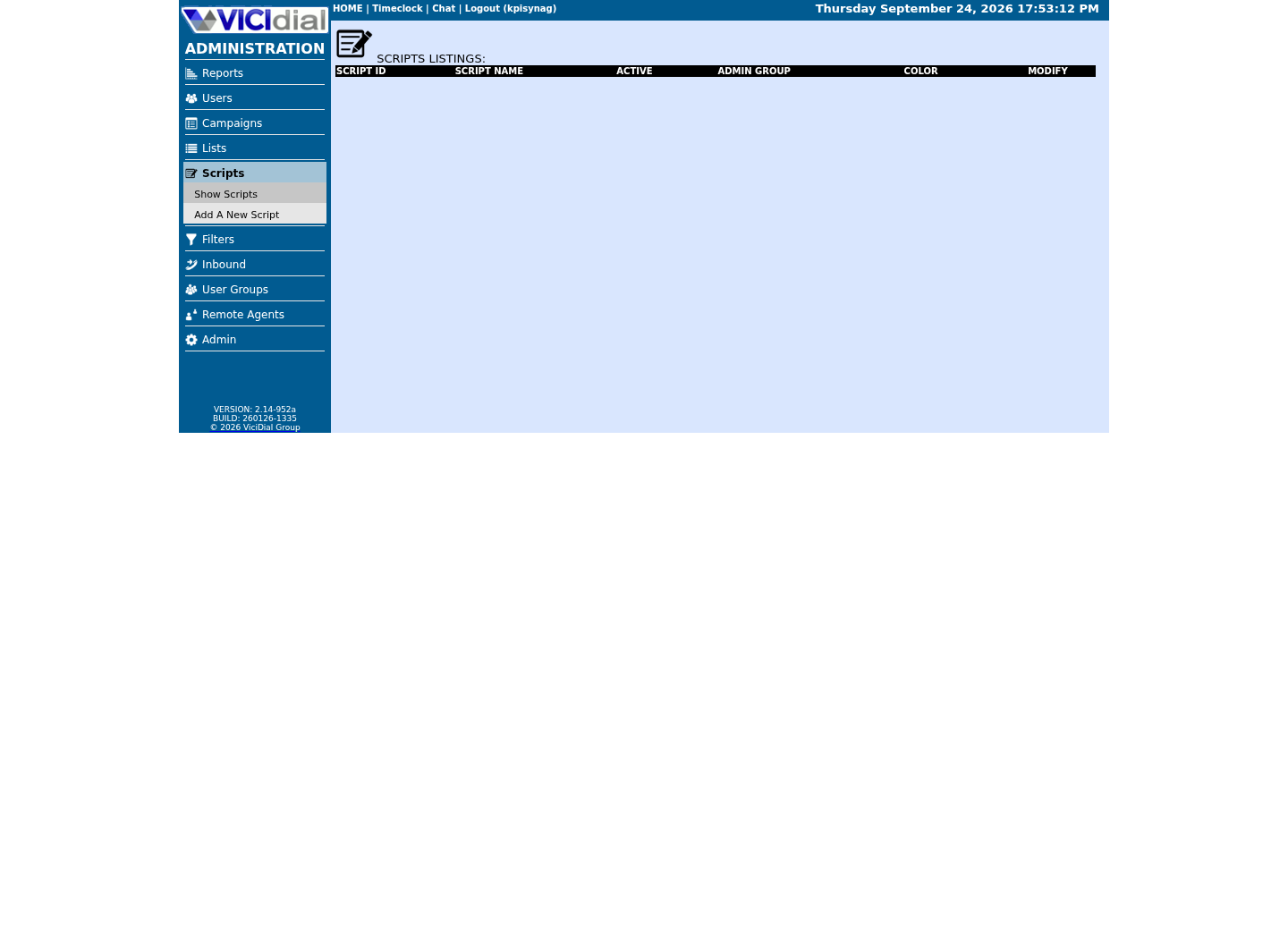
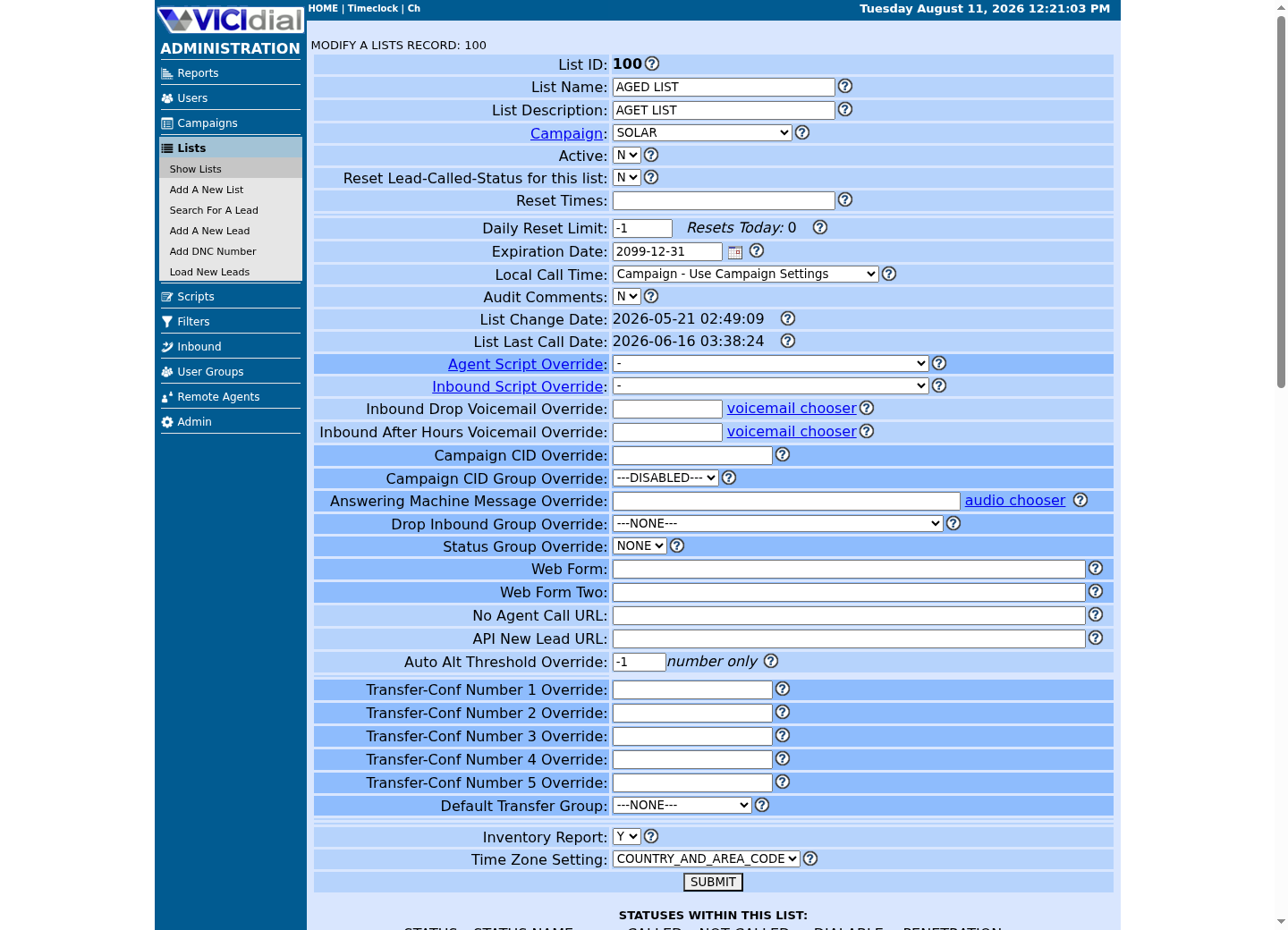
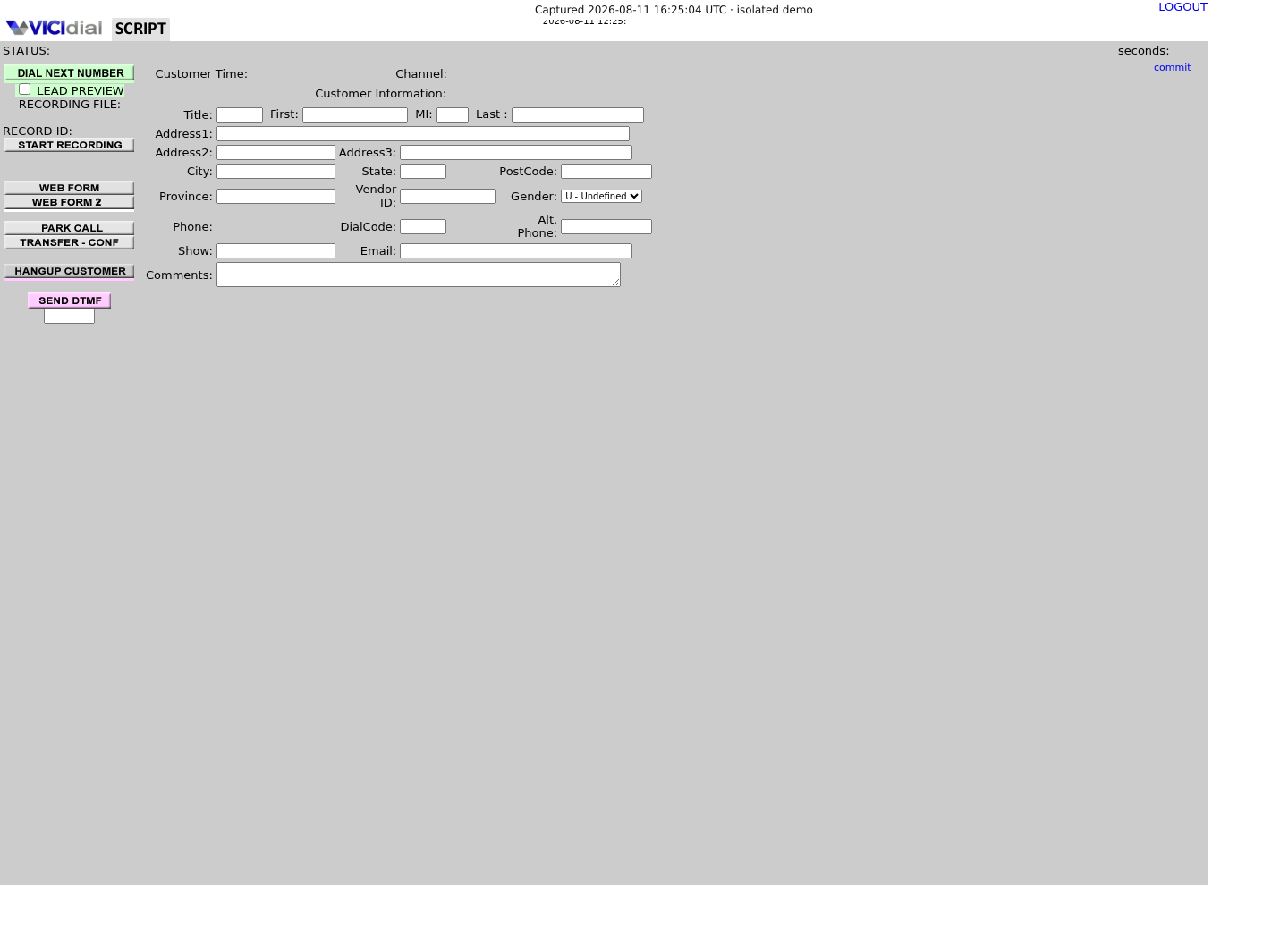
Captured on an isolated VICIdial demo: Administration screens on September 24, 2026, and the idle Agent screen on August 11, 2026. Each caption states its own capture time, and every sanitized image helps you recognize a related screen; none proves that this article's call, command, or result occurred.Open the script workspace
Check list-level form and URL fields
Recognize where the agent sees the workflow
02 / 07
Choose one direction and one owner for every field
Start with one narrow flow: CRM sandbox contact → VICIdial test lead, or completed VICIdial test disposition → CRM sandbox activity. Avoid bidirectional sync until a single direction is reliable, because two systems writing the same phone number or status creates silent overwrite and duplicate problems.
Write a field map: internal correlation ID, source record ID, display name, approved test phone field, disposition and last-update timestamp. Define the owner for each field. A CRM is not automatically the source of truth just because an agent sees it first. VICIdial's own vendor_lead_code field — part of the same available-fields list the Call URLs draw from — is usually the safer join key than a phone number, since it exists specifically to hold an external system's identifier.
The native fields above already answer part of this decision: a Dispo Call URL is VICIdial-to-CRM only, so if that direction and that trigger point covers your need, you may not need the rest of this article's integration service at all. Reach for a custom service only for what native fields cannot cover — reading CRM data into VICIdial, running on a schedule, or reacting to something other than login, call-start or disposition.
03 / 07
Use the VICIdial API boundary, not direct browser automation
Native Call URL fields are one-directional and event-triggered: VICIdial calls out when something happens and stops there. They cannot pull a CRM record into VICIdial, run on a schedule, or perform an arbitrary read or write beyond what a single event fires. That gap — not a shortcoming of the native fields, just the edge of what a fire-and-forget URL can do — is what the rest of this article's integration service is for.
VICIdial documents an Agent API for controlling an already logged-in agent session and a Non-Agent API for work outside the interactive agent screen. Read the API file from the exact VICIdial version installed in your lab; available functions and authorization settings are version-dependent.
Put API calls in a server-side integration service. It should authenticate to VICIdial and the CRM with dedicated least-privilege accounts, redact logs, rate-limit retries and keep an audit record. Do not embed secrets into an agent web form or have a browser call a privileged API directly.
04 / 07
Guided example: make a harmless outbound test payload
This object is deliberately generic. It is a local contract between your integration service and a CRM sandbox; it is not a direct call to either vendor and uses no real contact data.
const event = { eventId: 'lab-vici-001', source: 'vicidial-lab', action: 'disposition_review', vicidialLeadId: 'TEST-001', crmRecordId: 'SANDBOX-001', disposition: 'TEST_ONLY', occurredAt: new Date().toISOString()};This sample is a template or reading aid, not a terminal command. There is no output to show.
- Before you run it
- Use only synthetic IDs and a CRM sandbox record created for this guide.
- Success looks like
- You can replay the same event safely because its eventId is stable and visibly test-only.
- Stop if
- Stop if an event contains a real phone number, customer name, recording link or production record ID.
05 / 07
Guided example: prove Salesforce sandbox authentication safely
Salesforce’s developer documentation uses OAuth for API access. Create an external client app and use a flow appropriate to your organization; do not treat a copied user password or a long-lived access token as an integration design. Test against a sandbox and call a harmless endpoint such as limits before creating records.
Keep the client secret and refresh/access tokens in the integration service’s secret store. The example intentionally uses placeholders and should not be pasted with production values.
# Use a sandbox base URL and values supplied by your Salesforce administrator.curl --fail-with-body "$SALESFORCE_SANDBOX_INSTANCE/services/data/vXX.X/limits" \ -H "Authorization: Bearer $SALESFORCE_ACCESS_TOKEN" \ -H 'Accept: application/json'This sample changes a system, contacts an outside service, needs a live call, or would print real data from a shared server, so it was not run on the demo. Run it only where you are authorized, and compare the result with the success and stop guidance.
- Before you run it
- Run only from the server-side test integration environment after the admin supplies a sandbox OAuth token through a secret store.
- Success looks like
- A successful response reports API limits and changes no CRM record.
- Stop if
- Stop on a 401/403 response; fix scopes or authorization with the CRM owner rather than broadening permissions or hard-coding a token.
06 / 07
Apply the same boundary to Vtiger
Use Vtiger’s documented REST API and its supported authentication method for the deployed edition. Create a sandbox test record, read it, then create one clearly labeled test note or activity. Confirm API names, editions and permissions in the administrator’s current Vtiger documentation; do not rely on an old forum snippet as a schema contract.
If you use webhooks or polling, make delivery idempotent: retain the source event ID and refuse to create the same CRM activity twice. A network timeout does not prove the CRM did not receive the first request.
The same one-directional-versus-full-API distinction applies here: Vtiger's REST API can be polled or pushed to from your integration service, but VICIdial has no native Vtiger-specific hook. Every Vtiger touchpoint in this guide goes through the API boundary above, not a Call URL field.
07 / 07
Verify IDs, permissions and deletion before expanding
For each test, capture the VICIdial test ID, CRM sandbox ID, event ID, request timestamp, HTTP status and reviewer result. Confirm that a least-privilege account cannot read unrelated leads or update unrelated CRM objects. Then execute the agreed deletion/cleanup path and verify it completed.
Only after the team accepts the audit trail, field map and rollback should you add another field or direction. Agent screen-pop and click-to-call are separate changes: they can use the Agent API, but still need role checks, session handling and a lab proof.
Roll back the native fields the same way you roll back the integration service: blank the CRM Popup Address and set CRM Popup Login back to N on the campaign, confirm the field reads empty on the detail screen, and only then decommission the sandbox CRM record and the least-privilege accounts.
Log the CRM's own rate-limit or API-usage response alongside your test record. Both Salesforce and Vtiger meter API calls per organization or per license; a test loop that ignores that limit can degrade a shared sandbox for other teams, which is exactly the kind of blast radius a lab exercise is supposed to avoid.
- One direction and one field owner are documented.
- Secrets stay server-side and test accounts are least-privilege.
- The sandbox test record and integration log can be traced and removed.
- Native CRM Popup and Call URL fields are blanked and confirmed empty if the test is rolled back.
Evidence ledger
Verification basis
- CALL_URL_FEATURES.txt documents CRM Popup Login/Address, Web Form, Start Call URL and Dispo Call URL as VICIdial's own event-triggered hand-off to a CRM, all using the same --A--field--B-- substitution and the user_custom_one..five fields as the rest of the Call URL family.
- CALL_URL_FEATURES.txt states explicitly that the Start Call URL does not fire for manual-dial calls — a documented limit to design the test around, not a bug to chase.
- VICIdial’s documentation distinguishes the Agent API from the Non-Agent API; administrators must confirm functions in the documentation shipped with their installed version.
- Salesforce documents OAuth authorization for API access and a limits endpoint suitable for a low-impact connectivity check.
- Vtiger edition, authentication and object names vary; this article intentionally directs readers to the current official Vtiger documentation rather than asserting a universal endpoint.
Primary references
Sources
- VICIdial Call URL featuresVICIdial · accessed September 23, 2026
- VICIdial Agent APIVICIdial · accessed September 23, 2026
- VICIdial Non-Agent APIVICIdial · accessed September 23, 2026
- Salesforce OAuth and Connect REST APISalesforce · accessed September 23, 2026
- Vtiger developer documentationVtiger · accessed September 23, 2026