Reader setup
Before you start
Run each step in order and move only when the outcome is confirmed.
- An active VICIdial Phone mailbox or Other Voicemail Box plus an approved synthetic route
- An approved recipient and sender domain with the mail administrator involved
- Asterisk/Postfix administrative access and Delete Voicemail After Email set to N
- What you will prove
- One synthetic voicemail recorded, submitted through Postfix and received exactly once with a playable attachment.
- Safety boundary
- Keep the server copy during testing. A recorded message or Postfix queue entry is not proof that the recipient received it.
Reader path
How to use this article
- Use it when: You need a fixed sequence to make a deployment or configuration change now.
- Expected result: Follow each step and verify the outcome before changing the next layer.
- Start here: Start at the first section and complete every checkpoint before moving to the next.
01 / 07
How the delivery path fits together
Fast answer: set the mailbox email in VICIdial Admin, let VICIdial generate the mailbox in Asterisk, configure `attach=yes` and an approved sender in the global voicemail header, validate Postfix, leave a short synthetic voicemail, and verify the actual recipient receives one playable attachment.
There are three separate systems to prove: VICIdial owns mailbox data and regeneration, Asterisk records and submits the email through a sendmail-compatible command, and Postfix delivers directly or through the approved relay. Test every layer in order instead of calling a stored voicemail or queued message success.
Terms are defined in vicidial-terminology-for-complete-beginners.
- Use a synthetic mailbox route and message with no customer data.
- Keep Delete Voicemail After Email set to N.
- Choose a sender domain the mail administrator can authenticate and support.
- Record only sanitized result classes, never mailbox passwords or recipient details.
Visual walkthrough
Follow three real demo screens
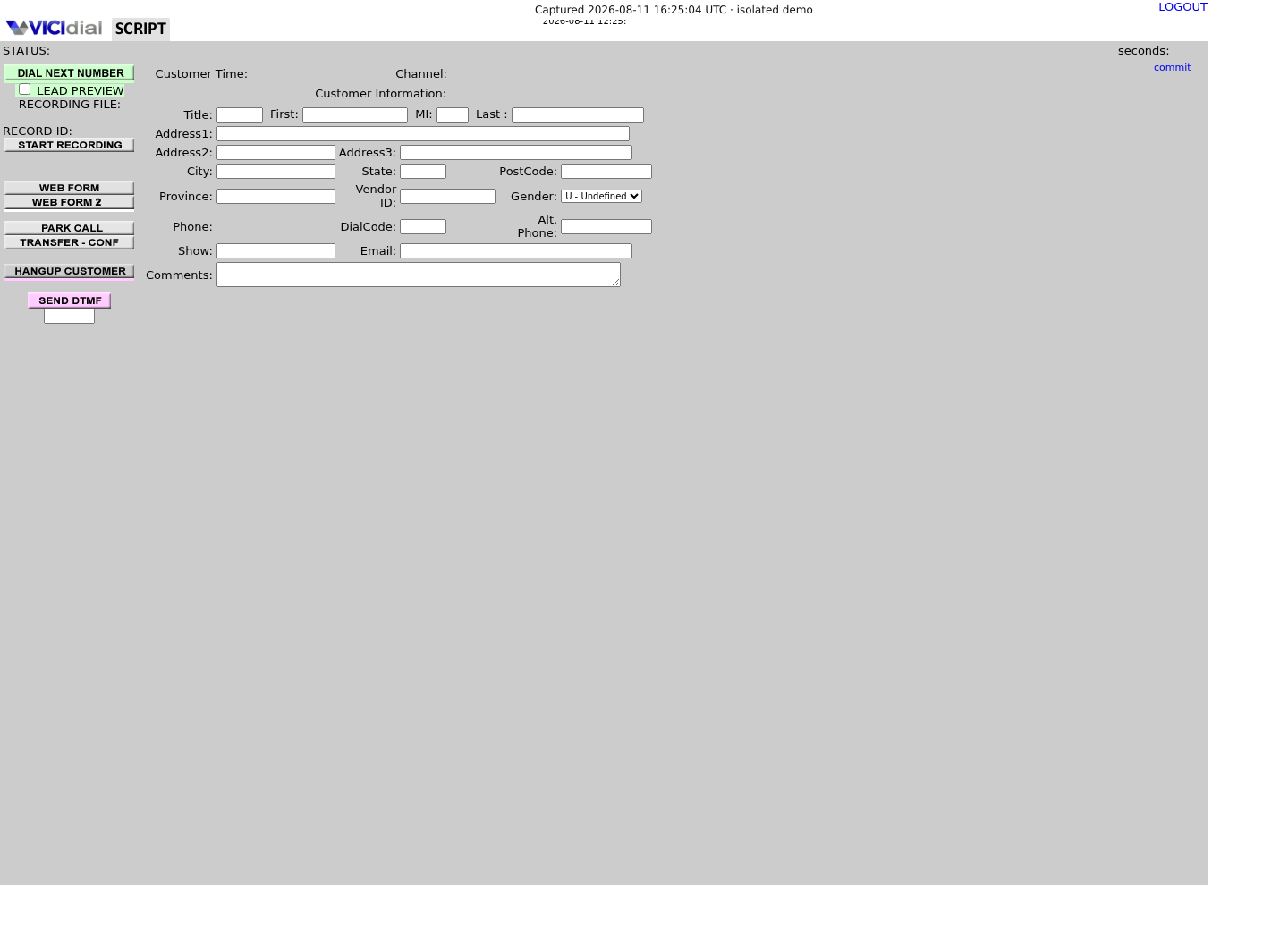
Captured on an isolated VICIdial demo: Administration screens on September 24, 2026, and the idle Agent screen on August 11, 2026. Each caption states its own capture time, and every sanitized image helps you recognize a related screen; none proves that this article's call, command, or result occurred.Start from DID routing
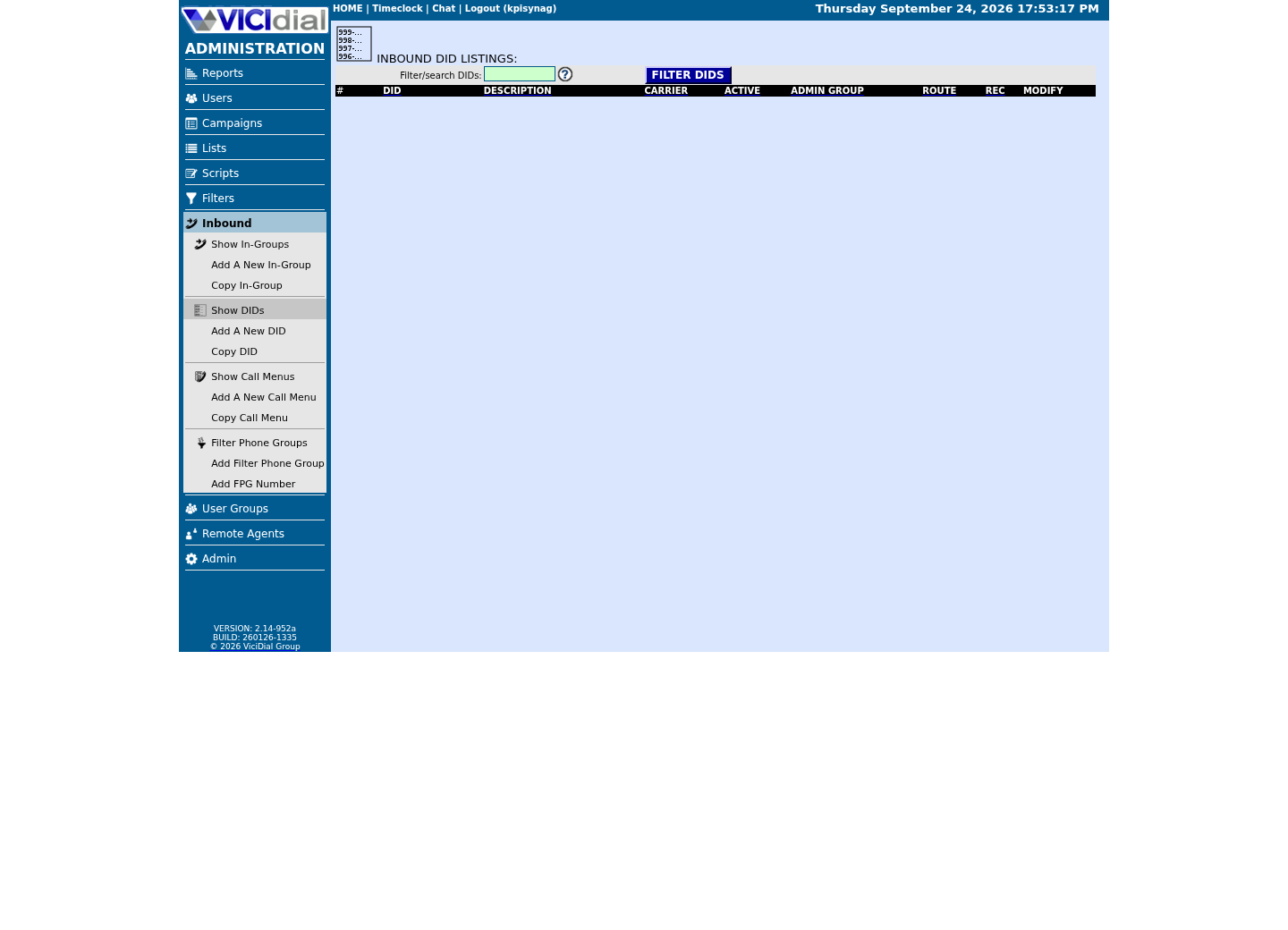
Review the receiving In-Group

See the idle Agent destination
02 / 07
Step 1 — Configure the mailbox in VICIdial Admin
For a phone-owned mailbox, open the Phone record. For a standalone mailbox, open Admin → Voicemail and add or modify an Other Voicemail Box. Use a unique mailbox ID; the installed Admin rejects a standalone mailbox that conflicts with a Phone mailbox.
Set Email to the approved test recipient, Active to `Y`, Delete Voicemail After Email to `N`, and Voicemail Zone to the correct local zone. Leave Voicemail Options empty unless each override has been reviewed. Submit the form and allow the normal keepalive cycle to rebuild the active voicemail server.
Email: approved test recipientActive: YDelete Voicemail After Email: NVoicemail Zone: correct local zoneVoicemail Options: empty initiallyThis sample is a template or reading aid, not a terminal command. There is no output to show.
- Before you run it
- Enter these in the intended Phone or Other Voicemail Box through VICIdial Admin. Do not put the recipient or mailbox password in a ticket.
- Success looks like
- The record saves, remains active and requests the normal configuration rebuild while retaining on-server messages.
- Stop if
- Stop on an ID conflict, wrong voicemail server, unknown options or a generator error; do not hand-edit the generated mailbox line.
03 / 07
Step 2 — Review Asterisk attachment and sender settings
Back up `/etc/asterisk/voicemail.conf`, then edit only the managed `[general]` header through the site’s configuration process. VICIdial generates mailbox lines beneath that header, so never paste a mailbox password or recipient into a manual line.
Use a compact supported recording format, `attach=yes`, a deliverable sender in an approved domain and the standard sendmail-compatible command. Caller values in subject/body templates can expose personal data in email metadata; omit them unless policy explicitly allows them.
[general]format=wav49|gsm|wavserveremail=voicemail@<MAIL_DOMAIN>attach=yesfromstring=Company Voicemailmailcmd=/usr/sbin/sendmail -tThis sample is a template or reading aid, not a terminal command. There is no output to show.
- Before you run it
- Replace `<MAIL_DOMAIN>` with the mail administrator’s approved sender domain and merge these values into the existing managed `[general]` section.
- Success looks like
- The selected formats are supported, attachment is enabled and the sender is acceptable to the approved Postfix/relay design.
- Stop if
- Stop if the file is generated wholesale, the sender is unapproved, or an existing per-mailbox/global option conflicts.
04 / 07
Step 3 — Confirm the generated mailbox
A normal VICIdial mailbox save already triggers the generator’s application reload, so most of the time nothing further is needed here. If you also changed the global `[general]` header in Step 2, that edit only takes effect after an explicit reload — shown in the troubleshoot-and-rollback section below, because reloading changes the running configuration rather than just reading it.
The rebuild that follows an Admin save runs on VICIdial's own keepalive cycle rather than instantly, so allow a short delay after saving before assuming a save-triggered reload has already happened. A header edit applied with the explicit command in troubleshoot-and-rollback takes effect immediately instead, which is exactly why that command belongs with the state-changing steps rather than here.
List users only in the private server terminal because the output includes mailbox and recipient information. Confirm the intended mailbox appears in the `default` context, then close the terminal without copying the raw line elsewhere.
sudo asterisk -rx 'core show application VoiceMail'sudo asterisk -rx 'voicemail show users for default'This sample changes a system, contacts an outside service, needs a live call, or would print real data from a shared server, so it was not run on the demo. Run it only where you are authorized, and compare the result with the success and stop guidance.
- Before you run it
- Run on the active voicemail server after the VICIdial rebuild, and again after any reload triggered by a reviewed `[general]` header change. This command lists every mailbox on the server, so no captured run is published here — check the result yourself in the private terminal, exactly as described above.
- Success looks like
- VoiceMail is available and the intended mailbox appears once in the default context.
- Stop if
- Stop if the mailbox is absent, duplicated or in the wrong context. Fix the Admin record/generator path rather than adding a manual line.
05 / 07
Step 4 — Validate Postfix and the approved relay path
Asterisk hands the message to the local sendmail interface; Postfix owns delivery from there. With the mail administrator, validate service state and configuration, then review `myhostname`, `myorigin`, `relayhost`, TLS, authentication and sender rewriting locally.
`postqueue -p` is useful during the test but can show recipient and message metadata, so do not paste its output publicly. An empty queue can mean delivery or rejection after logging; the recipient result and sanitized mail response still decide success.
A clean Postfix check only proves this server can hand the message to its next hop; it says nothing about whether the receiving provider trusts that hop. Ask the mail administrator to confirm SPF (Sender Policy Framework) authorizes this server or relay to send for the `serveremail` domain, and that DKIM (DomainKeys Identified Mail) signing is configured for outbound mail from that domain. Most large providers fold an unauthenticated voicemail notification into spam rather than rejecting it outright, so a send with no visible error is not the same as a message the recipient can see.
When `relayhost` is empty, Postfix attempts direct delivery to the recipient's mail exchanger, and many cloud and hosting IP ranges cannot do that reliably because receiving providers rate-limit or block unfamiliar senders. Route PBX mail through the organization's approved relay unless direct delivery from this specific server is already an established, monitored path.
This guide assumes Postfix as the local mail transfer agent, which is common on VICIdial installs; if your server runs a different transport, adapt these checks to its equivalent status, queue and configuration commands rather than assuming Postfix is universal. Beyond SPF and DKIM, ask whether the sending domain publishes a DMARC policy, since DMARC ties SPF and DKIM results to the visible From domain and a policy of `p=reject` discards misaligned mail even when SPF or DKIM individually pass. Also confirm the server's reverse-DNS (PTR) record resolves to a hostname in the sending domain and that `myhostname` matches it — a mismatched or generic PTR record is one of the most common reasons a technically valid message still lands in spam.
sudo systemctl is-active postfixsudo postfix checksudo postconf -h mail_versionsudo postconf -h relayhostsudo postqueue -pCaptured demo response · 2026-09-24 22:25 UTC. The displayed command is the command that ran; a safe subset label means it was filtered, redacted, or fixture-scoped. Replays only after you select Replay transcript.
- Before you run it
- Run with the mail administrator and use the organization’s approved relay configuration for any credentials. The captured run below shows an empty queue, so nothing private is exposed here; once a real voicemail is in flight, keep that queue output in your own private terminal instead of pasting it anywhere.
- Success looks like
- `systemctl is-active postfix` reports active, `postfix check` prints nothing — silence is the pass, not a stall — and `postconf -h mail_version` reports the installed version. `postqueue -p` shows an empty queue, the expected baseline before Step 5 sends a test message. `postconf -h relayhost` should show your organization’s approved relay; on our ViciBox 12 lab it prints empty, meaning direct delivery, exactly the case the paragraph above warns is usually unreliable for a hosted server.
- Stop if
- Stop on an inactive service, any output from `postfix check`, an empty `relayhost` when your organization requires an approved relay, or a persistent deferred queue; fix the mail layer before placing a voicemail.
06 / 07
Step 5 — Leave one synthetic message and prove delivery
Call the approved synthetic route, leave a short non-personal message, and end the call normally. Confirm the mailbox stores a non-zero recording, Postfix accepts the notification, the queue clears or records successful relay delivery, and the intended recipient receives exactly one message with a playable attachment.
Compare the attachment duration with the test message and check sender, subject, timestamp and spam placement. Repeat after the next scheduled VICIdial configuration rebuild to prove the Admin-managed mailbox persists.
mailbox generated: PASS | FAILsynthetic recording non-zero: PASS | FAILPostfix accepted: PASS | FAILrelay/delivery response: PASS | FAILrecipient received one attachment: PASS | FAILattachment playable and duration plausible: PASS | FAILThis sample is a template or reading aid, not a terminal command. There is no output to show.
- Before you run it
- Complete with pass/fail only after one approved synthetic voicemail; do not add recipient, queue, caller, mailbox or filename values.
- Success looks like
- All six checks pass twice, including one test after a normal VICIdial rebuild.
- Stop if
- Stop rollout at the first failed layer and correct that mailbox, Asterisk, Postfix, relay, DNS or recipient issue.
07 / 07
Troubleshoot by layer and roll back only the mailbox
Mailbox absent means revisit the active Phone/Voicemail record and generator. Stored message with no submission means check Email, `attach`, `mailcmd` and Asterisk logs. A growing queue points to relay, DNS, authentication, TLS or sender identity—not a VICIdial mailbox problem. A delivered message without audio points to attachment format/options or recipient filtering.
Two failure modes surface only after a message reaches the recipient’s own provider rather than this server. A provider that rejects or strips the attachment format usually still delivers the text notification, so a received email with no audio is not automatically a local Asterisk problem — check the provider’s accepted audio types before changing `format=` again. An oversized message is rejected earlier and more bluntly: Postfix’s own size limit and many receiving providers cap attachment size well under what a long voicemail recorded in an uncompressed format can reach, so a rejection with no local queue entry can mean the attachment was too large rather than misconfigured. Prefer a compact supported format such as `gsm` over `wav` when messages routinely run long.
A voicemail notification showing the wrong caller identity is not a mailbox or mail-transport fault. Trace the inbound route and dialplan that set caller ID before the call reached `VoiceMail()` on your own installed dialplan, rather than copying a version-specific forum patch into production to change how the notification displays a caller.
To stop notifications, clear only that mailbox’s Email field and submit it, or deactivate the mailbox only if voicemail itself must stop. Keep delete-after-email at `N`, let the normal rebuild apply, and revert global header changes through configuration management. Do not disable Postfix globally because other system notifications may depend on it.
sudo asterisk -rx 'voicemail reload'This sample changes a system, contacts an outside service, needs a live call, or would print real data from a shared server, so it was not run on the demo. Run it only where you are authorized, and compare the result with the success and stop guidance.
- Before you run it
- Run only after restoring the previous `[general]` header, or any other reviewed header correction, through configuration management — never by hand-editing the live file alone.
- Success looks like
- The reload completes and Step 3’s mailbox list reflects the restored or corrected header.
- Stop if
- If behavior does not change, confirm the file actually deployed was the reverted one and not a copy the next VICIdial rebuild will overwrite.
Evidence ledger
Verification basis
- Guide source: the VICIdial voicemail-to-email workflow documents the Admin fields, generated Asterisk behavior, voicemail header, Postfix checks, end-to-end test and mailbox-level rollback reproduced here.
- Revision boundary: VICIdial's mailbox generator owns mailbox entries; a manually added line does not survive the next configuration rebuild.
- Delivery boundary: local components being present is not external delivery proof; the reader must complete the recipient test.
Primary references
Sources
- Asterisk voicemail overviewAsterisk · accessed August 4, 2026
- Asterisk voicemail configuration sampleAsterisk · accessed August 4, 2026
- Postfix basic configurationPostfix · accessed August 4, 2026
- Postfix TLS supportPostfix · accessed August 4, 2026