Reader setup
Before you evaluate
Use this to set expectations, limits and implementation boundaries before changing anything.
- Use a dedicated least-privilege API account and a non-production or isolated synthetic target.
- Store credentials in a protected secret/config mechanism; never paste them into the command line, URL or source file.
- Choose one read-only version request first and define success, rejection, retryable and unknown outcomes.
- What you will prove
- You will send one bounded read-only request, classify its transport and application result including a NOTICE outcome, and verify that automation never treats HTTP 200 alone as success.
- Safety boundary
- No write function is provided. Add/update/delete functions require separate revision-specific review, idempotency design and independent verification.
Reader path
How to use this article
- Use it when: You are designing a change and want reliable limits before implementation.
- Expected result: Separate what is known, unknown, and unsafe before you execute.
- Start here: Use it as an evidence review before changing architecture, security, or reporting behavior.
Design your own operation key — neither API gives you one
Fast answer: neither the Agent API nor the Non-Agent API accepts an idempotency key from you — there is no field to send one in, so idempotent automation is a property your own client has to build, not a contract either endpoint offers. Give every intended mutation a stable key derived from the source event and the target identity, kept in your own ledger, and use it to decide whether an operation already happened before you send it again.
VICIdial already ships two purpose-built dry-run mechanisms instead of a generic idempotency key: the Non-Agent API's add_lead's duplicate_check field (DUPLIST, DUPCAMP, DUPSYS and several other scoped variants — see vicidial-non-agent-api-guide for the complete list) refuses to create a second lead for a number already present in the scope you choose, and its update_lead's no_update=Y flag reports whether a matching lead exists without writing anything — see safe-callback-migration for no_update used exactly this way on a real migration. Prefer one of these shipped checks over a bespoke scheme wherever the function you are calling actually offers one.
Both APIs enforce the same allow-list before either question above even matters: vicidial_users.api_allowed_functions is a space-delimited list of the exact function names one account may call, or the literal ALL_FUNCTIONS; the Agent API additionally requires vdc_agent_api_access set on that same row. A function absent from that list is rejected before your idempotency design is ever exercised, so confirm it once, for the account your automation will actually use, before writing a retry loop that will only ever receive the same rejection.
SELECT user, user_level, api_allowed_functions, vdc_agent_api_accessFROM vicidial_usersWHERE user = '<AGENT_USER>';Captured demo response · 2026-09-24 22:25 UTC. The displayed command is the command that ran; a safe subset label means it was filtered, redacted, or fixture-scoped. Replays only after you select Replay transcript.
- Before you run it
- Run through the read-only database account for the exact account your automation authenticates as; this never selects pass.
- Success looks like
- api_allowed_functions either reads ALL_FUNCTIONS or lists the exact function name you intend to call, space-delimited among others, and vdc_agent_api_access reads 1 for an Agent API account.
- Stop if
- A function missing from api_allowed_functions, or vdc_agent_api_access reading 0 for an Agent API account, explains a rejection no retry or backoff logic will ever fix — that is a permissions change, not a bug in your client.
Visual walkthrough
Follow three real demo screens
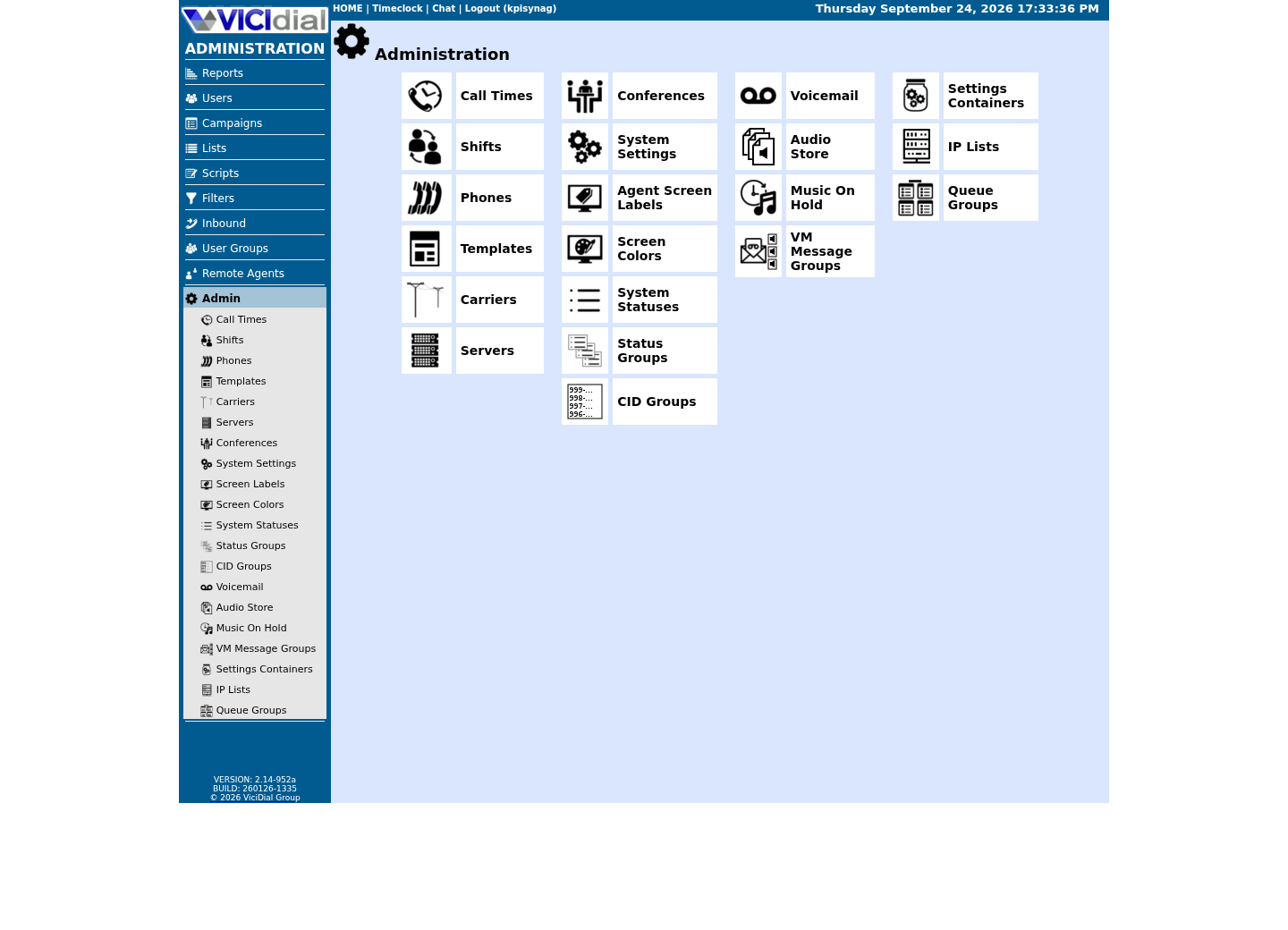
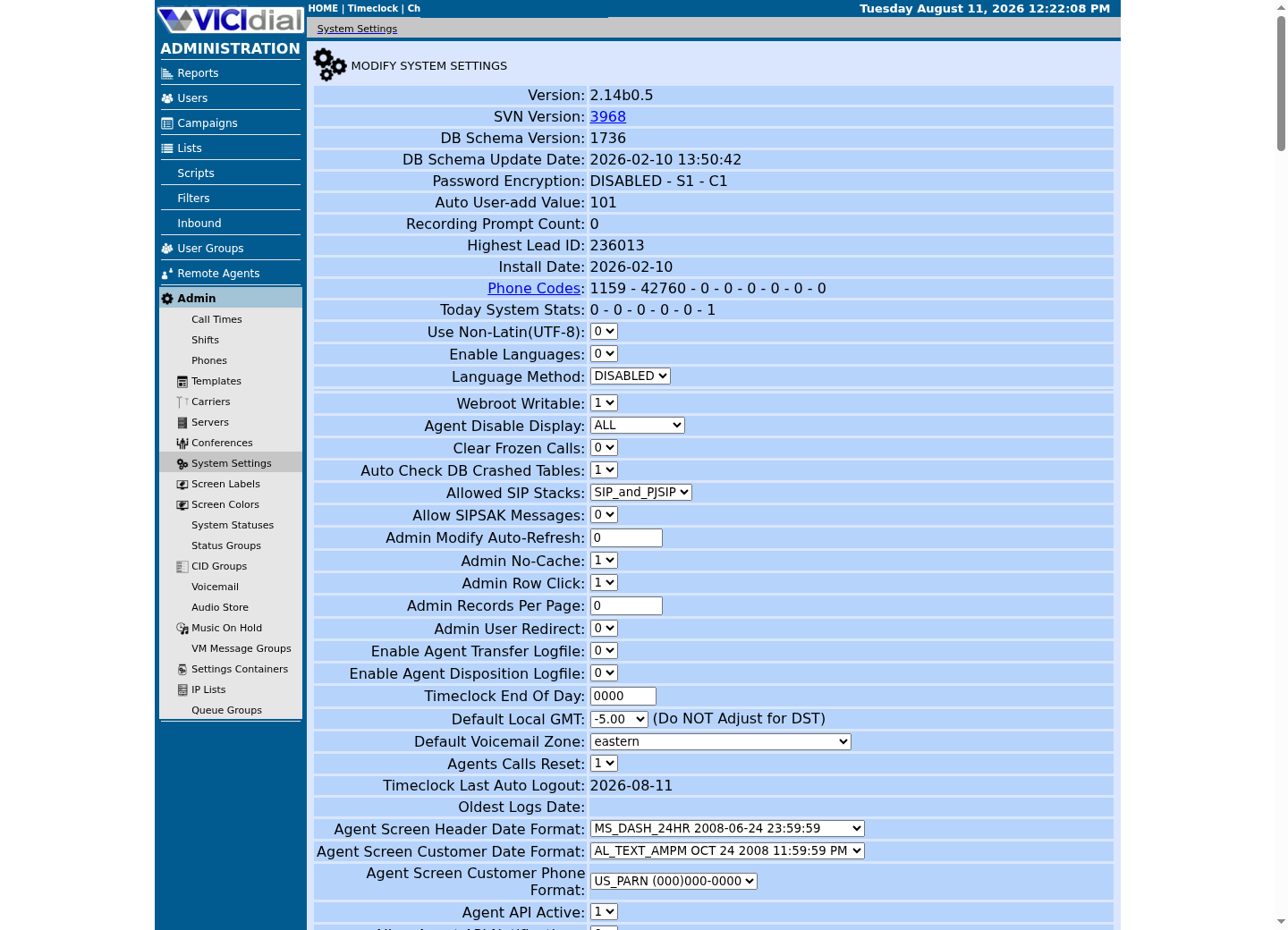
Captured on an isolated VICIdial demo: Administration screens on September 24, 2026, and the idle Agent screen on August 11, 2026. Each caption states its own capture time, and every sanitized image helps you recognize a related screen; none proves that this article's call, command, or result occurred.Use the Administration map
Review user-group boundaries

Inspect system-wide security and API context
Classify transport, VICIdial output and NOTICE separately
An HTTP response says whether the web request completed; the VICIdial response body says whether the requested function accepted its parameters. A 200 response containing ERROR is an application rejection, not success.
The local example below is intentionally small. It never sends a request; it turns a sanitized status/body into a category so dependent work can stop on unknown outcomes.
A plain-text response is not always exactly SUCCESS or ERROR, either. AGENT_API.txt documents a third class, prefixed NOTICE, for a condition that is neither: external_dial's own worked example shows NOTICE: defined dial_ingroup not found when an optional field names something that does not exist, and the call still proceeds. Classify that separately from an outright rejection instead of letting it fall into the same bucket as a genuinely unrecognized response.
function classify(httpStatus, body) { const text = String(body).trim(); if (httpStatus >= 500) return 'retryable-server'; if (httpStatus === 401 || httpStatus === 403) return 'rejected-auth'; if (httpStatus < 200 || httpStatus >= 300) return 'rejected-http'; if (/^ERROR/i.test(text)) return 'rejected-application'; if (/^NOTICE/i.test(text)) return 'accepted-with-notice'; if (!text) return 'unknown-empty'; return 'verify-required';} console.log(classify(200, 'NOTICE: defined dial_ingroup not found - FAKE_INGROUP'));This sample is a template or reading aid, not a terminal command. There is no output to show.
- Before you run it
- Run locally with synthetic status/body strings. The example output is a category only; adapt the exact prefixes to your installed API's documented formats before integrating.
- Success looks like
- The example prints accepted-with-notice — the call was accepted and, on functions like external_dial, still took its main effect, but with one optional field ignored. Route that outcome to a warning log, not silently to the same bucket as a plain SUCCESS.
- Stop if
- Stop if you cannot enumerate which of your integration's functions can even return NOTICE, or if a write job would treat accepted-with-notice as fully successful without checking which field was ignored.
Bound and classify retries
Retry transport failures and clearly temporary server responses with backoff. Do not retry validation, authentication or ambiguous partial-success responses without a read check.
Separate secrets from operator logins and redact them from command history, logs and support bundles.
A retryable-server classification and a rejected-application classification call for opposite behavior, so keep them on separate code paths rather than funneling every non-success result through one generic retry wrapper. Retrying an ERROR body a second time costs latency and produces the identical rejection every time, since the request was understood and refused, not lost.
curl --fail-with-body --silent --show-error --connect-timeout 5 --max-time 20 --config /etc/vicidial-api/agent.cfg --data-urlencode "function=version"Captured demo response · 2026-09-24 22:25 UTC. The displayed command is the command that ran; a safe subset label means it was filtered, redacted, or fixture-scoped. Replays only after you select Replay transcript.
- Before you run it
- The config file already supplies the URL, user, pass and source — add only --connect-timeout and --max-time here, so a hung network path fails fast instead of blocking your retry logic indefinitely.
- Success looks like
- curl exits zero within the bounded time and the body does not start with ERROR — safe to treat as a live, reachable endpoint before layering any retry policy on top.
- Stop if
- A nonzero exit from --fail-with-body, or an exit only at the 20-second ceiling, are both retryable-transport outcomes; an ERROR-prefixed body on exit zero is not — classify it as rejected-application instead of retrying it. A TLS handshake failure is a certificate problem to fix, never a reason to add -k or --insecure to make the retry logic quiet.
Verify outside the writer
Read the resulting lead, callback or user state back through a read-only path — /etc/vicidial-api/readonly.cfg's own Non-Agent API account, or a direct read-only database query — never by trusting the writer call's own response a second time. Keeping /etc/vicidial-api/writer.cfg's write-capable account separate from readonly.cfg's read-only one is not just tidiness: it means a verification step can never accidentally repeat the write it is supposed to be checking.
Report completed, already-complete, rejected, retryable and unknown outcomes separately. Unknown is a real state and should stop dependent work.
This is the same discipline vicidial-agent-api-guide and vicidial-agent-api-vs-non-agent-api teach for a single call; automation just needs it enforced every time, in code, rather than remembered by whoever happens to be watching a terminal that day.
Stop on unknown and reconcile before retry
When a write-capable job is later developed, an unknown timeout or malformed response must pause dependent work. First perform an independent read using the stable operation key and target identity; retry only when that read proves the operation was not committed.
Rollback must be a documented supported inverse operation or restoration workflow scoped to the exact synthetic or authorized record. Never guess by issuing the same mutation repeatedly or deleting rows directly.
- Completed, already-complete, rejected, retryable and unknown totals reconcile to input.
- Every retry has a bounded attempt count and backoff schedule.
- Secrets and response payloads remain out of URLs, process lists, source and logs.
Primary references
Sources
- VICIdial Agent API reference (AGENT_API.txt)VICIdial Group · accessed September 23, 2026
- VICIdial Non-Agent API reference (NON-AGENT_API.txt)VICIdial Group · accessed September 23, 2026