Reader setup
Before you start
Run each step in order and move only when the outcome is confirmed.
- Networking and VoIP basics
- A lab only
- No shared SIP credentials
- What you will prove
- You can explain REGISTER versus INVITE, identify common response classes, and state your host's registered SIP ports.
- Safety boundary
- Do not paste SIP passwords into terminals, tickets or screenshots. Use a dedicated lab account for any trace.
Reader path
How to use this article
- Use it when: You need a fixed sequence to make a deployment or configuration change now.
- Expected result: Follow each step and verify the outcome before changing the next layer.
- Start here: Start at the first section and complete every checkpoint before moving to the next.
01 / 06
SIP negotiates, RTP carries media
Session Initiation Protocol (SIP) is a text-based signaling protocol modeled loosely on HTTP and email headers. It establishes, changes and ends sessions between endpoints. Session Description Protocol (SDP), carried inside SIP messages, describes which media formats each side is willing to use; RTP then carries the actual negotiated media once a call is set up.
REGISTER tells a registrar (the server that keeps a directory of where each endpoint can currently be reached, so that an incoming call for it knows where to go) where an endpoint currently is; INVITE asks to establish a session with someone. Responses are grouped by class, and the first digit tells you which: 1xx is provisional (still working on it), 2xx is success, 3xx is redirection, 4xx is a client or request problem, 5xx is a server problem, and 6xx is a global failure that no server on the path can route around.
An endpoint in this context is simply whatever software or hardware speaks SIP on one side of the conversation — a desk phone, a softphone application, or Asterisk itself acting on VICIdial's behalf. The same vocabulary describes all of them equally.
Visual walkthrough
Follow three real demo screens
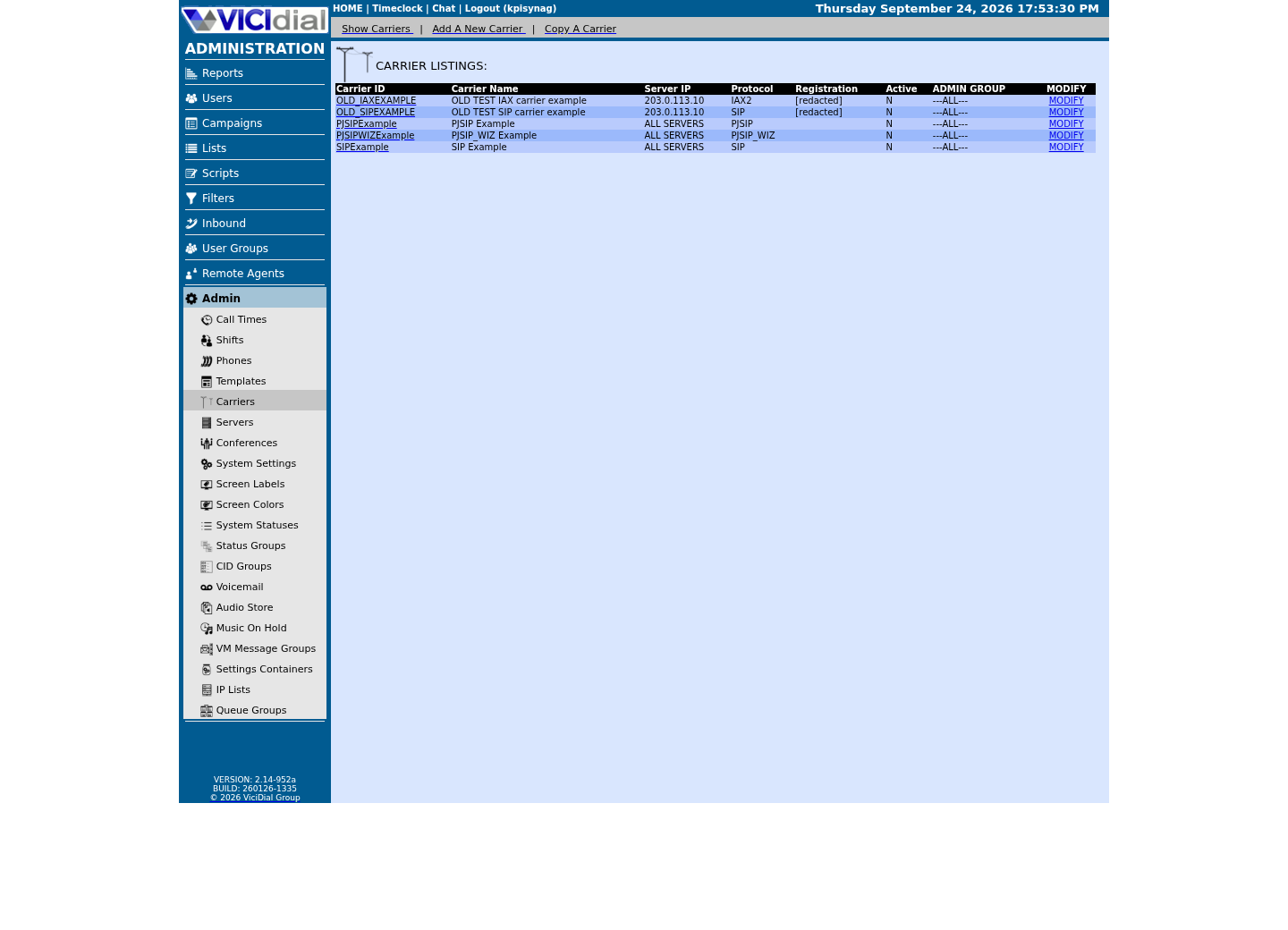
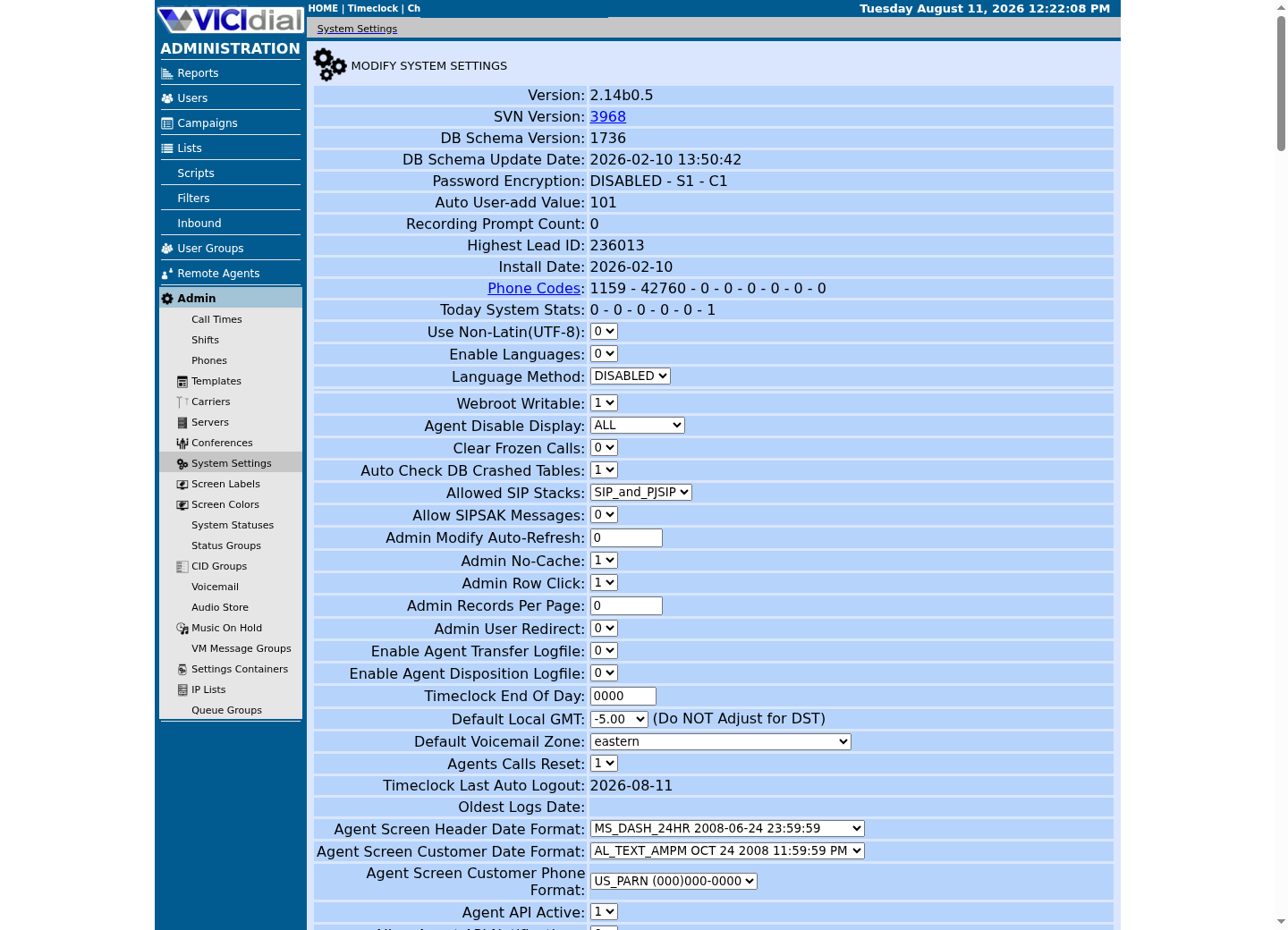
Captured on an isolated VICIdial demo: Administration screens on September 24, 2026, and the idle Agent screen on August 11, 2026. Each caption states its own capture time, and every sanitized image helps you recognize a related screen; none proves that this article's call, command, or result occurred.Find carrier administration
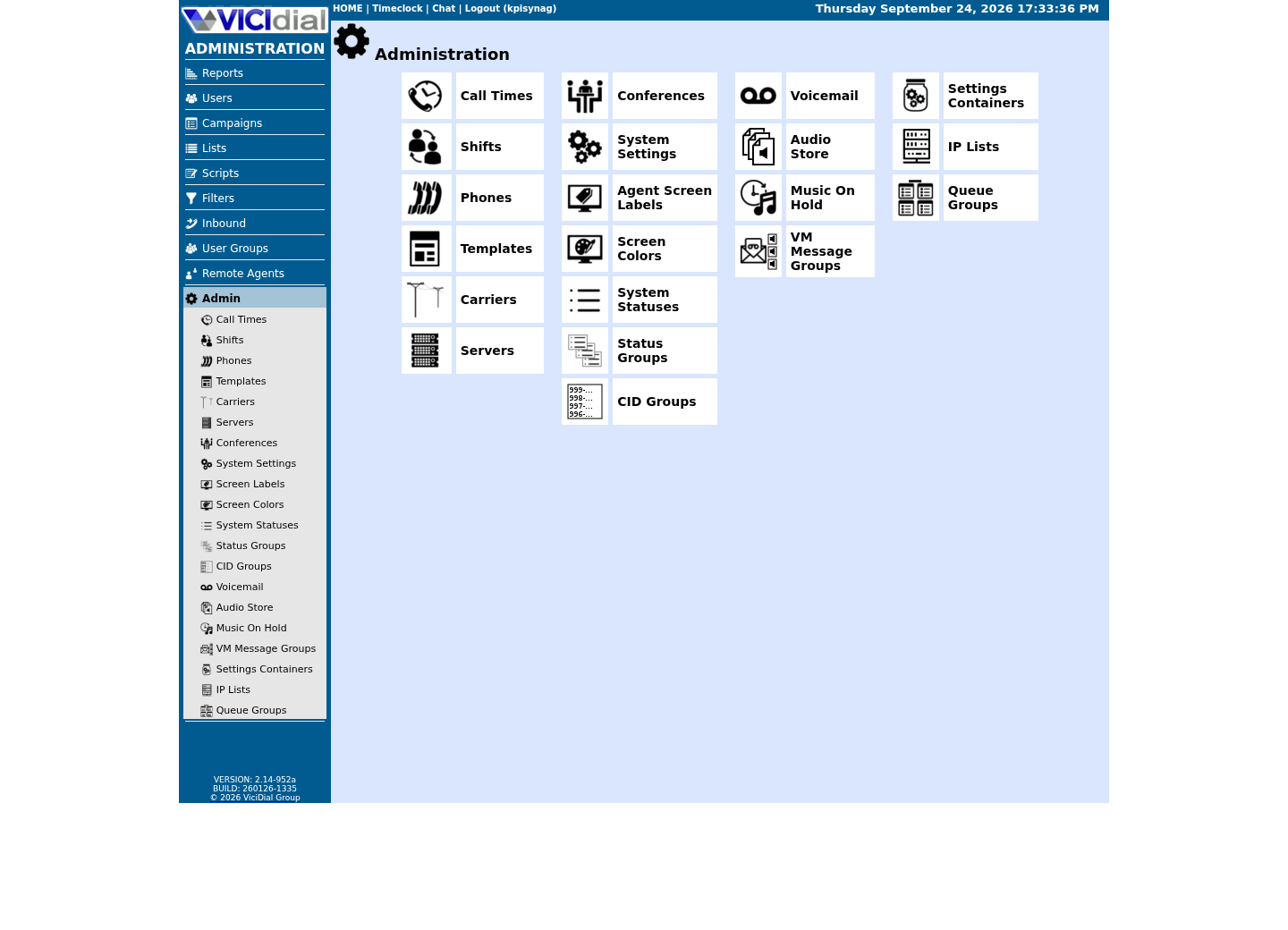
Open Carrier Listings
Check the allowed SIP-stack setting
02 / 06
A standard defines a default; your build decides the truth
SIP has an IANA-registered default port — 5060 for plain UDP/TCP and 5061 for SIP over TLS — and every general SIP reference repeats it. What no general reference can tell you is which port your specific installation actually binds to right now, because that depends on how the software was configured, not on the standard alone; Asterisk in particular can be, and on some builds is, configured differently from the IANA default.
A later lesson's Asterisk-specific check confirms your PJSIP (Asterisk's modern SIP channel driver, the software module that actually speaks SIP on VICIdial's behalf) transport directly, once Asterisk exists to ask. The sample below instead confirms what your host's own /etc/services file — the same lookup table many SIP-aware Linux programs consult — says the well-known assignment is, which is a useful and genuinely runnable first data point even before Asterisk enters the picture.
Treat the two checks as complementary, not redundant: /etc/services tells you what the wider world assumes SIP means, and a live Asterisk check later tells you what actually happened on this specific build. A beginner who only ever reads the first one will confidently write a firewall rule for a port their own server was never actually using.
03 / 06
Guided sample: read an illustrative SIP exchange
This exchange is text to read, not traffic to send. It shows a REGISTER challenged with a 401, successfully retried with credentials, followed by an INVITE that Asterisk accepts. Recognizing this shape — challenge, retry, success — will keep you from treating an ordinary 401 as an outage the first time you see one in a real trace.
Endpoint -> Registrar: REGISTER sip:lab.exampleRegistrar -> Endpoint: 401 Unauthorized (authentication challenge)Endpoint -> Registrar: REGISTER with credentialsRegistrar -> Endpoint: 200 OK Endpoint -> Asterisk: INVITE sip:100@lab.exampleAsterisk -> Endpoint: 100 TryingAsterisk -> Endpoint: 200 OKThis sample is a template or reading aid, not a terminal command. There is no output to show.
- Before you run it
- This is text to read, not commands to send.
- Success looks like
- You can identify registration, authentication challenge and successful call setup.
- Stop if
- Stop if a real trace includes Authorization values; redact it before copying anywhere.
04 / 06
Guided sample: check the registered SIP ports on this host
/etc/services is a plain-text lookup table mapping service names to their standard ports; most SIP-aware software consults something built on the same registry. Searching it for sip and sip-tls shows the IANA-registered assignment your distribution ships with, without needing Asterisk installed at all. A typical entry lists a name, a port, and a transport separated by a slash, such as sip 5060/udp, and many distributions ship a separate line for each of udp and tcp.
grep -E '^(sip|sip-tls)\s' /etc/servicesCaptured demo response · 2026-09-23 21:35 UTC. The displayed command is the command that ran; a safe subset label means it was filtered, redacted, or fixture-scoped. Replays only after you select Replay transcript.
- Before you run it
- This only reads a static reference file; it does not query Asterisk or open a socket.
- Success looks like
- You see one or more lines naming sip (port 5060) and sip-tls (port 5061); the exact line count depends on how many transports your distribution lists per name.
- Stop if
- If nothing matches, your distribution's /etc/services was trimmed down — not a fault, just a reason to rely on the direct Asterisk check in the ViciBox lab instead.
05 / 06
Optional lab: inspect PJSIP endpoints
`pjsip show endpoints` and `pjsip show contacts` are genuinely read-only Asterisk commands, but like the codec table in the previous lesson, they need an Asterisk install this curriculum does not introduce until the ViciBox Express lab. You will run this exact pair of commands for real there, against your own build's actual configuration.
An endpoint in PJSIP's configuration is the definition of who is allowed to register or call through it; a contact is a specific, currently-registered device or software instance bound to that endpoint. A single endpoint can have zero contacts (nothing has registered yet) or, depending on configuration, more than one — the distinction matters the first time a call routes to a phone that is not actually the one you expected.
asterisk -rx 'pjsip show endpoints'asterisk -rx 'pjsip show contacts'This sample changes a system, contacts an outside service, needs a live call, or would print real data from a shared server, so it was not run on the demo. Run it only where you are authorized, and compare the result with the success and stop guidance.
- Before you run it
- Asterisk is not installed at this stage of the curriculum; this previews commands you run for real in the ViciBox Express lab.
- Success looks like
- Once you do have a PJSIP-enabled Asterisk lab, these print configured endpoints and known contacts without placing a call.
- Stop if
- Do not install Asterisk early just to try this; wait for the lab stage, which also gives you a supported way to inspect it.
06 / 06
Troubleshoot by response and timestamp
When you do get access to a real SIP trace, capture the method, the response code, the Call-ID, the timestamp and the direction, and redact Authorization headers and phone numbers before sharing any of it. A 401 partway through a trace is frequently normal digest authentication (SIP's standard challenge-and-response scheme, in which a server asks for proof of a shared secret rather than accepting a password sent in the clear) working as designed, not evidence of a fault — context, not the single line, tells you which one you are looking at.
The habit that separates a fast diagnosis from a slow one is almost always the same: name the exact method and response code you saw, rather than describing the symptom in general terms like "it didn't connect." "REGISTER got a 403" and "the phone won't log in" point a colleague at completely different amounts of prior investigation.
- I can explain REGISTER versus INVITE in one sentence each.
- I know the difference between what a standard defines and what my own build actually does.
- I would redact Authorization headers and phone numbers before sharing any real trace.
Evidence ledger
Verification basis
- The illustrative SIP exchange is a worksheet: text to read, not traffic to send. The /etc/services check is a capture. The PJSIP endpoint check is labelled no-run because Asterisk is not installed until the ViciBox Express lab, where this exact command runs for real.
Primary references
Sources
- IETF RFC 3261: SIPIETF · accessed September 23, 2026
- Asterisk PJSIP configuration documentationAsterisk · accessed September 23, 2026