Reader setup
Before you start
Run each step in order and move only when the outcome is confirmed.
- Permission to view reports for an isolated test team, plus a read-only database account (see vicidial-read-only-database-account) for the check below
- A written reporting timezone and date range
- A basic understanding of agent statuses and dispositions
- What you will prove
- You can compare a small set of agent activity measures without claiming that two different reports must match exactly, and check one of them yourself against the same table VICIdial's own reports read.
- Safety boundary
- Use test or aggregated data. Do not publish individual performance data, recordings, phone numbers, or customer details without the organisation's approved policy.
Reader path
How to use this article
- Use it when: You need a fixed sequence to make a deployment or configuration change now.
- Expected result: Follow each step and verify the outcome before changing the next layer.
- Start here: Start at the first section and complete every checkpoint before moving to the next.
01 / 06
A KPI begins with a question, not a number
A key performance indicator is a measure tied to a decision. 'How much scheduled staffing time was spent paused?' and 'How many successful outcomes came from answered contacts?' are different questions, so they need different data and context. The first points you toward an agent activity/time report; the second points toward a campaign or disposition report, and naming the report before running it prevents comparing numbers that were never meant to answer the same question.
VICIdial records calls, statuses and agent time breakdowns and provides real-time and summary reports. That does not make every report interchangeable; name the business question, date range, timezone, campaign and population before exporting anything. 'Population' here just means which agents the numbers cover — a single test agent, a small approved team, or an aggregate with names removed.
Visual walkthrough
Follow three real demo screens
Captured on an isolated VICIdial demo: Administration screens on September 24, 2026, and the idle Agent screen on August 11, 2026. Each caption states its own capture time, and every sanitized image helps you recognize a related screen; none proves that this article's call, command, or result occurred.Treat home-page counts as orientation
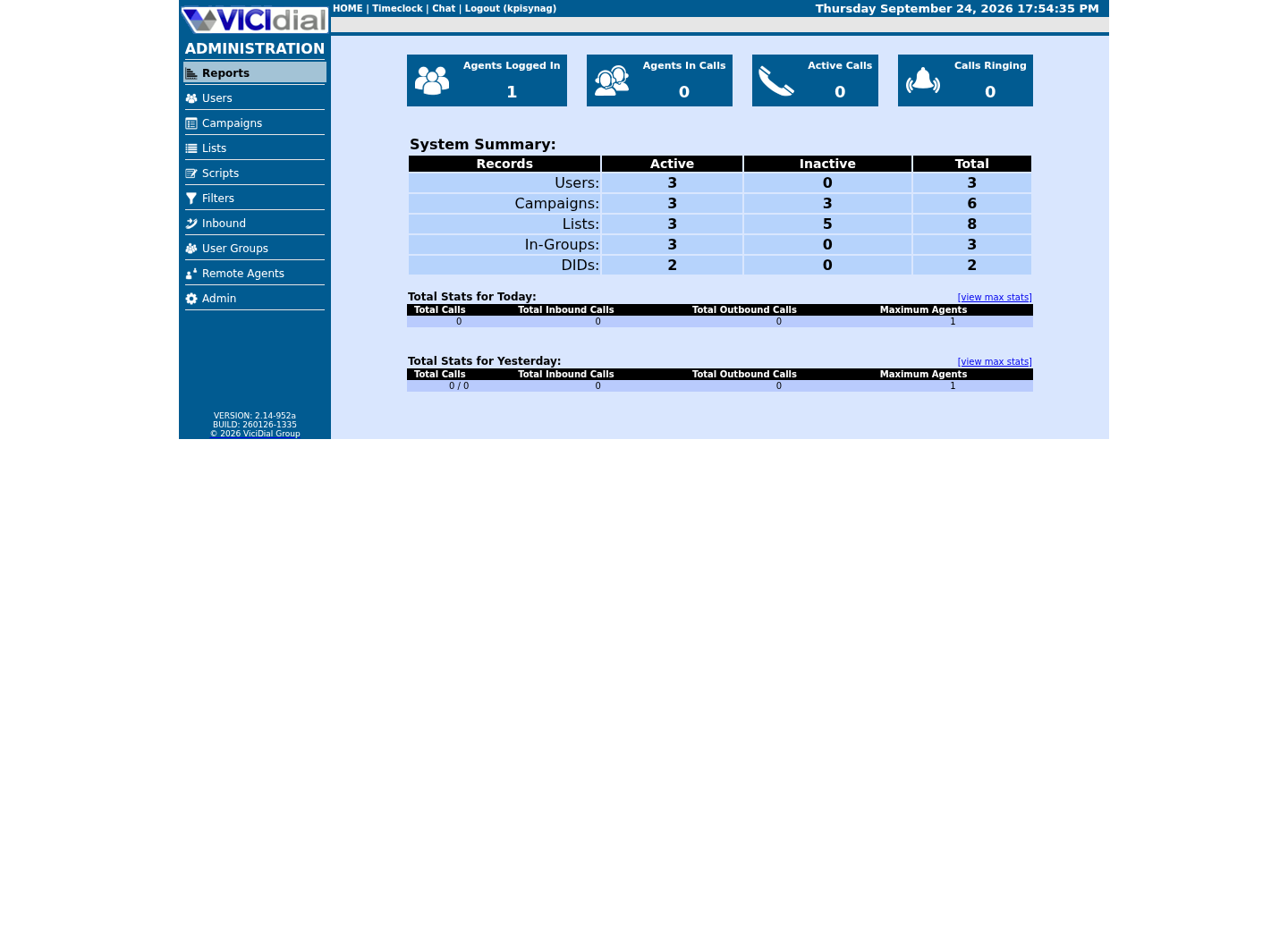
Use the Reports index
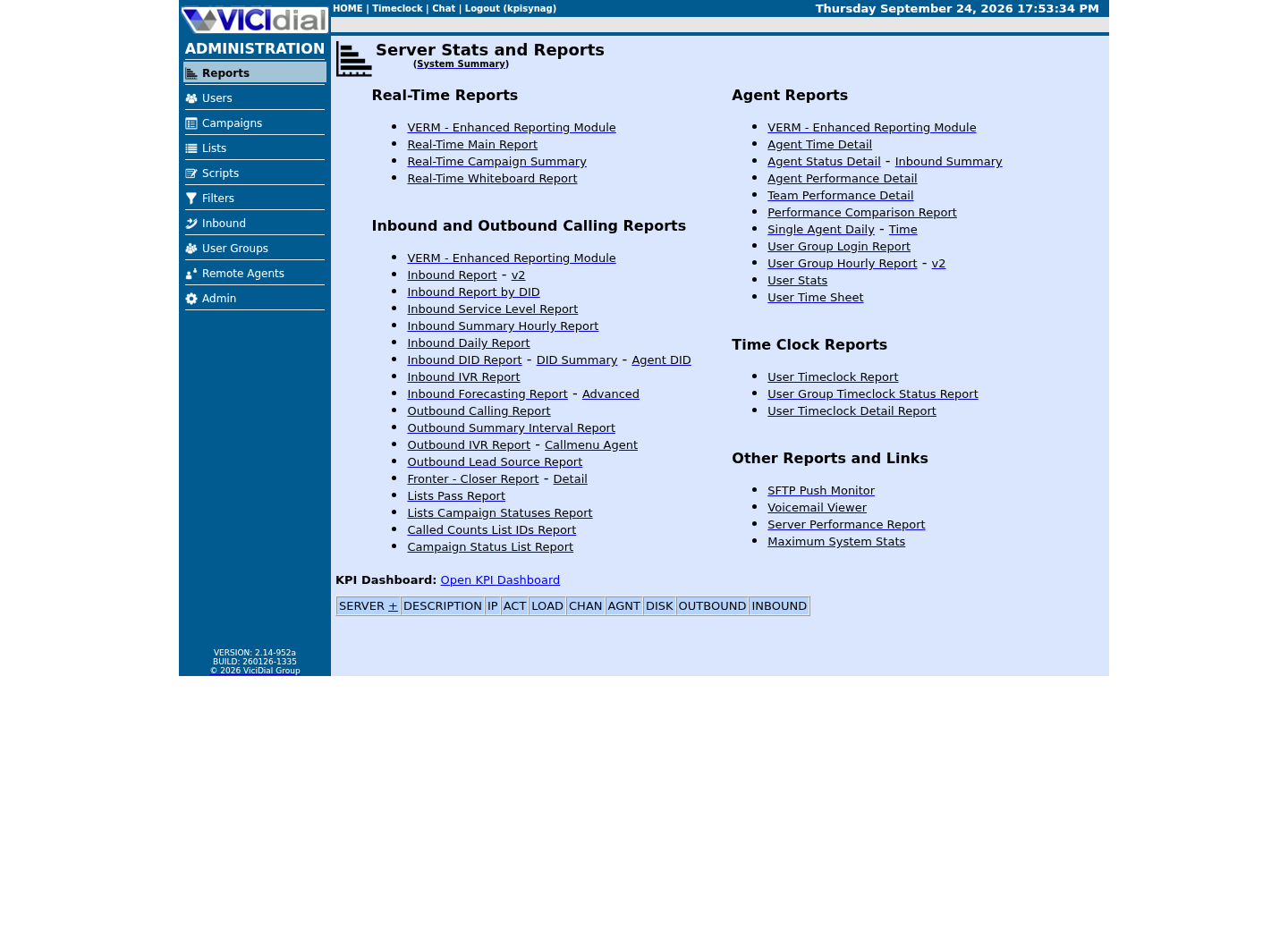
See the Real-Time report layout

02 / 06
Agent activity is not the same as call activity
Agent Time Detail and Agent Performance-style reports focus on what an agent session did: waiting, talking, disposing and pausing. Campaign/call reports focus on call outcomes. A VICIdial forum thread explains the boundary clearly: agent activity includes pause time, and that time cannot simply be assigned to a particular inbound group or call. A campaign report can tell you a call lasted four minutes; only the agent activity report can tell you whether that same agent then sat paused for the next twenty.
Use this distinction to avoid unfair comparisons. A high pause percentage can signal a workflow problem, planned training, a technical issue, or an inaccurate schedule — not automatically poor effort.
03 / 06
Guided example: run a small, repeatable report
Choose one test agent or a small authorised aggregate, one campaign, and a short completed interval such as yesterday in the organisation's declared timezone. In Reports, run the agent activity/time report and save the filters alongside the export name.
Record report generation time too. Some VICIdial logs are completed or cleaned up after a call, so live and later views can differ around the edge of a time window.
Purpose: understand test-agent activityPopulation: <AGENT_USER or approved aggregate>Campaign: <CAMPAIGN_ID>Interval: <START> to <END>Timezone: <DECLARED_ZONE>Generated: <TIMESTAMP>Do not include: phone numbers, lead names, recordingsThis sample is a template or reading aid, not a terminal command. There is no output to show.
- Before you run it
- Use the same filter card whenever you compare two runs.
- Success looks like
- A reviewer can reproduce the report and understand what the numbers include.
- Stop if
- Stop if the date boundary, timezone, campaign, or access scope is unknown.
04 / 06
Guided example: check one number yourself
A report is a view over the same tables you can query directly. vicidial_agent_log records one row per pause/status event, with a pause_type of UNDEFINED, SYSTEM, AGENT, API or ADMIN and how many seconds that event lasted — the same table and columns a fair pause-time breakdown needs. In plain language: UNDEFINED is uncategorized, SYSTEM is VICIdial pausing the agent itself, AGENT is a pause code the agent chose, and API/ADMIN mean an integration or an administrator triggered it — a distinction worth keeping separate before you judge anyone's pause total.
Run this with the read-only database account, scoped to the one test agent, over a window wide enough to actually contain a shift. Compare the AGENT-initiated total against the report you just ran; a large SYSTEM or API total is a workflow or integration question, not evidence the agent chose to pause that long. This mirrors the same table and columns used elsewhere in this library for a single trainee's pause breakdown — scoped by agent rather than campaign, since a pause event in vicidial_agent_log is not naturally tied to one campaign.
SELECT pause_type, COUNT(*) AS pause_events, SUM(pause_sec) AS seconds_pausedFROM vicidial_agent_logWHERE user = '<AGENT_USER>'AND event_time >= CURDATE() - INTERVAL 7 DAYGROUP BY pause_typeORDER BY seconds_paused DESC;Captured demo response · 2026-09-24 22:25 UTC. The displayed command is the command that ran; a safe subset label means it was filtered, redacted, or fixture-scoped. Replays only after you select Replay transcript.
- Before you run it
- Run with the read-only database account for the one approved test agent; widen or narrow the interval to match the reporting window on your filter card.
- Success looks like
- The pause_type breakdown is a plausible shape for that agent's real shifts in the window, and the AGENT-initiated seconds roughly match what the UI report showed.
- Stop if
- Zero rows usually means the window missed the agent's actual shift, not that nothing happened — widen the interval before concluding the report is wrong.
05 / 06
Guided example: compare two reports without forcing a match
Compare a count and a duration only when both reports describe the same population and time window. If Agent Stats and Agent Time Detail show slightly different talk time, label the difference instead of altering data to make a dashboard look tidy.
A 2025 VICIdial forum response explains why exact equality is unsafe to expect: reports can draw from different log tables, records are triggered by different events, and real-time versus post-call cleanup timing can differ. Treat a material or growing gap as a reconciliation question for the build owner.
Measure: talk timeReport A: <NAME>, <VALUE>, generated <TIME>Report B: <NAME>, <VALUE>, generated <TIME>Same filters? yes/noKnown boundary: live vs completed / different log source / unknownDecision: investigate only if difference changes the staffing or quality decisionThis sample is a template or reading aid, not a terminal command. There is no output to show.
- Before you run it
- Use rounded, non-identifying values in a lab worksheet.
- Success looks like
- You retain report provenance and can explain why a difference may exist.
- Stop if
- Stop if someone asks you to rank or discipline a person from one unexplained metric.
06 / 06
Build a useful, fair KPI view
For a beginner dashboard, keep a small set: logged-in time, ready/wait time, talk time, disposition/wrap-up time, pause time by approved code, calls handled, and outcomes appropriate to the campaign. Pair every number with its date range and population.
Review trends with operational context: lead supply, inbound volume, carrier incidents, training time, campaign rules and schedule. Validate the dashboard against a sample of known test sessions before using it for staffing or coaching. Review it on a fixed cadence, such as weekly, rather than reacting to one unusual day — a single day's pause total is noisy on a small test team and rarely worth acting on by itself.
- I named the decision each KPI supports.
- I kept activity metrics separate from call-outcome metrics.
- I documented filters, timezone and report generation time.
Evidence ledger
Verification basis
- Different VICIdial reports can use different log events and cleanup timing, so exact talk-time agreement is not a valid acceptance criterion.
- vicidial_agent_log's pause_type and pause_sec columns, already used elsewhere in this library, make the pause-time part of a KPI dashboard independently checkable, not just report-generated.
- The recommended dashboard keeps report provenance and avoids exposing individual customer data.
Primary references
Sources
- VICIdial feature listVICIdial · accessed September 23, 2026
- Agent Performance Detail CustomizationVICIdial forum · accessed September 23, 2026
- Difference in Talk Time: Agent Stats vs Agent Time DetailVICIdial forum · accessed September 23, 2026