Reader setup
Before you choose
List your constraints, required evidence and stop rules before you score options.
- A CentOS 7 VICIdial server you intend to replace, not patch in place
- A separate target server or virtual private server (VPS), sized to match or exceed the current box
- Read access to the database, /etc/astguiclient.conf, crontab, and the recordings directory on the old server — see Create a read-only database account for safe VICIdial queries if you do not already have a scoped account for this
- What you will prove
- A named migration target, a list of exactly what must be copied across, and a rollback plan that exists before any carrier trunk points at the new server.
- Safety boundary
- Keep the CentOS 7 server powered on and untouched until the new server has carried live traffic successfully; it is your rollback path, not scrap to clear early.
Reader path
How to use this article
- Use it when: You are comparing options and need decision evidence before approval.
- Expected result: Turn options into explicit acceptance criteria and documented stop conditions.
- Start here: Score what is mandatory, keep unknowns visible, then decide only when risks are understood.
Fast answer: pick a target, do not upgrade in place
Fast answer: CentOS Linux 7 stopped receiving updates or patches entirely on 30 June 2024, so staying on it means running an increasingly exposed dialer on borrowed time, not a stable one. Do not run an in-place distribution upgrade on a production dialer. Instead, build a new server on one of three realistic targets, carry the database, recordings, configuration, cron jobs and carrier setup across deliberately, verify the new server on its own, and only then move live traffic to it.
This is a decision framework for the move itself, not a command-by-command install guide for every target — pair it with the specific install guide for whichever target you choose.
None of the words for agent, campaign, carrier or DID change when the operating system underneath them does — only the box they run on does. See VICIdial terminology for complete beginners: users, phones, campaigns and leads if you need any of them defined.
- Confirm you are reading this because you still have a CentOS 7 VICIdial server running, not because you are planning a brand-new install.
- Pick one target platform before you provision anything.
- Decide who can authorize the cutover and who can order a rollback, before you need either.
Visual walkthrough
Follow three real demo screens
Captured on an isolated VICIdial demo: Administration screens on September 24, 2026, and the idle Agent screen on August 11, 2026. Each caption states its own capture time, and every sanitized image helps you recognize a related screen; none proves that this article's call, command, or result occurred.Start at Administration home
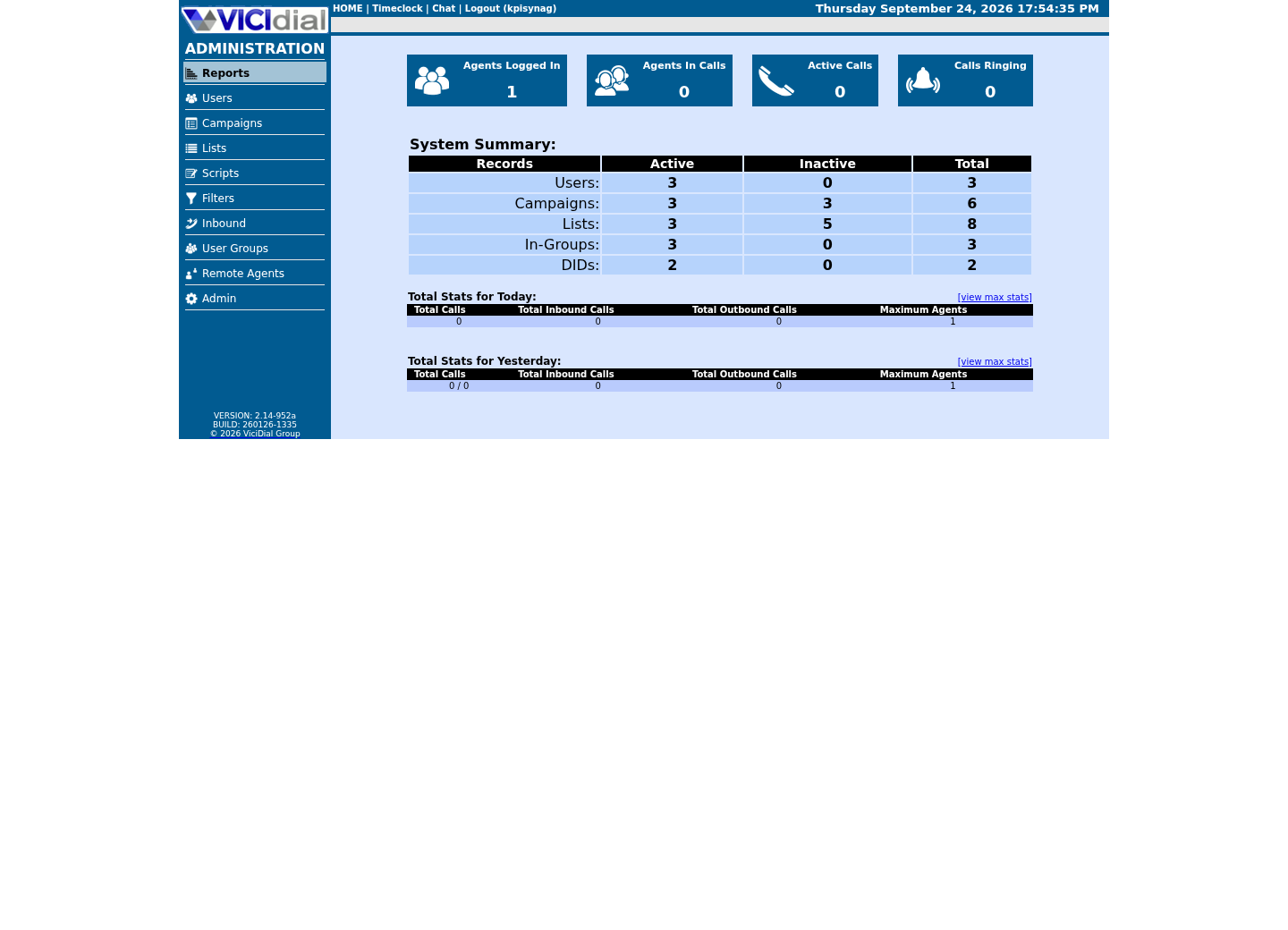
Use the Administration menu as a map
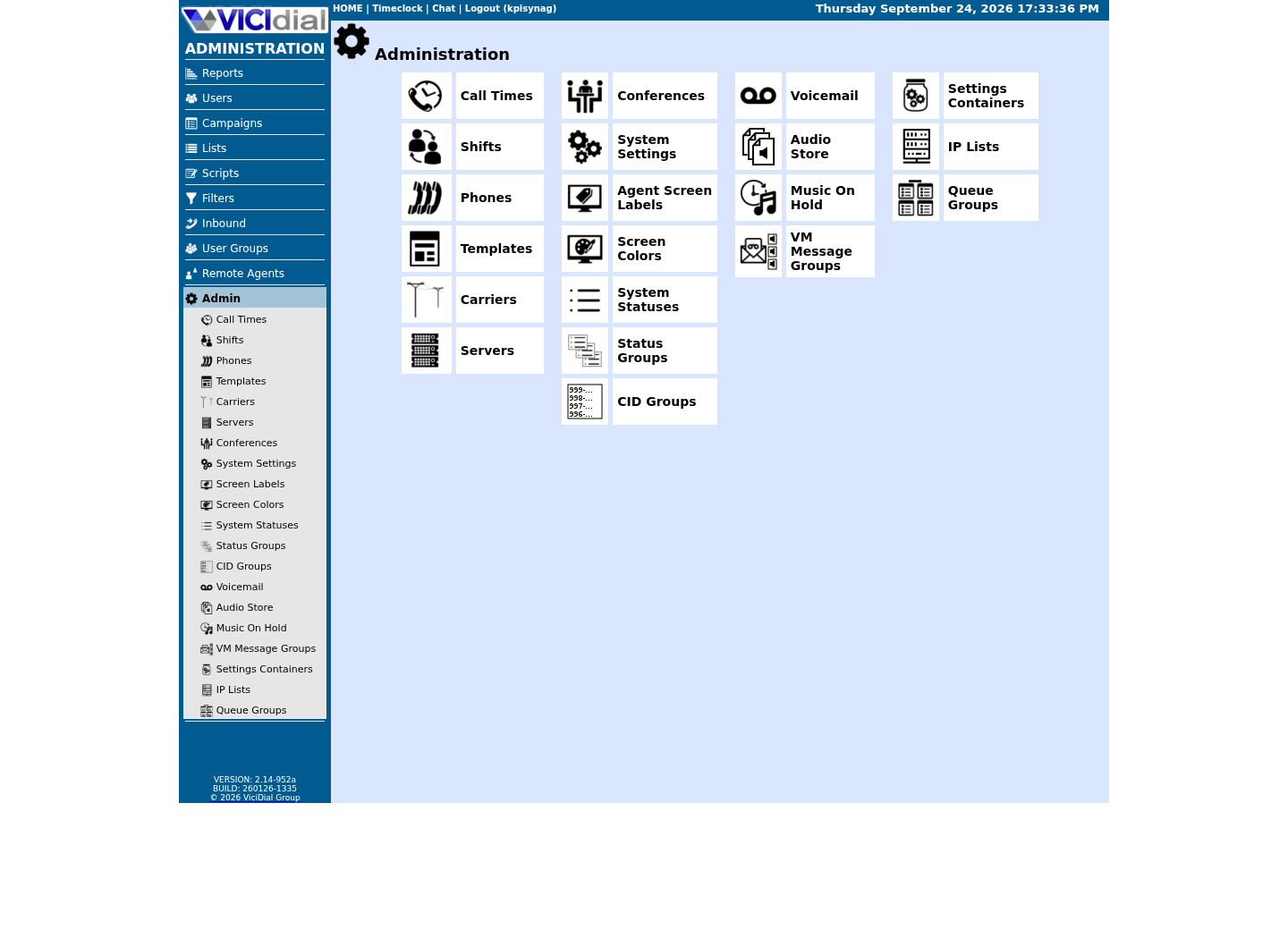
Confirm version and system-wide context
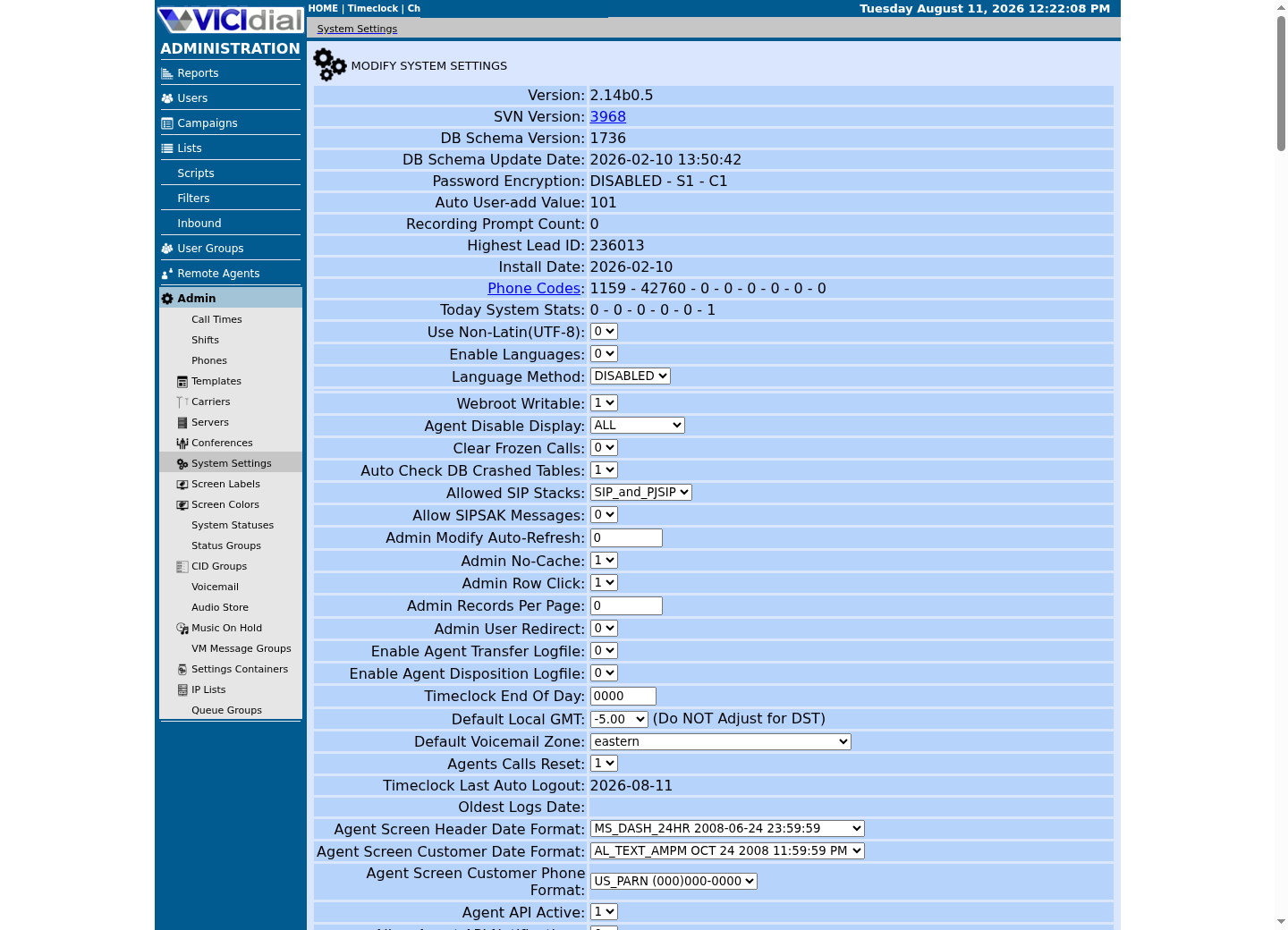
What 'end of life' actually means for a box taking live calls
CentOS Linux 7 reached end of life (EOL) on 30 June 2024. Red Hat's own announcement states plainly that no further updates or patches are published after that date. That is not a projection or a marketing warning; it is the documented, permanent status of the distribution, and the date was announced years in advance, so nothing about it is arriving as a surprise.
In concrete terms: every package on that server — kernel, OpenSSL, Apache, PHP, and everything else in the base image — stopped receiving fixes on that date. When a new common vulnerabilities and exposures (CVE) entry is later found in any of those components, CentOS 7 simply does not get the fix. The gap between disclosure and exposure only grows, and it never closes on its own; by August 2026 that gap is already more than two years wide.
Before you plan anything else, look at what the box is actually running today. CentOS 7 shipped with an old PHP (the scripting language VICIdial's web admin and agent screens are written in) release, and years of accumulated patches rarely bring that current. Confirm the real numbers instead of assuming.
- Write down the exact PHP, MariaDB/MySQL and Asterisk versions before you touch anything.
- Record the recordings directory size; it usually drives your transfer time more than the database does.
- Save the crontab and cron.d listing verbatim; you will need to recreate every entry on the new server.
#!/usr/bin/env bashset -euo pipefail cat /etc/centos-releaseuname -rphp -v | head -n 1mysqld --versionasterisk -rx 'core show version'du -sh /var/spool/asterisk/monitordu -sh /var/lib/mysqlcrontab -lls -la /etc/cron.d This sample changes a system, contacts an outside service, needs a live call, or would print real data from a shared server, so it was not run on the demo. Run it only where you are authorized, and compare the result with the success and stop guidance.
- Before you run it
- Run this read-only, directly on the CentOS 7 server, before you provision anything else.
- Success looks like
- You have the real operating system release, kernel, PHP version, MariaDB/MySQL version, Asterisk version, recordings size, database size and every scheduled job written down.
- Stop if
- If the PHP version is much older than 8, treat the application upgrade as its own project — see below — rather than assuming it will simply carry over.
Why an in-place distribution upgrade is not the move
It is tempting to look for a supported upgrade path from CentOS 7 straight to a newer release and run it against the live server. Resist that. VICIdial's Asterisk is typically built from source and pinned to a specific version, kernel telephony modules (DAHDI, if hardware cards are involved) are compiled against the exact running kernel, and MariaDB's storage engine defaults and configuration assumptions differ across major versions. An in-place jump changes all of those under a system that may have agents on live calls when it happens.
There is no official, supported leap from CentOS 7 directly to a current Red Hat Enterprise Linux (RHEL) family release, an Ubuntu release, or a ViciBox release. Third-party distribution-upgrade tools exist for some RHEL-family jumps, but none of them know anything about Asterisk, VICIdial's schema version, or your carrier trunks. A failed mid-upgrade kernel or library swap can leave a dialer half-working in a way that is harder to diagnose than simply starting from a clean, current server.
Build the replacement server in parallel instead. The old CentOS 7 box keeps taking calls, unmodified, for the entire time you are building and testing the new one. That is what makes a rollback possible at all.
- Do not run yum or dnf distribution-upgrade tooling against a live VICIdial server.
- Do not touch the CentOS 7 kernel, Asterisk build or MariaDB version while it is still carrying traffic.
- Build the new server on separate hardware or a separate VPS from day one.
The three realistic targets, and their trade-offs
This publication documents no production-verified CentOS 7 migration target. ViciBox 12 installation: from bare metal to first dial is the most detailed path on this site but is lab-only — see ViciBox version status: why ViciBox 12 and ViciBox 13 are lab-only lessons; Installing VICIdial on AlmaLinux 9 or Rocky Linux 9 is the only currently non-EOL RHEL-family option and is unverified by this publication. For a production cutover, follow the scratch-install instructions posted on the VICIdial forum, on a currently supported release, directly.
ViciBox 12.0.2 is the current prebuilt VICIdial appliance: openSUSE Leap 15.6 as the base, Asterisk 18 with PJSIP support, MariaDB 10.11.9 and PHP 8.2, installed through a staged Phase 1 (base OS) and Phase 2 (VICIdial itself) sequence documented directly by the ViciBox project. It trades some of the control of a from-scratch install for a maintained image — though, as above, its openSUSE base is itself lab-only, not yet a production platform. See this site's ViciBox 12 installation guide (vicibox-12-installation) for the phase-by-phase console steps; this article covers only the trade-off of choosing it, not the keystrokes.
AlmaLinux 9 or Rocky Linux 9 continue the RHEL family CentOS 7 came from, which appeals if your operational habits already assume that family. This publication has not verified a step-by-step install procedure for either — the material available is third-party community documentation, not an official VICIdial or vendor reference. What that community documentation agrees on: SELinux has to be disabled, because VICIdial's Perl scripts, Asterisk's file operations and Apache's configuration all assume it is off; package names and repositories differ from the Debian family; and a community-maintained installer (the CyburDial project, at dialer.one) is the actively maintained option for this family. Treat the scratch-install instructions posted on the VICIdial forum as the authority for the underlying steps, and the community installer as a starting point to review carefully, not a script to run unread.
Treat the PHP and VICIdial code upgrade as a separate project
PHP 8.2 is the current version, and it ships as the default on both ViciBox 12.0.2 and current AlmaLinux 9/Rocky Linux 9 installs. A CentOS 7 box is almost certainly running something much older — PHP 5.4 shipped with CentOS 7 itself, and even a well-maintained install rarely reaches past PHP 7.x. VICIdial code that is more than roughly four years old routinely throws deprecation warnings or breaks outright on PHP 8.x.
That means moving the operating system and moving the application version are two different projects, even though a migration makes it feel like one event. The most common mistake in a CentOS 7 migration plan is treating the new server's PHP and Asterisk versions as a drop-in replacement for whatever custom admin screens, reports or agent-screen modifications were written years ago against the old versions. They are not automatically compatible just because the database schema copies across cleanly.
Before cutover, inventory every custom PHP file, cron script or Perl script that touches the web interface, and test each one against the target server's actual PHP version — on the new server, before agents depend on it, not after. A page that throws a fatal error under PHP 8 is a far worse discovery in front of a live agent floor than in a quiet test window.
- List every customized or third-party PHP file separately from the stock VICIdial tree.
- Run each customization against the new server's real PHP version before cutover, not just the database migration.
- Do not assume a clean schema copy means the application works.
What must move, and what a fresh install already gives you
A migration is not a full clone of the old server; it is a deliberate copy of the parts that hold your data and identity, onto a server that already has the platform installed and current. Knowing which is which up front keeps the copy step from turning into copying the entire old, unpatched filesystem onto the new box.
The database is not one lump. Runtime and configuration tables — vicidial_campaigns, vicidial_lists, vicidial_users, phones, vicidial_server_carriers and the like — are what makes the new server behave like your old one. Call-detail and archive tables — vicidial_log, vicidial_closer_log, recording_log and similar — are large, grow without bound, and matter for reporting history rather than for the system working at all. Decide deliberately whether history rides along on day one or migrates separately afterward; either choice is defensible, but do not let a multi-gigabyte log table silently turn a planned short cutover into an overnight one.
For the general backup and restore architecture — layered copies, integrity checks, retention, and a properly measured recovery point and recovery time objective — see “VICIdial backup and disaster recovery: design for a tested RTO/RPO”. This article only covers what is specific to moving off CentOS 7: which pieces exist on the old box that a fresh install does not already provide for you.
- Separate runtime/configuration tables from call-detail and archive tables before deciding how much history to copy on day one.
- Treat recordings as their own transfer, sized and timed separately from the database.
- Confirm carrier trunk definitions exist in both the Asterisk configuration and the Admin carrier records — VICIdial keeps both.
MUST CARRY ACROSS FROM THE OLD CENTOS 7 BOX:the VICIdial database named in /etc/astguiclient.conf's VARDB_database setting (vicidial_list, vicidial_campaigns, vicidial_lists, vicidial_users, plus your log/archive tables)/etc/astguiclient.confcarrier trunk definitions (pjsip.conf or sip.conf entries, plus the Admin carrier records)crontab and /etc/cron.d entriescustom AGI and Perl scripts outside the stock install treecustom or modified PHP files under the web treerecordings under the monitor spool directoryTLS/SSL certificates, if you terminate your own A FRESH INSTALL ALREADY PROVIDES:Asterisk, MariaDB, PHP and the web server, at current versionsthe VICIdial schema and stock Perl/AGI scripts at a pinned revisiondefault cron entries for the standard AST_ jobsa firewall baselinea self-signed certificate to replace before production trafficThis sample is a template or reading aid, not a terminal command. There is no output to show.
- Before you run it
- Copy this list into your own migration plan and mark each line done as you verify it, rather than treating a finished file copy as proof by itself.
- Success looks like
- Every 'must carry across' line has a named destination path on the new server, and every 'fresh install provides' line has been confirmed present rather than assumed.
- Stop if
- Stop before cutover if a custom script, certificate or carrier record has no destination — a missing line here is a missing feature on the new server, not a cosmetic gap.
Size the database before you copy it
Unbounded growth in call-detail tables is a documented operational risk on its own, and it is exactly what makes a database copy take longer than anyone plans for. A years-old vicidial_log or recording_log table can dwarf everything else in the schema combined. Measure before you move, so a multi-hour copy does not surprise you during a cutover window.
Run this against the old server's database with a read-only account. It only reads catalog metadata — it changes nothing and it does not lock any table.
SELECT table_name, table_rows, ROUND(((data_length + index_length) / 1024 / 1024), 1) AS size_mbFROM information_schema.tablesWHERE table_schema = DATABASE()ORDER BY size_mb DESCLIMIT 15;This sample changes a system, contacts an outside service, needs a live call, or would print real data from a shared server, so it was not run on the demo. Run it only where you are authorized, and compare the result with the success and stop guidance.
- Before you run it
- Run this with mysql --defaults-extra-file=/etc/vicidial-readonly.cnf on the old CentOS 7 server, before scheduling a cutover window; the option file's own [mysql] section supplies the database.
- Success looks like
- You have a ranked list of the largest tables and can decide, table by table, what copies on day one and what migrates afterward.
- Stop if
- If a log or archive table dwarfs the rest of the schema combined, plan a longer window or a separate history migration rather than assuming the copy will finish quickly.
Sequence the cutover so a rollback is still possible
Build and verify the new server completely before it carries a single real call. The old CentOS 7 server keeps running, untouched, for the entire build. That single rule is what keeps a migration reversible: as long as the old box is still intact and still has current data, you always have somewhere to go back to.
A workable sequence: provision and install the target platform; copy configuration, custom scripts and a first pass of the database and recordings while the old server keeps taking live traffic; verify the new server fully, as its own step, before it touches any carrier; schedule a short freeze window and copy only what changed since the first pass; point carrier trunks and DIDs at the new server; keep the old server powered on and reachable for a defined rollback window — days, not hours — before you even consider decommissioning it.
Rollback only works if the old server is still whole. Do not repurpose its disk, its IP address or its carrier trunk registration until the rollback window has fully passed.
- Set a rollback window measured in days, not hours, before you schedule the freeze.
- Name who can authorize pointing carrier trunks at the new server, and who can order them back.
- Do not decommission, wipe or repurpose the CentOS 7 server until the rollback window has passed.
#!/usr/bin/env bashset -euo pipefail # Dry run only. Remove --dry-run for the real transfer once this looks right.rsync -avz --dry-run root@203.0.113.10:/var/spool/asterisk/monitor/ /mnt/new-server-staging/monitor/rsync -avz --dry-run root@203.0.113.10:/etc/astguiclient.conf /mnt/new-server-staging/astguiclient.conf This sample changes a system, contacts an outside service, needs a live call, or would print real data from a shared server, so it was not run on the demo. Run it only where you are authorized, and compare the result with the success and stop guidance.
- Before you run it
- Run this from the new server, replacing 203.0.113.10 with your actual old server's address, before the first real copy pass.
- Success looks like
- The dry-run output lists exactly the files and sizes that would transfer, matching what you expect from the inventory step above.
- Stop if
- Stop and investigate before removing --dry-run if the file list is unexpectedly small, unexpectedly large, or missing a path you expected.
What to verify on the new server before anything real touches it
Verification happens before carrier trunks move, not after. A server that boots, shows a login screen and lets you click around Admin has not yet proven anything about whether it can carry your actual traffic.
At minimum, confirm the following before cutover. If you chose the AlmaLinux 9/Rocky Linux 9 or a from-scratch path, confirm your own equivalent checks manually — only the ViciBox appliance path documents a vendor-provided verification sequence on this site. Beyond that: PHP, MariaDB and Asterisk are the versions you expect, and every custom script from the application-upgrade review above runs cleanly under them; the database schema version matches what the old server reported, and row counts for key tables reconcile against the old server's counts from before the freeze; every crontab and /etc/cron.d entry from the old server exists and is scheduled on the new one; recordings from before the freeze are present and playable; carrier trunks register successfully; and a real inbound and outbound test call completes and is logged correctly, before a single production agent logs in.
Reconcile row counts with a read-only account, comparing the same tables you sized before the copy.
- Do not point a single carrier trunk or DID at the new server before every item above is confirmed.
- Run one real inbound and one real outbound test call before any production agent logs in.
- Keep the old server's final pre-cutover counts written down for comparison after the freeze.
SELECT (SELECT COUNT(*) FROM vicidial_list) AS list_rows, (SELECT COUNT(*) FROM vicidial_campaigns) AS campaign_rows, (SELECT COUNT(*) FROM vicidial_lists) AS list_defs, (SELECT COUNT(*) FROM vicidial_users) AS user_rows;This sample changes a system, contacts an outside service, needs a live call, or would print real data from a shared server, so it was not run on the demo. Run it only where you are authorized, and compare the result with the success and stop guidance.
- Before you run it
- Run this with mysql --defaults-extra-file=/etc/vicidial-readonly.cnf on both the old and new servers, right after the final copy pass, and compare the two results side by side.
- Success looks like
- Every count matches between old and new server, for the exact moment the freeze was declared.
- Stop if
- Stop before moving carrier trunks if any count is off; find the missing rows before agents start creating new ones on top of an incomplete copy.
Evidence ledger
Verification basis
- Verified: CentOS Linux 7 reached end of life on 30 June 2024 and receives no further updates or patches (Red Hat's own announcement).
- Reproduced from ViciBox's own installation documentation (see vicibox-12-installation); not independently verified end-to-end by this publication for any target.
- Verified from official ViciBox documentation: ViciBox 12.0.2 ships openSUSE Leap 15.6, Asterisk 18, MariaDB 10.11.9 and PHP 8.2.
- Not verified by this publication: a step-by-step AlmaLinux 9 or Rocky Linux 9 procedure. Treat third-party community guides as community practice, not an official reference.
Primary references
Sources
- CentOS Linux has reached end of lifeRed Hat · accessed August 5, 2026
- ViciBox installation documentation: Phase 1ViciBox · accessed August 5, 2026
- ViciBox installation documentation: Phase 2 (express)ViciBox · accessed August 5, 2026
- ViciBox 12.0.2 release announcementVICIdial Forum · accessed August 5, 2026
- VICIdial scratch install instructionsVICIdial Forum · accessed August 5, 2026