Reader setup
Before you evaluate
Use this to set expectations, limits and implementation boundaries before changing anything.
- A read-only database account — see vicidial-read-only-database-account if you do not have one yet
- A terminal comfortable with mysql or mariadb client commands and basic SELECT syntax
- One target VICIdial installation whose SVN revision and database name you can record before querying
- What you will prove
- You will be able to name the core VICIdial tables, know which ones are safe to query freely and which ones you must never hand-edit, and reconcile a raw table count with a real report count.
- Safety boundary
- Every SQL example here is SELECT or SHOW only. Never run INSERT, UPDATE, DELETE, or ALTER against a table you have not first inspected with SHOW COLUMNS and confirmed with your own team.
Reader path
How to use this article
- Use it when: You are designing a change and want reliable limits before implementation.
- Expected result: Separate what is known, unknown, and unsafe before you execute.
- Start here: Use it as an evidence review before changing architecture, security, or reporting behavior.
The fast answer: three kinds of tables, one live schema to trust
Fast answer: VICIdial keeps almost all of its state in MySQL/MariaDB tables that fall into three very different categories — configuration tables you can browse safely (`vicidial_campaigns`, `vicidial_lists`, `vicidial_users`), runtime tables that churn every second while calls are in progress (`vicidial_live_agents`, `vicidial_auto_calls`, `vicidial_hopper`, `vicidial_manager`), and log or history tables that only ever grow (`vicidial_log`, `vicidial_closer_log`, `vicidial_agent_log`, `recording_log`). Never hand-edit a runtime table on a live dialer, always run `SHOW COLUMNS` against your own installation before trusting a column name, and never assume a raw row count from a log table matches what a real report shows.
In plain language: a lead is one contact record — a phone number plus its call history and status; a list is a named batch of leads loaded and dialed as a unit; a campaign is one calling project, meaning which leads get dialed, by which agents, under which dialing settings; an agent is the person logged into the VICIdial agent screen taking calls; the hopper is the short queue of leads the dialer is about to call next; and a disposition is the outcome code saved after a call, such as a sale or a callback, which VICIdial usually stores as a status on the lead or the call row.
How many tables does that add up to? Rather than quote a fixed number that goes stale the moment your revision differs, run the count query below against your own installation. Most VICIdial installs define no views, triggers, stored routines, or foreign keys at the database level, which is exactly why a live `SHOW CREATE TABLE` outranks any diagram, including this one — every join described below, lead to list, list to campaign, call log to lead, is an application-level convention that PHP and Perl code enforce, not a constraint the database itself checks.
This article only names a table or column where it is confirmed either by VICIdial's own shipped documentation or by real `INSERT`/`SELECT` statements executed against a live VICIdial database. Where a detail is revision-specific and unconfirmed, the text says so and tells you which `SHOW` command to run instead of guessing.
- Configuration tables: `vicidial_campaigns`, `vicidial_lists`, `vicidial_users`, `vicidial_user_groups`.
- Runtime tables that churn constantly: `vicidial_live_agents`, `vicidial_auto_calls`, `vicidial_hopper`, `vicidial_manager`.
- Log and history tables: `vicidial_log`, `vicidial_closer_log`, `vicidial_agent_log`, `vicidial_xfer_log`, `recording_log`.
- Archive tables hold aged history separately — for example `vicidial_callbacks_archive` next to the live `vicidial_callbacks` queue.
SELECT (SELECT COUNT(*) FROM information_schema.tables WHERE table_schema=DATABASE()) AS tables, (SELECT COUNT(*) FROM information_schema.views WHERE table_schema=DATABASE()) AS views, (SELECT COUNT(*) FROM information_schema.triggers WHERE trigger_schema=DATABASE()) AS triggers, (SELECT COUNT(*) FROM information_schema.routines WHERE routine_schema=DATABASE()) AS routines, (SELECT COUNT(*) FROM information_schema.referential_constraints WHERE constraint_schema=DATABASE()) AS foreign_keys;Captured demo response · 2026-09-23 21:35 UTC. The displayed command is the command that ran; a safe subset label means it was filtered, redacted, or fixture-scoped. Replays only after you select Replay transcript.
- Before you run it
- Run this through your read-only database account; DATABASE() resolves to whatever database your connection is already using, so the query never needs to name it.
- Success looks like
- One row comes back with a table count in the dozens or low hundreds depending on your revision and installed features, and views, triggers, routines and foreign_keys at or near zero — confirming the rest of this article's claim that joins here are an application convention, not a database-enforced one.
- Stop if
- A nonzero foreign_keys or triggers count is not an error; it means this installation added database-level constraints VICIdial does not ship by default. Note it and keep treating every join in this article as unverified until you check it against your own schema.
Visual walkthrough
Follow three real demo screens
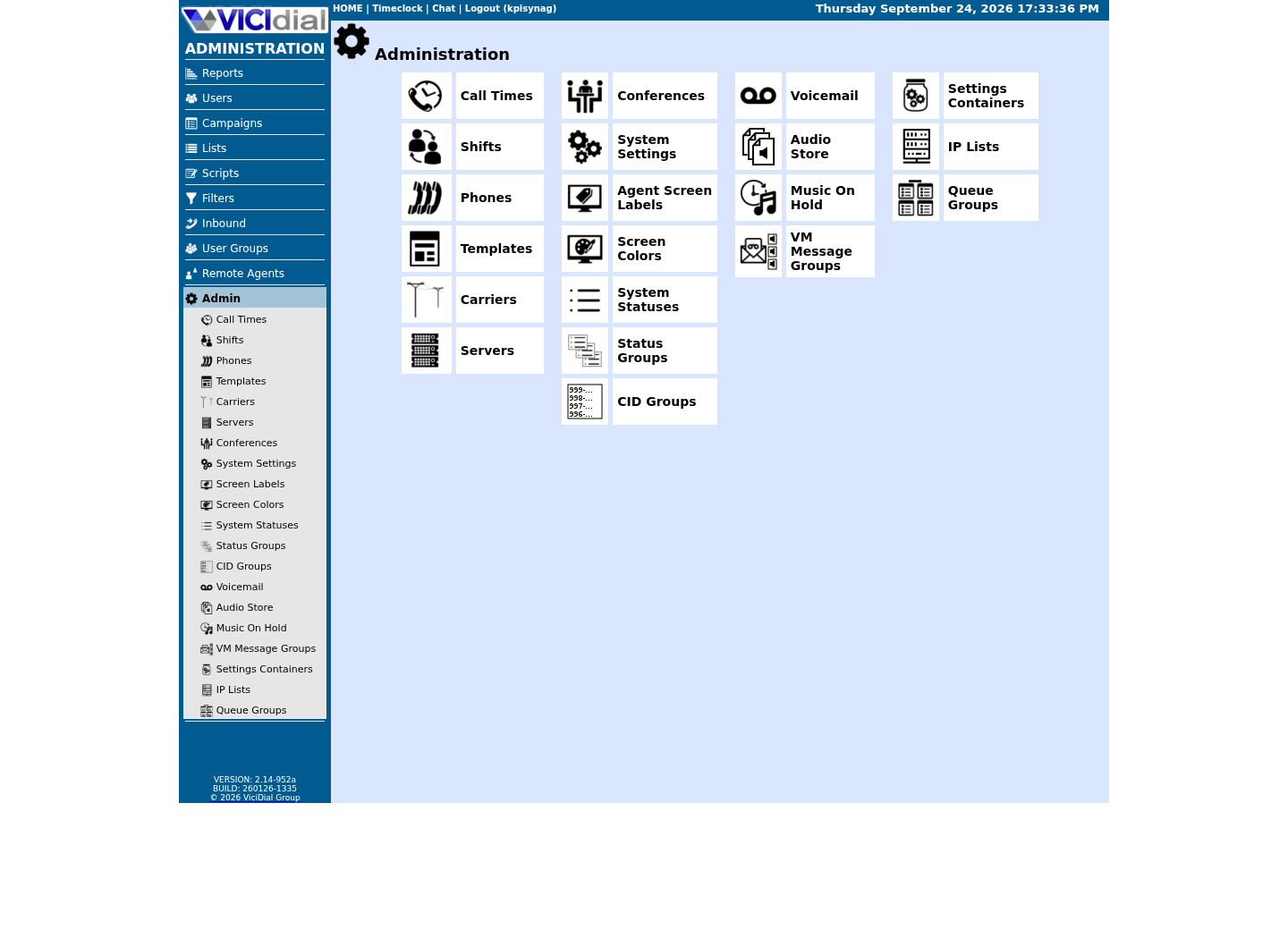
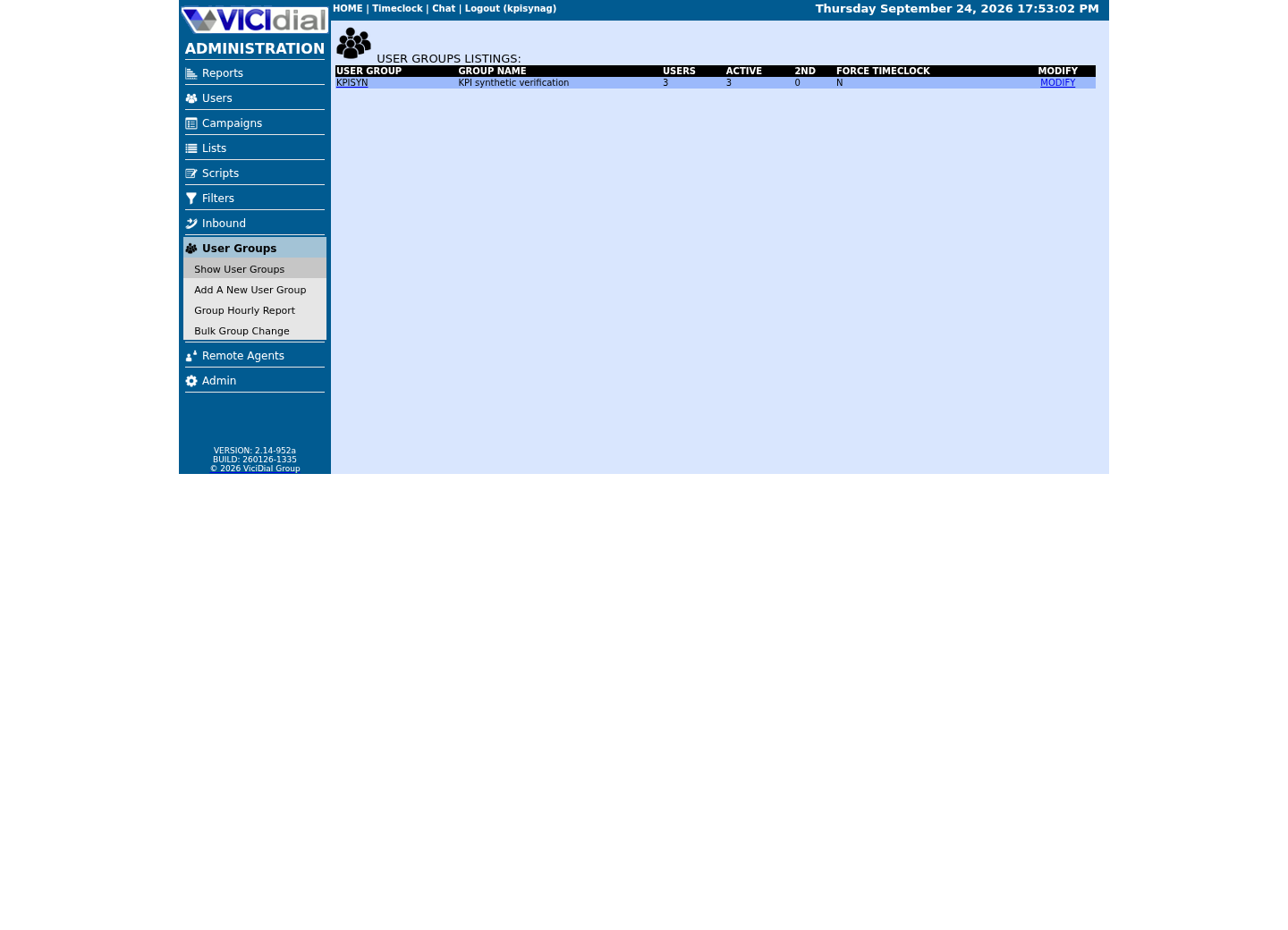
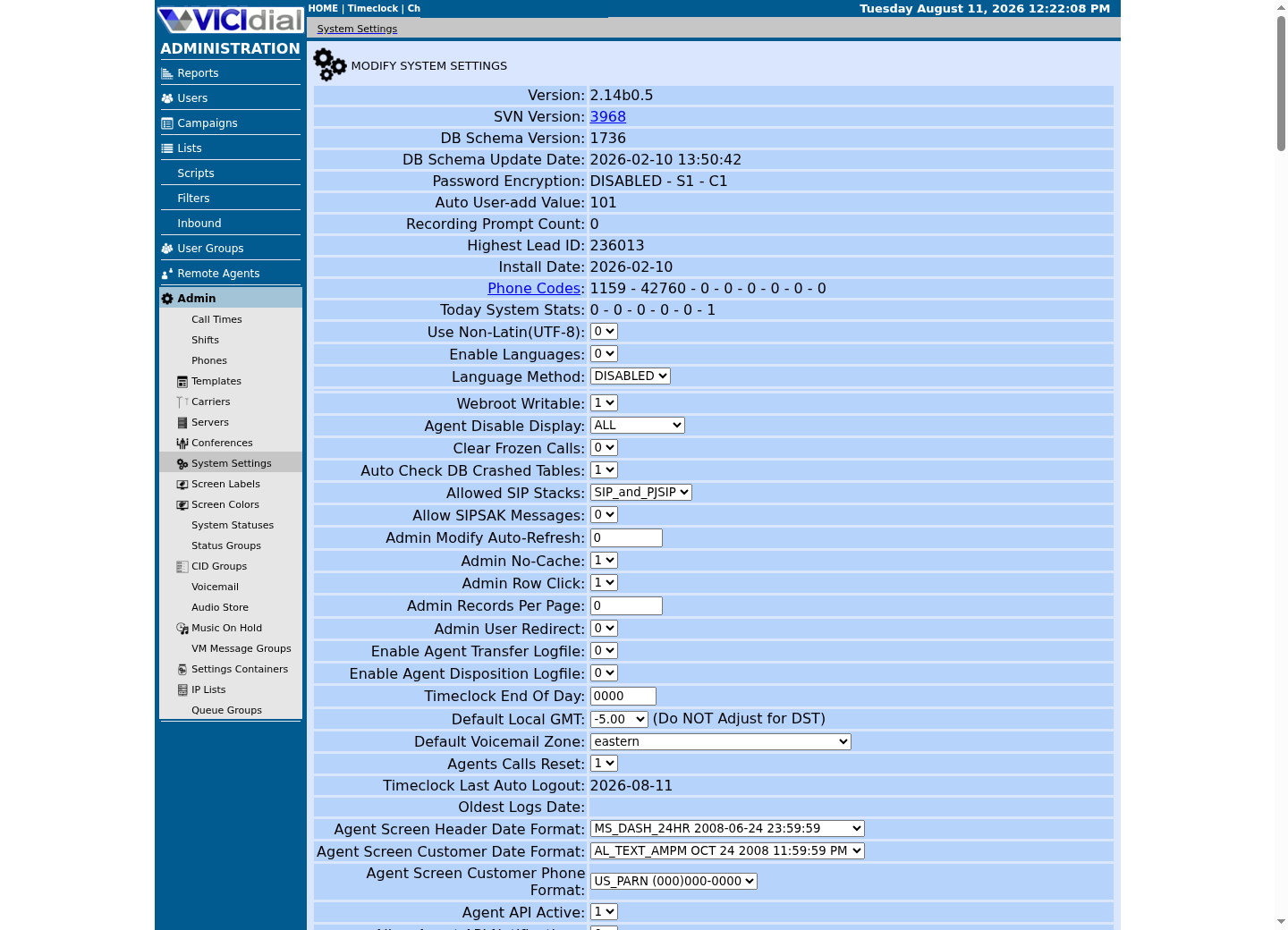
Captured on an isolated VICIdial demo: Administration screens on September 24, 2026, and the idle Agent screen on August 11, 2026. Each caption states its own capture time, and every sanitized image helps you recognize a related screen; none proves that this article's call, command, or result occurred.Use the Administration map
Review user-group boundaries
Inspect system-wide security and API context
The core tables at a glance
Use the reference block below as a lookup, never as a substitute for your own `SHOW CREATE TABLE`. Every row names a table whose role is confirmed by VICIdial's own shipped documentation or a real query executed against a live database.
Two names belong in the table below without any hedging: the system-status and campaign-status configuration tables, `vicidial_statuses` and `vicidial_campaign_statuses`. Both are real, confirmed tables — the companion article vicidial-statuses-dispositions covers the full status/disposition model built on them.
vicidial_list lead/contact record + current status (edited constantly by the app)vicidial_lists list configuration, one row per list_id (configuration)vicidial_campaigns campaign configuration, one row per campaign (configuration)vicidial_users user/agent accounts and permissions (configuration)vicidial_user_groups group membership + allowed_campaigns (configuration)vicidial_statuses system-wide status/disposition definitions (configuration)vicidial_campaign_statuses per-campaign status/disposition definitions (configuration)vicidial_log outbound call log (history, only grows)vicidial_closer_log inbound/closer call log (history, only grows)vicidial_xfer_log transfer-leg linkage (history, only grows)vicidial_agent_log agent session/activity timing (history, only grows)recording_log recording metadata and location (history, only grows)vicidial_live_agents current agent runtime state (churning, never edit by hand)vicidial_auto_calls current dialer/inbound call runtime state (churning, never edit by hand)vicidial_hopper leads staged for campaign dialing right now (churning, never edit by hand)vicidial_manager command bus for Originate/Redirect/Hangup (churning, never edit by hand)vicidial_callbacks current scheduled-callback queue (churning)vicidial_callbacks_archive aged scheduled-callback history (archive)vicidial_lists_fields custom-field definitions, one set per list_id (configuration)custom_<list_id> custom-field values, one table per list_id (data)vicidial_report_log audit rows written by report pages (history, even 'read-only' reports write here)This sample is a template or reading aid, not a terminal command. There is no output to show.
- Before you run it
- Read this as an index while you decide which table to inspect next; it is not something you execute.
- Success looks like
- You can name the table that should hold the fact you are looking for before you open a SQL client.
- Stop if
- If a table you need is not listed here, treat it as unconfirmed and find its role with SHOW CREATE TABLE on your own installation.
vicidial_list, vicidial_lists, and vicidial_campaigns: how a lead becomes dialable work
`vicidial_list` is where a single contact record lives: one row per lead, keyed by an auto-generated `lead_id`. Confirmed columns from a real `INSERT` against a live database include `status`, `user`, `list_id`, `phone_number`, `first_name`, `last_name`, `vendor_lead_code`, `source_id`, `comments`, `called_count`, `called_since_last_reset`, and `gmt_offset_now`. `status` is the lead's current lifecycle value — the same column the hopper, the agent screen, and reports all read and write constantly, which is exactly why this table is edited so heavily by the application and so risky for a human to edit by hand.
`vicidial_lists` is list configuration, one row per `list_id`. Confirmed columns include `list_name`, `campaign_id`, `active`, `list_description`, `list_changedate`, `local_call_time`, and `dial_prefix`. A list belongs to exactly one `campaign_id`, and `vicidial_list.list_id` is how an individual lead joins back up to its list.
`vicidial_campaigns` is campaign configuration, one row per `campaign_id`, and it is by far the widest of the three. Confirmed columns include `campaign_name`, `campaign_description`, `active`, `dial_status_a` (a legacy dial-status slot), `dial_statuses`, `hopper_level`, `auto_dial_level`, `dial_method`, `campaign_recording`, `use_internal_dnc`, `use_campaign_dnc`, `manual_dial_prefix`, `dial_prefix`, `campaign_cid` (the campaign's own outbound caller ID), `drop_call_seconds`, and `drop_action`, among dozens more governing pacing, recording, DNC, and manual-dial behavior. `dial_status_a` and `campaign_cid` come from a live `SHOW COLUMNS` capture rather than a shipped VICIdial doc, since this article's own written sources are a partial slice of the schema — the sample below is how that capture is taken, so re-run it on your own installation rather than trusting either name blind. `vicidial_lists.campaign_id` is the join back to this table.
Put the three together and you get VICIdial's basic configuration hierarchy: a campaign owns one or more lists, and a list owns many lead rows. `vicidial_users` and `vicidial_user_groups` sit alongside this hierarchy rather than inside it — a user belongs to a `user_group`, and that group's `allowed_campaigns` column, confirmed the same way against a live `vicidial_user_groups` row, is what actually authorizes which campaigns its members can work.
SELECT vicidial_campaigns.campaign_id, vicidial_lists.list_id, vicidial_list.status, COUNT(*) AS lead_countFROM vicidial_listJOIN vicidial_lists ON vicidial_lists.list_id = vicidial_list.list_idJOIN vicidial_campaigns ON vicidial_campaigns.campaign_id = vicidial_lists.campaign_idWHERE vicidial_campaigns.campaign_id = '<CAMPAIGN_ID>'GROUP BY vicidial_campaigns.campaign_id, vicidial_lists.list_id, vicidial_list.statusORDER BY vicidial_lists.list_id, lead_count DESC; SHOW COLUMNS FROM vicidial_campaigns LIKE 'dial_status%';Captured demo response · 2026-09-23 21:35 UTC. The displayed command is the command that ran; a safe subset label means it was filtered, redacted, or fixture-scoped. Replays only after you select Replay transcript.
- Before you run it
- Run against a read-only account after confirming these exact column names with SHOW COLUMNS on your own installation, and replace <CAMPAIGN_ID> with one real campaign_id from vicidial_campaigns.
- Success looks like
- The first query returns one row per campaign, list, and status, with a count you can compare against the Admin list-mix screen. The SHOW COLUMNS statement confirms dial_status_a (and its siblings, if your revision has more than one) as a real column on your installation.
- Stop if
- If the query errors on a column name, your revision's schema differs from this example — stop and run SHOW COLUMNS before adjusting the join.
vicidial_log, vicidial_closer_log, and vicidial_agent_log: the call history tables
`vicidial_log` is the outbound call log, confirmed to carry at least `campaign_id` and `call_date` columns you can filter on. `vicidial_closer_log` is its inbound counterpart — the log of inbound calls handled through campaigns, in-groups, and closer or blended agents. Keep the two separate: an outbound dial attempt and an inbound call answered by a closer are different events even when the same lead and the same agent are involved.
`vicidial_agent_log` is different in kind from both call logs: it tracks an agent's own session and activity timing, not one call's outcome. `vicidial_xfer_log` records transfer-leg linkage — which agent transferred a call before it lands as an inbound row in `vicidial_closer_log`; sales-export tooling reads `vicidial_xfer_log` specifically to identify the transferring agent for an inbound closer row.
`vicidial_log` only ever grows — nothing in normal operation deletes a row from it, so its total row count is a history, not a current state. A `COUNT(*)` scoped to just one campaign_id, with no date bound, already counts every outbound dial attempt that campaign has ever logged, including retries and no-answers a real report would never surface as one raw figure. Scoping the same table to one campaign and one day, as the second query below does, already produces a very different, much smaller number — and that is before a sales or handle-time report adds joins against `vicidial_agent_log` or `vicidial_closer_log` and filters by disposition.
- State which log a number comes from: vicidial_log is attempts placed, vicidial_closer_log is inbound calls received, vicidial_agent_log is agent activity.
- Never quote a raw, unscoped vicidial_log count as if it were a production report total.
SELECT COUNT(*) AS campaign_rowsFROM vicidial_logWHERE campaign_id = '<CAMPAIGN_ID>'; SELECT COUNT(*) AS one_campaign_todayFROM vicidial_logWHERE campaign_id = '<CAMPAIGN_ID>' AND call_date >= CURDATE();Captured demo response · 2026-09-23 21:35 UTC. The displayed command is the command that ran; a safe subset label means it was filtered, redacted, or fixture-scoped. Replays only after you select Replay transcript.
- Before you run it
- Replace <CAMPAIGN_ID> with one real campaign_id from vicidial_campaigns before running either statement.
- Success looks like
- The scoped-to-today count is visibly smaller than the all-time campaign count, and it matches what a same-day dialing report for that one campaign would show.
- Stop if
- If the two counts are suspiciously close, confirm you scoped by the correct campaign_id and that call_date uses the values your installation actually writes.
vicidial_live_agents, vicidial_auto_calls, vicidial_hopper, and vicidial_manager: the tables that never sit still
These four tables are the closest thing VICIdial has to a live control room, and none of them behave like a log. `vicidial_live_agents` holds each currently logged-in agent's runtime state; `vicidial_auto_calls` holds the dialer's current view of calls in progress; `vicidial_hopper` holds leads staged for campaign dialing right now — the short queue of work the dialer is about to place, not a historical list of every lead ever called.
`vicidial_manager` is the underlying command bus. Producers place work such as call origination, redirect, hangup, and recording-control actions into this table; a dedicated worker claims, serializes, and sends each command to Asterisk, then marks its progress in the same row. Reading it can show you a command in flight; writing to it yourself would mean issuing a telephony command outside the application's own control path.
All four are churning by design. A row you read this second may already be reassigned or gone the next time you look. Never hand-edit any of them on a live dialer — deleting or altering a live-agent row, a hopper entry, or an in-progress call row does not undo the call, and it can leave Asterisk, the browser, and the database disagreeing about the same session. Treat every read here as a snapshot, and pair a count with an identifier rather than trusting a bare number.
If an approved incident procedure genuinely requires changing one of these tables, follow the full mutation workflow rather than an improvised change: a verified, restorable backup; a preview SELECT with an expected row count; confirmation by stable identifiers instead of a broad status or date predicate; a rehearsal on synthetic or cloned data; a bounded change inside an approved window; and a tested rollback statement or restore procedure kept ready before you start.
- Read these tables as snapshots; the same query run twice can legitimately return different rows.
- Never delete or edit a live-agent, hopper, or auto-call row by hand while an agent or call is active.
- Reserve any approved runtime-table change for a tested, backed-up, bounded maintenance window.
recording_log, status codes, and the custom-fields tables
`recording_log` stores recording metadata and location; it is confirmed to carry a `lead_id` column, which is how a recording joins back to the lead it belongs to. Treat recording rows as sensitive: never copy a recording URL, a lead identifier tied to a recording, or any customer content out of a query result and into a ticket, chat message, or documentation file.
Status codes are configuration data layered on top of call and lead rows, not a live agent state. The official statuses reference lists common built-in codes: `NEW` (not yet called, or not currently callable), `QUEUE` (queued to be called), `INCALL` (being called or handled), `DROP` (an outbound call dropped waiting for an agent), `XDROP` (an inbound call dropped waiting for an agent), `NA` (an automatic no-answer class covering several carrier outcomes), `CALLBK` (callback), `CBHOLD` (a scheduled callback waiting for its trigger), and the paired `A`/`AA`, `AM`/`AL`, `B`/`AB`, and `DC`/`ADC` codes that distinguish an agent's own classification from the dialer's or the carrier's. Treat this as a starting subset, not the complete list for your installation.
Where is that configuration stored? In two real, named tables: `vicidial_statuses` for system-wide codes available to every campaign, and `vicidial_campaign_statuses` for codes one specific campaign defines only for itself. vicidial-statuses-dispositions covers the full model built on both tables, including the completed, sale, and DNC flags each status row can carry. Confirm the exact column set on your own installation with `SHOW COLUMNS FROM vicidial_statuses;` and `SHOW COLUMNS FROM vicidial_campaign_statuses;` before writing a report that joins on status metadata, since flag columns can vary by SVN revision even though the table names themselves do not.
Every time a status appears in a query, name its source column explicitly. `vicidial_list.status` is the lead's current status. A status recorded in `vicidial_log` or `vicidial_closer_log` belongs to one specific call attempt. `vicidial_agent_log` carries the agent's own session timing, not a lead or call status at all. A report that blends these without saying which is which will produce a defensible-looking number that answers the wrong question.
Custom fields let a list carry extra business data beyond VICIdial's built-in lead columns. Definitions are stored in `vicidial_lists_fields`, scoped to one list — the official design document describes up to 255 dynamically defined fields and only one field set per `list_id`. The values themselves live in a dynamically created `custom_<list_id>` table, a separate physical table for every list that has custom fields enabled.
Inspect the live field definitions and run SHOW CREATE TABLE against the exact `custom_<list_id>` table yourself before reading or writing values; never reuse the reference-only design-document DDL as if it were your installation's actual source. Create or alter field definitions through the Admin interface or the documented Non-Agent API loader behavior — `add_lead`, `update_lead`, and `list_custom_fields` — rather than guessing parameter names from an Admin-screen label. Treat a list copy or a list-ID change as a schema migration, because it can leave the wrong `custom_<list_id>` table behind, and include every such table in your backup, restore, archive, export, and retention testing.
Archive tables, and why one callback count is not the whole truth
A single business concept — the callback — is legitimately measured from at least four different table sources, and they are not interchangeable. A `CALLBK` disposition recorded in `vicidial_log`, `vicidial_closer_log`, or `vicidial_agent_log` (and their archives) is historical call activity: it tells you a call ended with the callback outcome. It is not the current scheduling queue.
`vicidial_callbacks` holds the current scheduled-callback queue — rows still present and awaiting their trigger time. An agent's own callback screen is a filtered query against that table, not the whole table: the installed agent endpoint filters to `recipient='USERONLY'`, the logged-in user, `status NOT IN('INACTIVE','DEAD')`, the logged-in campaign whenever a campaign-lock system setting is enabled, and optional campaign callback-hours and display-days predicates. `vicidial_callbacks_archive` holds callback history that has aged out of that live table, and neither the agent screen nor the admin hold-listing view reads it.
The mechanics above explain why an agent-visible callback count and a raw `SELECT COUNT(*) FROM vicidial_callbacks` can legitimately disagree, sometimes by a wide margin, on the same installation at the same moment. Turning the campaign lock on or off, switching a campaign's count mode between live-only and all-active, and enabling or disabling the display-day and hours filters each changes which rows count — with the same underlying table and the same rows underneath every version of the number. Reproduce the exact filter set that produced a number before comparing it to another one; do not assume two callback counts describe the same query just because both came from this table.
Treat active, triggered, inactive, and dead as scheduling states that live on the callback row itself, distinct from the `CALLBK` disposition on a call, and distinct from live agent states such as ready, paused, or on a call. There is no stock agent-screen setting that merges current, inactive-or-dead, and archived callback rows into one number; build a reviewed, read-only report for that combined view, and deduplicate deliberately, because archive processes can leave overlapping rows between the live and archive tables.
The same live/archive split applies to the high-volume call logs, not only callbacks. Dedicated maintenance workers move aged rows out of the tables your everyday reports query: archiving leads, archiving log tables, moving old rows to cold storage, and eventually purging them under retention rules. Some installations also run short-horizon rotating tables that a dedicated worker controls; treat any table you do not recognize by that pattern as short-horizon runtime data until SHOW CREATE TABLE proves otherwise, not as a source of long-range history.
Every long-range report has to state, and query, the correct live/archive boundary, or it will silently under-count history that has already moved to an archive or cold-storage table.
- vicidial_callbacks is the current scheduling queue; vicidial_callbacks_archive is aged history the agent screen never reads.
- A CALLBK disposition in a call log is history, not a live scheduled callback.
- Ask which archive or cold-storage boundary applies before trusting any long-range total.
Connect through a dedicated read-only account
Query through a dedicated read-only database credential, vicigeek_ro — see vicidial-read-only-database-account for how to create that account and its credential file — never the application's own database user, and never a password typed on the command line, where it can leak into shell history, process listings, or a terminal recording.
The command line below never mentions a password at all; every connection detail, including the password, stays inside the option file the linked lesson walks you through creating.
- Use a database account whose grants are SELECT-only wherever your installation allows it.
- Store the client option file with restrictive permissions and keep it out of version control.
- Never paste a database password into a terminal command, ticket, or chat message.
mysql --defaults-extra-file=/etc/vicidial-readonly.cnf --execute="SHOW TABLES LIKE 'vicidial_c%';"Captured demo response · 2026-09-23 21:35 UTC. The displayed command is the command that ran; a safe subset label means it was filtered, redacted, or fixture-scoped. Replays only after you select Replay transcript.
- Before you run it
- Create the account and /etc/vicidial-readonly.cnf once, exactly as the vicidial-read-only-database-account lesson walks through; the option file supplies the login, the password and the database, so nothing else goes on the command line.
- Success looks like
- The mysql client lists tables matching vicidial_c% (vicidial_campaigns, vicidial_callbacks, and their neighbors) without ever prompting for or displaying a password on screen.
- Stop if
- If the connection is refused, confirm the read-only account's grants and the option file's permissions and syntax; never fall back to a command-line password to make it work.
Inspect the schema before you write a single join
The single most important habit in this article is checking the live schema before trusting any name or join in a downloaded reference, including this one. VICIdial evolves through SVN and incremental database upgrades, so column widths, enum members, defaults, indexes, and even whether a table exists at all can differ between installations and revisions.
The order of authority for a schema question is: SHOW CREATE TABLE and SHOW INDEX against your actual target database first; the installed VICIdial source at that target's exact SVN revision second; official upgrade SQL spanning the recorded schema version third; and a generic or downloaded schema file only as a search aid, never as something you apply as an upgrade.
Preview any query with a count and a narrow identifier or time predicate before widening it, and run EXPLAIN on anything you intend to run often or against a high-volume table. Distinguish active, archive, and any short-horizon rotating tables, and confirm explicitly whether they can overlap before you add their counts together.
- Run SHOW CREATE TABLE and SHOW INDEX for every table before you join or filter on it.
- Treat a generic or downloaded schema file as a search aid only, never as an upgrade script.
- Record the target's SVN revision, database name, MariaDB/MySQL version, and timezone before you query.
SHOW TABLES LIKE '%status%';SHOW COLUMNS FROM vicidial_list;SHOW COLUMNS FROM vicidial_lists;SHOW COLUMNS FROM vicidial_campaigns;SELECT INDEX_NAME, COLUMN_NAME, SEQ_IN_INDEX FROM information_schema.STATISTICSWHERE TABLE_SCHEMA = DATABASE() AND TABLE_NAME = 'vicidial_log'ORDER BY INDEX_NAME, SEQ_IN_INDEX;Captured demo response · 2026-09-24 21:55 UTC. The displayed command is the command that ran; a safe subset label means it was filtered, redacted, or fixture-scoped. Replays only after you select Replay transcript.
- Before you run it
- Run each statement against your own target database before writing any query that touches these tables.
- Success looks like
- You can see the exact column names, types, and indexes your installation actually has, which may differ from this article.
- Stop if
- If a named table or column is missing, stop and reconcile the difference with your installed VICIdial revision before proceeding.
Evidence ledger
Verification basis
- Table roles and the live-schema-first principle come from cross-checking every name below against VICIdial's own shipped Non-Agent API, statuses and custom-fields documents.
- Column names for vicidial_list, vicidial_lists, vicidial_campaigns, and vicidial_user_groups are taken from real INSERT and SELECT statements executed against a live VICIdial database, not a generic downloaded dump.
- A live information_schema count of tables, views, triggers, routines and foreign keys, taken on your own installation with the sample below, replaces any fixed number this article could otherwise assert.
- vicidial_callbacks holds the live scheduled-callback queue and vicidial_callbacks_archive holds aged history the agent screen never reads; the exact row counts on any one installation depend on its own campaign-lock and count-mode settings, so this article describes the mechanism rather than a borrowed figure.
Primary references
Sources
- Official VICIdial SVN checkout guidanceVICIdial · accessed August 5, 2026
- Official VICIdial custom fields documentVICIdial · accessed August 5, 2026
- Official Non-Agent APIVICIdial · accessed August 5, 2026
- Official VICIdial statusesVICIdial · accessed August 5, 2026