Reader setup
Before you diagnose
Start with one observed symptom, then isolate one layer at a time.
- Root or an authorized read-only account on the Asterisk server, so `asterisk -rx` and a targeted grep of `/etc/astguiclient.conf` both actually work.
- A curl configuration file already set up for the Agent API, for example `/etc/vicidial-api/agent.cfg`, so no user name or password is ever typed on the command line.
- One synthetic test call you are authorized to place and record, so you have a real channel and recording ID to check instead of a live customer's.
- What you will prove
- You can tell a genuine stranded-conference-leg recording fault from a finished-file backlog or a still-live call, using only read-only checks, before anyone stops a channel or reports the transfer path to your VICIdial owner.
- Safety boundary
- Only stop a channel or recording once the checks below have confirmed, by recording ID and channel name, that it belongs to your own synthetic test call.
Reader path
How to use this article
- Use it when: You are investigating a live symptom and need to narrow the failure quickly.
- Expected result: Pinpoint the first failing layer, then repair only that layer.
- Start here: Use the sections as a diagnostic sequence: prove scope, then isolate and validate.
Name the exact symptom first
The signal is specific: a recording keeps growing well past the point a transfer or hangup should have ended it, or the count of active channels on the server keeps climbing instead of settling back down between calls. A channel, in Asterisk (the open-source phone engine underneath VICIdial), is one live leg of audio — the agent's leg, the customer's leg, and a leg inside a conference are each their own channel, and one call can involve several at once.
This is different from a recording that only looks long because the call itself ran long, or a storage alert that fires because old finished recordings were never archived. Confirm the call's own timestamp, the recording's own start time, and whether the underlying channel still shows as active before assuming anything is actually stuck.
Some VICIdial troubleshooting instinct reaches for the dialplan — Asterisk's own set of call-handling instructions — first. This guide does not: the mechanism below centers on the agent's own conference and the one leg VICIdial records from it, not a dialplan setting anyone would need to edit.
A VICIdial forum thread reports exactly this pattern: a recording that kept growing for hours, with channel buildup on the server, after a three-way transfer — one account of the mechanism below, not a guaranteed match for your own build.
Visual walkthrough
Follow three real demo screens
Captured on an isolated VICIdial demo: Administration screens on September 24, 2026, and the idle Agent screen on August 11, 2026. Each caption states its own capture time, and every sanitized image helps you recognize a related screen; none proves that this article's call, command, or result occurred.Keep phones and users separate
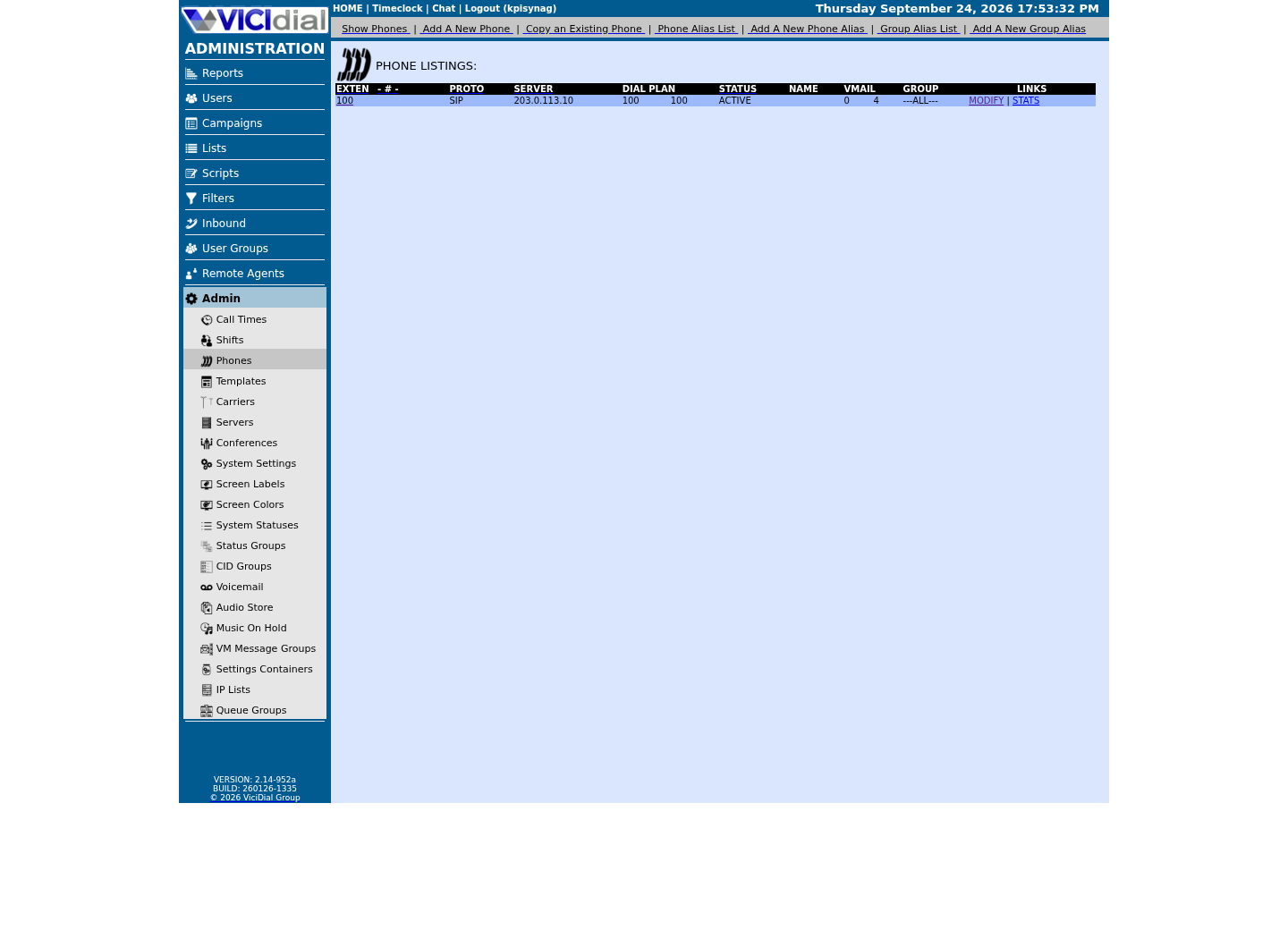
Find the campaign the agent should use
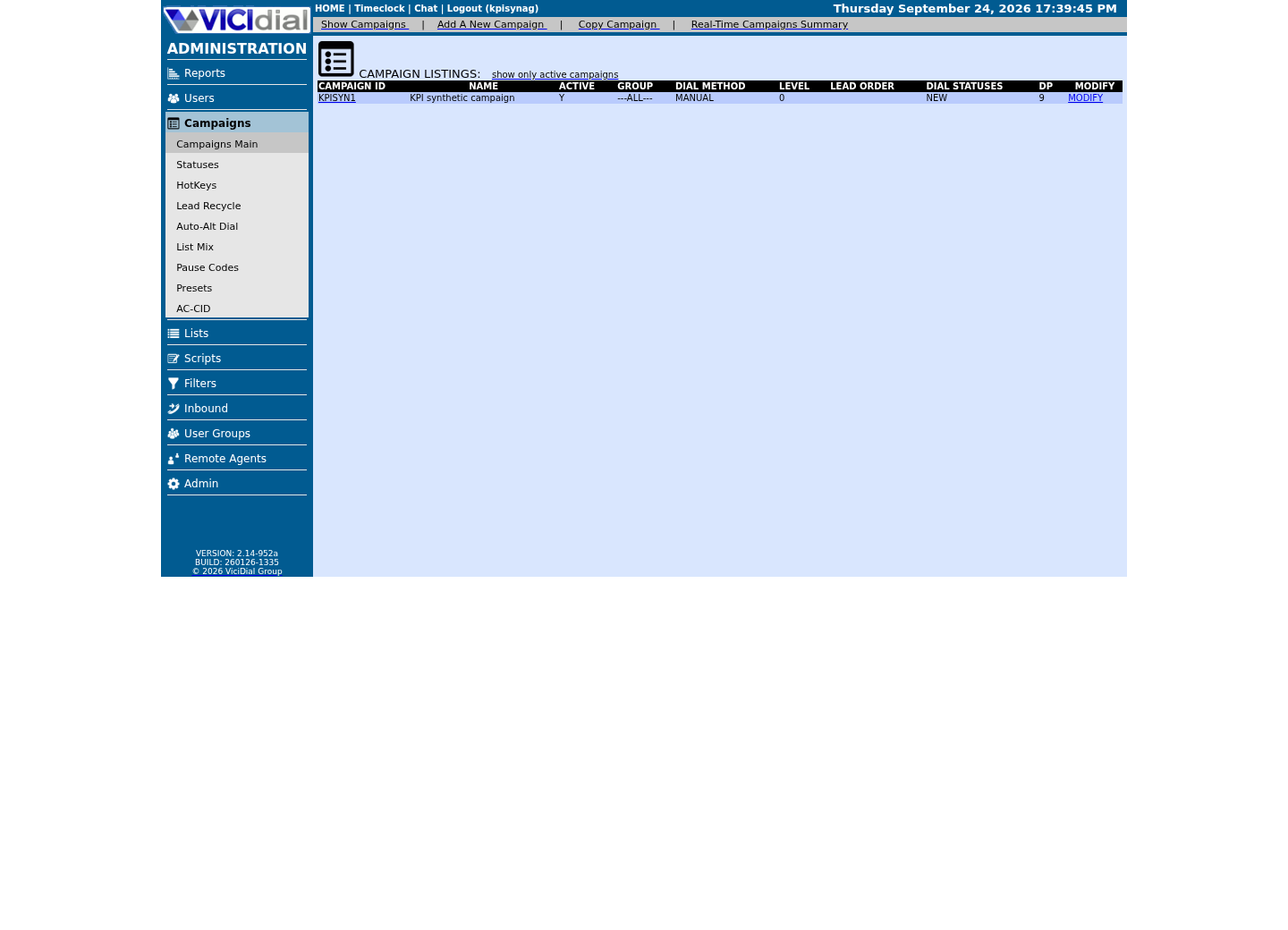
Read the real Agent screen in an idle state
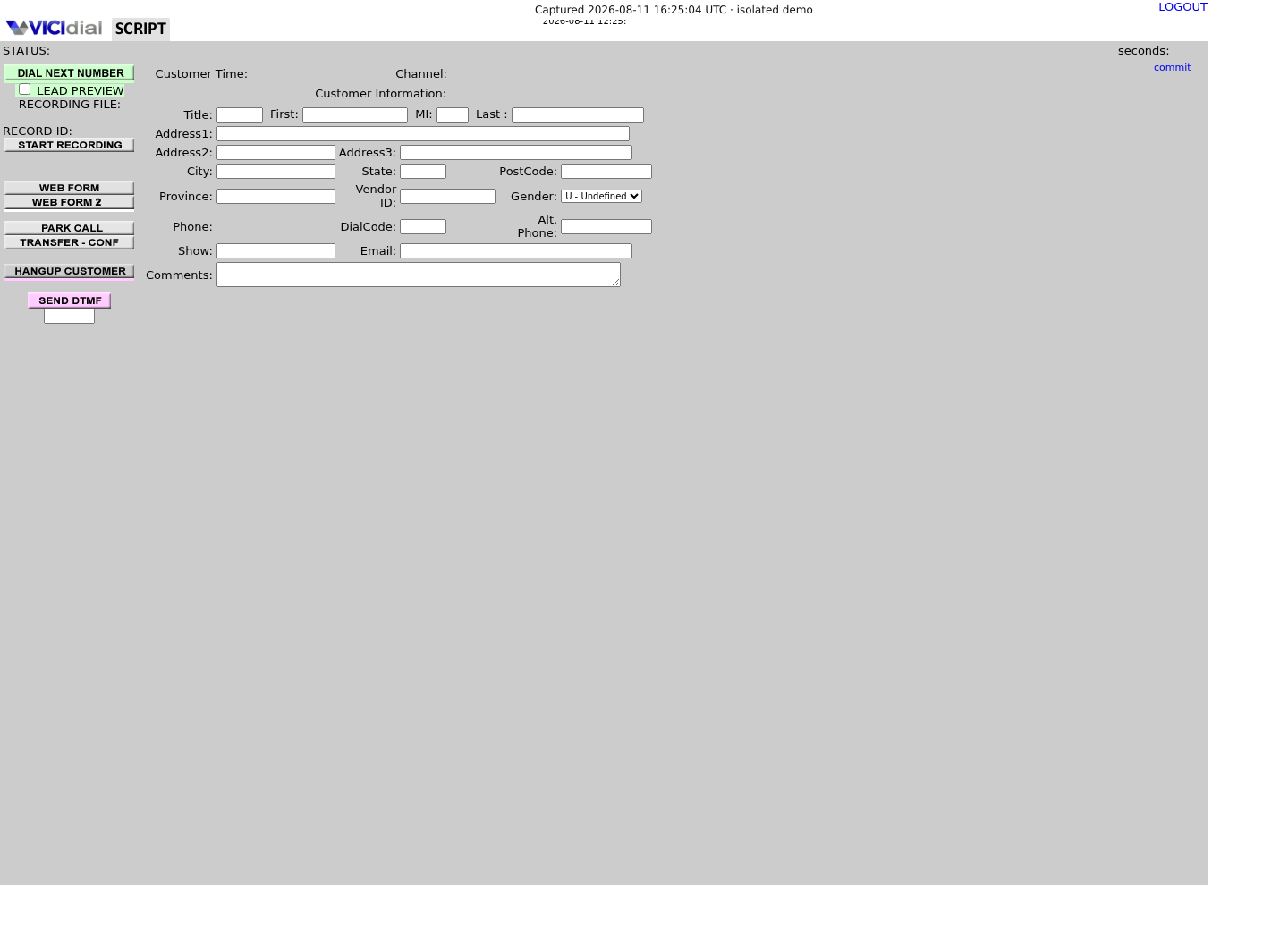
Why a recording keeps running after the call should be over
On this build's stock recording extension, VICIdial does not use Asterisk's newer MixMonitor application at all; starting a recording from the agent screen runs `agc/manager_send.php`'s MonitorConf action, which writes a row to `recording_log` and then queues an AMI Originate into the campaign's own Recording Extension — 8309 on a stock build, or 8310 for a GSM-format recording. That extension is a short, fixed sequence: Answer, then Asterisk's older Monitor application (still present and running on this build, though marked deprecated), then a long Wait, then Hangup. The Originate creates a dedicated recording leg inside the agent's own conference — ConfBridge on this build — and Monitor names the file from the caller ID name field VICIdial set on that leg. Stopping works the same way in reverse: VICIdial's StopMonitorConf action writes that `recording_log` row's end time and length, then finds the matching leg among the live SIP channels and queues an AMI Hangup for it — VICIdial's own "stop" is exactly that one hangup, nothing more.
VICIdial does use a dialplan `h` extension on this build, confirmed with `dialplan show trunkinbound`, which runs an AGI hook for hangup and call-logging — but that extension governs call-detail records, not recordings. A context missing or breaking that `h` handling can leave a call's log entry incomplete; on its own, it is not why a recording keeps running.
A transfer or a three-way call is the riskiest moment for a stuck recording, because it adds a leg to the conference for the new party without necessarily tearing down the original recording leg the instant the call looks, on screen, like it has ended. If that original leg is never actually hung up, it keeps running its own Monitor and keeps writing, even though the agent and the customer both believe the call is already over — the exact pattern the forum report above describes.
One consequence of this shipped design is worth knowing on its own: a recording leg actually running the stock 8309 steps stops itself, through its own Wait and Hangup, after roughly an hour, whether or not VICIdial's own stop message ever arrives. A recording growing well past that — the forum report above describes three hours — means the leg is not running those stock steps at all. That points at the campaign's own Recording Extension setting, or a custom copy of extension 8309 in the dialplan, rather than at a transfer path or a missed stop signal.
Rank the likely causes before you touch anything
Work through these in the order below: the fix for the first cause does nothing for the third, and acting on the fourth without recognizing it is how a diagnostic session turns into an outage.
- Most likely: a recording leg was left behind in the agent's own conference after a transfer or a three-way call, the exact forum-reported pattern above, and it was never actually hung up.
- Second: VICIdial's own stop never reached the recording leg — either the agent closed the browser tab instead of logging out normally, so the screen never sent a stop at all, or VICIdial queued the stop's AMI Hangup action but the `ASTsend` screen session that delivers queued AMI actions never actually delivered it.
- Third: nothing is actually stuck — the mover or cron job that clears finished recording files out of the working directory has fallen behind, so a backlog of already-finished files looks like ongoing growth.
- Fourth, and the one to escalate rather than fix yourself: the audio is genuinely still live, meaning a real person remains connected on a channel somewhere, and this is not a cleanup bug at all.
Check the shipped Agent API before opening the Asterisk CLI
VICIdial's own Agent API ships a `recording` function with a STATUS value built for exactly this question, so check it before reaching for a raw Asterisk command. One read-only call reports the recording ID, filename, server, start time and the agent's own session state together.
The config file supplies the API URL, user, password and `source`; the only fields you add per call are `agent_user`, the VICIdial user whose session you are checking, plus `function` and `value`. Nothing sensitive appears outside the file.
curl --fail-with-body --silent --show-error --config /etc/vicidial-api/agent.cfg --data-urlencode "agent_user=<AGENT_USER>" --data-urlencode "function=recording" --data-urlencode "value=STATUS"Captured demo response · 2026-09-23 21:35 UTC. The displayed command is the command that ran; a safe subset label means it was filtered, redacted, or fixture-scoped. Replays only after you select Replay transcript.
- Before you run it
- Run this against your synthetic test agent while their session is still open; the config file supplies the API URL, user and password, so nothing sensitive appears on the command line.
- Success looks like
- A `NOTICE: recording active` line reports the recording ID, filename, server, start time and the agent's own status — STATUS itself never returns SUCCESS; that word is reserved for the START and STOP values.
- Stop if
- `NOTICE: not recording` means this agent's current session has no active recording — it cannot see a leg orphaned from an earlier, already-ended session. `ERROR: agent_user is not logged in` means there is no session open at all right now. Either response sends you to the Asterisk-level checks below, since STATUS can only report on the session that is open right now.
Confirm the channel, the file paths, and the screen sessions
Once the agent has logged out, or when you need to see a channel the API is not reporting on, go straight to Asterisk. `core show channels verbose` lists every live channel and the context it is currently running, which shows immediately whether the call you are chasing has actually ended underneath.
A recording leg is easy to pick out in that same output: its Extension column shows 8309, or 8310 for a GSM-format recording, and its Application column shows Wait with data 3600 — that combination is VICIdial's own recording leg, not the agent's or the customer's own channel.
The two variables in `/etc/astguiclient.conf` that name where in-progress and completed recordings live are worth confirming by name rather than guessed at; grep for them specifically instead of reading the whole file, since it also holds database credentials that must never be printed.
asterisk -rx 'core show channels verbose'screen -lsgrep -i "PATHmonitor\|PATHDONEmonitor" /etc/astguiclient.confCaptured demo response · 2026-09-23 21:35 UTC. The displayed command is the command that ran; a safe subset label means it was filtered, redacted, or fixture-scoped. Replays only after you select Replay transcript.
- Before you run it
- Run all three together; none of them needs a placeholder value or a live call in progress, so this capture works as a baseline any time.
- Success looks like
- No channel shows Extension 8309 or 8310 with Wait 3600 that you cannot account for, `screen -ls` lists `ASTsend` among its sessions, and the two conf values point at real, distinct in-progress and completed directories.
- Stop if
- A channel shows Extension 8309 or 8310 with Wait 3600 and you cannot account for it as your own test — that is a confirmed stranded recording leg, the evidence the fix step below needs. Separately, if `ASTsend` is missing from `screen -ls`, every stop VICIdial has queued is stuck undelivered regardless of which leg you find; VICIdial's keepalive job, run once a minute from root's crontab, normally restarts a missing session on its own, so an `ASTsend` that stays missing means the keepalive itself is not running: escalate that to whoever administers the server rather than chasing one leg.
Fix the cleanup path, not the symptom
Once the checks above have confirmed a specific channel is a stranded recording leg from your own synthetic test, and nothing else, stop it: through the Agent API's STOP value if the agent's session is still open, or by hanging up that one confirmed channel directly if it is not. Either way this clears the one instance you found, not the underlying cause.
The underlying cause is a specific transfer or three-way path that left a leg behind in the conference instead of tearing it down when the call ended. Write down exactly which path produced it — a blind transfer, a three-way that dropped one party, a park-and-retrieve, whichever it actually was — and report that path to whoever owns your dialplan and agent workflow, rather than describing it only as "recordings sometimes stick." Check whether a newer VICIdial release has since changed how that specific path handles the conference leg; confirm that against your own release notes rather than assuming it either way, and do not invent a version number to justify moving on.
curl --fail-with-body --silent --show-error --config /etc/vicidial-api/agent.cfg --data-urlencode "agent_user=<AGENT_USER>" --data-urlencode "function=recording" --data-urlencode "value=STOP"asterisk -rx 'channel request hangup <CHANNEL>'This sample changes a system, contacts an outside service, needs a live call, or would print real data from a shared server, so it was not run on the demo. Run it only where you are authorized, and compare the result with the success and stop guidance.
- Before you run it
- Prefer the API line while the agent's session is still open. The CLI line is the fallback once it is not — use it only against the exact channel confirmed above as the stranded recording leg, by its Extension and Wait 3600.
- Success looks like
- The API's STOP goes through VICIdial's own stop path, which also writes the end time and length to that recording's `recording_log` row; the response confirms with a SUCCESS line for the STOP value.
- Stop if
- The CLI hangup ends only the named leg — the same Hangup VICIdial's own stop path would have queued — but it bypasses VICIdial entirely, so that `recording_log` row is left without an end time. If the same transfer path strands another leg on a later test, document that specific path as the cause rather than repeating the stop each time.
Verify with a fresh call, not the same one
Recovery means a brand new synthetic call, not another look at the one you were diagnosing. Place one more test call, transfer it through the same path the original symptom happened on, hang up normally, and repeat the checks above.
- The Agent API STATUS call for that fresh test now returns no active recording once the call is over.
- `core show channels verbose` no longer lists a channel from that test after a normal hangup delay.
- The finished file actually lands in the completed directory named in `/etc/astguiclient.conf`, not the in-progress one.
When to stop and hand this to someone else
Escalate immediately, rather than continuing to test alone, the moment a real customer's channel is the one still recording, disk usage on the recording partition is climbing toward full, or channel counts are rising across calls that have nothing to do with the transfer path you are testing. Any one of those turns a cleanup bug into an outage or a compliance problem, and neither is safe to keep diagnosing solo on a live system.
Evidence ledger
Verification basis
- AGENT_API.txt documents the `recording` function's STATUS value and its exact return fields, cited directly rather than recalled from memory.
- A VICIdial forum thread reports the same growing-recording-and-channel-buildup pattern after a three-way transfer that this guide's mechanism section explains.
- On this build, `dialplan show 8309@default` shows exactly Answer, Monitor(wav), a long Wait, then Hangup, and the shipped `agc/manager_send.php` stop path queues a Hangup for that same recording leg and writes its end time — confirmed directly on this lab rather than assumed from a different VICIdial version.
Primary references
Sources
- Recording not stopping on 3-way transfer/hangup, growing to 3hrs, channel buildupVICIdial forum · accessed September 23, 2026
- VICIdial Agent APIVICIdial · accessed September 23, 2026