Reader setup
Before you start
Run each step in order and move only when the outcome is confirmed.
- Networking basics
- No carrier credentials needed
- A willingness to separate examples from production
- What you will prove
- You can describe the difference between signaling, media, a DID, a trunk and a codec.
- Safety boundary
- This lesson configures no carrier and places no call. Never test by dialing real numbers without authority and consent.
Reader path
How to use this article
- Use it when: You need a fixed sequence to make a deployment or configuration change now.
- Expected result: Follow each step and verify the outcome before changing the next layer.
- Start here: Start at the first section and complete every checkpoint before moving to the next.
01 / 05
A phone call has control and media planes
VoIP (Voice over IP) carries phone services over ordinary IP networks instead of dedicated copper lines. SIP commonly negotiates a session — who is calling whom, and which media formats both sides are willing to use — while RTP usually carries the audio itself, and a codec is the specific method used to encode and decode that audio into a stream of bits. DTMF is the touch-tone signal a caller generates by pressing a key, and depending on how the endpoints negotiate it, it can travel as audio, as SIP INFO messages, or as a dedicated RTP payload type.
These four roles interact constantly but are not interchangeable, and confusing them is one of the fastest ways to misdiagnose a call problem: a codec mismatch, a signaling rejection and a one-way-audio NAT issue all feel like "the call is broken" to a caller, but each one needs a completely different fix.
A codec matters practically, not just conceptually, because both sides of a call must agree on one before audio can flow at all. G.711 is the common, high-bandwidth, landline-quality baseline that almost everything supports; other codecs trade some quality for a smaller amount of bandwidth per call. If two endpoints share no common codec, the call setup itself fails — no audio is ever attempted, on either side.
Visual walkthrough
Follow three real demo screens
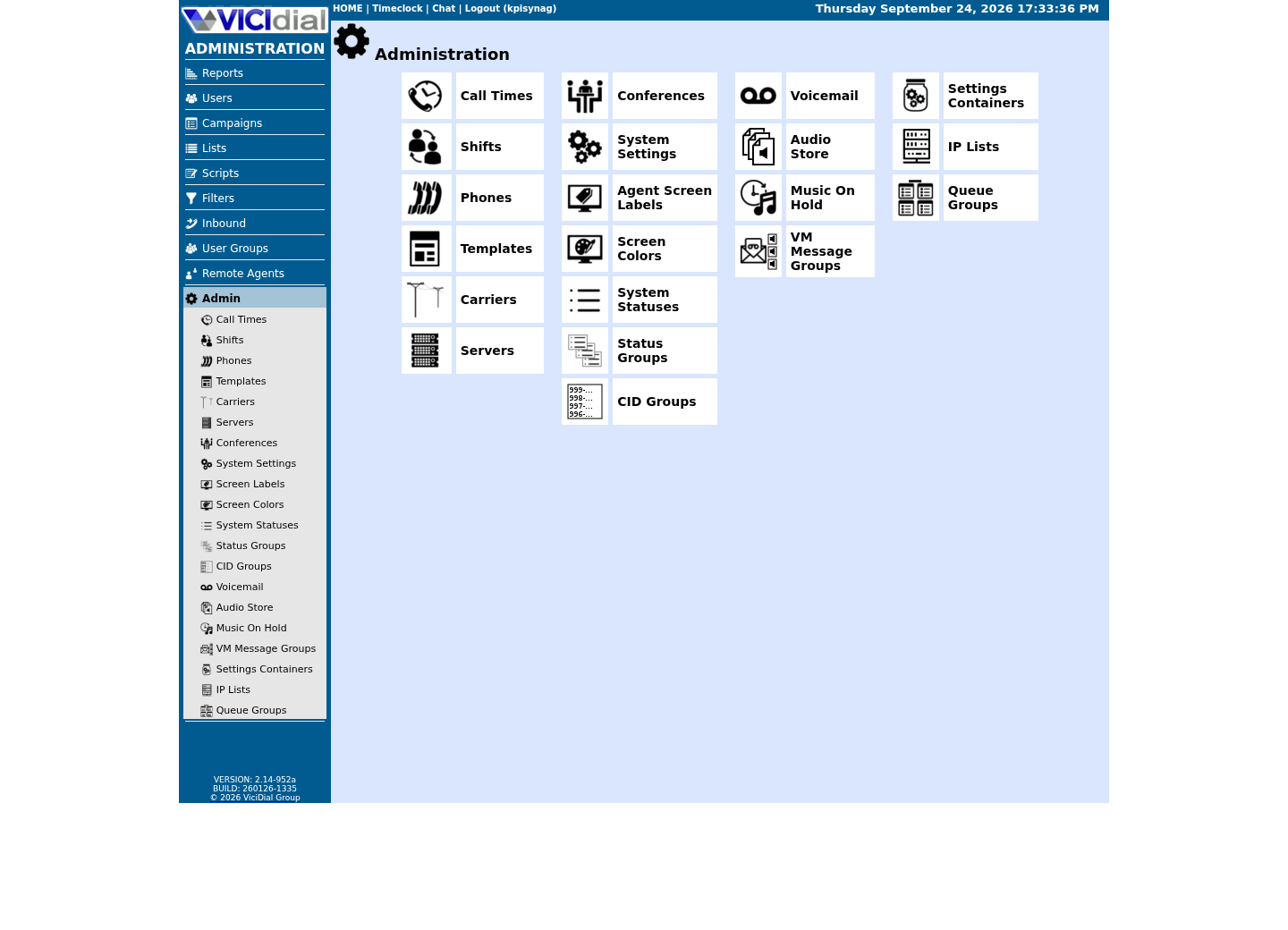
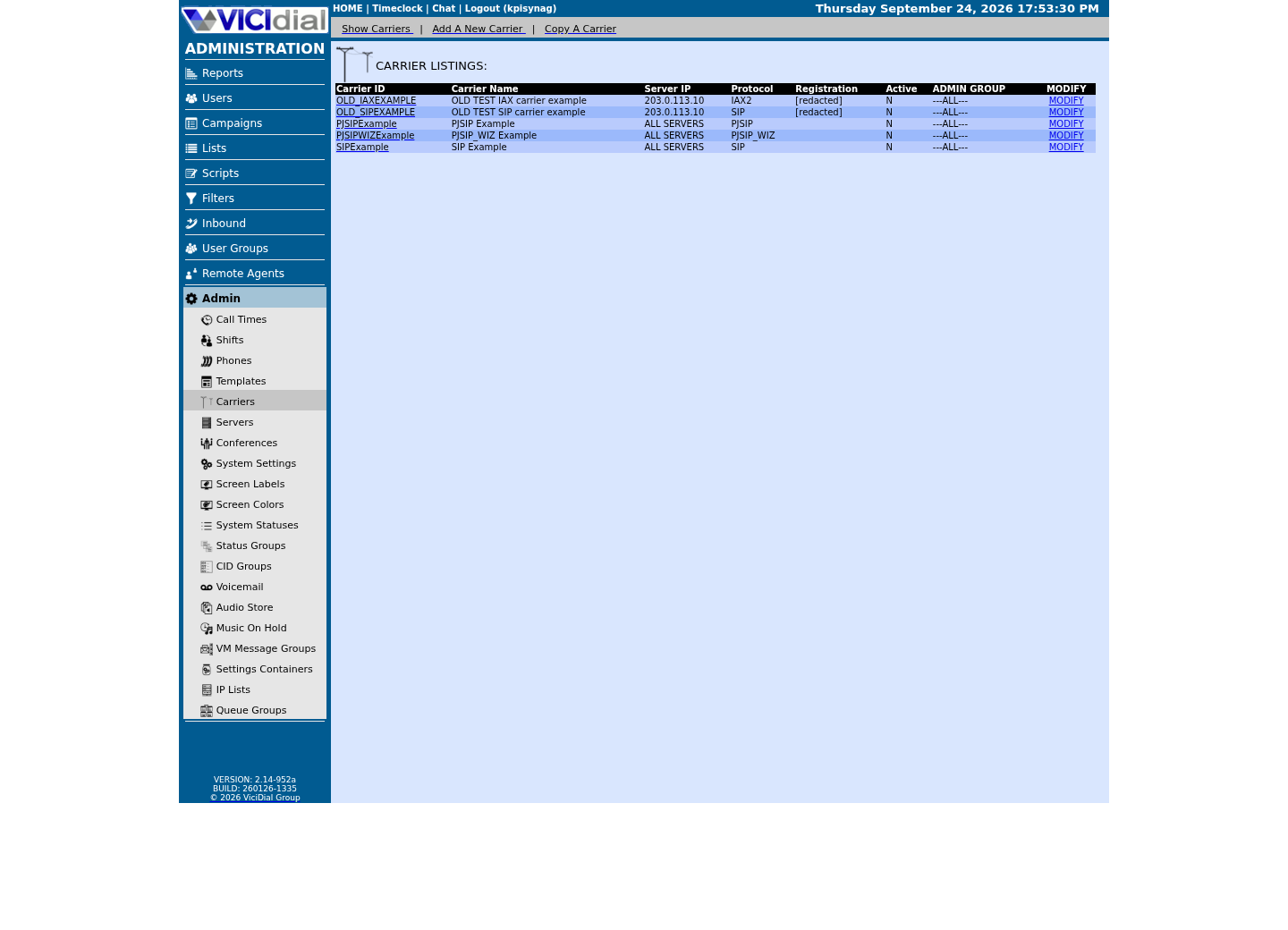
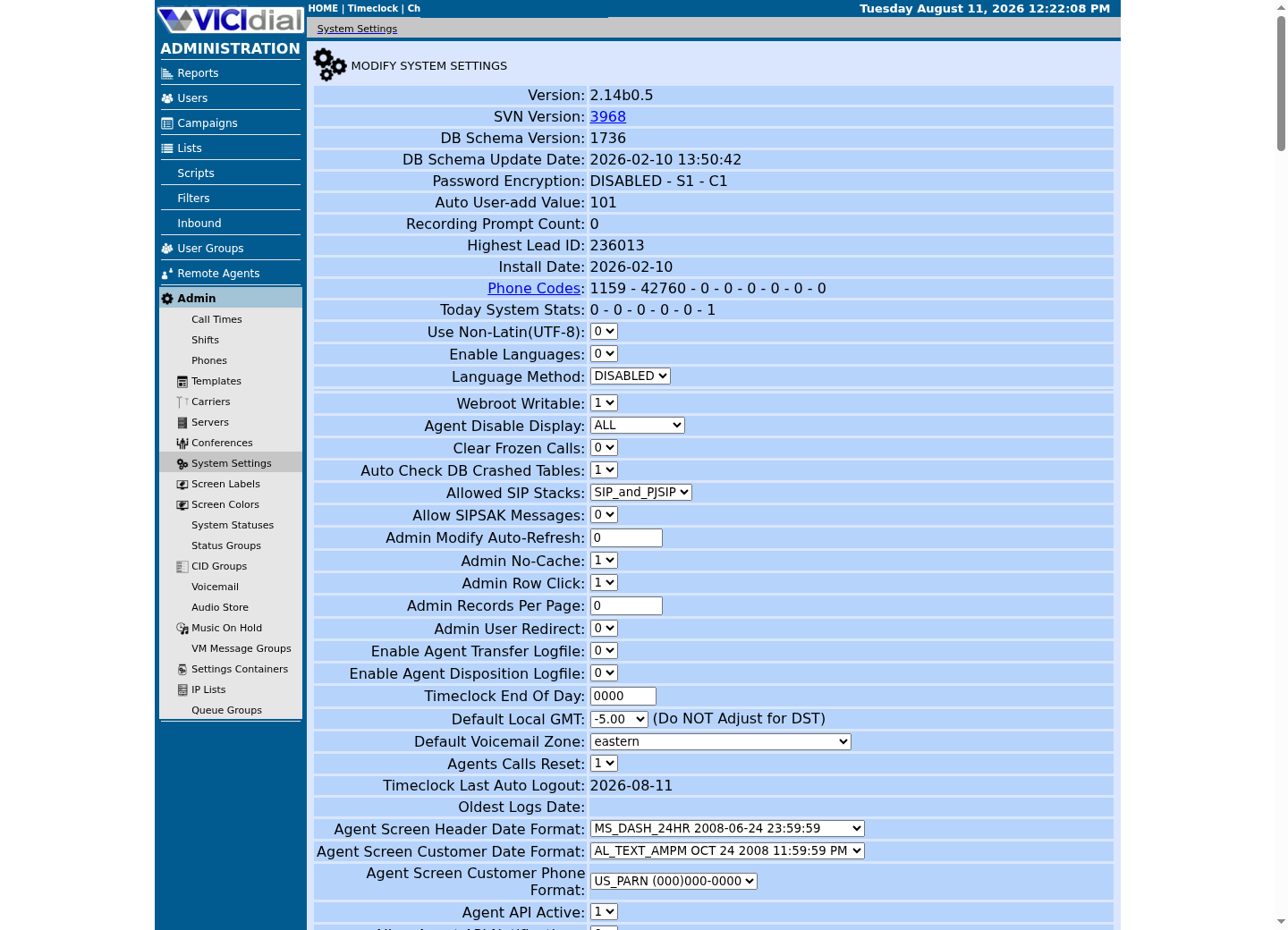
Captured on an isolated VICIdial demo: Administration screens on September 24, 2026, and the idle Agent screen on August 11, 2026. Each caption states its own capture time, and every sanitized image helps you recognize a related screen; none proves that this article's call, command, or result occurred.Find carrier administration
Open Carrier Listings
Check the allowed SIP-stack setting
02 / 05
Public numbers and trunks have distinct jobs
A DID (direct inward dial number) is a telephone number a carrier assigns for inbound routing to your system. A trunk is the logical connection to that carrier — the pipe, not the number. A call leg is one side of a bridged call, so an agent's leg, a customer's leg and, during a transfer, a third party's leg can all exist at once, each potentially using a different codec or transport.
None of this requires a live carrier to understand. Draw it on paper first, with no real numbers or credentials anywhere on the page, and the vocabulary will already be familiar the day you configure a real trunk.
A single trunk commonly carries many simultaneous calls, each identified by its own signaling dialogue and its own pair of media streams — the trunk is the relationship with the carrier, not a count of one call at a time, which is why a carrier contract usually limits trunks by a maximum number of concurrent channels rather than by a single fixed line.
03 / 05
Optional lab: read Asterisk's codec table
`core show codecs` is a genuinely read-only Asterisk command, but Asterisk itself is not installed yet at this stage of the curriculum — it arrives with the ViciBox lab later on. This sample previews what you will run for real once that lab is built: you will type this exact command in the ViciBox Express lab and see your own build's actual codec table, rather than reading about it in the abstract here.
asterisk -rx 'core show codecs'This sample changes a system, contacts an outside service, needs a live call, or would print real data from a shared server, so it was not run on the demo. Run it only where you are authorized, and compare the result with the success and stop guidance.
- Before you run it
- Asterisk is not installed at this stage of the curriculum; this previews a command you run for real in the ViciBox Express lab.
- Success looks like
- Once you do have an Asterisk lab, this prints a table of codec names, types and sample rates and exits without creating a channel.
- Stop if
- Do not install Asterisk early just to run this preview command; wait for the lab stage, which sets it up correctly.
04 / 05
Guided sample: write a call-path inventory on paper
Draw the intended path before you ever test a real call: caller, then carrier, then SIP trunk, then Asterisk or VICIdial, then queue, then agent endpoint, with RTP media negotiated directly or indirectly between the two end points. Mark every NAT boundary and every firewall on the page — most real call problems live at exactly one of those marked boundaries.
Do this exercise for both directions separately. An outbound call and an inbound call to the same system pass through a different order of components — outbound work starts inside your own dialer's queue of leads to call, while inbound work starts with a DID and an inbound routing group instead — and a diagram that tries to merge both into one arrow hides exactly the detail you need when only one direction is broken.
Inbound: DID -> carrier -> SIP trunk -> Asterisk -> queue -> agentOutbound: agent -> VICIdial campaign -> Asterisk -> trunk -> carrier -> customerMedia: RTP address/port pair negotiated for each call legThis sample is a template or reading aid, not a terminal command. There is no output to show.
- Before you run it
- Adapt this on paper or in a private lab note, never in a production configuration.
- Success looks like
- You can name the system responsible for each hop and every network boundary.
- Stop if
- Stop if a carrier route or recording destination is unknown; obtain that information from the owner before guessing.
05 / 05
Audio trouble is not always SIP trouble
One-way or choppy audio usually points to the RTP path — an address, a NAT mapping, or a firewall rule — while a call that never connects at all usually points to signaling: credentials, routing, or a policy rejection. Let evidence decide which one you are looking at rather than assuming, because the fix for one looks nothing like the fix for the other.
This lesson deliberately has no capture sample of its own: Asterisk is not installed at this point in the curriculum, and there is no equivalent bare-Linux command that substitutes for asking Asterisk what it knows about codecs. The preview command and the paper worksheet above are the honest ceiling for this stage — the real, captured version of that same command is one of the first things you will run once the ViciBox lab exists.
- I can state what SIP negotiates versus what RTP actually carries.
- I can distinguish a DID from a trunk from a call leg.
- I know this lesson's codec command is a preview — I run it for real in the ViciBox lab, not on a host without Asterisk installed.
Evidence ledger
Verification basis
- This lesson's Asterisk sample is labelled no-run because Asterisk is not installed until the ViciBox lab stage; the call-path diagram is a worksheet with nothing to execute. There is no bare-Linux command that substitutes for asking Asterisk what it knows about codecs.
Primary references
Sources
- IETF RFC 3550: RTPIETF · accessed September 23, 2026
- Asterisk Audio and Video CapabilitiesAsterisk · accessed September 23, 2026