Reader setup
Before you evaluate
Use this to set expectations, limits and implementation boundaries before changing anything.
- A running VICIdial install and a named owner who can authorize changes to it
- A test account cohort
- An out-of-band recovery path
- What you will prove
- A staged hardening plan with recoverable access tests.
- Safety boundary
- No checklist provides a security guarantee or certification.
Reader path
How to use this article
- Use it when: You are designing a change and want reliable limits before implementation.
- Expected result: Separate what is known, unknown, and unsafe before you execute.
- Start here: Use it as an evidence review before changing architecture, security, or reporting behavior.
Begin with an auditable threat boundary
Fast answer: start where a dialer actually gets attacked, which is the ports it exposes to the Internet and whether it accepts anonymous SIP calls, then work up through least-privilege accounts, tested two-factor authentication (2FA), verified route-level Internet Protocol (IP) controls, protected secrets and audit review. Hardening is a staged program, not a checkbox or a promise of security.
An Internet-facing Asterisk server is scanned continuously. The two failures that cost real money are toll fraud, where an attacker places calls through your trunk at your expense, and an exposed management port such as the Asterisk Manager Interface (AMI) on 5038 or the MariaDB database on 3306. Both are network problems before they are application problems, which is why the firewall comes before the admin settings.
An API is an application programming interface; a route is one web, report, media or API entry point. This lab's Admin showed 2FA and IP-list settings present; both 2FA validity-hour settings were at zero at the time of writing — confirm yours. Treat that as an environment observation, not a statement about your deployment.
Terms are defined in vicidial-terminology-for-complete-beginners.
- Prerequisite: name the system owner and keep an approved out-of-band recovery path available.
- Non-goal: do not claim certification, compliance or immunity from attack after these checks.
- Identify admin, agent, report, API, media and integration entry points.
- Record revision and a sanitized baseline before altering access.
Visual walkthrough
Follow three real demo screens
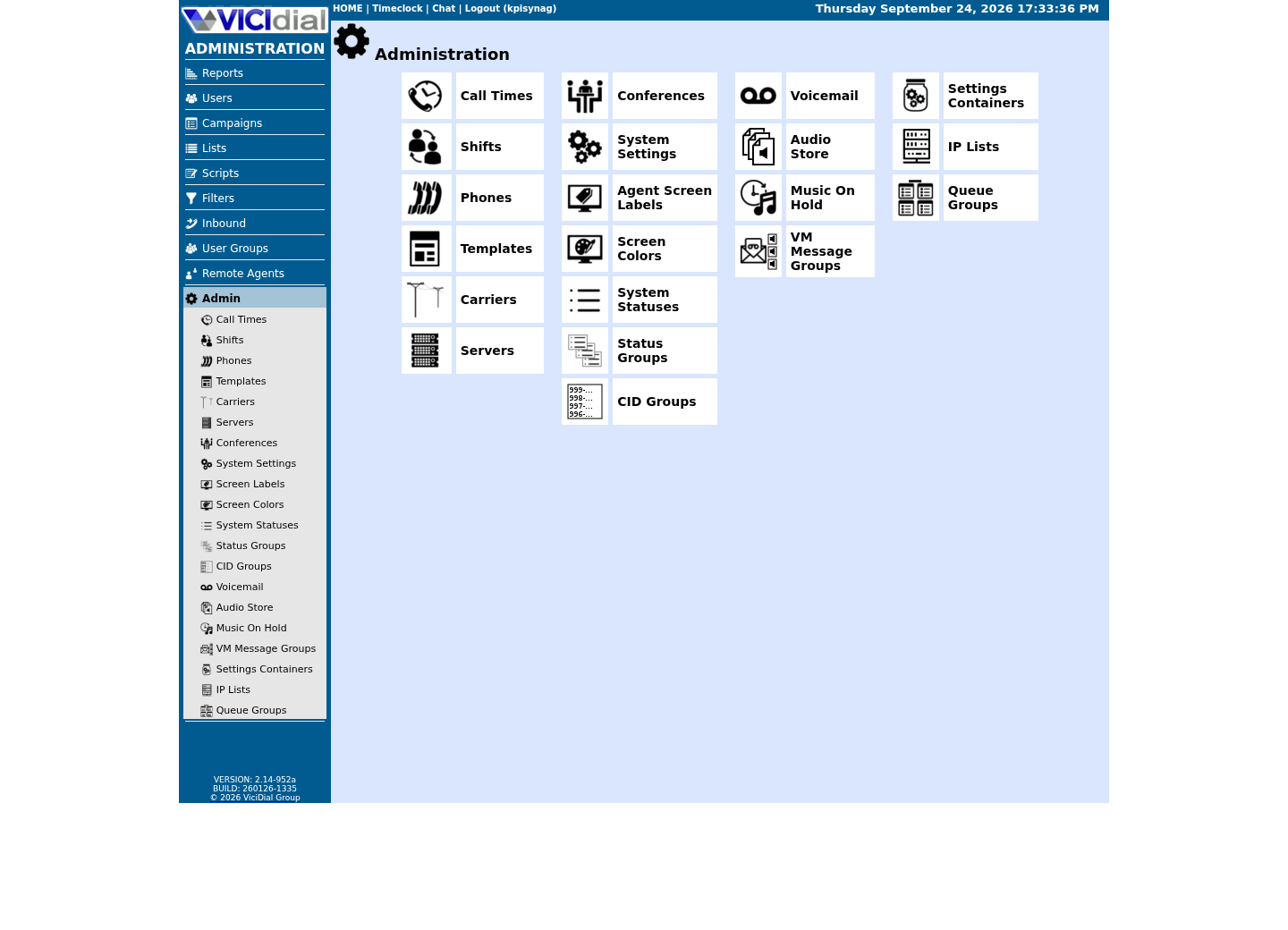
Captured on an isolated VICIdial demo: Administration screens on September 24, 2026, and the idle Agent screen on August 11, 2026. Each caption states its own capture time, and every sanitized image helps you recognize a related screen; none proves that this article's call, command, or result occurred.Use the Administration map
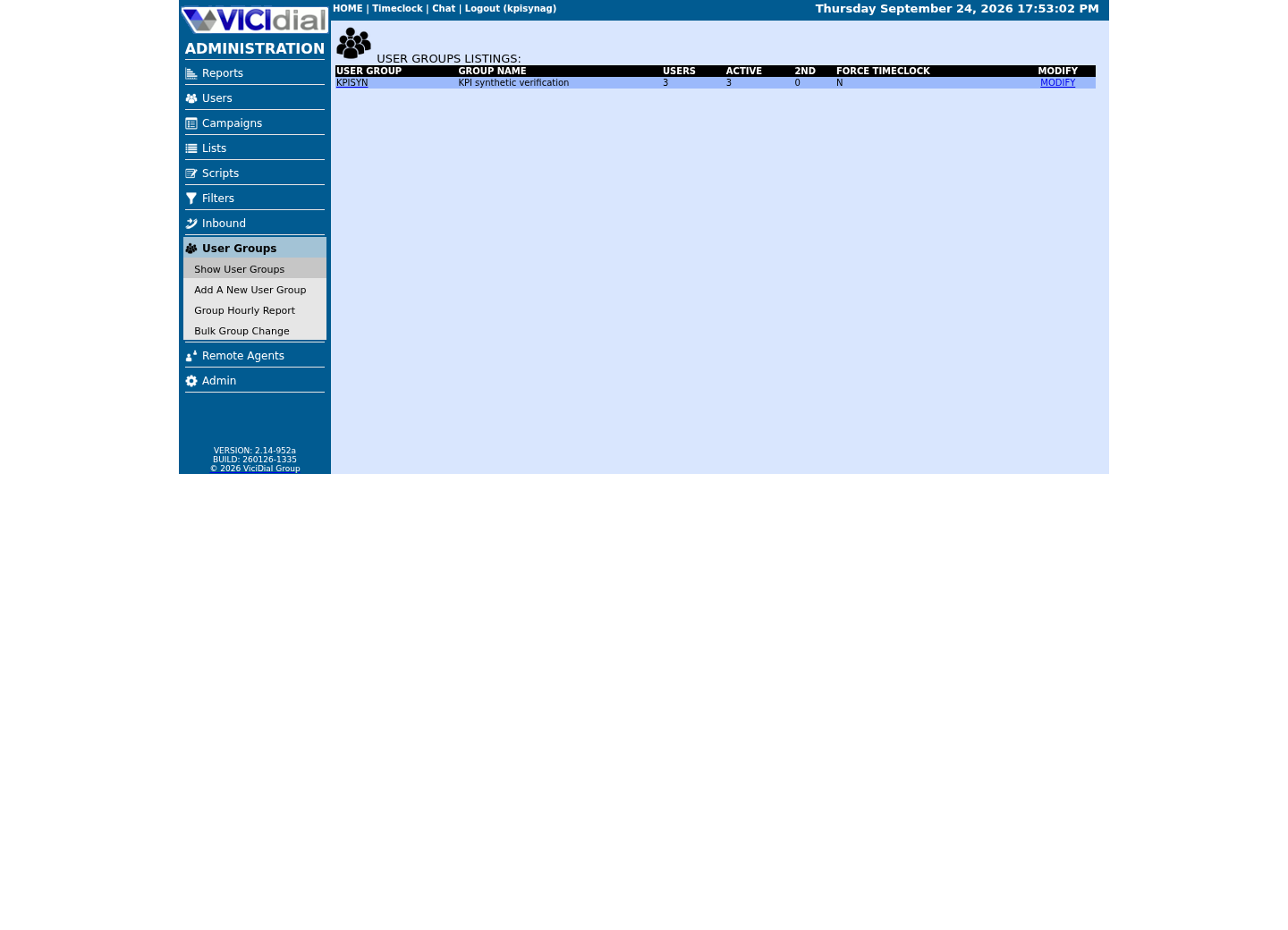
Review user-group boundaries
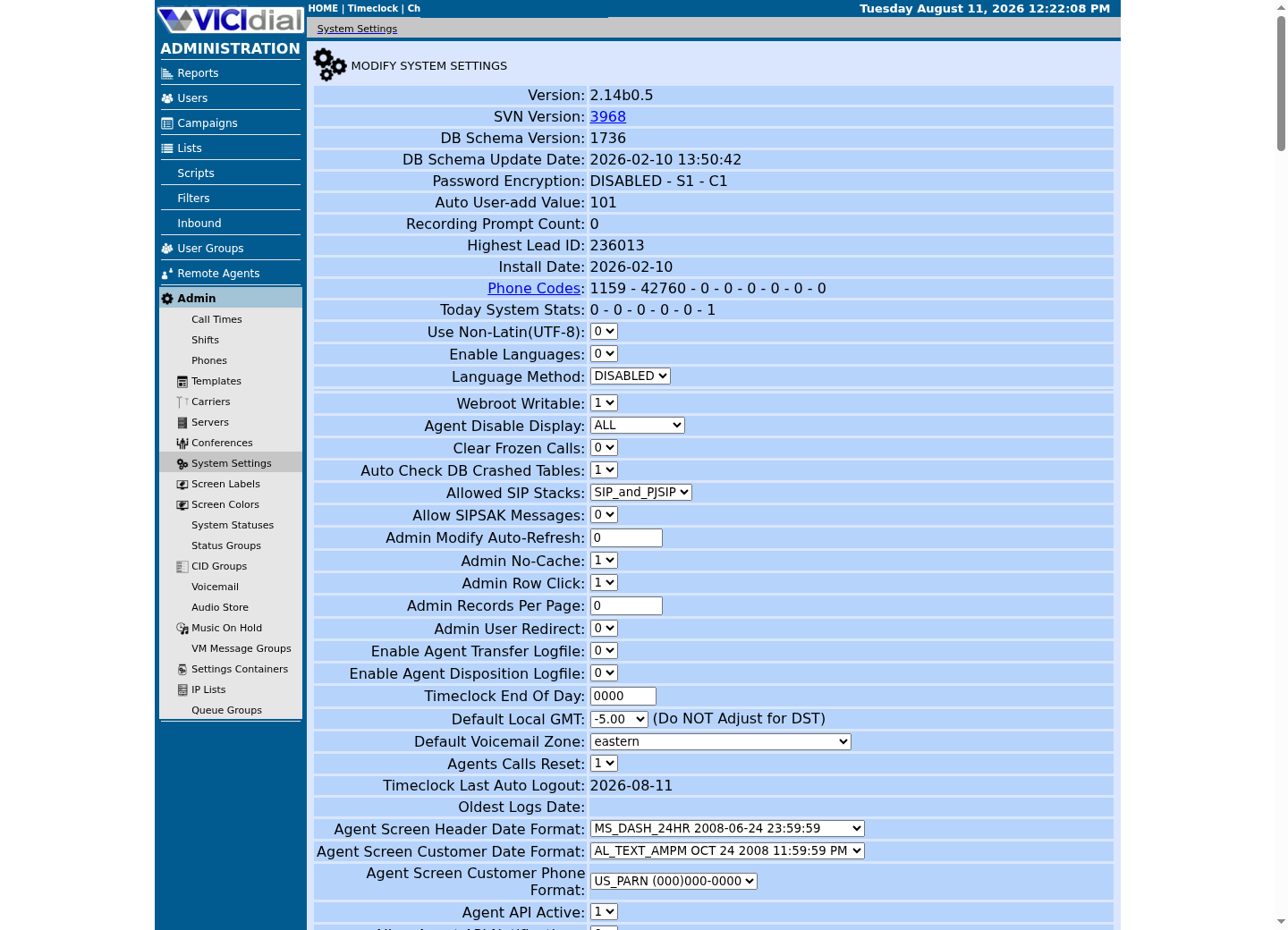
Inspect system-wide security and API context
Roll out 2FA with recovery tested first
The official feature supports admin and agent 2FA with configured email, phone-call or SMS delivery, system-level validity hours and per-user override. Delivery channels introduce operational dependencies: sender reputation, message latency, clock synchronization, attempt limits and account recovery all need testing.
Use this synthetic-cohort scorecard in a change record. PASS means every stated test succeeded for the test account; BLOCK means do not extend enforcement. The placeholders <TEST_ADMIN_USER> and <TEST_AGENT_USER> are labels only, never real user names or phone numbers.
Create a small test cohort and a documented break-glass process held outside the normal account path. Do not put SMS URLs, provider tokens, phone numbers or authorization codes in configuration exports, tickets or this publication.
- Test expiration, lockout, logout, recovery and delivery failure.
- Review and minimize per-user override use.
- Verify a support owner can recover access without disabling controls broadly.
<TEST_ADMIN_USER>: expiration PASS / recovery PASS / lockout PASS<TEST_AGENT_USER>: delivery PASS / logout PASS / recovery PASSBREAK-GLASS: independently tested PASSRESULT: BLOCK if any required test is not PASSThis sample is a template or reading aid, not a terminal command. There is no output to show.
- Before you run it
- Use in the access-change record with synthetic account labels only.
- Success looks like
- All required tests and the separate recovery path are PASS.
- Stop if
- Block rollout and escalate if any test is missing or fails.
Verify IP controls on every sensitive route
IP lists are an administrative capability, not evidence that every web, report, API, media or integration route enforces the intended allow/deny policy. Build a route inventory and test each route from an allowed and a denied, controlled test network.
Two controls do most of the work here, and neither lives in the VICIdial web interface. On a ViciBox install the host firewall is firewalld, not ufw: its external zone allows only a short list of named services — the web server, SSH, RTP audio and an asterisk service — and only from source addresses in ipsets that are loaded at runtime rather than configured as static rules: whiteips and whitenets, plus dynamiclist. whiteips and whitenets are fed by VICIdial's own IP List named ViciWhite (Admin → IP Lists); dynamiclist is fed separately by ViciBox's dynamic portal, which adds an address only after someone authenticates through it. VB-firewall (/usr/bin/VB-firewall) is the tool that loads all three ipsets, run from root's crontab at boot; it has no status or carrier subcommand of its own, so confirm its effect through firewalld directly, and never run a bare firewall reload afterward (see the checklist below). The stock asterisk service definition covers 5060/udp, 4569/udp and 8089/tcp only — it does not include 5061/udp, so confirm your own PJSIP bind port and channel driver first, with the checks in the sample below, before assuming an existing rule already covers it. On a cloud VPS the provider security group sits in front of all of this and must permit the same traffic, or nothing arrives regardless of what firewalld allows.
Use route labels, never deployed addresses, in any record you keep. EXPECTED DENY means the controlled denied test receives no protected content; an unexpected response is a stop condition. Put a reverse proxy, firewall or segmentation control under the network team's change process where appropriate, then verify that application and infrastructure policies agree.
- Confirm the provider security group and the host firewall permit the same ports, and no more.
- Test Admin, Agent, reports, Non-Agent API and media/export paths.
- Confirm proxy headers are trusted only from approved proxies.
- Never run a bare firewall reload after VB-firewall has loaded whiteips/whitenets/dynamiclist — it empties those ipsets until VB-firewall runs again.
- Keep an out-of-band console/recovery route under controlled access.
# 1. Read the safety-critical check first: is an anonymous/guest call path open on either channel driver?asterisk -rx 'pjsip show endpoint anonymous' 2>/dev/nullasterisk -rx 'sip show settings' 2>/dev/null | grep -iE 'unknown access|guest|anonymous' || echo 'no guest/anonymous access line matched in sip show settings output on this build' # 2. Confirm this build's actual PJSIP bind port before assuming 5060 or 5061 either way.asterisk -rx 'pjsip show transports'ss -lntup | grep -E ':(80|443|3306|4577|5038|5060|5061|8088|8089)\b' || echo 'none of those ports are listening' # 3. Identify the firewall backend in front of Asterisk. ViciBox ships firewalld with VB-firewall layered on top, not ufw.if firewall-cmd --state >/dev/null 2>&1; then echo 'firewall backend: firewalld' command -v VB-firewall >/dev/null 2>&1 && echo ' VB-firewall present: loads the ViciWhite/dynamic ipsets into firewalld (no status subcommand of its own)'elif command -v ufw >/dev/null 2>&1; then echo 'firewall backend: ufw (an Ubuntu/Debian install, not the ViciBox default)'else echo 'no recognized firewall backend found'fi # 4. Confirm which SIP channel driver(s) are loaded, for context on which part of step 1 applies to this build.asterisk -rx 'module show like chan_'Captured demo response · 2026-09-25 06:55 UTC. The displayed command is the command that ran; a safe subset label means it was filtered, redacted, or fixture-scoped. Replays only after you select Replay transcript.
- Before you run it
- Run these on the VICIdial server as a user authorized to read Asterisk and firewall state. Every command only reads; none of them change a rule. Step 1 puts the safety-critical anonymous-call check first: it greps sip show settings for its guest/anonymous-access line instead of printing the roughly 130-line full dump, and prints an explicit note instead of a silent blank when this build's wording does not match that grep, so the check never disappears from view. Do not assume 5060 or 5061 is the PJSIP port on your build — step 2 shows the port this install actually uses. 3306 is MariaDB, 5038 is the Asterisk Manager Interface and 8089 is the raw Asterisk HTTP/WebSocket listener; none of those three belong on a public address. The stock firewalld asterisk service (step 3) covers 5060/udp, 4569/udp and 8089/tcp only, never 5061/udp, so a PJSIP transport bound there needs its own confirmed allowance.
- Success looks like
- Step 1 shows no open anonymous posture on whichever driver this build has loaded: pjsip show endpoint anonymous reports the endpoint as not found, and the chan_sip grep shows its guest/anonymous-access line closed. Step 2 shows a real bound port with no unaccounted listener; on our ViciBox 12 lab the database and Asterisk HTTP listeners bind to all interfaces and are gated by the firewall zone in step 3 instead, so an all-interfaces bind here is a prompt to confirm step 3, not a failure by itself. Step 3 names firewalld as the backend, notes whether VB-firewall is layered on top, or names ufw only on a non-ViciBox install. Step 4 shows which channel driver or drivers are actually loaded, which is what decides which half of step 1 applies to this build.
- Stop if
- Stop and escalate first on step 1: chan_sip accepting guest calls or a reachable anonymous PJSIP endpoint is an open toll-fraud or data-exposure path, not a finding to schedule for later. If step 1's chan_sip line instead prints the 'no guest/anonymous access line matched' note, treat that as inconclusive rather than a pass, and read the full sip show settings output by hand before signing off. Also stop if step 2 shows a listener you cannot account for on any port, or if step 3 finds no recognized firewall backend on a server with a public address.
Reduce secret exposure and privilege
Use dedicated, least-privilege identities for API clients, database maintenance, report delivery and external providers. Rotate a credential through its approved secret store and configuration deployment mechanism; never place it in source, shell history, browser URLs or diagnostic output.
On a dialer the highest-value secrets are the SIP credentials your trunk uses, because they convert directly into fraudulent calls. Give every SIP endpoint a long unique password, never reuse the extension number as its secret, and keep AMI and MariaDB bound to localhost or a private interface rather than a public address. If an integration genuinely needs remote AMI or database access, carry it over a VPN or an SSH tunnel instead of opening the port.
Confirm whether your own build stores those secrets as a hash or as plain text before deciding how tightly to guard database access. On this lab, system_settings.pass_hash_enabled is 0, which means vicidial_users.pass and phones.conf_secret are plain text rather than a hash — never SELECT either column, screenshot one, or paste one into a ticket, even for read-only troubleshooting, because a plain-text value is the credential itself.
Review settings containers, scheduled jobs, integration endpoints and backup destinations because these often bridge the web application to external services. A read-only report can still create an audit-log write, so account scope and retention matter.
- Separate human, API and service identities.
- Set rotation, revocation and owner records.
- Test failures using non-sensitive observability, not live credentials.
Audit authorization and retain a safe reversal
Route audit should test authentication, authorization, campaign/group/report scope, session behavior and audit-log evidence independently. UI hiding is not authorization; sensitive endpoints and fragment routes need their own checks.
Stop rollout if a break-glass path is untested, a necessary integration fails, or audit evidence cannot distinguish test from production activity. Roll back the narrow configuration or policy change after preserving sanitized evidence, then investigate without weakening unrelated controls.
- Use an independent reviewer for route tests and access review.
- Re-test after upgrades, reverse-proxy changes and new integrations.
- Do not represent this checklist as a certification, penetration test or compliance determination.
Evidence ledger
Verification basis
- This lab's Admin UI exposes 2FA and IP-list settings; route enforcement varies and must be independently verified.
- No penetration test, security certification, deployed configuration, incident history or guarantee is claimed.
Primary references
Sources
- VICIdial Two-Factor AuthenticationVICIdial · accessed September 23, 2026
- NIST Cybersecurity Framework 2.0National Institute of Standards and Technology · accessed September 23, 2026