Reader setup
Before you evaluate
Use this to set expectations, limits and implementation boundaries before changing anything.
- Named data and retention owners
- Approved media access policy
- Inventory of copies and playback paths
- What you will prove
- A testable design for protected recording access and lifecycle control.
- Safety boundary
- Do not delete data or rely on opaque URLs without a reviewed retention and authorization process.
Reader path
How to use this article
- Use it when: You are designing a change and want reliable limits before implementation.
- Expected result: Separate what is known, unknown, and unsafe before you execute.
- Start here: Use it as an evidence review before changing architecture, security, or reporting behavior.
Fast answer and untested boundaries
Fast answer: keep VICIdial recording media behind an authenticated, audited service or protected object store; encrypt transit and storage, issue least-privilege (only the access needed for the job), and delete only through a retention workflow that accounts for metadata, replicas, and legal holds.
Prerequisites are a named data owner, retention owner, incident owner, approved retention policy, and an inventory of playback, export, backup, and archive paths. This August 4, 2026 design analysis does not claim a legacy exact-file URL, lab mapping, cloud vendor, key-management system, backup, legal policy, or existing deployment is penetration-tested or compliant; those are non-goals.
Terms are defined in vicidial-terminology-for-complete-beginners.
- Prerequisite: classify recordings and metadata as sensitive.
- Prerequisite: name a data owner, retention owner, and incident owner.
- Non-goal: do not treat opaque URLs or encryption alone as authorization.
- Inventory every playback, export, backup, and archive path.
Visual walkthrough
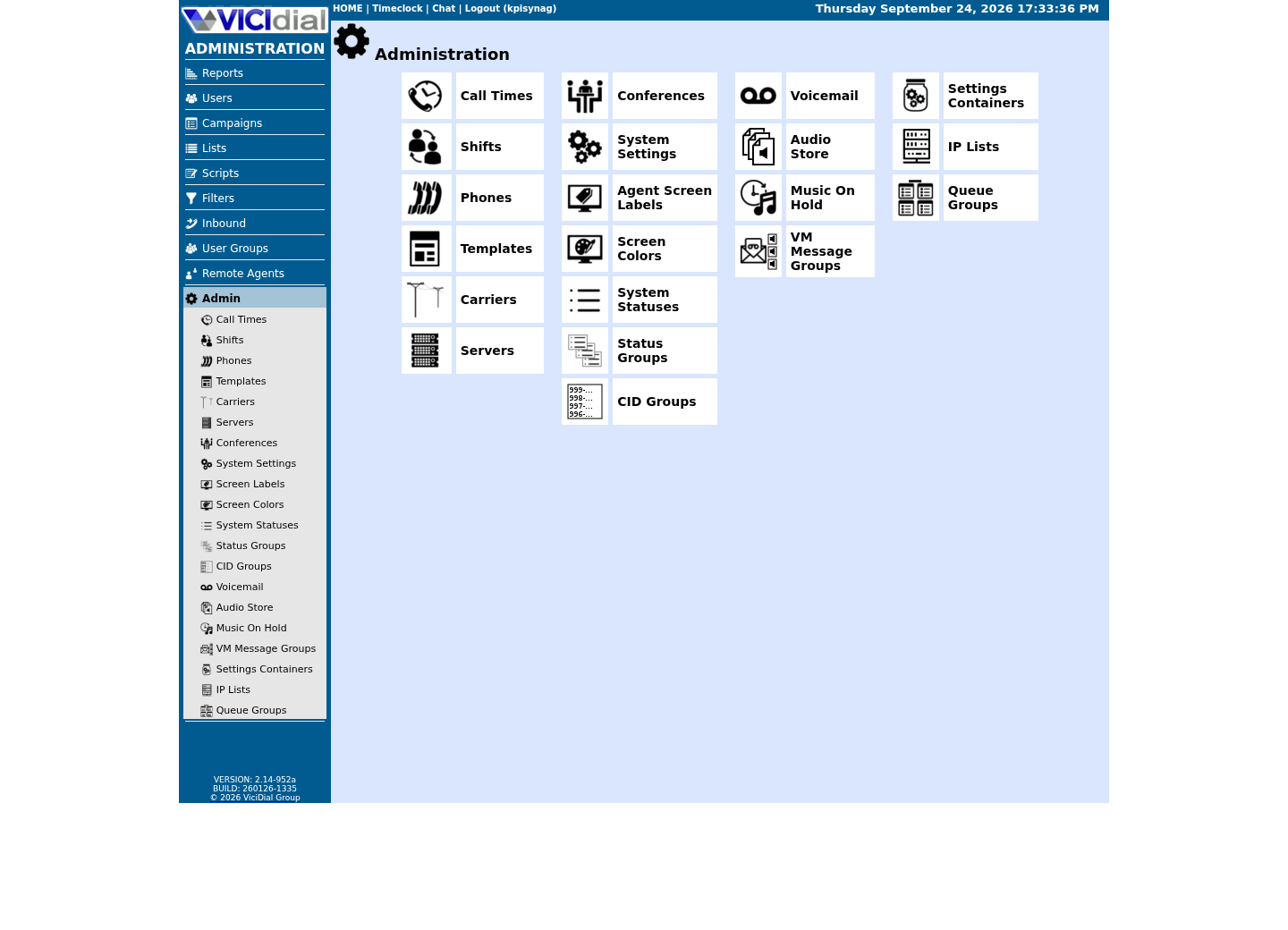
Follow three real demo screens
Captured on an isolated VICIdial demo: Administration screens on September 24, 2026, and the idle Agent screen on August 11, 2026. Each caption states its own capture time, and every sanitized image helps you recognize a related screen; none proves that this article's call, command, or result occurred.Use the Administration map
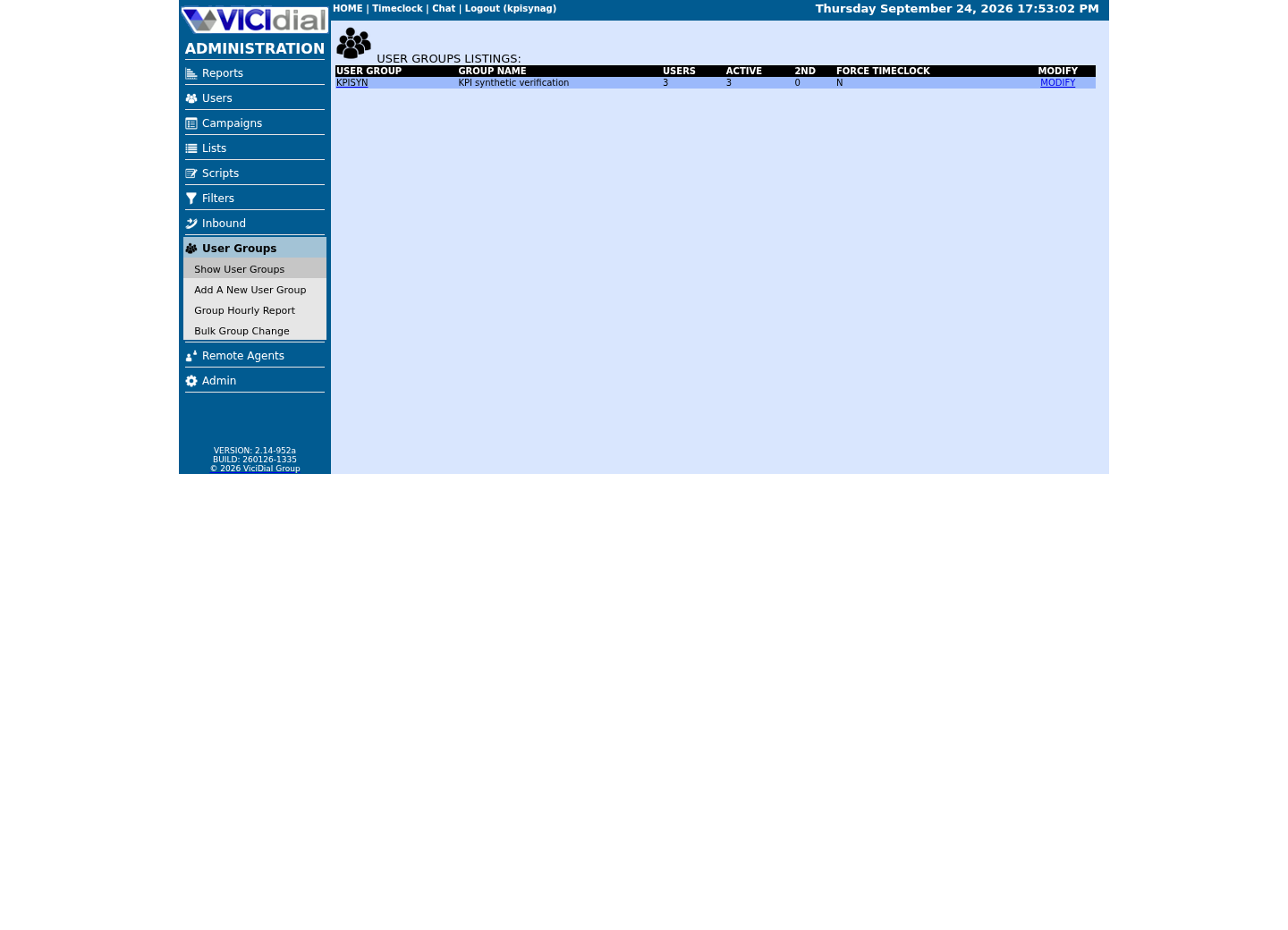
Review user-group boundaries
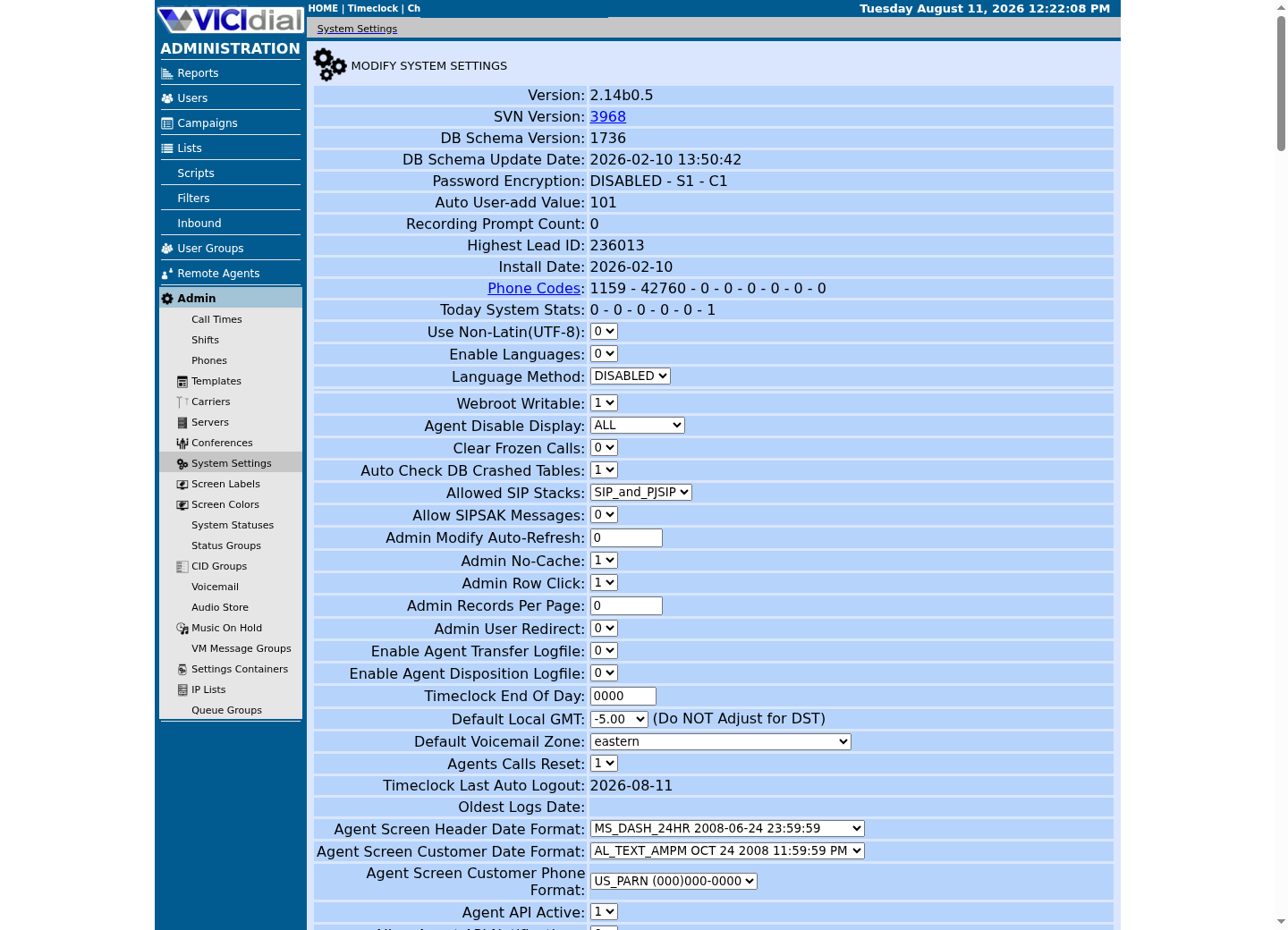
Inspect system-wide security and API context
Authenticate the media path
Opaque filenames or blocked directory listings are not authorization. Put playback and download behind application authentication that checks the caller's role, campaign/resource scope, purpose, and time-bound entitlement; log access events without logging the media URL or customer identifiers.
Separate Agent, supervisor, QA, export worker, backup, and administrator permissions. A service account should retrieve only the objects and metadata required for its job, and an SFTP delivery worker should not inherit interactive playback or broad storage credentials.
principal: authenticated service or userresource: recording metadata + storage objectpolicy: role, campaign scope, purpose, expirationaudit: opaque event ID, decision, timestampThis sample is a template or reading aid, not a terminal command. There is no output to show.
- Before you run it
- Use this as a design-review worksheet; each label is a category, never a real user, recording, URL, or storage-object value.
- Success looks like
- Success means every requested access can be tied to a scoped principal, policy decision, and sanitized audit event.
- Stop if
- Stop rollout if any access path cannot enforce or audit the stated scope.
Encrypt in transit and at rest
Use TLS for browser/service access and SSH transport for SFTP; verify server identity rather than accepting arbitrary certificates or host keys. At rest, use storage encryption with keys separated from routine application access, documented rotation, and recovery procedures tested without exposing media.
Encryption does not remove the need for authorization: a decrypted object delivered to an over-privileged account remains exposed. Protect database credentials, object credentials, and key references in a secret system; never place them in scripts, query strings, process arguments, tickets, JSONL, or source control.
- Require approved TLS/SSH identity verification.
- Limit key use by workload and environment.
- Test key-rotation recovery on synthetic media only.
Make retention a lifecycle, not a cron guess
Define when recordings become eligible for archival and deletion, how legal holds override that schedule, and how call metadata, derived formats, exports, caches, backups, and replicas are handled. A database row disappearing does not prove its associated media and replicas were deleted.
Use a two-person or reviewed workflow for destructive retention actions, with an inventory, scoped dry run, and post-action reconciliation. Preserve a minimal deletion/audit proof according to policy, but do not retain filenames, caller data, or recordings merely to make the audit convenient.
- Test retention with synthetic recording objects.
- Reconcile primary storage and approved replicas.
- Stop deletion if the scope cannot be proven.
Failure modes, rollback, and independent verification
Failure modes include unauthenticated exact-file access, overbroad bucket/share permissions, broken key rotation, orphaned derivatives, retention jobs that exceed scope, and backups that outlive policy. Stop affected access or deletion jobs narrowly and preserve evidence for incident response; do not make storage public to restore playback quickly.
Independently test an allowed and denied user, scoped export worker, expired entitlement, encrypted transport, restore of synthetic media, and retention reconciliation. Evidence state remains architecture guidance until each deployed storage, identity, backup, and legal-control path is authorized and tested.
Review recording controls with synthetic data
Use this worksheet in a security review, populated only with control outcomes for a synthetic object. The labels identify policy checks; they are not places to paste storage paths, accounts, encryption keys, recordings, or caller information.
All checks passing supports a design review, not a compliance certification. A failed authorization, transport, retention, or restore check means stop that path and remediate it before enabling real recordings.
access: allowed and denied synthetic checkstransport: approved identity verifiedretention: scope and legal-hold checkrestore: synthetic object reconciliationaudit: sanitized decision onlyThis sample is a template or reading aid, not a terminal command. There is no output to show.
- Before you run it
- Copy into a reviewed synthetic-media test record; the labels are control categories, not secret or recording placeholders.
- Success looks like
- Success means each control has a scoped, independently observed synthetic result.
- Stop if
- Stop real-media rollout if any authorization, identity, retention, or restore control cannot be proven.
Evidence ledger
Verification basis
- VICIdial ships recording/media lifecycle functions; their presence in a build is not proof they are configured or used safely here.
- Local SFTP guidance explicitly distinguishes exact-file reachability from authenticated recording authorization.
Primary references
Sources
- OpenSSH sftp manualOpenBSD · accessed August 4, 2026
- OpenSSH client configurationOpenBSD · accessed August 4, 2026
- VICIdial product overviewVICIdial Group · accessed August 4, 2026