Reader setup
Before you start
Run each step in order and move only when the outcome is confirmed.
- Linux terminal basics from Stage 1
- A generic openSUSE lab VM, or any openSUSE host you may inspect
- No expectation that this host is already a ViciBox appliance
- What you will prove
- You can identify generic openSUSE's package and firewall tools and explain why they do not, by themselves, create a supported ViciBox or VICIdial appliance.
- Safety boundary
- Do not add telephony repositories or copy ViciBox scripts onto generic openSUSE. This lesson is operating-system learning only.
Reader path
How to use this article
- Use it when: You need a fixed sequence to make a deployment or configuration change now.
- Expected result: Follow each step and verify the outcome before changing the next layer.
- Start here: Start at the first section and complete every checkpoint before moving to the next.
01 / 05
Start here
Generic openSUSE is useful for learning Linux administration, but it is not stock ViciBox. `zypper` manages packages and `firewalld` manages firewall policy on both; neither one, by itself, turns a plain install into the ViciBox appliance this curriculum's lab is built from.
This lesson treats openSUSE as worth knowing on its own terms — it is a mainstream, actively maintained distribution with its own conventions — while being explicit that knowing openSUSE is not the same skill as knowing ViciBox.
openSUSE ships in more than one edition; Leap is the point-release edition ViciBox is built on, with fixed version numbers and a defined support window, as opposed to a rolling-release edition that updates continuously with no fixed end date. That distinction is exactly why the version-status lesson later in this stage can name a specific end-of-life date at all.
This curriculum sticks to Leap specifically, and only ever in the context of what ViciBox itself ships on. If you experiment with openSUSE beyond this lesson, keep track of which edition you installed — commands and package availability can differ between editions in ways that are easy to misattribute to a mistake elsewhere.
None of this is meant to discourage exploring generic openSUSE further; it is a capable, well-documented distribution in its own right. The point is narrower: whatever you learn on a generic install teaches you openSUSE, and this curriculum is careful never to imply that it also teaches you ViciBox by extension.
Compare what you find here against the Ubuntu or Debian check from the previous lesson if you have access to both kinds of host. The commands differ, but the underlying question — which distribution family, and which tool actually manages it — is identical, and that repetition is deliberate.
Visual walkthrough
Follow three real demo screens
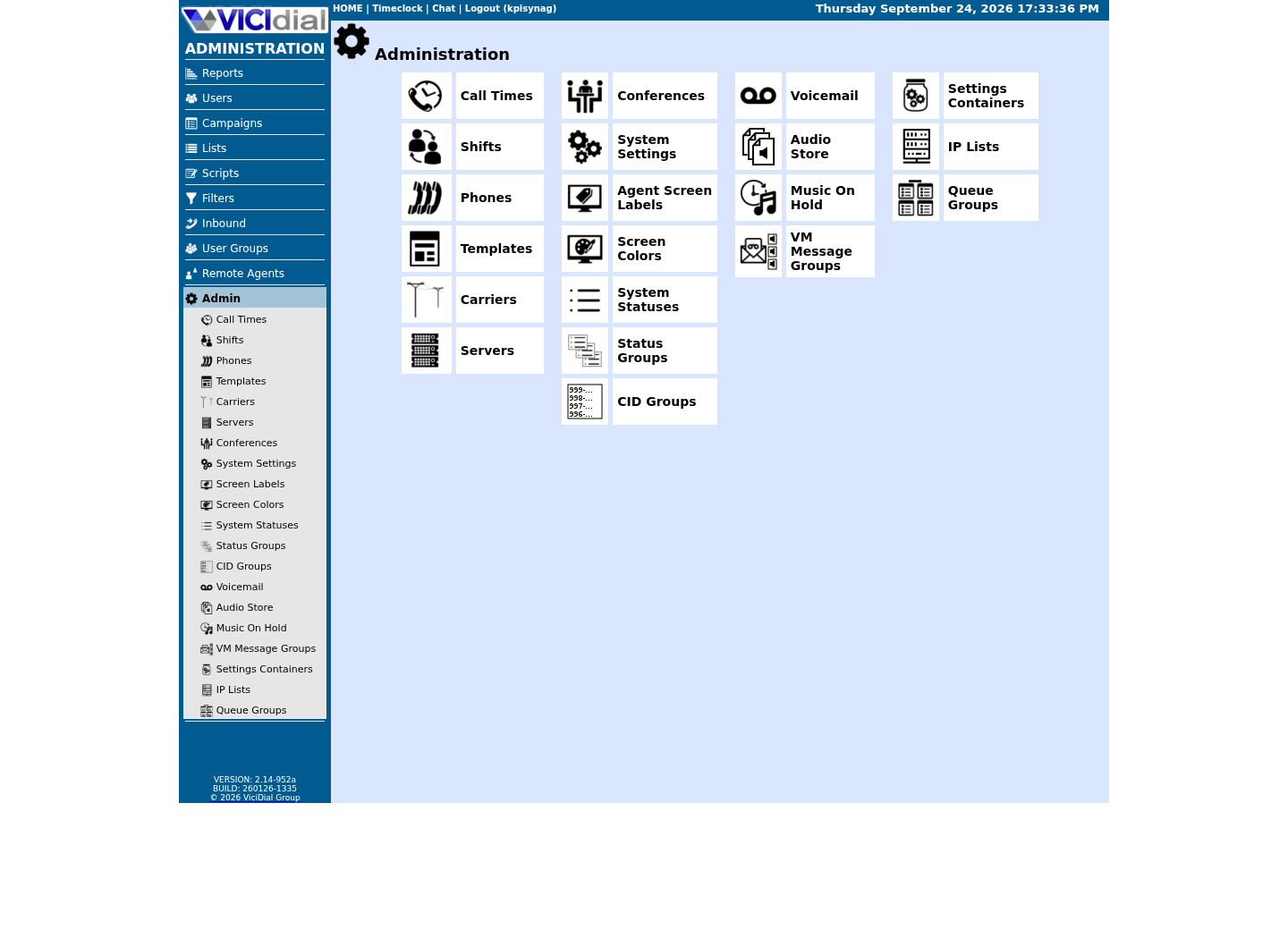
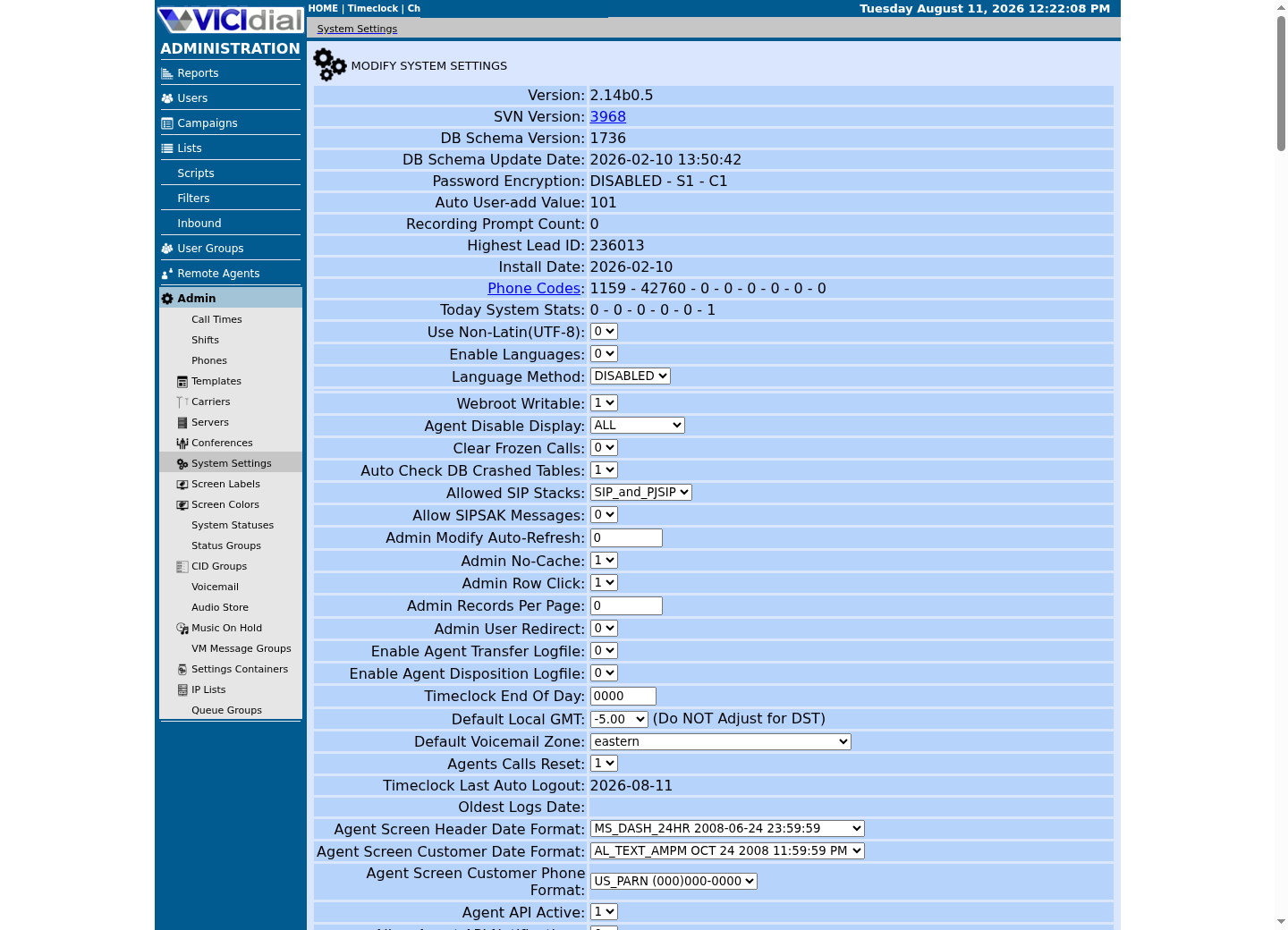
Captured on an isolated VICIdial demo: Administration screens on September 24, 2026, and the idle Agent screen on August 11, 2026. Each caption states its own capture time, and every sanitized image helps you recognize a related screen; none proves that this article's call, command, or result occurred.Start at Administration home
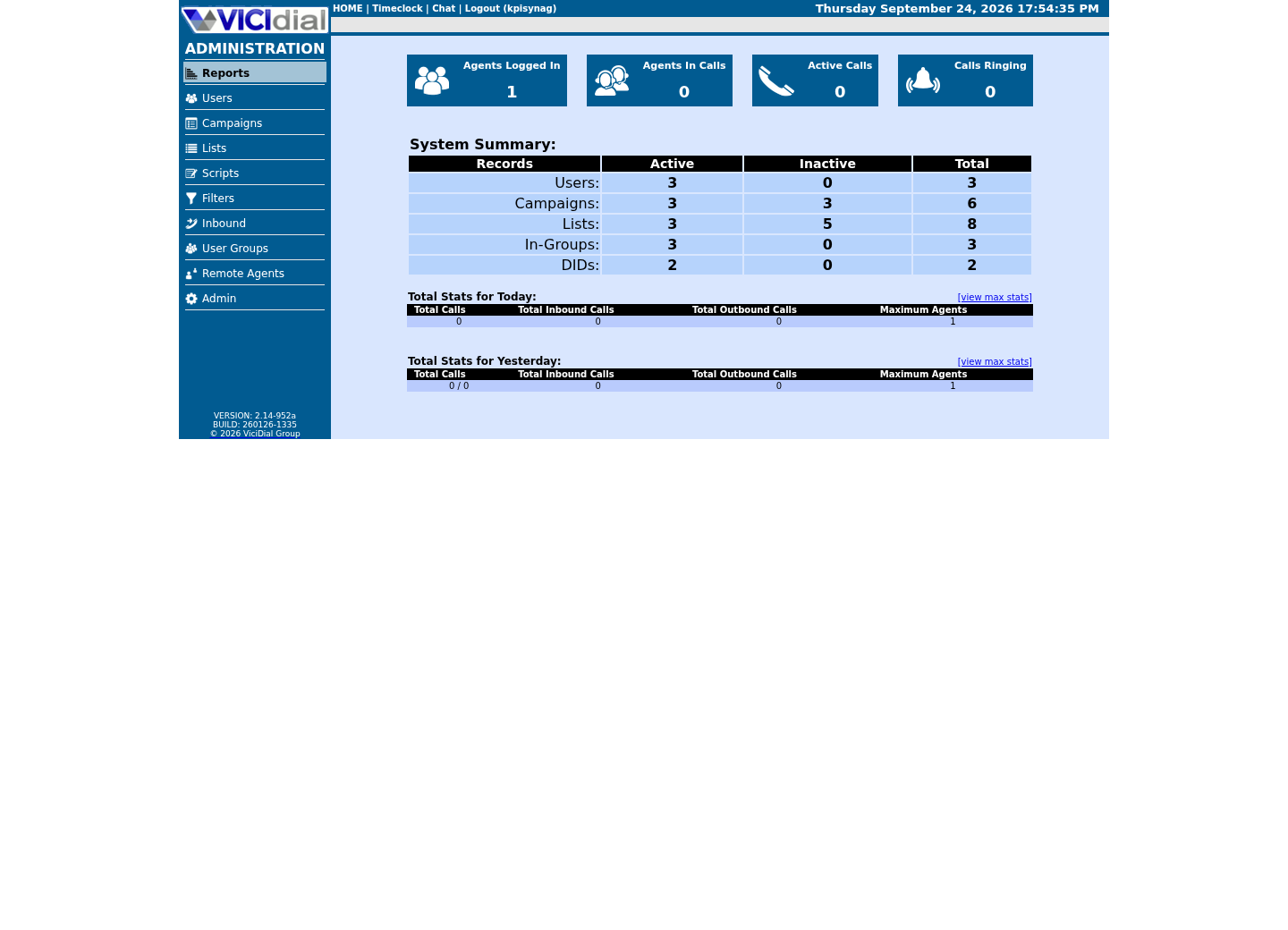
Use the Administration menu as a map
Confirm version and system-wide context
02 / 05
The idea in plain language
ViciBox is a vendor-provided ISO with its own installation phases and telephony configuration layered on top of openSUSE. A plain openSUSE host starts as an operating system only — no Asterisk, no VICIdial schema, no dialer daemons. Keeping that boundary clear prevents an unsupported half-install where someone copies ViciBox scripts onto a generic system and assumes the result is equivalent.
`zypper` is openSUSE's command-line package manager, roughly analogous to `apt` on Debian-family systems but with its own command names and repository format. `firewalld` is a firewall-management service that most modern openSUSE and ViciBox builds run by default, in contrast to the `ufw` tool common on Ubuntu — a detail worth knowing before you ever paste a firewall command from a guide written for a different distribution.
YaST is openSUSE's own administration tool, offering a menu-driven interface over many of the same settings zypper and firewalld manage from the command line. This lesson stays on the command line throughout, since that is what every later lesson in this curriculum assumes, but YaST is worth knowing exists if you ever administer openSUSE outside this library's scope.
03 / 05
Try one safe check
Identify the host and list its configured package repositories; both read configuration only. A repository is simply a location — usually a URL — that `zypper` knows to check for available packages and updates; listing them tells you what this host is allowed to install from, without installing anything.
- The openSUSE version this host reports
- How many repositories are configured, and whether any look unfamiliar
cat /etc/os-releasezypper reposCaptured demo response · 2026-09-23 21:35 UTC. The displayed command is the command that ran; a safe subset label means it was filtered, redacted, or fixture-scoped. Replays only after you select Replay transcript.
- Before you run it
- Run this on any openSUSE host. Neither line installs anything.
- Success looks like
- You see an openSUSE identifier from the first command and a table of enabled repositories from the second.
- Stop if
- If `zypper` reports 'command not found', the host is not openSUSE-family; stop and re-identify it with the first command alone.
04 / 05
Check which firewall backend is actually active
openSUSE and ViciBox both typically run firewalld rather than the ufw tool common on Debian-family systems. Confirming this before you write a single firewall rule avoids copying instructions written for the wrong backend — a firewalld rule syntax means nothing to ufw, and the reverse is equally true.
`firewall-cmd --state` is deliberately the smallest possible question you can ask a firewall service: is it running at all. Later lessons that touch specific ports build on this answer rather than repeating it. A firewall that is not running at all is a different situation entirely from one that is running but not yet configured for a given port — this check only answers the first question, and deliberately does not attempt the second.
- Whether firewalld itself is running, before you look at any specific rule
- Whether this host even has firewalld installed, versus a different backend entirely
firewall-cmd --stateCaptured demo response · 2026-09-23 21:35 UTC. The displayed command is the command that ran; a safe subset label means it was filtered, redacted, or fixture-scoped. Replays only after you select Replay transcript.
- Before you run it
- Run this on the host you are inspecting. It only reports whether the firewalld service is running.
- Success looks like
- A result of `running` confirms firewalld is this host's active backend — the one every later firewall instruction in this curriculum assumes, on this build.
- Stop if
- A 'not running' result or a missing command means this host uses a different firewall approach; do not apply firewalld-specific rules from later lessons without first confirming what this host actually enforces.
05 / 05
Ready for the next lesson
Continue to the ViciBox comparison lesson next, before deciding which platform path to use for your own lab. Bring the repository list and firewall-backend result with you — the comparison lesson asks you to run one more check that only makes sense once you can tell a generic openSUSE host apart from a ViciBox appliance.
Evidence ledger
Verification basis
- openSUSE's own repositories and release lifecycle are managed separately from ViciBox's appliance build.
Primary references
Sources
- Package Management with the Command Line Tool Zypper — openSUSE Leap ReferenceopenSUSE Project · accessed September 23, 2026
- Closing Out a Roughly 8-Year EraopenSUSE News · accessed September 23, 2026