Reader setup
Before you diagnose
Start with one observed symptom, then isolate one layer at a time.
- Obtain consent and data-owner approval for a labelled synthetic or specifically authorized audio corpus.
- Record the installed Asterisk version, current AMD arguments and an immutable baseline result set.
- Define the business cost of false-machine and false-human outcomes before changing one threshold.
- What you will prove
- You will confirm this build's real AMD and CPD settings and dialplan wiring, then compare one candidate AMD setting with the same labelled corpus and explain both error types instead of optimizing a single headline rate.
- Safety boundary
- Do not collect or replay customer calls casually, change multiple values together, or treat a small synthetic result as production performance proof.
Reader path
How to use this article
- Use it when: You are investigating a live symptom and need to narrow the failure quickly.
- Expected result: Pinpoint the first failing layer, then repair only that layer.
- Start here: Use the sections as a diagnostic sequence: prove scope, then isolate and validate.
Build a labelled call sample
Fast answer: AMD means Answering Machine Detection. Build a consented, access-controlled corpus of human greetings, voicemail greetings, carrier announcements and silence representative of the approved route, then label each item independently before tuning.
A threshold that looks good on one carrier or country can fail on another because cadence, codec and post-answer delay differ.
Label with more than one listener whenever the corpus is large enough to make it practical, and record where they disagreed rather than silently picking one label. A single person's labels quietly encode that one person's own judgment calls about ambiguous cases — a greeting that trails into silence, a machine message read by an unusually natural-sounding voice — and a threshold tuned against an unexamined single-rater corpus can end up tuned to that person's specific blind spots instead of to the actual human/machine boundary you are trying to measure.
A campaign, in VICIdial's own terms, is one calling project — which leads get dialed, by which agents, under which dialing and detection settings — and every AMD tuning question below is scoped to one campaign's traffic, never the whole server at once. See vicidial-terminology-for-complete-beginners for the rest of this glossary.
Visual walkthrough
Follow three real demo screens
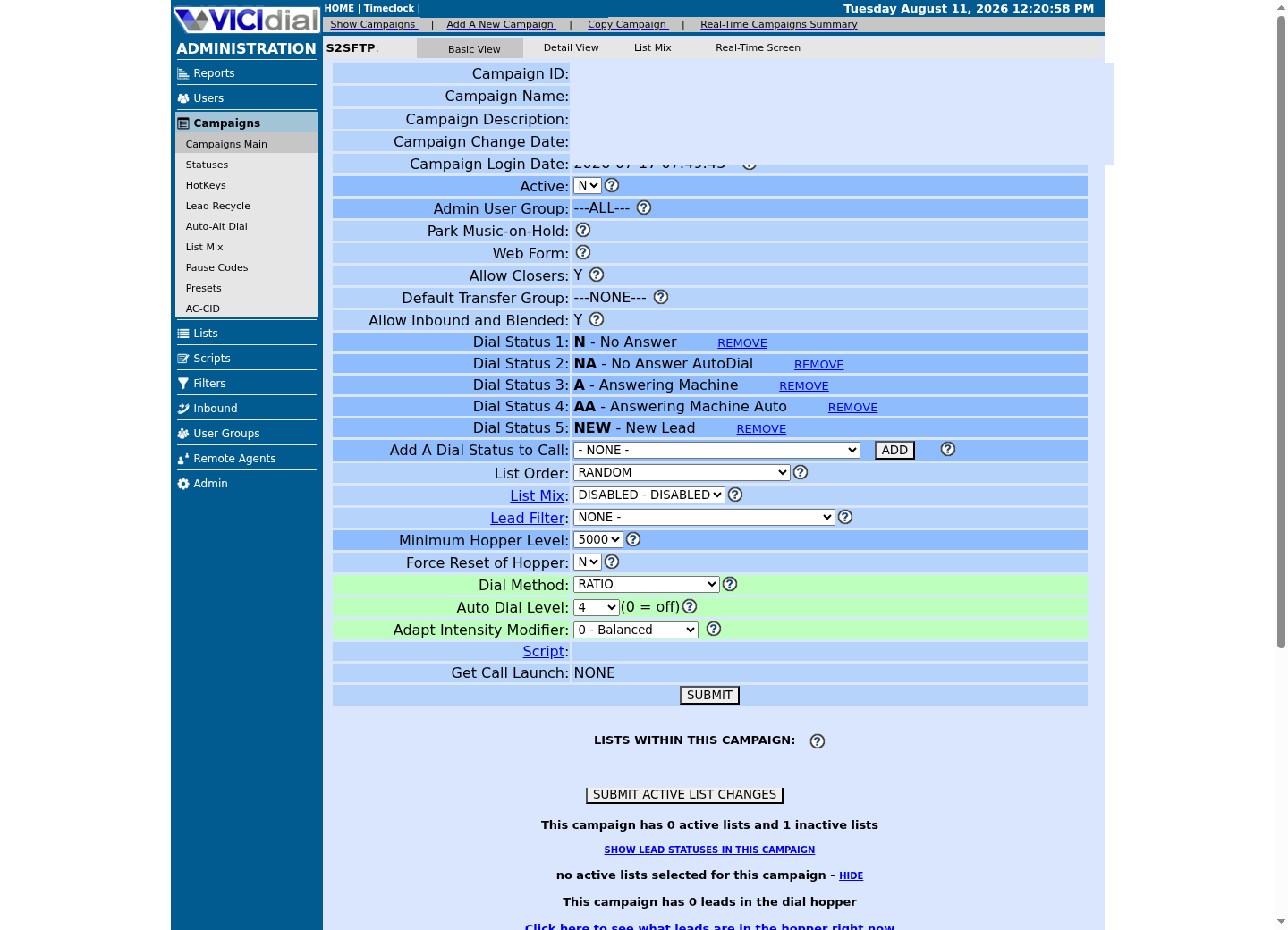
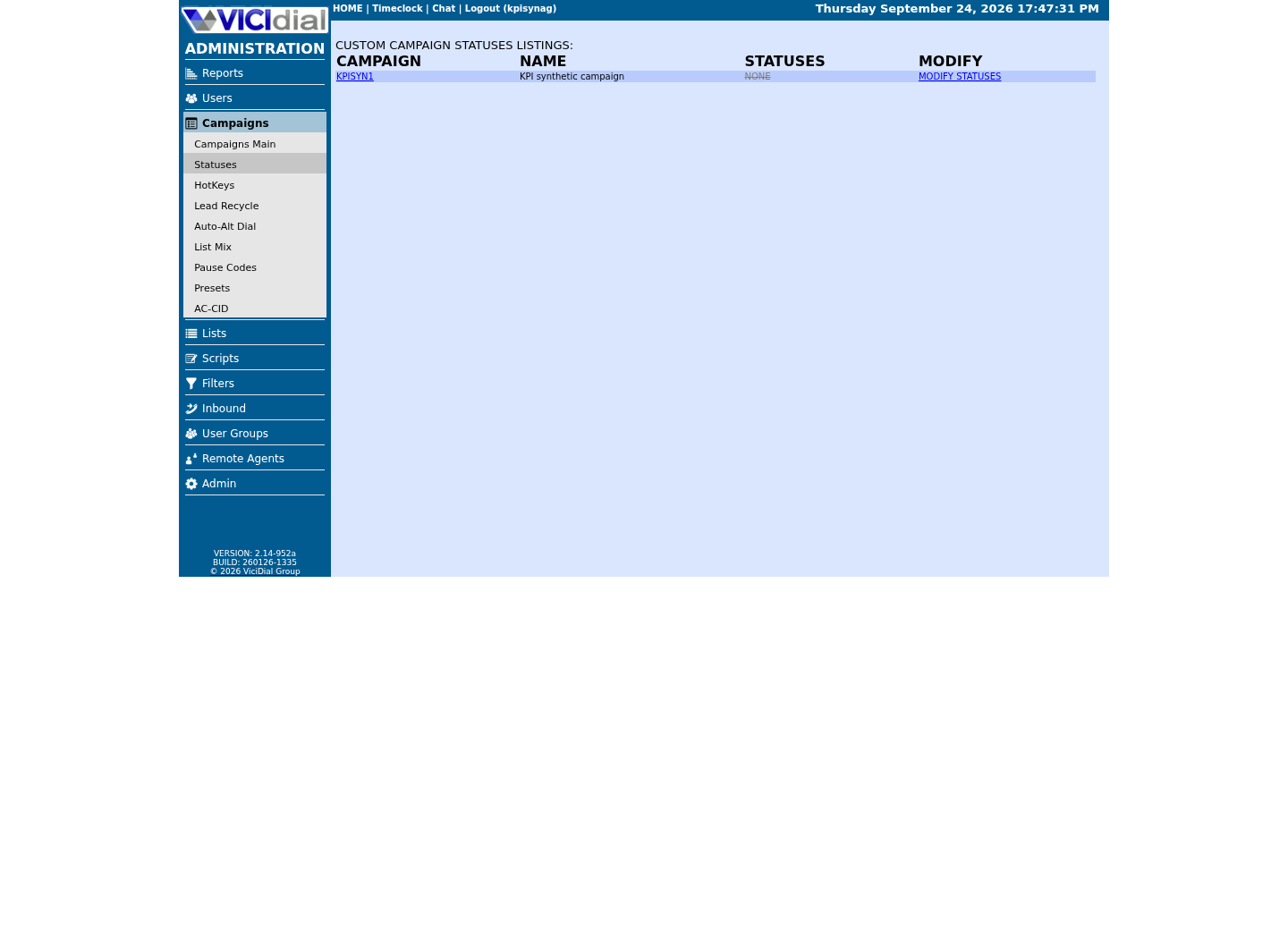
Captured on an isolated VICIdial demo: Administration screens on September 24, 2026, and the idle Agent screen on August 11, 2026. Each caption states its own capture time, and every sanitized image helps you recognize a related screen; none proves that this article's call, command, or result occurred.Start from Campaign Listings
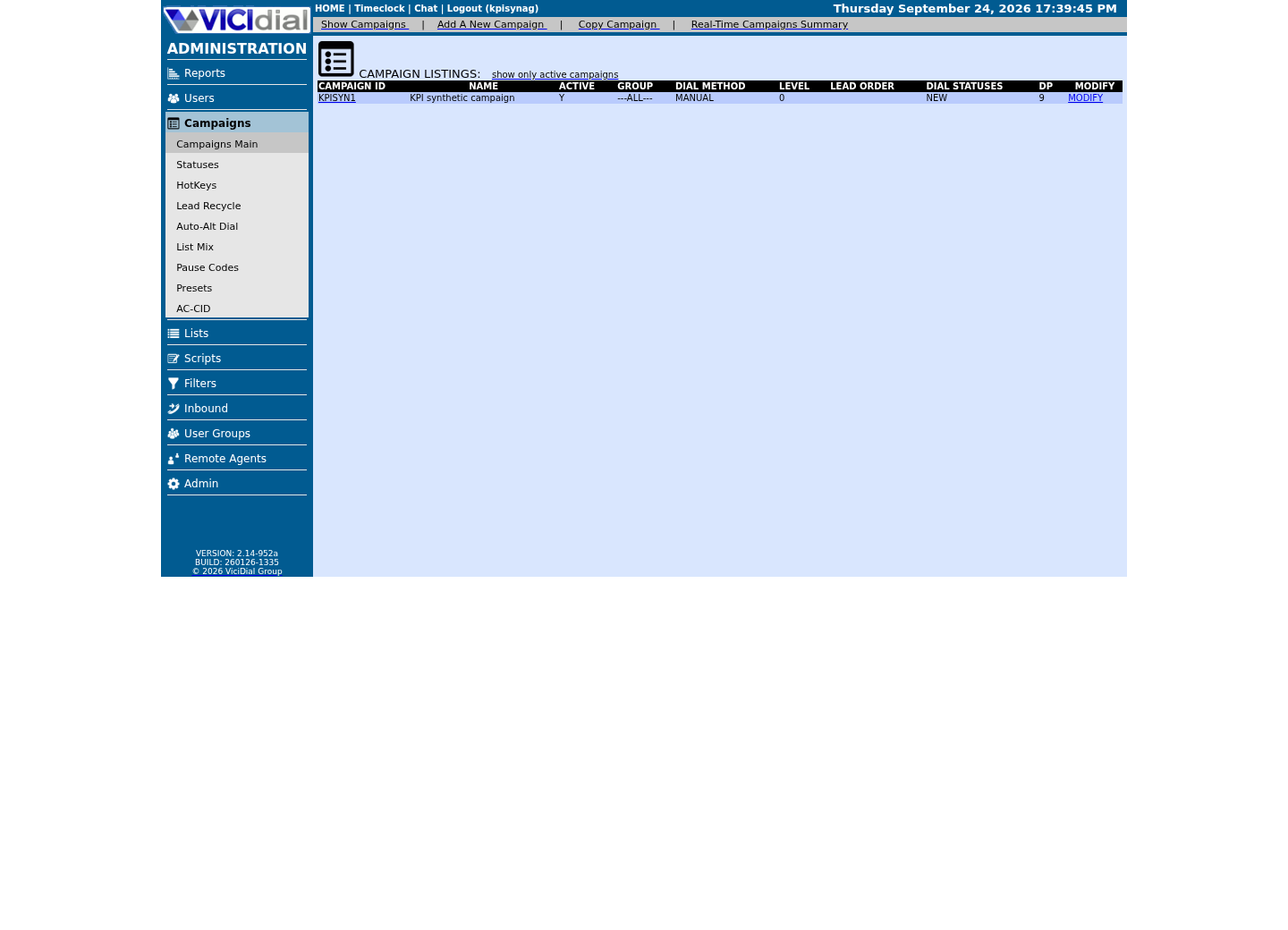
Open the campaign detail page
Review statuses allowed for dialing
Confirm what the installed Asterisk actually supports
Asterisk documents AMD as a dialplan application, but arguments and defaults can vary by installed version and local dialplan. Read the live help before copying a setting from another system.
At a conceptual level, and without asserting numbers this article has not verified for your build, Asterisk's AMD works by analyzing the audio right after a call connects — how long the initial silence runs, how many separate bursts of speech follow it, and how long each burst lasts — and comparing those measurements against configured thresholds to decide whether what it heard fits a human greeting's shape or a machine message's. core show application AMD's own output is the authoritative list of which measurements your installed version exposes as tunable arguments; read it before assuming this article's later description of any one build's argument list applies to yours.
These commands do not display customer audio or change configuration. Keep the output with the lab record because it defines the feature contract used for the comparison.
asterisk -rx 'core show version'asterisk -rx 'core show application AMD'Captured demo response · 2026-09-25 06:55 UTC. The displayed command is the command that ran; a safe subset label means it was filtered, redacted, or fixture-scoped. Replays only after you select Replay transcript.
- Before you run it
- Run on the reviewed Asterisk host using an account authorized for read-only CLI commands. AMD is an application name, not a campaign setting; do not paste dialplan or call output into a public ticket. Confirm the application is present with core show application AMD itself, not with core show help — that command lists CLI console commands, never dialplan applications, so grepping it for amd tells you nothing about whether AMD is installed.
- Success looks like
- The installed version responds, and core show application AMD's own help text lists its supported arguments and return variables for your exact build — that response is itself the confirmation the feature is present. The argument and variable list runs long; read the full output on your own host rather than a truncated capture.
- Stop if
- Stop if AMD is absent, the version differs from the test plan, CLI access is over-privileged, or you cannot map campaign behavior to the installed dialplan safely.
Find this campaign's own AMD and CPD settings without guessing their names
Call Progress Detection (CPD) is Asterisk and VICIdial's other family of pre-connect detection, distinct from AMD in mechanism though aimed at a related problem: telling a real pickup apart from a machine, fax tone or dead air before an agent is bridged onto it. VICIdial's own capability language pairs the two as alternate detection paths a campaign can choose between.
AMD and a campaign's Answering Machine Message setting are connected in a way worth knowing before you tune either one in isolation: AGENT_API.txt documents that the Agent API's vm_message function, which sets which voicemail file plays on a detected machine, only takes effect when the campaign's Answering Machine Message setting is 'LTTagent'. A campaign left on a different Answering Machine Message setting can have AMD correctly detecting machines while a vm_message-based voicemail-drop workflow silently does nothing, which looks like an AMD tuning problem but is not one.
This article cannot name the exact campaign columns behind either setting: they appear in none of this library's shipped reference docs, and NON-AGENT_API.txt's own update_campaign field list — the authoritative list of what that function can edit — documents no AMD or CPD field at all. Confirm your own build's real column names before changing anything, rather than trusting a name copied from a forum post or another VICIdial version.
SHOW COLUMNS FROM vicidial_campaigns WHERE Field LIKE '%amd%' OR Field LIKE '%cpd%' OR Field LIKE '%vmx%';Captured demo response · 2026-09-24 22:25 UTC. The displayed command is the command that ran; a safe subset label means it was filtered, redacted, or fixture-scoped. Replays only after you select Replay transcript.
- Before you run it
- Run through the read-only database account; this only reads column metadata.
- Success looks like
- One or more real column names come back — use exactly those names, not a name recalled from documentation or another installation, in any later query or change.
- Stop if
- No rows at all means this build's AMD/CPD settings live somewhere other than vicidial_campaigns directly — stop and confirm with whoever administers the server before assuming a name.
Confirm where the AMD dialplan logic actually runs
On our ViciBox 12 lab, extension 8369 runs the actual AMD sequence: an AGI call-log hook, a short silence playback, then AMD() with its own tuning arguments, followed by VICIdial's own detection AGIs and a hangup. Confirm the same shape on your own build before assuming any tuning advice below applies to a different dialplan.
The numbered arguments to AMD() on this build's own extension control timing and word-count thresholds, in the fixed positional order Asterisk's own application documents — this article will not assign a meaning to each position without a citable source confirming it for your exact version, so treat core show application AMD's own parameter list, read in the previous section, as the authority for what each position actually does before changing any one of them.
Search the generated dialplan directly rather than assuming a single file holds it — VICIdial's own dialplan is written across several generated, #include-d files, not typed by hand into one extensions.conf.
asterisk -rx 'dialplan show 8369@default'grep -rn 'AMD(' /etc/asterisk/cat /etc/asterisk/amd.confCaptured demo response · 2026-09-24 22:25 UTC. The displayed command is the command that ran; a safe subset label means it was filtered, redacted, or fixture-scoped. Replays only after you select Replay transcript.
- Before you run it
- Run on the VICIdial/Asterisk server; none of these three commands changes anything.
- Success looks like
- dialplan show confirms the real AMD() argument list this build actually runs, the recursive grep finds every context that calls it, and amd.conf shows the shipped defaults those arguments are read against.
- Stop if
- Stop if amd.conf does not exist on your build, or if the grep finds AMD() in a context you did not expect — either means this build's detection wiring differs from what this article assumes.
Change one variable at a time
Start with the deployed values, then alter a single timing or word threshold. Replay the same labelled sample and compare false-machine and false-human rates.
Protect human answers first. An aggressive machine rate is not useful when it discards qualified leads.
Typical candidates for the one variable you move are an initial-silence threshold, a total-analysis-time ceiling, or a word- or burst-count threshold — whichever the live help you already read names for your build. Moving two of them in the same test run is the single most common way a well-run comparison still produces an unexplainable result, because a change in the false-machine rate can no longer be attributed to either variable alone.
baseline: human=92 machine=84 false_machine=8 false_human=16candidate: human=97 machine=81 false_machine=3 false_human=19 Decision: review business cost before choosing the candidate.This sample is a template or reading aid, not a terminal command. There is no output to show.
- Before you run it
- Replace the illustrative counts with results from the same labelled authorized corpus. false_machine means a real human classified as machine; false_human means a machine classified as human.
- Success looks like
- Baseline and candidate totals reconcile to the labelled corpus, only one setting changed, and the decision explicitly weighs both error costs.
- Stop if
- Stop if the corpus changed between runs, labels are disputed, counts do not reconcile, more than one threshold moved, or results are being generalized beyond the tested route.
Canary the change and watch dispositions
Apply the candidate to a small campaign slice and compare contact, drop, agent-connect and voicemail outcomes against a stable control.
Keep the prior values ready for immediate rollback. A codec or carrier change can invalidate an earlier tuning result.
- Contact rate and agent-connect rate on the canary slice, watched against the stable control slice, not against a historical average.
- Voicemail-drop volume, if the campaign's Answering Machine Message routes to one, stays within the range the corpus predicted.
- Any agent complaint of dead air or an unexpected hangup, logged with the exact call time so it can be traced back to a specific detection outcome.
Rollback quickly and improve the corpus
Stop an approved canary when false-machine results, drops, agent complaints or unclassified outcomes cross the pre-registered threshold. Restore the exact previous AMD arguments where the confirm step above actually found them living — the AMD() argument list in your build's own dialplan and the matching defaults in /etc/asterisk/amd.conf, not a guessed default.
Preserve aggregate outcomes and disputed synthetic labels for review, not caller audio in general logs. Add representative approved cases to the corpus, re-label independently and repeat offline comparison before another canary.
Keep the retired corpus and its labels alongside the new one rather than discarding it after a successful rollout. The next tuning cycle, whenever a carrier or codec change forces one, benefits from a documented history of what was tried before and why it was or was not adopted — without it, each cycle re-litigates decisions the last one already settled.
- Restore the exact baseline values and confirm the generated dialplan/campaign state.
- Verify one controlled human and machine case after rollback.
- Do not publish an accuracy claim without corpus, route and observation boundaries.
Evidence ledger
Verification basis
- On our ViciBox 12 lab, extension 8369 runs AGI call_log, Playback(sip-silence), AMD(2000,2000,1000,5000,120,50,4,256), then VICIdial's own detection AGIs and a hangup — a real, confirmed AMD() argument list, not an assumed one.
Primary references
Sources
- VICIdial status and disposition reference (VICIDIAL_statuses.txt)VICIdial · accessed September 23, 2026
- Is my carrier scamming me (FAS)?... Dead Air / Answering Machines with AMD ONVICIdial forum · accessed September 23, 2026
- Managing DROP calls without AMDVICIdial forum · accessed September 23, 2026
- iOS Call Screening classified as AMDVICIdial forum · accessed September 23, 2026
- VICIdial Non-Agent APIVICIdial · accessed September 23, 2026
- Asterisk dialplan applicationsAsterisk · accessed September 23, 2026